Secure-PDF
Secure-PDF is a Windows tool that encrypts PDF documents with a password, signs them digitally and adds watermarks and owner information.
Operating system: Windows
Publisher: ASCOMP Software
Release: Secure-PDF 2.0.1.3
Antivirus check: VirusTotal report
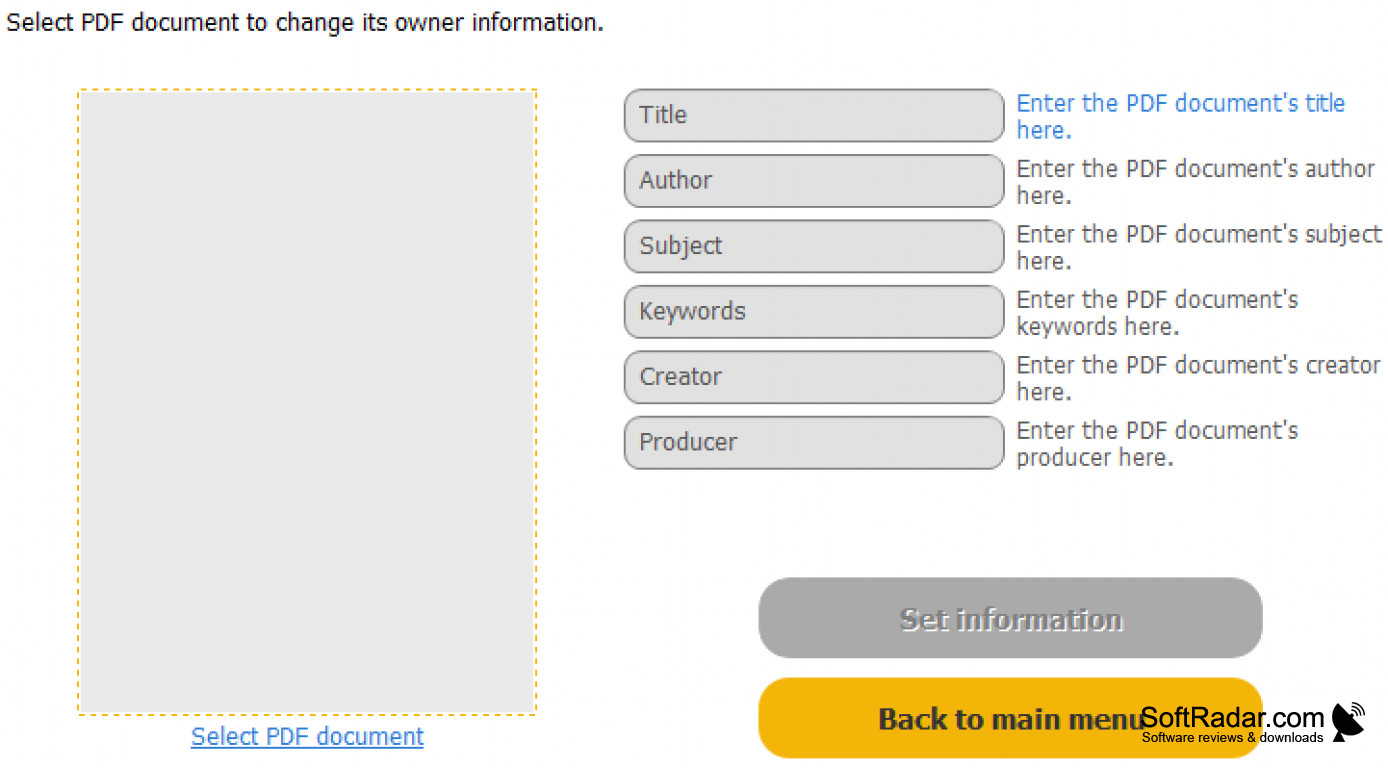
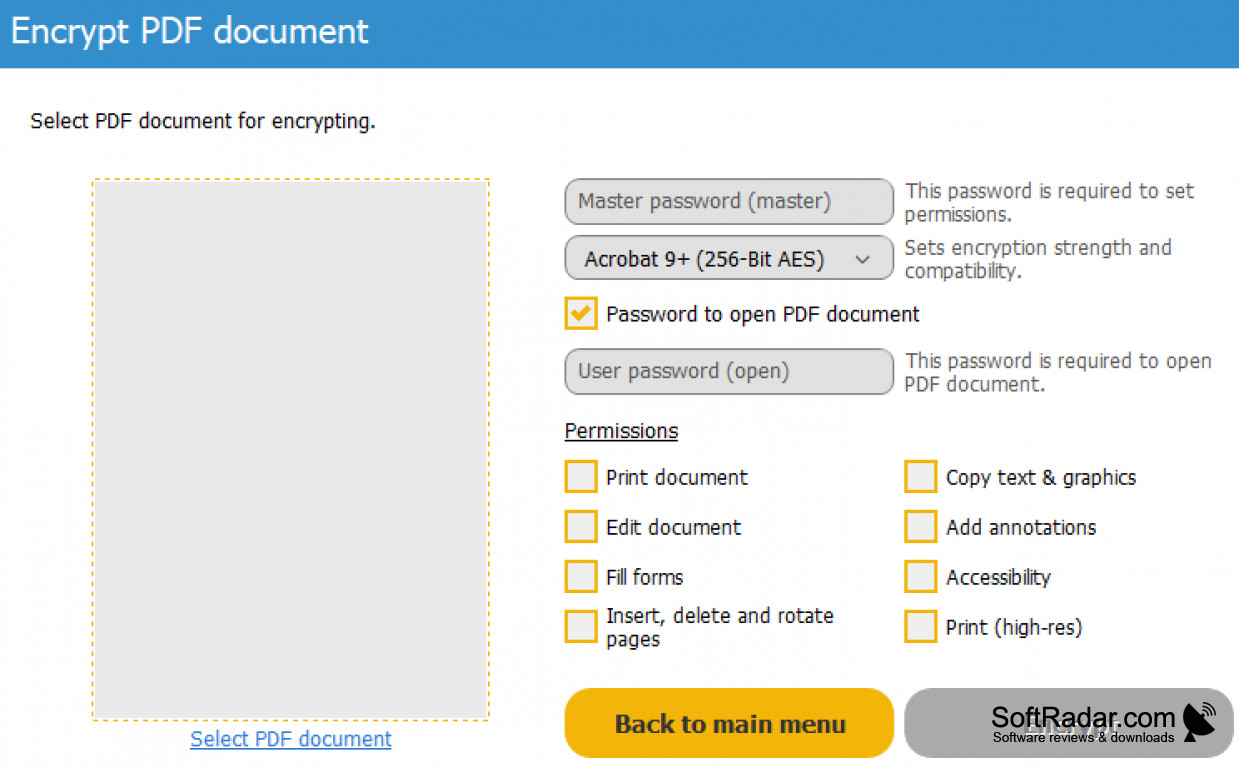
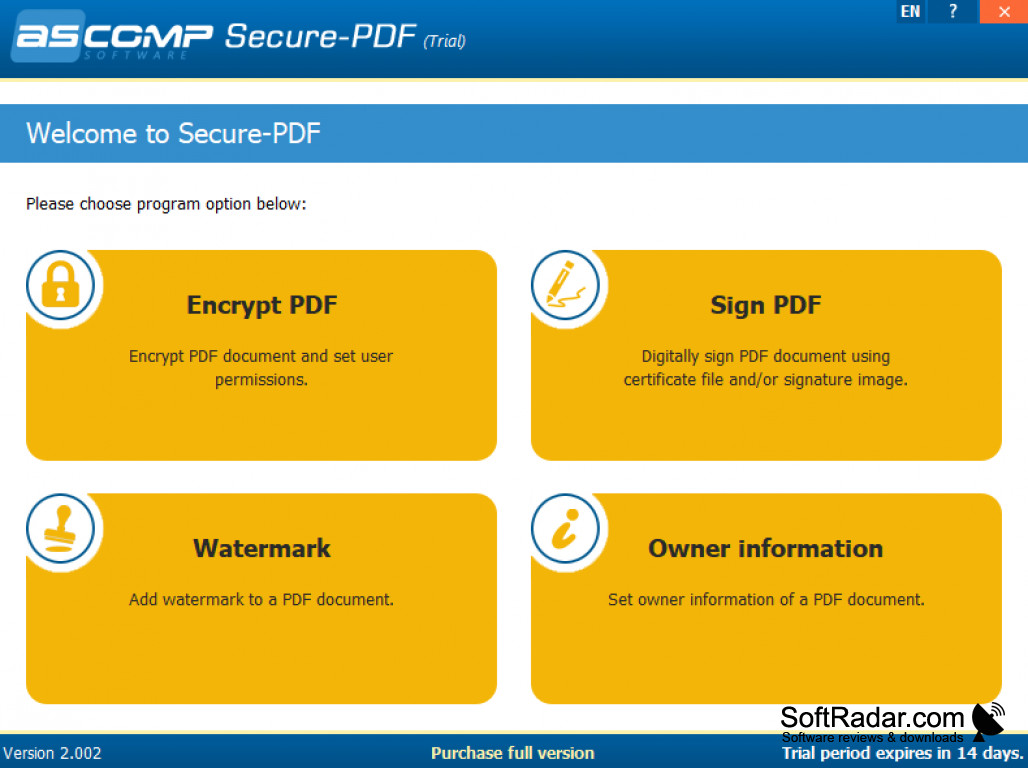
Secure-PDF from ASCOMP Software is a Windows utility for protecting PDF documents. It covers the security tasks that otherwise call for a full PDF editor: encrypting a file with a password, signing it digitally, stamping a watermark and setting the owner information. This suits contracts, financial reports and other confidential papers.
Protects PDF files with AES encryption, signatures and watermarks without a full PDF editor.
Documents are encrypted with AES at key lengths of up to 256 bits, so that only people who know the password can open them. A digital signature is created from a PKCS 12 certificate and shows that a file has not been altered after signing, and a visible signature can be placed on the page as well. Watermarks mark the origin of a document. The program is commercial software with a trial that is fully functional for 14 days.
Features:
- AES encryption of up to 256 bits
- Password protection for PDF files
- Digital signatures from certificates
- Visible signature on the page
- Watermarks for PDF documents
- Owner information settings
2GB of RAM (4GB recommended)
50MB of disk space
PROS
Certificate-based digital signatures.
Trial is fully functional for two weeks.
CONS
No PDF editing beyond the security functions.


