SewArt
SewArt is a digitizing software that allows users to convert raster images into embroidery designs.
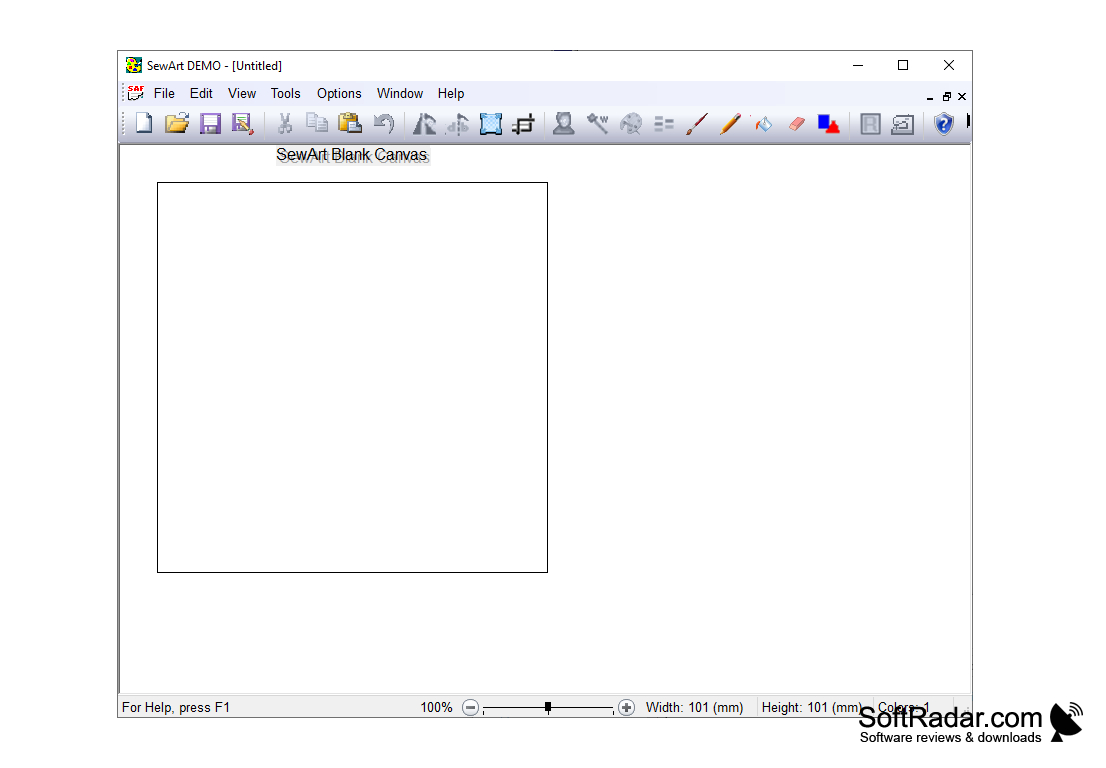
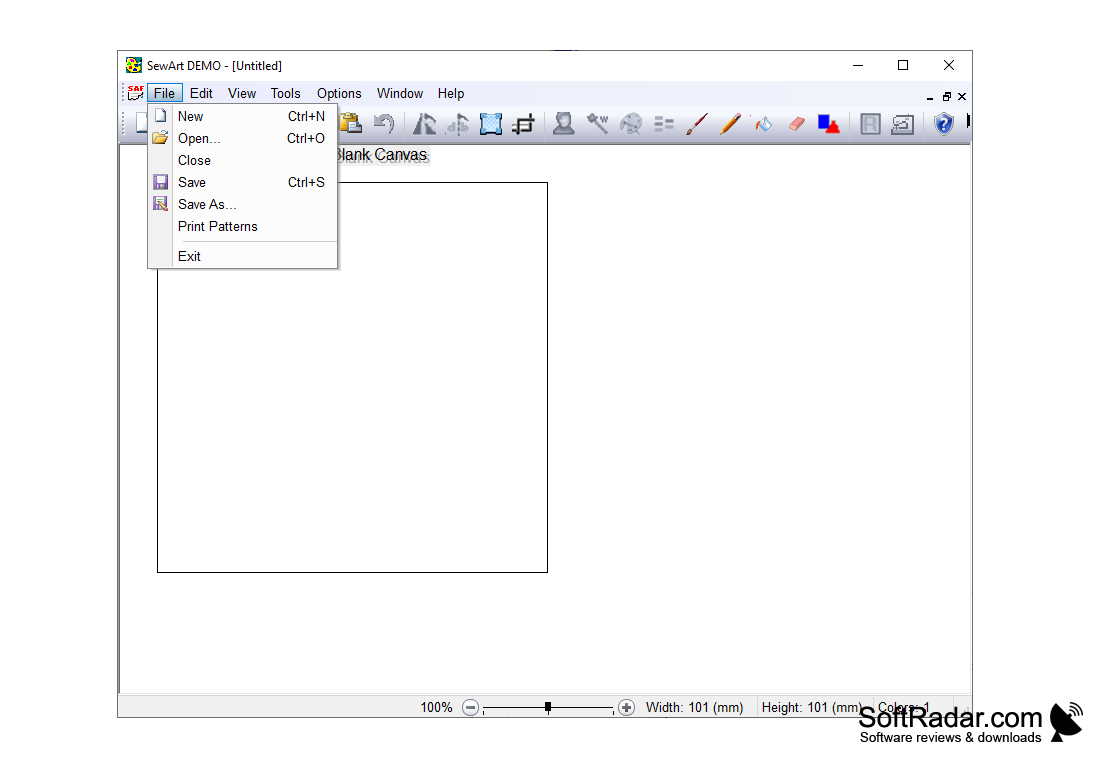
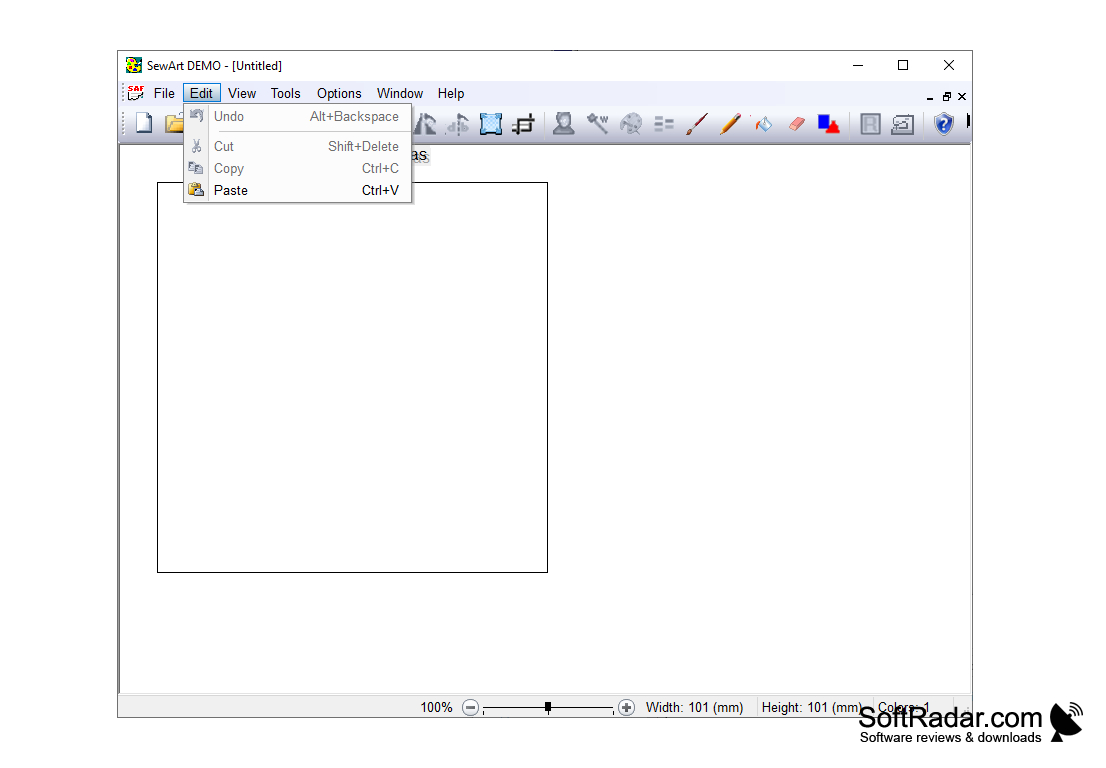
SewArt is a powerful software package for digitizing and editing embroidery designs. SewArt is an all-in-one solution for creating beautiful and unique embroidery designs for a variety of applications. SewArt includes a suite of tools for creating and editing embroidery patterns from artwork, photos, and graphics. It is a powerful and easy to use software package that is ideal for both professional designers and hobbyists alike.
Features:
• Automatically convert artwork to embroidery
• Create designs from photos, artwork, and graphics
• Create realistic fabric textures and colors
• Create complex and detailed designs
• Edit existing embroidery designs
• Add lettering, monograms, and logos
• Add special effects such as shadows and bevels
• Preview designs before stitching
• Save designs in multiple formats
• Supports multiple embroidery formats
• Compatible with most embroidery machines
• Create designs using multiple thread types
• Create designs with multiple stitch types
• Automatically select appropriate stitch types
• Create designs with multiple fabric choices
• Create designs with multiple stitch density
• Create designs with multiple thread colors
• Create designs with multiple texturing effects
• Automatically optimize designs for faster stitching
• Reposition, rotate, and resize designs
• Create color charts for threads
• Generate PDF files for embroidery
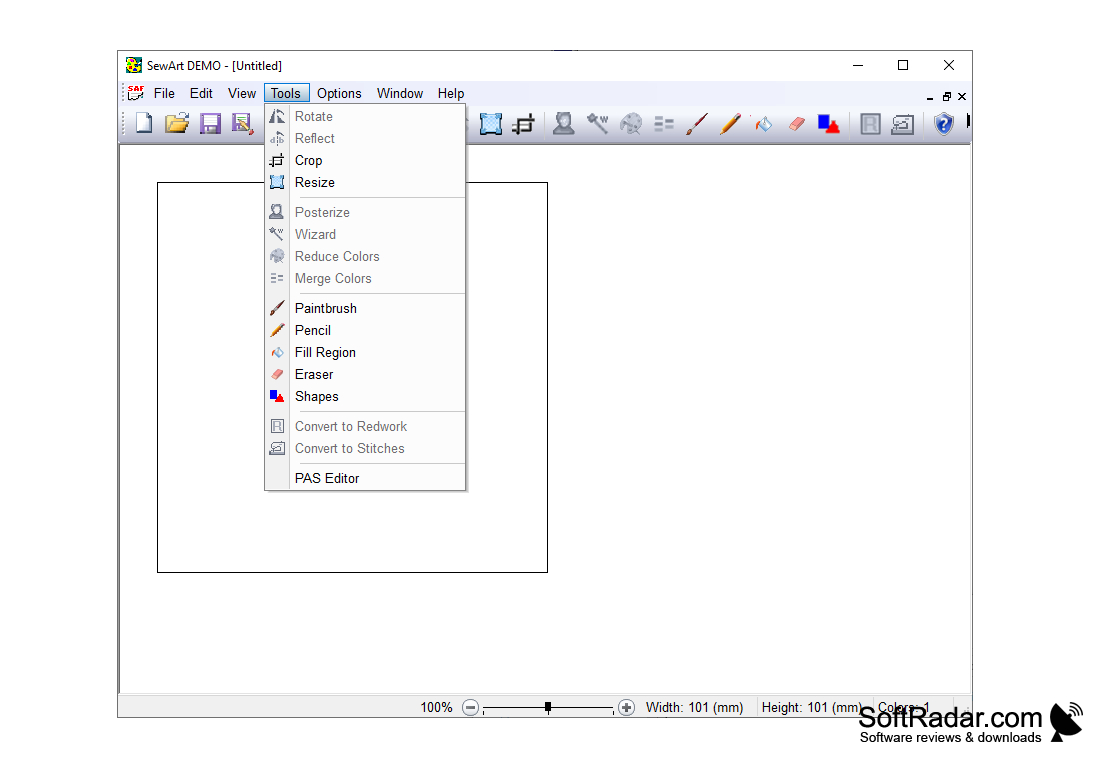
• Embroidery digitizing tools
• Accurately adjust stitch density
• Compatible with Mac and Windows computers
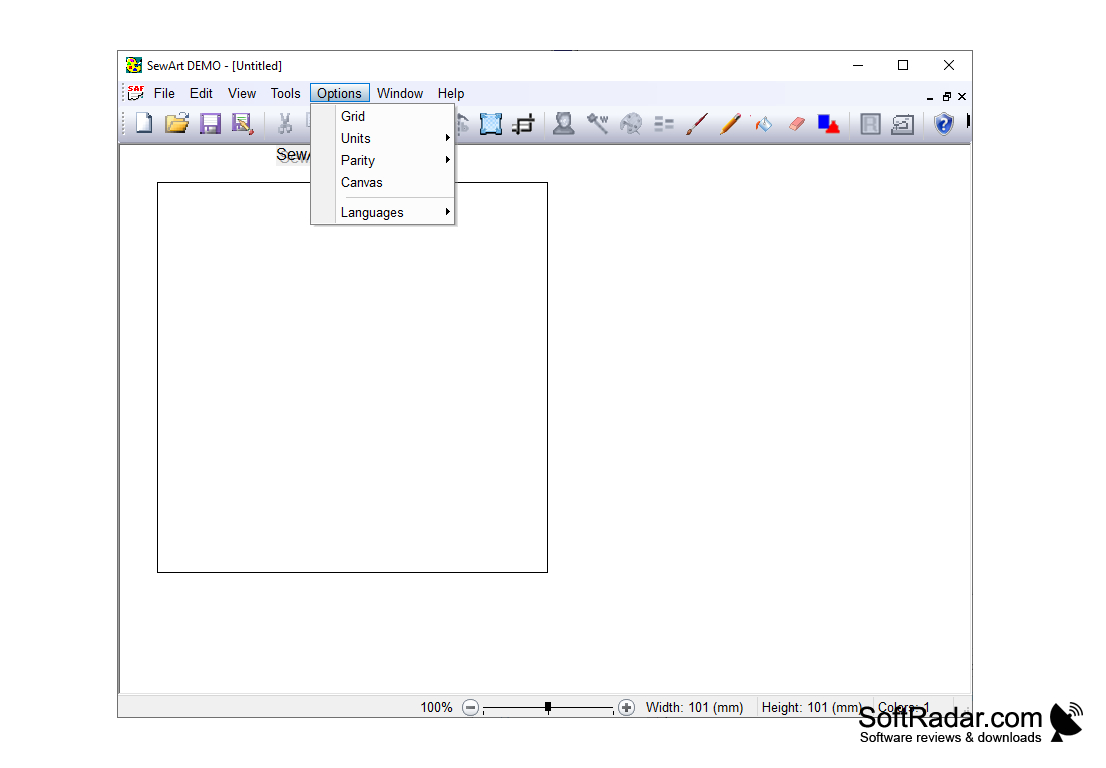
• Support for multiple languages
• Auto-digitize feature for photos
• Color blending technology
• Intelligent auto-stitching
• Easy to use interface
• Compatible with multiple embroidery software
• Preview designs before stitching
• Print and save designs
• Built-in design library
• Easy to customize designs
• Create and share designs easily
SewArt allows users to quickly and easily create embroidery designs from existing image files.
PROS
Supports a wide range of embroidery file formats.
Provides a variety of helpful stitching tools and editing features.
CONS
Requires significant learning curve for beginners.
Not suitable for complex embroidery designs.


