
SRS Audio Essentials
A multipurpose utility with numerous functions allowing users to adjust the sound for highest possible quality
Operating system: Windows
Publisher: SRS Labs
Release : SRS Audio Essentials 1.0.45.0
Antivirus check: passed
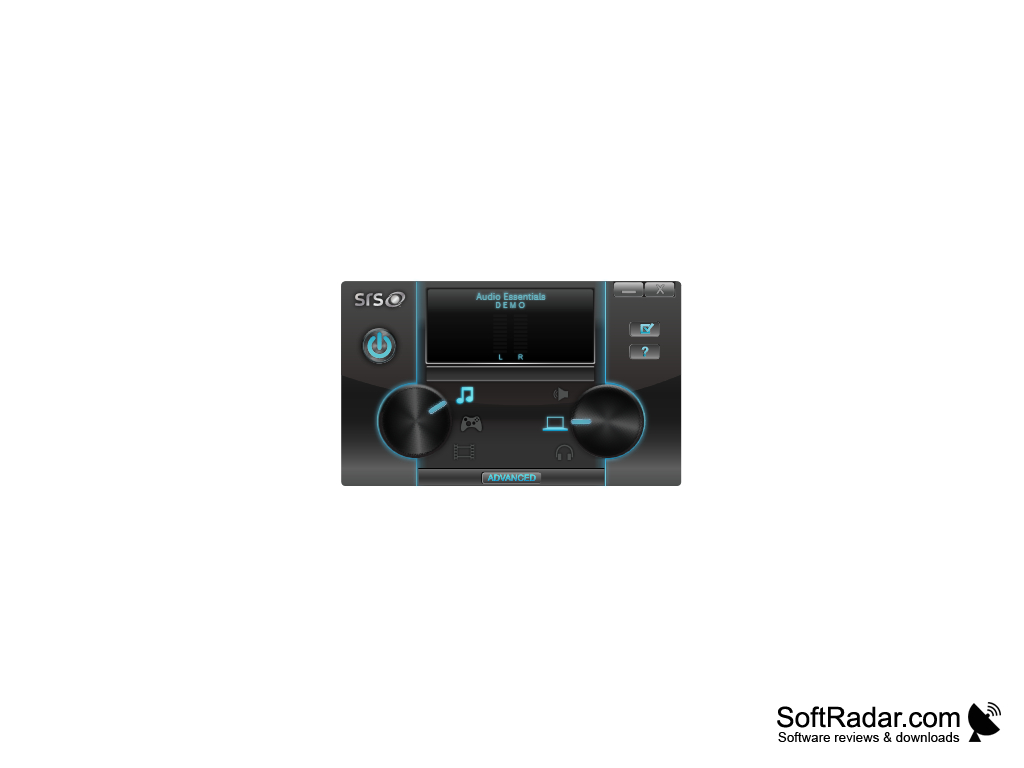
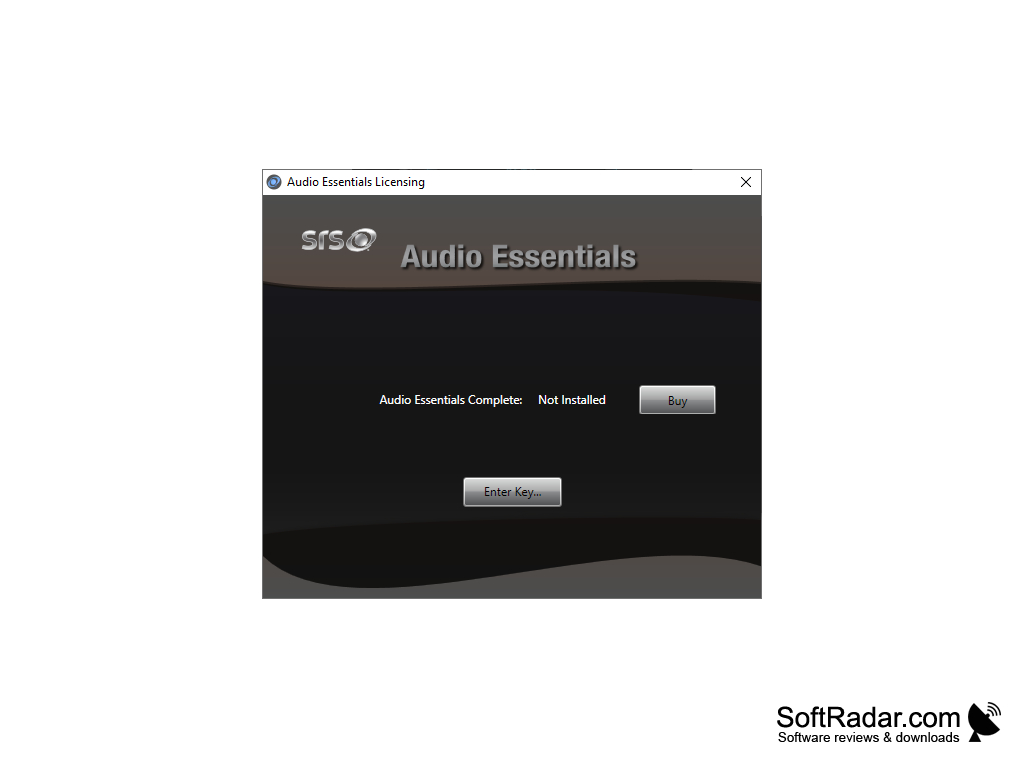
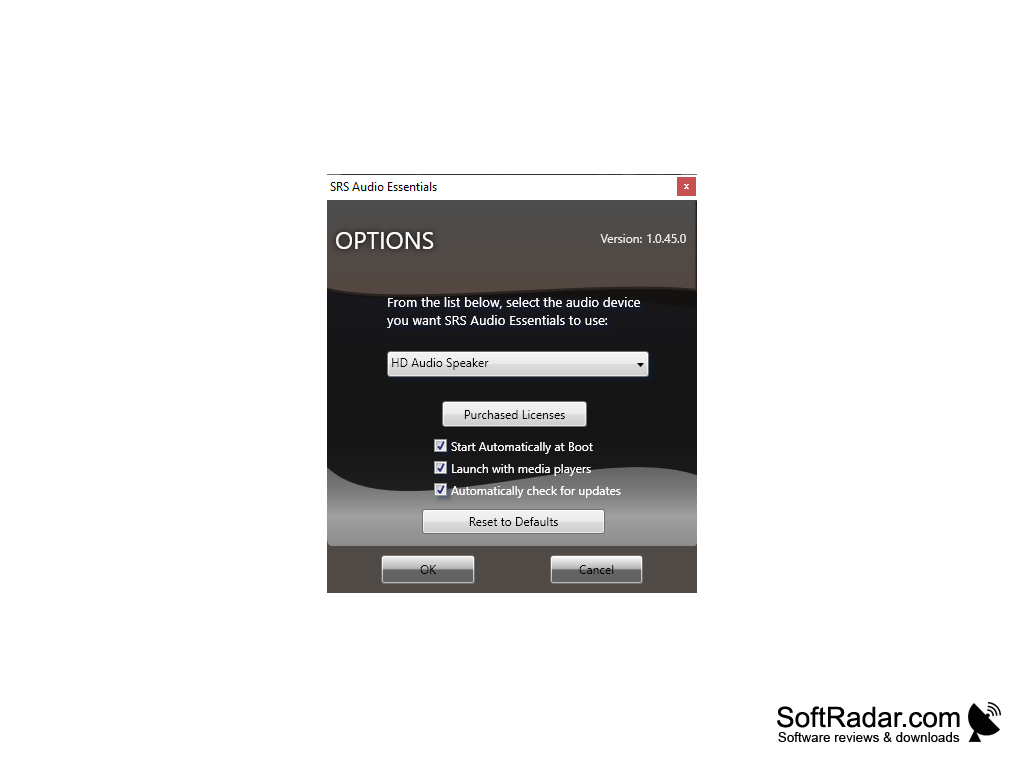
Not every medium of sound is made equally. For this reason, SRS Audio Essentials provides users with numerous settings that are geared toward pre-specified types of core-specified, the highest possible sound quality out of your media. You can choose the correct sound mode choice from external speakers, onboard speakers, gaming, audio, headphones, and movies that correspond to your content. An integrated soundboard sits in the interface that allows the bass, treble, and sound to be adjusted manually with sliders.
Features:
- Controls on the computer-based version of the software are fairly congruent to the controls provided on the mobile application interface
- Built-in setting that enables the simulation of 5.1 surround sound on almost any videos played
- Improves gameplay in video games by the sharp and improved sound effects
- Has TruVolume integrated into it, essentially automatically adjusting the volume of the sound when it detects it to be too loud or too quiet, eliminating any bothersome fluctuations
- Enhances the pitch of the sound for optimal high pitches and solid heavy low pitched sounds
- Compatible with the majority of mainstream media players
- When listening to music with a voice singing, the lyrics are more discernable and clear due to the sound enhancement made with SRS to vocal sounds
- In videos with quieter scenes, SRS can minimize any background noise to enable a better quality of mono sound
- Recently added specialized voice mode that is made specifically for high-quality playback of podcasts and audiobooks
Has a wider panorama range and a more dynamic sound than its competitors
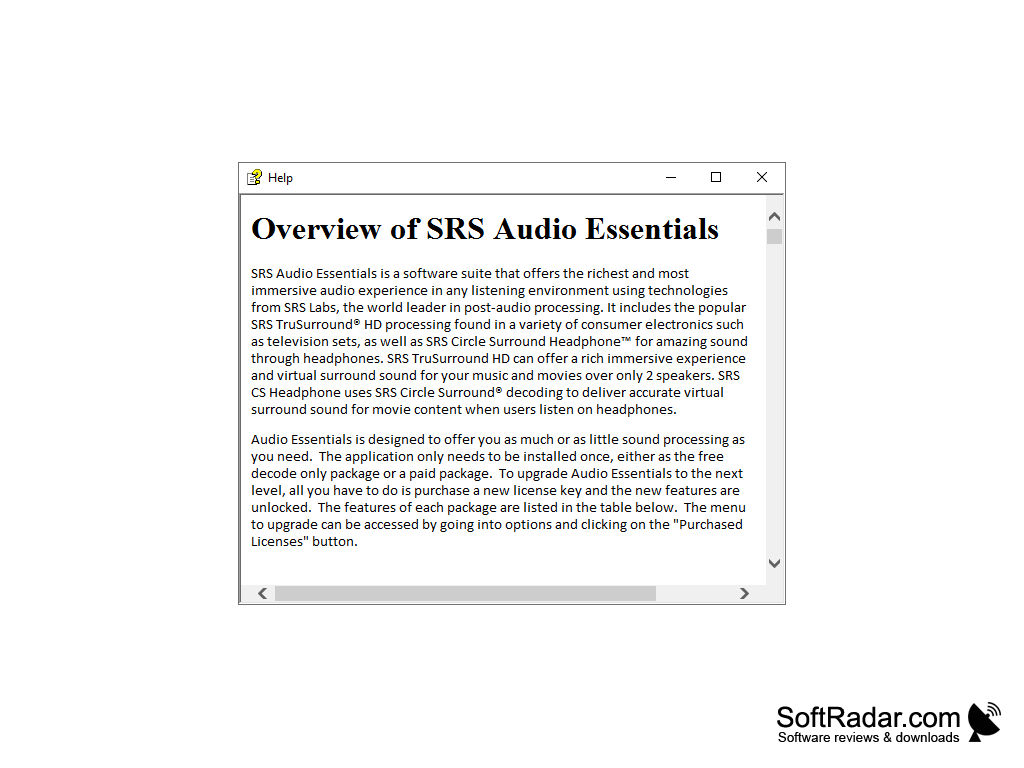
Requires a minimum of Windows Vista Service Pack 1, Windows 7 (Supports both 32-bit and 64-bit versions), 3.0 GHz processor, DirectX 9.0c capable video card, and 1 GB RAM.
It is recommended to use SRS Audio Essentials with a dual-core CPU, and 2GB of RAM for Vista versions and higher.
PROS
Compatible with multiple platforms and devices.
User-friendly interface with customizable settings.
CONS
Limited compatibility with certain operating systems and devices.
No free trial available to test software.