StreamTransport

Save videos from the internet to your laptop or PC
Operating system: Windows

Release : StreamTransport 1.0.2.2071

Antivirus check: passed

Report a Problem

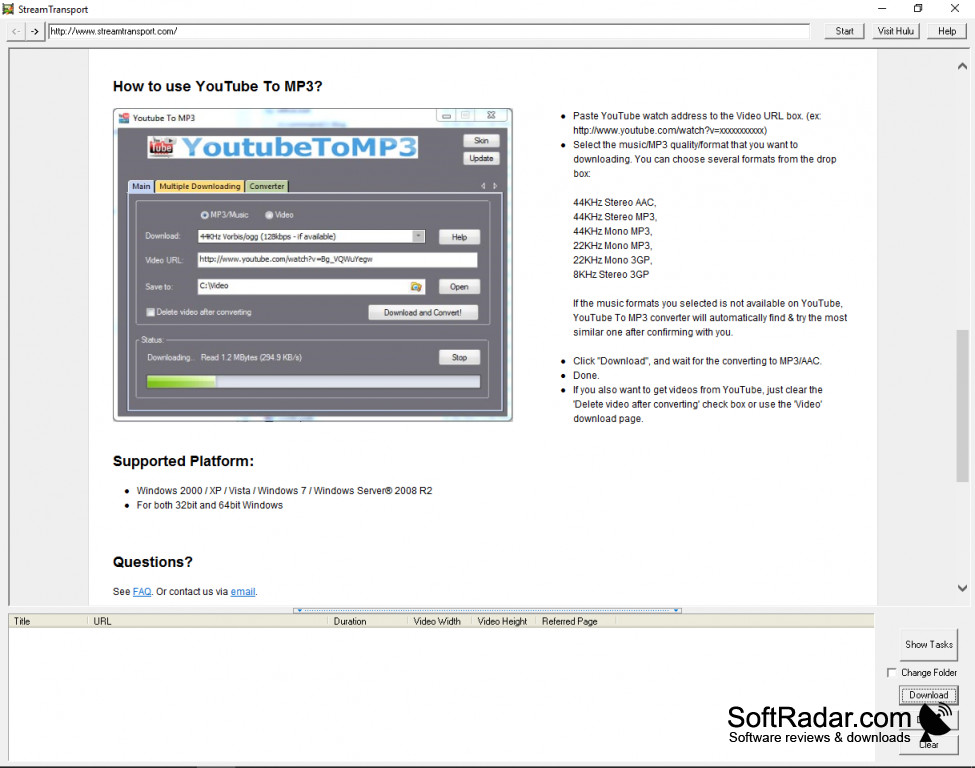
StreamTransport (for Windows) allows you to save videos from links on the internet onto your laptop/computer. This allows you to watch videos, offline, of exceptional quality. 

Features:

  • Up to five downloads at a time.
  • Save in multiple formats.
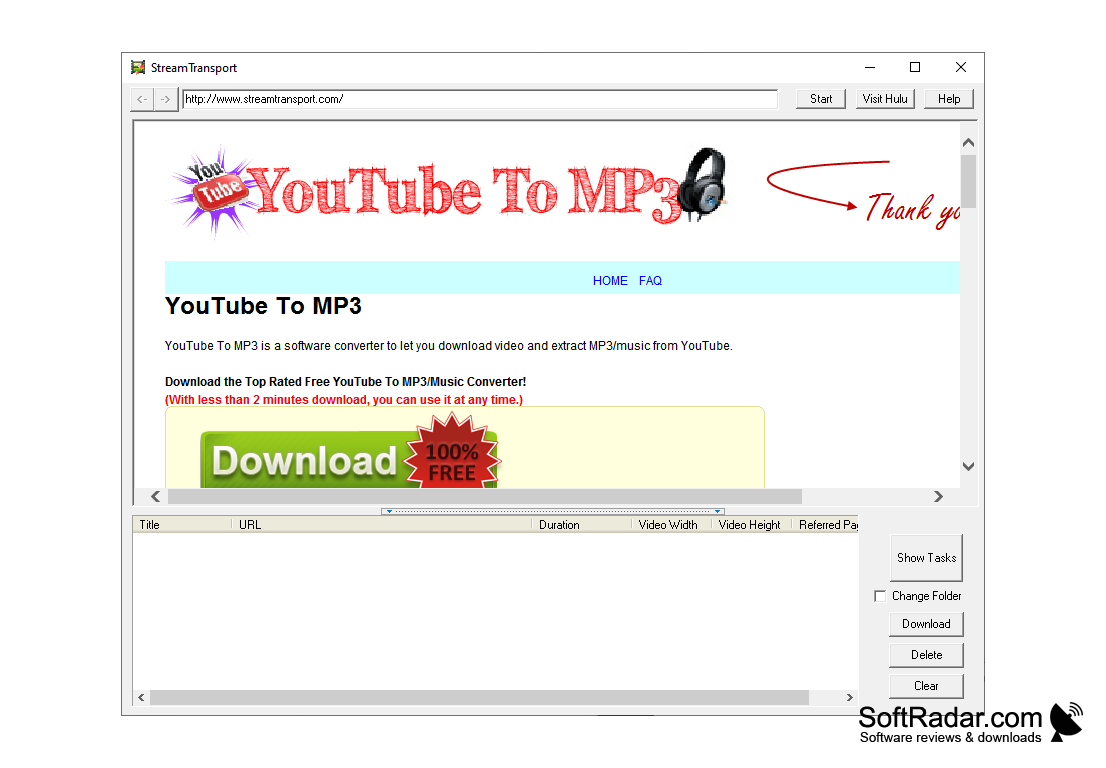
  • Auto-Grabs URLs, or allows the user to copy & paste.
  • The software is at no cost to the user.

StreamTransport allows users to save video content from the internet onto the hard drives of their devices (laptop, computer, etc.) The software is easy to use, allowing users to either copy and paste URL's or approve the software to auto grab links of video content they are viewing. StreamTransport saves your video content in high quality, allowing you to view it at any time offline. You can choose to save your video content in a variety of formats, such as FLV which will save your video in the highest of quality. You also have the option of saving your video content in formats such as HTTP, RTMP, RTMPT, RTMPE, RTMPTE, Formatos, and MP4. The vast majority of video host websites use these formats, which gives you a wide variety of options to download from. You can even custom create download tasks, allowing you even more freedom.

This software is free to use, as well as being user-friendly

This software is free to use, as well as being user-friendly! The video content you save is easy to watch, and if you find the video viewing software on your device is not compatible, you can easily download the player, also for free!

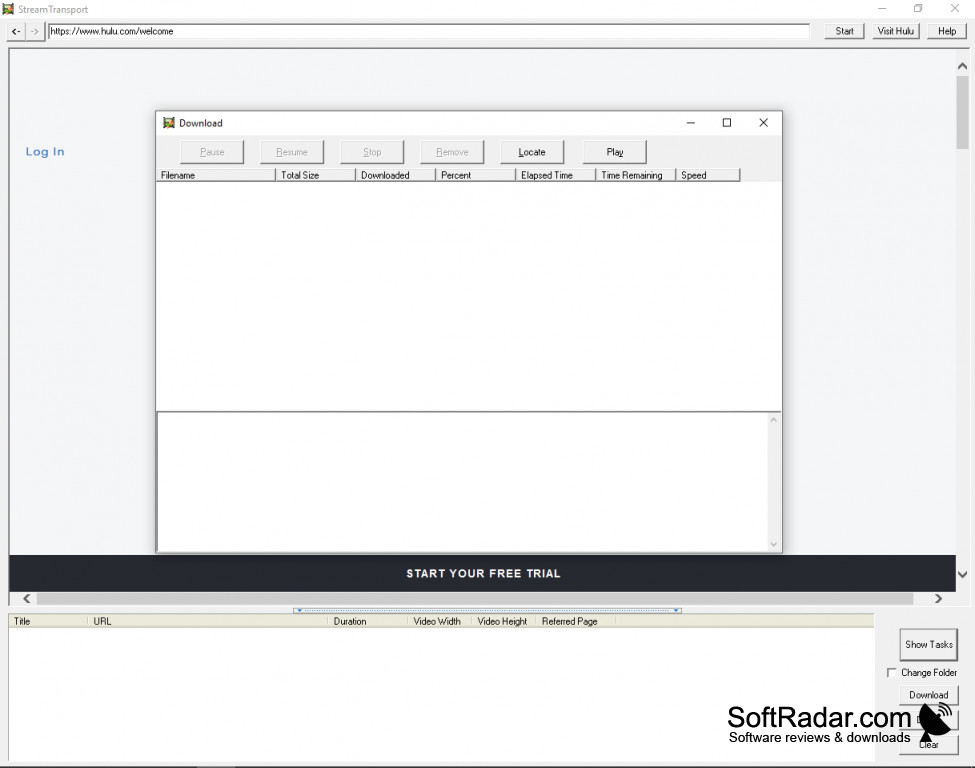
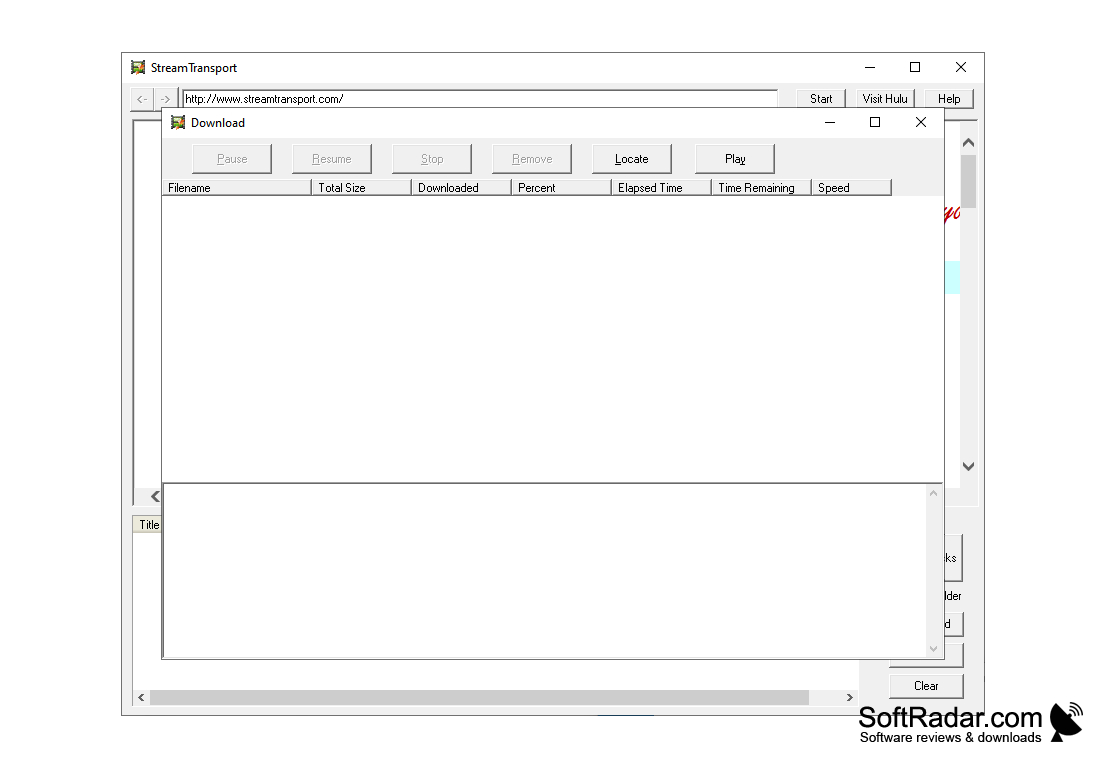
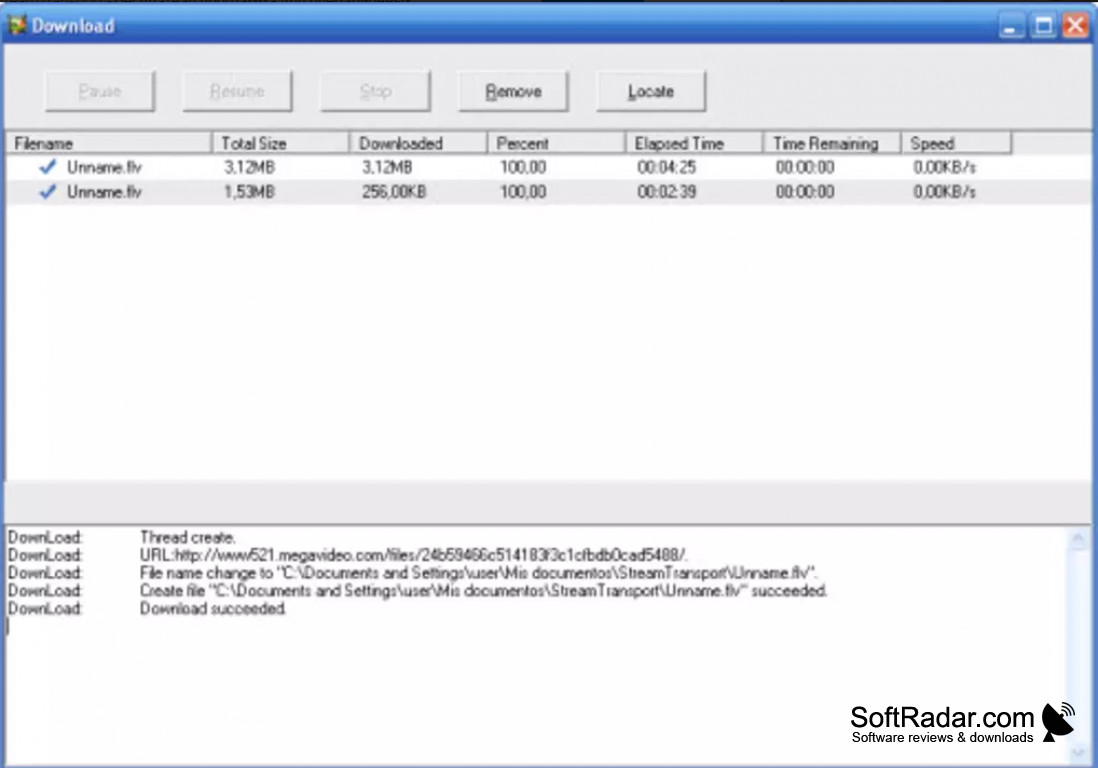
You can save multiple videos at one time, up to five. This software gives you a variety of options while downloading content, such as pausing, stopping, and restarting a download. This gives you complete control! 
Operating system: Windows XP or later
At least 512 MB of RAM
Internet connection required
At least 50 MB of free hard drive space

PROS
Supports a wide range of websites for video and audio downloading.
Interface is user-friendly and easy to navigate.
Downloads are high-quality and fast.

CONS
Lacks a user-friendly, intuitive interface.
May encounter frequent crashes during download process.
Limited to Windows operating system; not compatible with Mac.

Owen
Thu, Feb 15, 2024

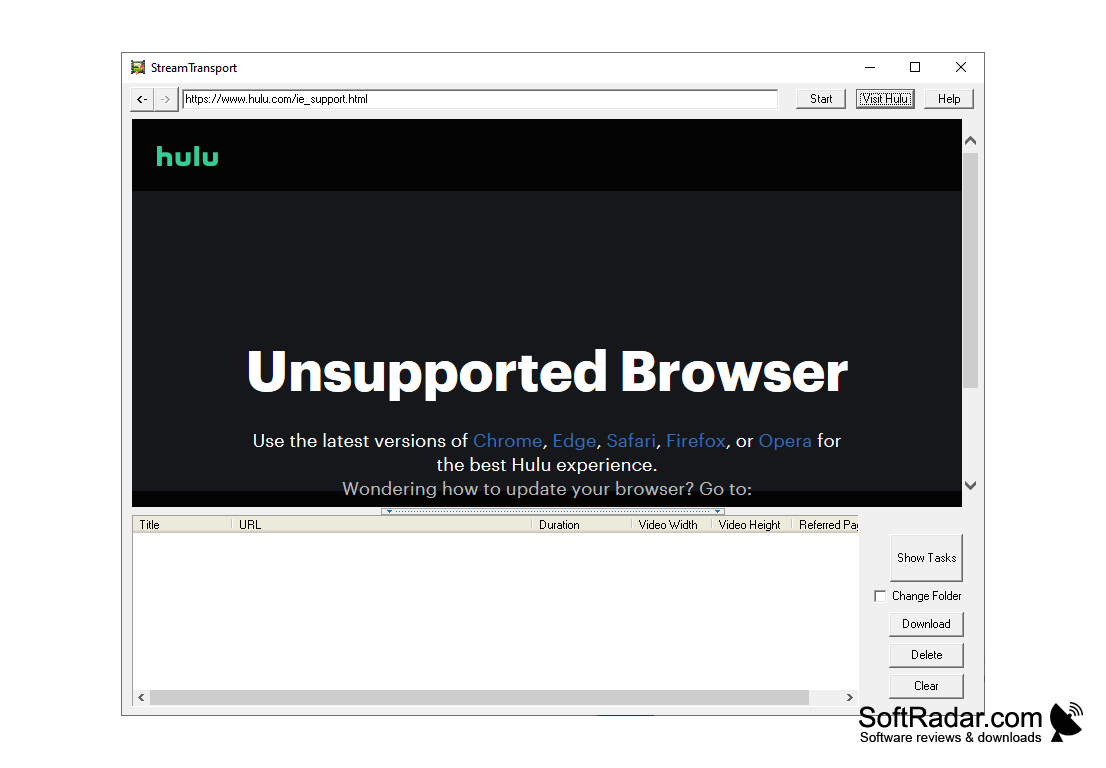
StreamTransport is a useful app that allows users to download videos from video hosting websites such as YouTube, Hulu, CBS, and others. In case you want to watch a video offline or use it somewhere you should check out the app. Users have to copy and paste URLs in order to download videos. Another option is to let the app do all the work itself automatically. Users especially like the fact that videos don’t lose in quality while being downloaded.

In order to use the app you need to have at least 512 MB of RAM. Unfortunately, some users of StreamTransport have experienced crashes.
image/svg+xmlBotttsPablo Stanleyhttps://bottts.com/Florian Körner Ben Bassini
Wow, what a fantastic piece of software. Sometimes I just want to watch a video at a later date but may not have access to a reliable internet connection. Being able to download videos and save them on my computer has been a lifesaver. Cannot recommend this product highly enough! Did I mention how intuitive it is to use and it's free?! Yes you read that right it is free so might as well give it a shot and see if it works for you. Nothing to lose everything to gain.
image/svg+xmlBotttsPablo Stanleyhttps://bottts.com/Florian Körner Freddie Sweat
This product will take videos using url's and downloading them into a file for you to save. It is able to download from many forms, this allows you to have access to many different websites including some of the largest video websites. Everyone has videos they love, including viral videos, now you can have them saved and ready for use for all your needs and wants.
image/svg+xmlBotttsPablo Stanleyhttps://bottts.com/Florian Körner Riley
SteamTransport for Windows will let you download any video file from the Internet to store on your computer's hard drive. It will automatically convert the downloaded file into the FLV format so that the file retains its quality. If you ever want to save a video that you're watching on the web to watch at a later time, this program will let you do that quickly and efficiently. All you need to do is enter the video's URL into the program to download it.
FlareGet
A popular download manager
4chan Downloader
Download images from 4chan as well as other popular image boards
MediaDrug
Download music and create your own playlists, search faster your music and albums from your favorites artists.
iTube Downloader
Вownload things called torrents to any of your devices to enjoy tv, movies, and music.
LuckyWire
A Peer-to-Peer downloader based on Limewire. It allows you to download your favorite files.