Swift To-Do List
Swift To-Do List is a task management software that helps you organize and prioritize your tasks for improved productivity.
Operating system: Windows
Publisher: Dextronet
Release : Swift To-Do List 9.109
Antivirus check: VirusTotal report
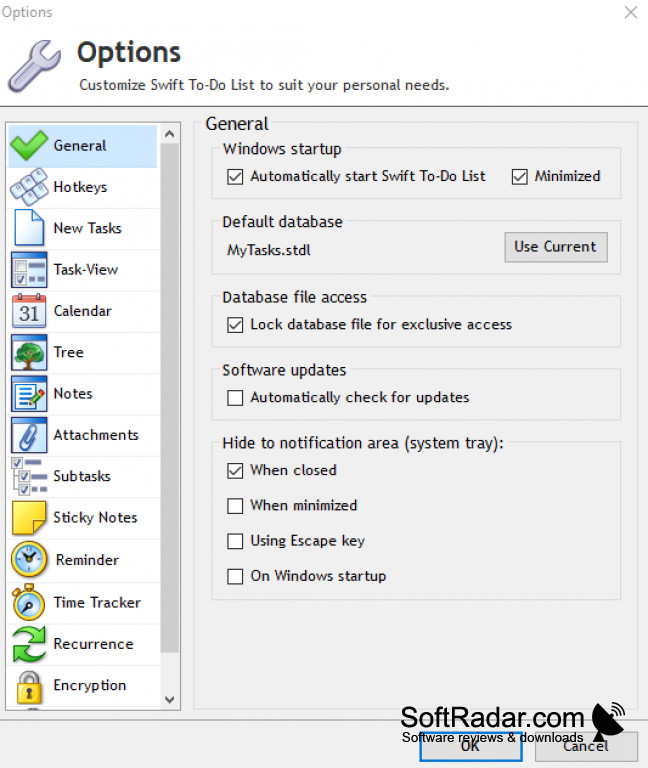
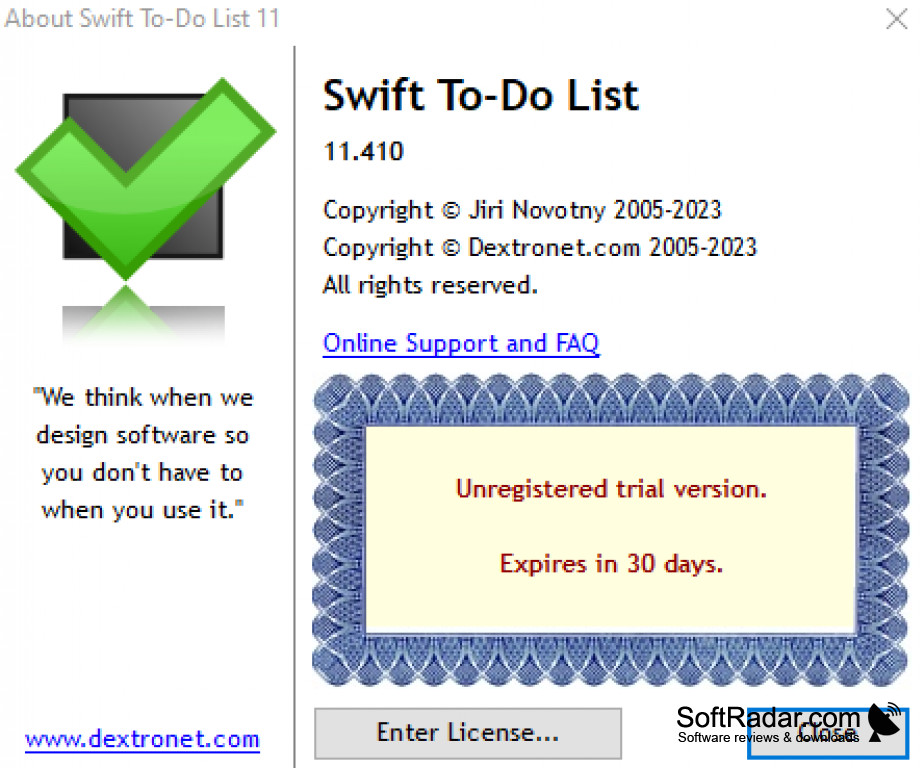
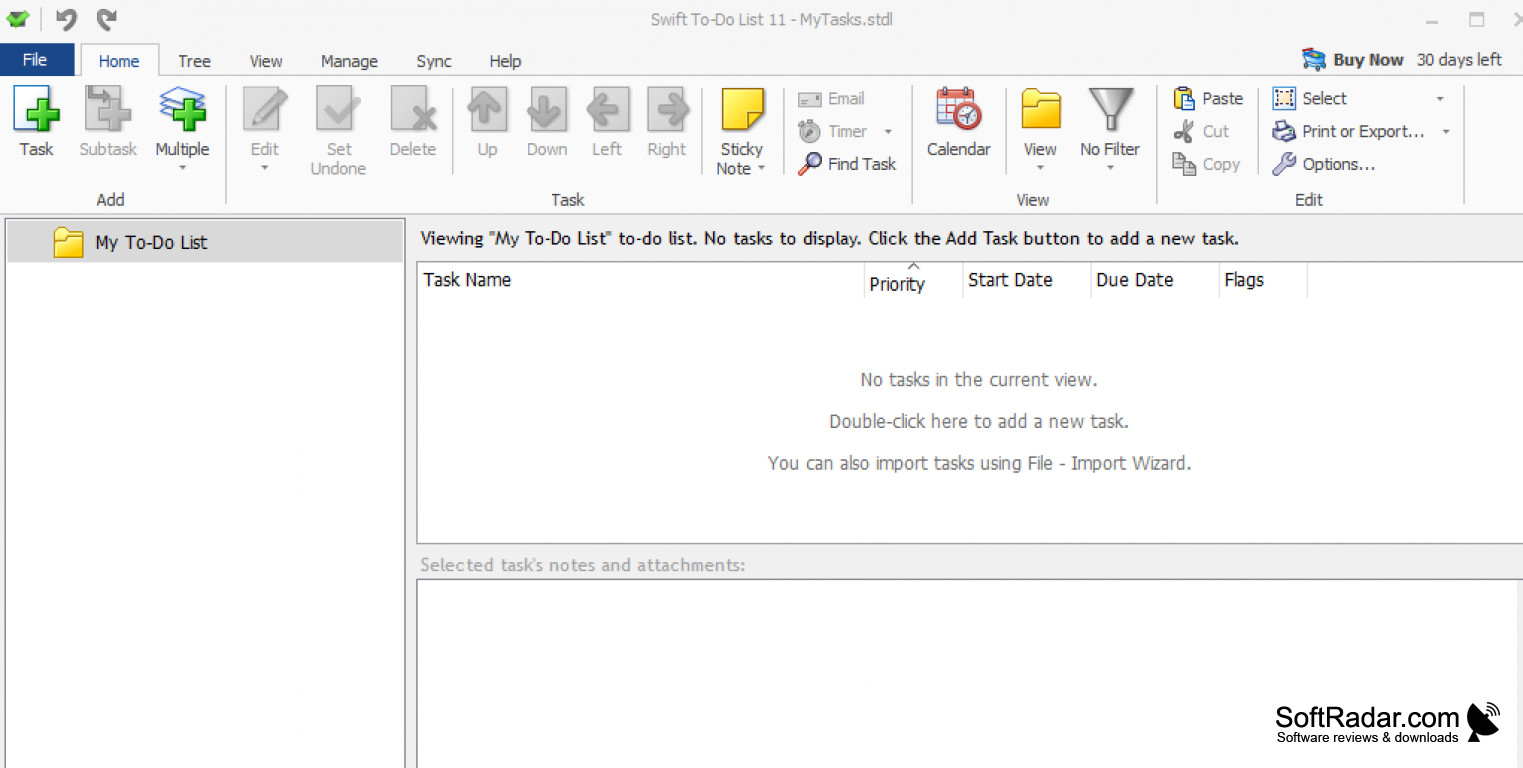
Swift To-Do List is a comprehensive task management and organization software solution designed to help you organize and prioritize tasks and projects. With Swift To-Do List, you can easily stay on top of your to-do list and prioritize tasks, projects, and goals.
Features
• Create, sort, and organize tasks and projects with ease
• Create reminders for tasks and projects
• Add detailed notes to tasks and projects
• Set priorities for tasks and projects
• Track progress of tasks and projects
• Assign tasks to team members
• Collaborate with team members on tasks and projects
• Share tasks and projects with colleagues
• Automate certain tasks
• Customize look and feel
• Integrate with other software solutions
• Create and print to-do lists
Swift To-Do List software provides an easy-to-use and efficient way to organize and manage tasks.
The Swift To-Do List software enables you to easily organize and prioritize tasks and projects. With a simple, yet powerful interface and comprehensive features, you can quickly and easily create, sort, organize, and prioritize tasks and projects. You can use the software to create detailed notes for tasks and projects, set priorities, track progress, assign tasks to team members, and collaborate with colleagues.
Swift To-Do List also enables you to share tasks and projects with colleagues, automate certain tasks, customize the look and feel of the software, and integrate with other software solutions. The software also enables you to quickly and easily print your to-do lists.
Swift To-Do List is a simple, yet powerful tool that is simple to use, yet packed with powerful features. With Swift To-Do List, you can easily stay on top of your to-do list and prioritize tasks, projects and goals.
2. Task managment: Users must be able to creat, edit and delete tasks.
3. Task prioritization: Users must be able to prioritize tasks with tags such as 'Urgent' and 'Important'.
4. Notification: The system should send notification reminders to users when a task is due.
5. Data security: All data must be securely stored and backed up in case of system failure.
6. User interface: The user interface should be intuitive and user-friendly.
PROS
Offers extensive customization options for better organization.
Supports effective time management with robust calendar features.
CONS
Slightly outdated user interface design.
No mobile app version available.