
Total Video Player
A video player used to run a variety of different kinds of file formats
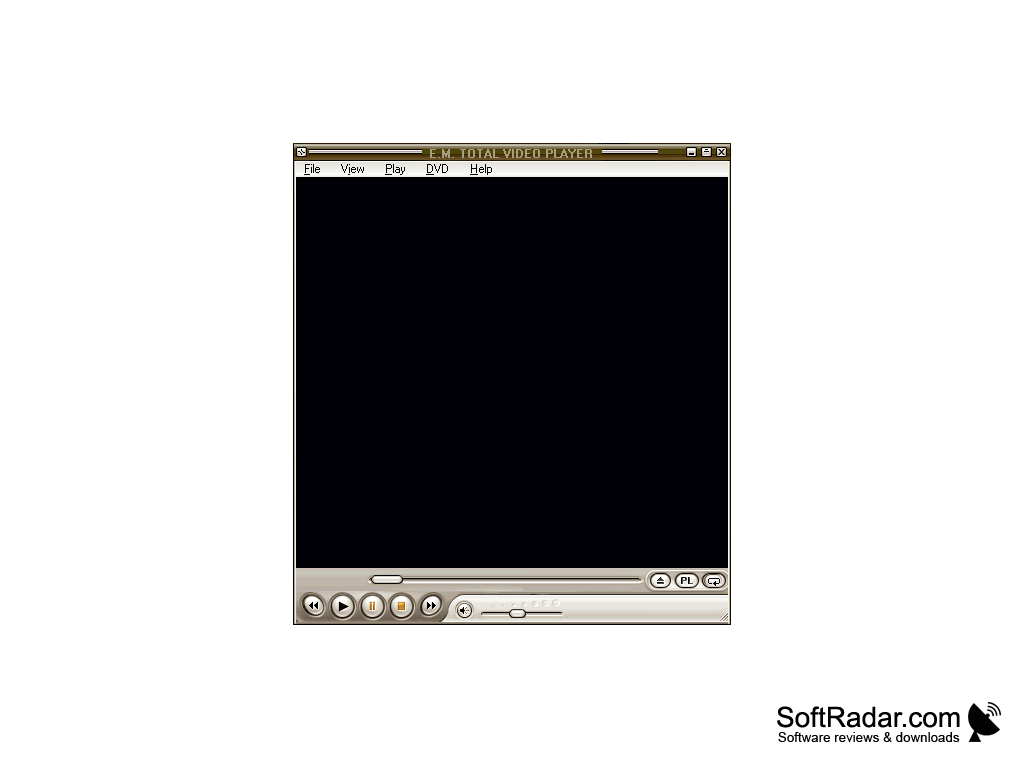
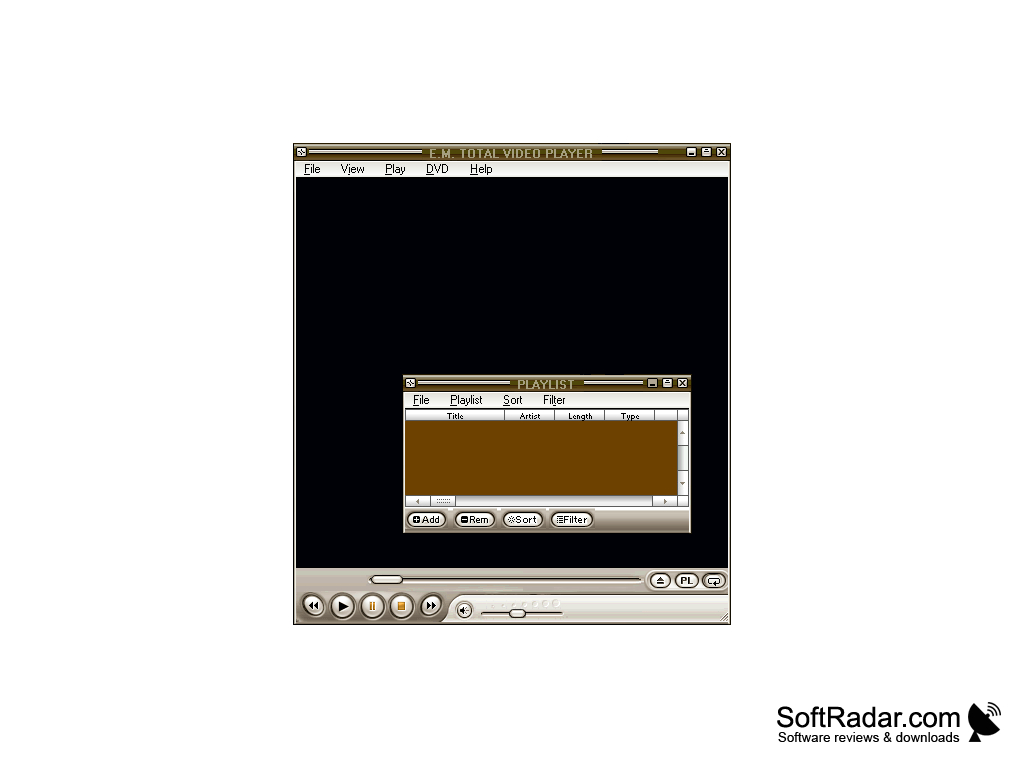
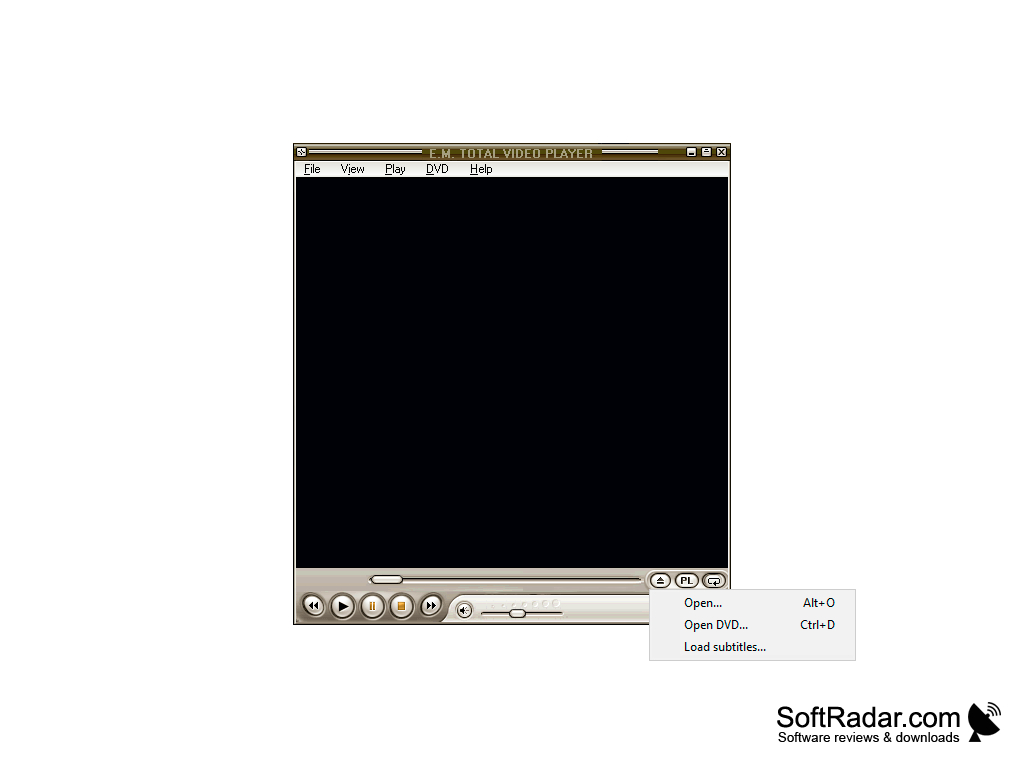
Features:
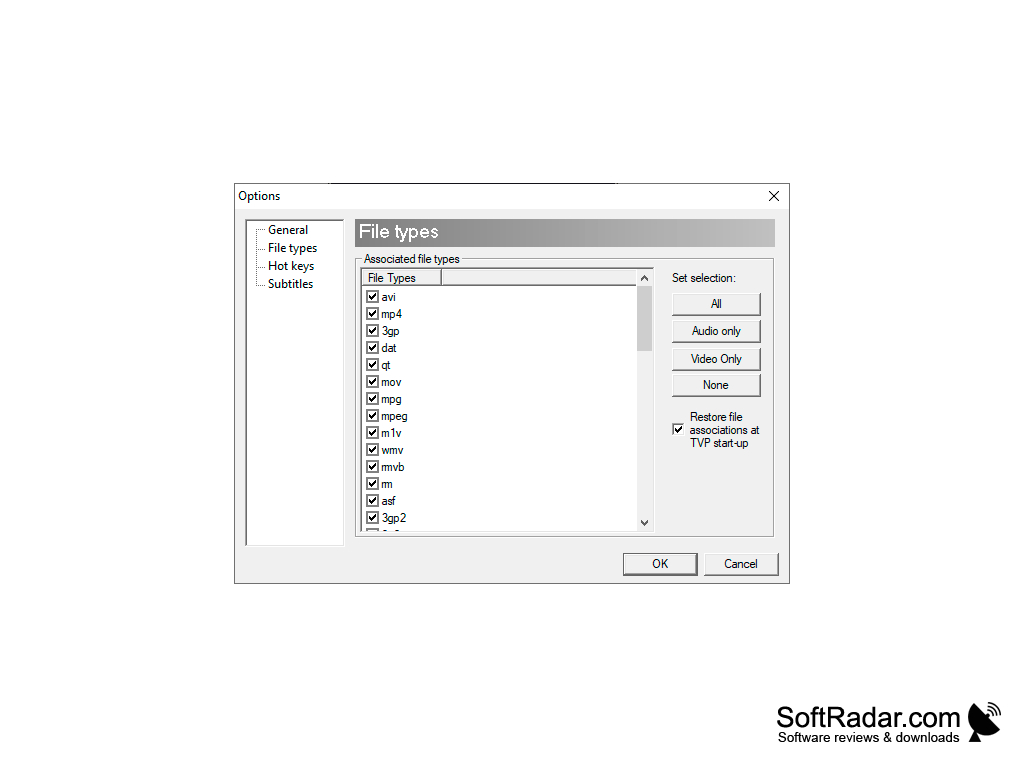
- This product is different than other media players as it is able to run a variety of different file formats, from industry standards like MP3 and MP4 to specialty file formats that most people do not need access to. This eliminates the need for add on software used to transcribe or re format files in order to use them.
- This software is readily available in its most recent and updated version as a free and safe download from the internet and is compatible with all the windows operating systems meaning that it has access to a huge share of the personal computer market and the user base.
- The general availability and ease of use of this software make it especially valuable as it is compatible with a large portion of the consumer computers in the market, can run just about any file format and is available as a free download. Beyond the consumer market this kind of software could be valuable in the private industry for companies that need the ability to play a wide range of files on a single device, or even in the government and military sectors where different files may be encrypted in different formats making it important to have devices that can play such a wide range of file formats.
Given its wide range of compatibilities with file formats, ease of accessibility and availability it is safe to say that the Total Video Player for Windows could be a useful and valuable asset in a variety of settings from personal to the profession and even as far as military and government uses. This is an intelligent design and the way it eliminates the need for additional software makes it even more valuable.
This software has the ability to run a number of different file formats, eliminating the need for add on software.
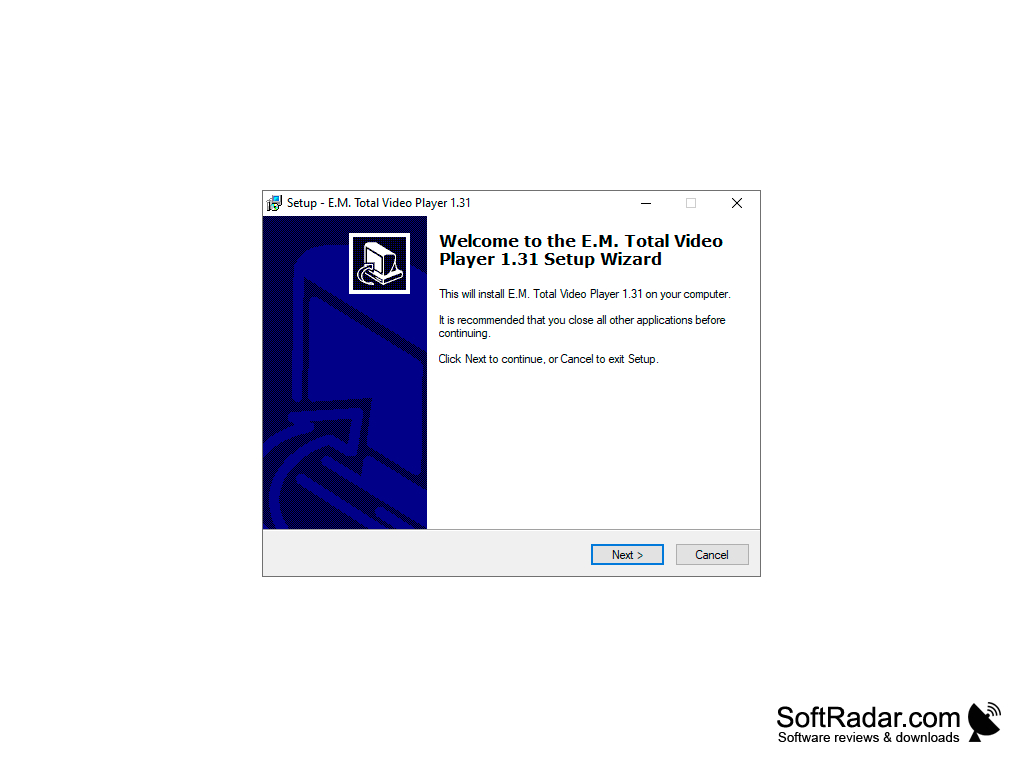
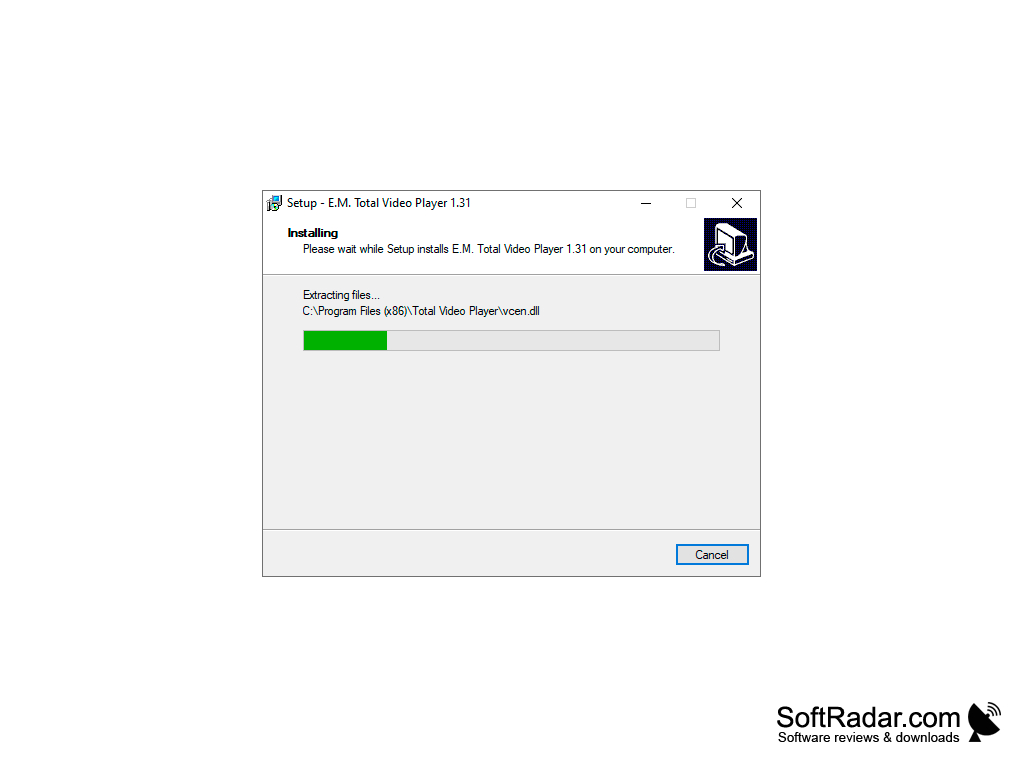
Windows operating system required
Free hard disk space for installation
Internet connection for software download
Ability to support various file formats
Free hard disk space for installation
Internet connection for software download
Ability to support various file formats
PROS
Supports a wide range of video and audio file formats.
Easy to navigate interface with minimalistic design.
Offers advanced features like screenshot capture and playlist creation.
Easy to navigate interface with minimalistic design.
Offers advanced features like screenshot capture and playlist creation.
CONS
Limited format support compared to other media players.
Occasional glitches and crashes experienced by users.
Less intuitive interface, making navigation complex.
Occasional glitches and crashes experienced by users.
Less intuitive interface, making navigation complex.


