
HikCentral Professional
HikCentral Professional helps security teams oversee camera footage and door access across multiple premises from a Windows computer.
Operating system: Windows
Publisher: Hangzhou Hikvision Digital Technology
Release: HikCentral Professional 2.6.2
Antivirus check: VirusTotal report
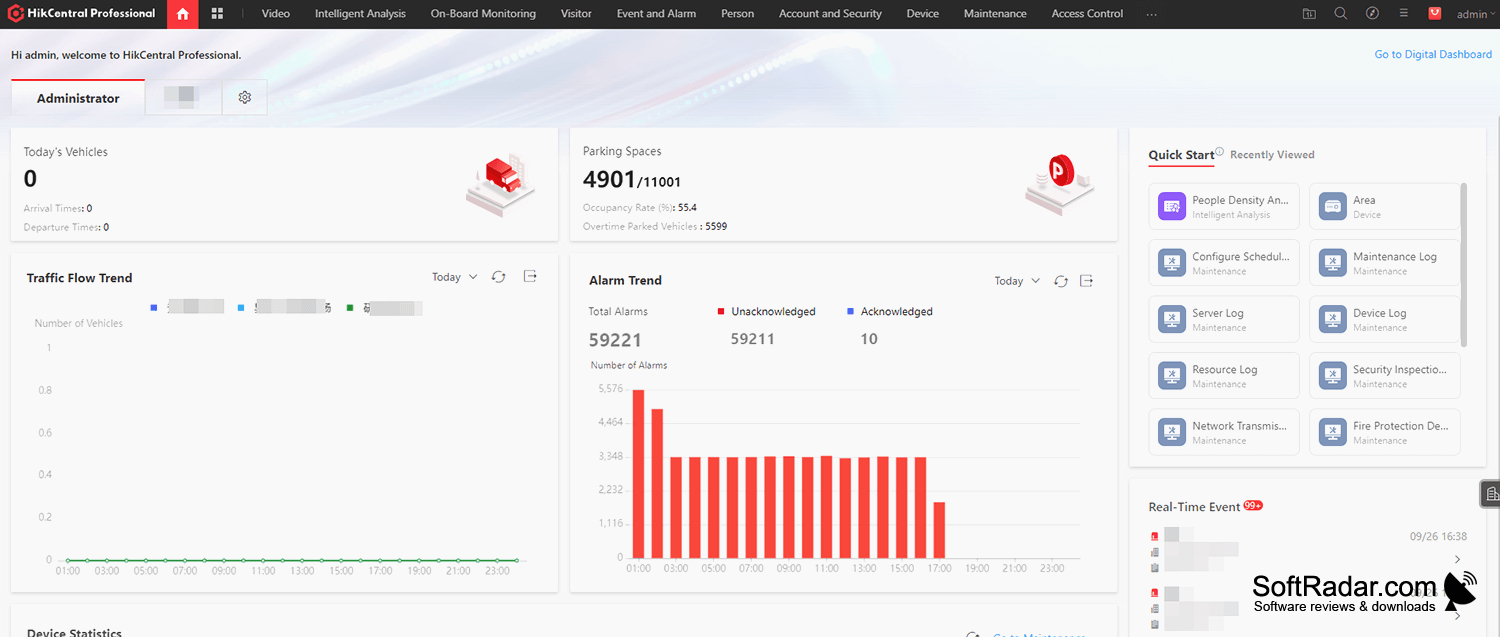
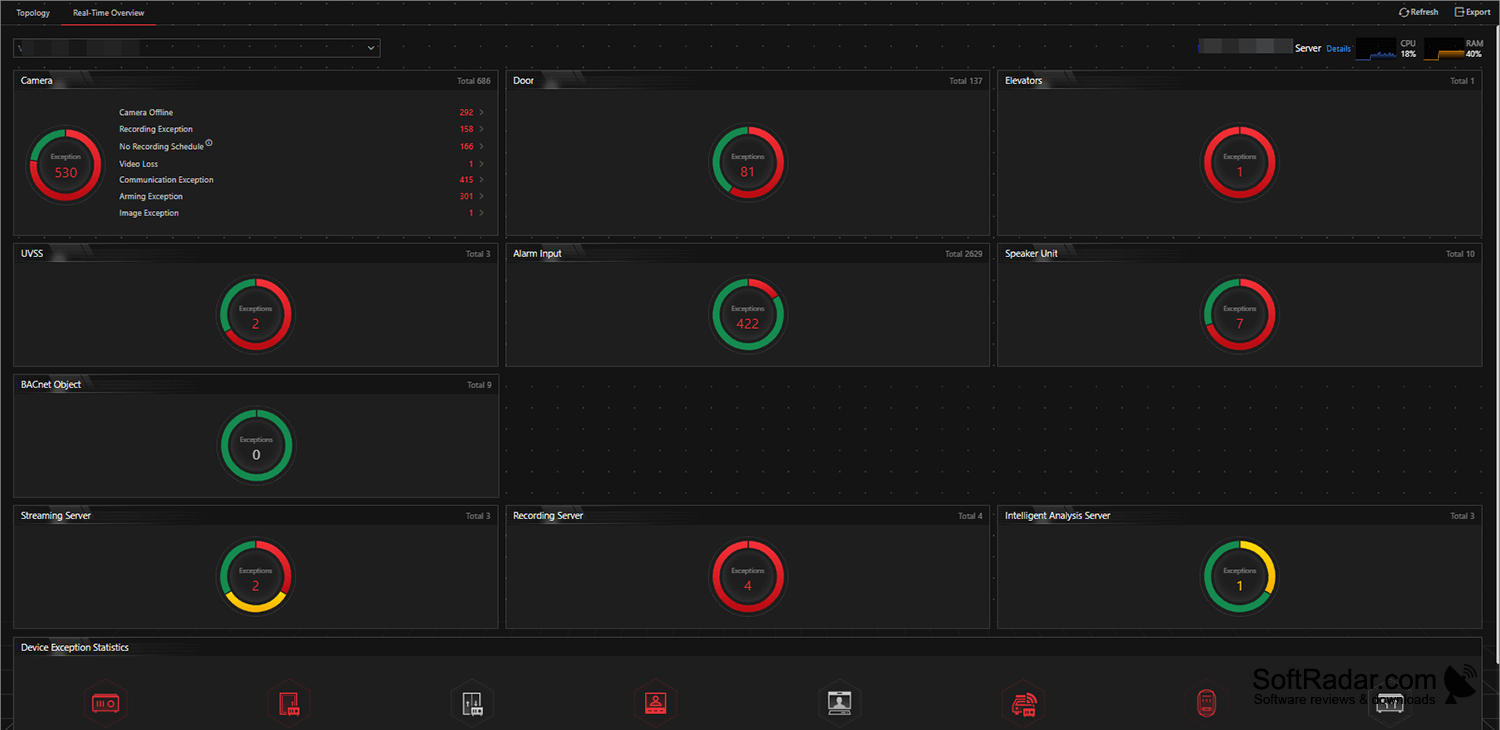
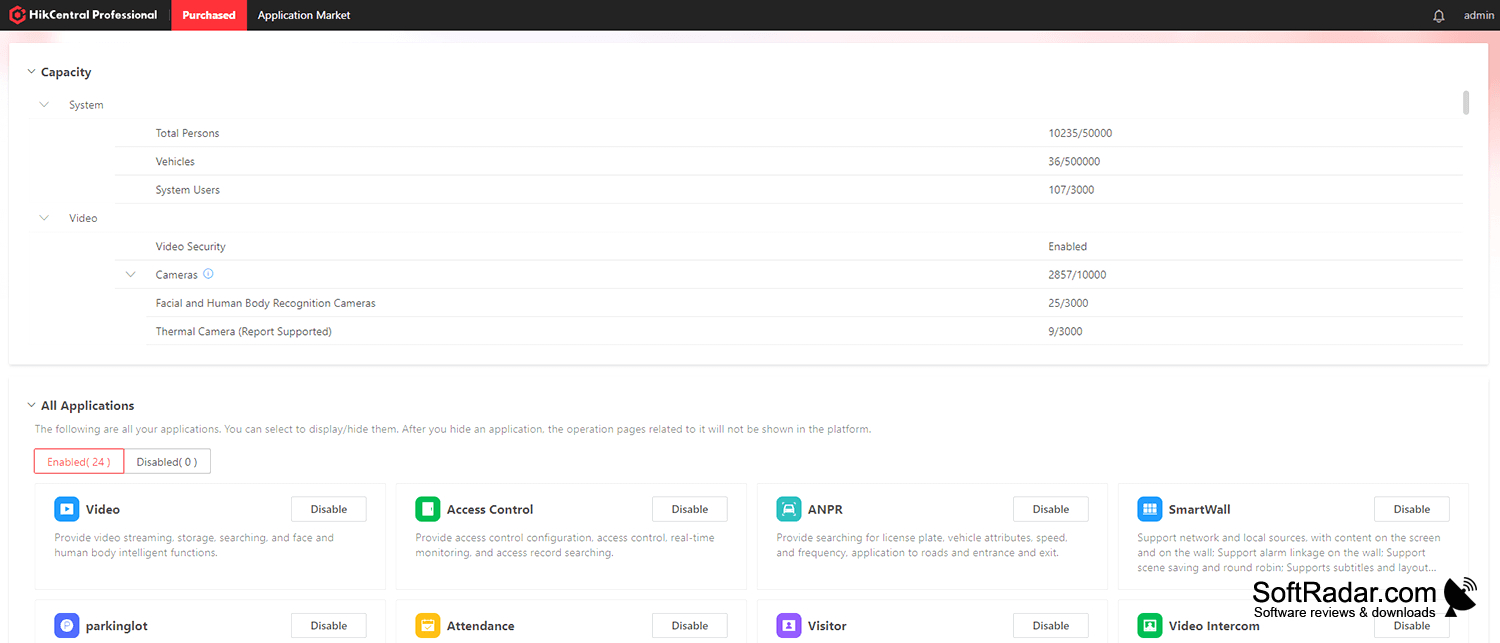
HikCentral Professional is a Windows application for teams responsible for cameras and controlled entrances at one or more properties. Operators can watch current footage, review recordings, and check activity associated with doors without working through separate tools. It suits workplaces where staff need to follow activity across buildings and investigate recorded incidents.
View cameras and access activity from several locations in one workspace instead of switching between separate systems.
The workspace can display several cameras at once and lets operators adjust the arrangement to suit their screens. Recorded footage can be explored by time or searched for relevant activity. The program also handles alerts for movement and boundary crossings, links camera activity with entry events, and provides account permissions, device settings, and operational reports.
Features:
- Show cameras from multiple premises in one view
- Adjust camera grids for multiple displays
- Search recordings and navigate by time
- Match door activity with camera footage
- Create alerts for movement and boundary crossings
- Assign user permissions and generate reports
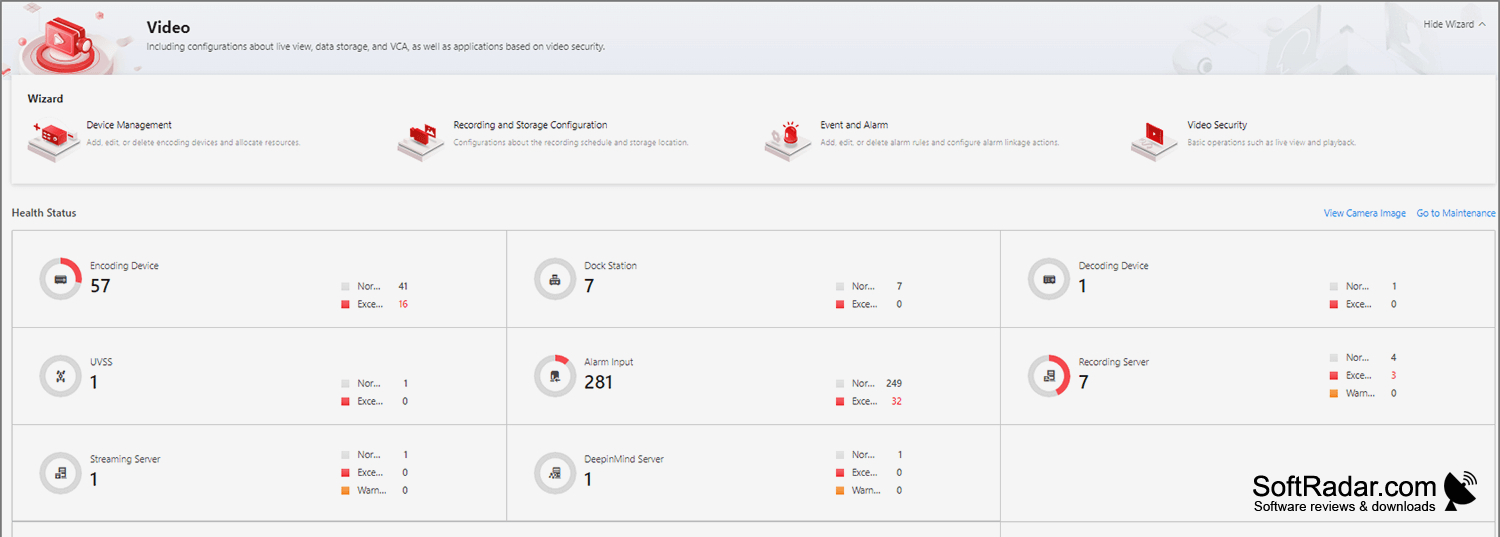
PROS
Lets operators review footage across multiple sites.
Event alerts help operators investigate incidents.
CONS
Large deployments demand substantial server resources.

