
Descript
Descript is an audio and video editor for Windows that lets podcasters, video makers, and teams use transcripts to assemble and refine recordings.
Operating system: Windows
Publisher: Descript Team
Release: Descript 128.0.8
Antivirus check: VirusTotal report
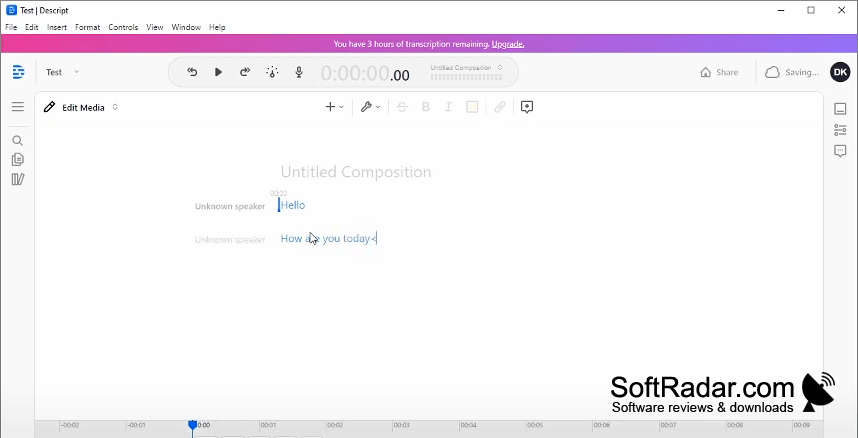
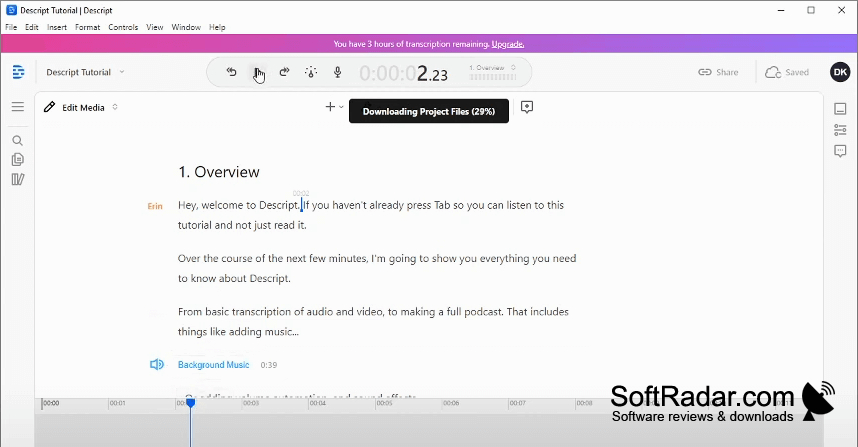
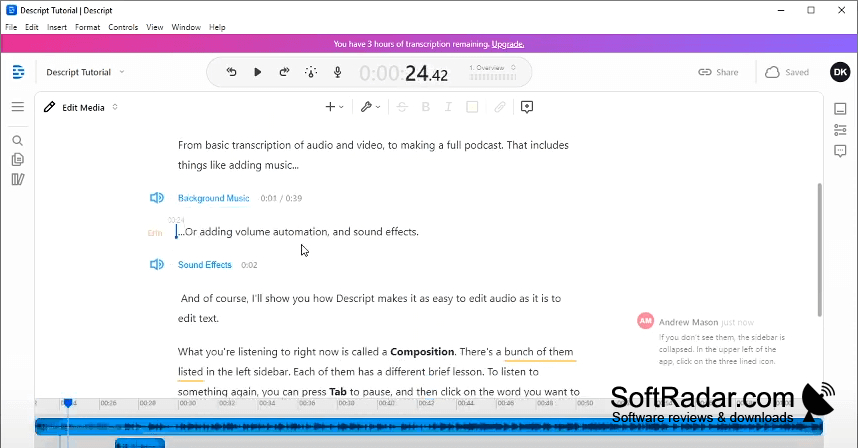
Descript combines recording, transcription, and editing for people producing videos, podcasts, and presentations. Users can capture material, revise spoken segments, arrange footage, and prepare projects for publication. It suits solo creators working on screen recordings as well as teams reviewing longer productions. Colleagues can access a shared project to leave feedback or make changes.
Revise spoken passages in the transcript to make corresponding cuts in the recording.
The editor converts speech to text, then links changes in that text to the corresponding audio and video. Its timeline provides control over layered material, volume, and transitions. Other tools can remove verbal hesitations, reduce background noise, adjust a speaker’s gaze, replace a video backdrop, and translate content. Visual layouts and suggested short excerpts offer ways to adapt recordings for different formats.
Features:
- Edit recordings through their written transcripts
- Capture voice and video within projects
- Balance layered tracks and apply fades
- Remove spoken filler from recordings automatically
- Replace video backdrops without a physical screen
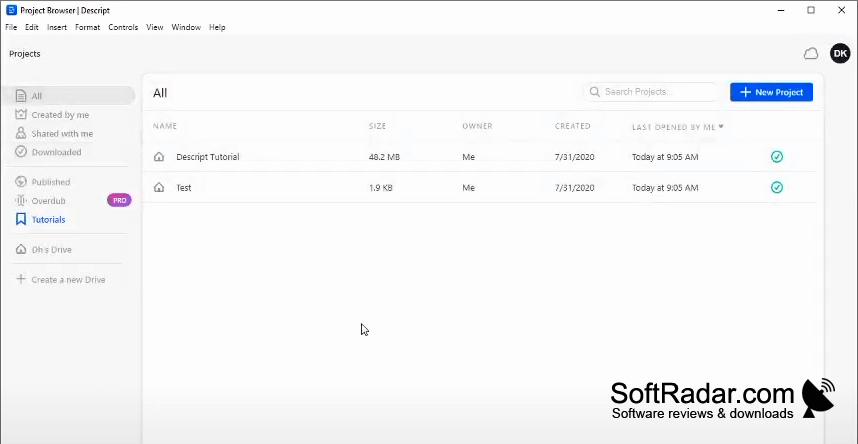
- Share projects for comments and joint editing
PROS
Studio Sound improves noisy speech recordings.
Shared projects simplify collaborative editing.
CONS
Large projects can become slow or unstable.


