
ConverterLite
A free batch converter for video and audio files that supports many common formats and device profiles
Operating system: Windows
Publisher: ConverterLite
Release: ConverterLite 1.6.3
Antivirus check: VirusTotal report
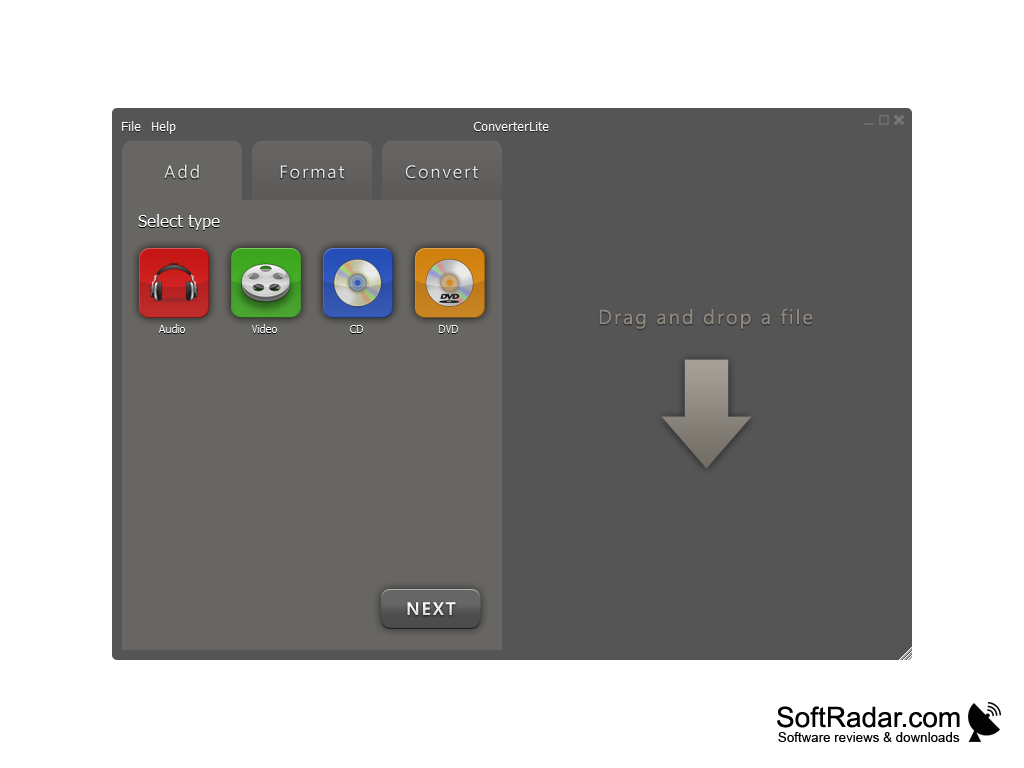
ConverterLite is a free batch converter that converts audio and video files into various formats. It can convert MP3 files to AC3, MP4, OGG, WAV, and WMV.
Features:
- ConverterLite is free to use.
- Convert MP3 files to AC3, MP4, OGG, WAV, and WMV.
- Convert video formats such as MPEG to AVI, FLV to AVI.
- Can be used to burn media to CDs/DVDs.
- Videos can be converted into formats compatible with smartphones and other devices.
- ConverterLite has a simple interface.
Converts audio and video files to other formats in batches with just a few clicks.
It can also convert video files to MP3 audio. The video converter handles MPEG to AVI, FLV to AVI, F4V, and QuickTime MOV to AVI, as well as AVI to MPEG and other major formats. ConverterLite can also burn media to CD/DVD. Device profiles make videos compatible with the iPhone, iPad, Android smartphones, PSP, PS3 and BlackBerry.
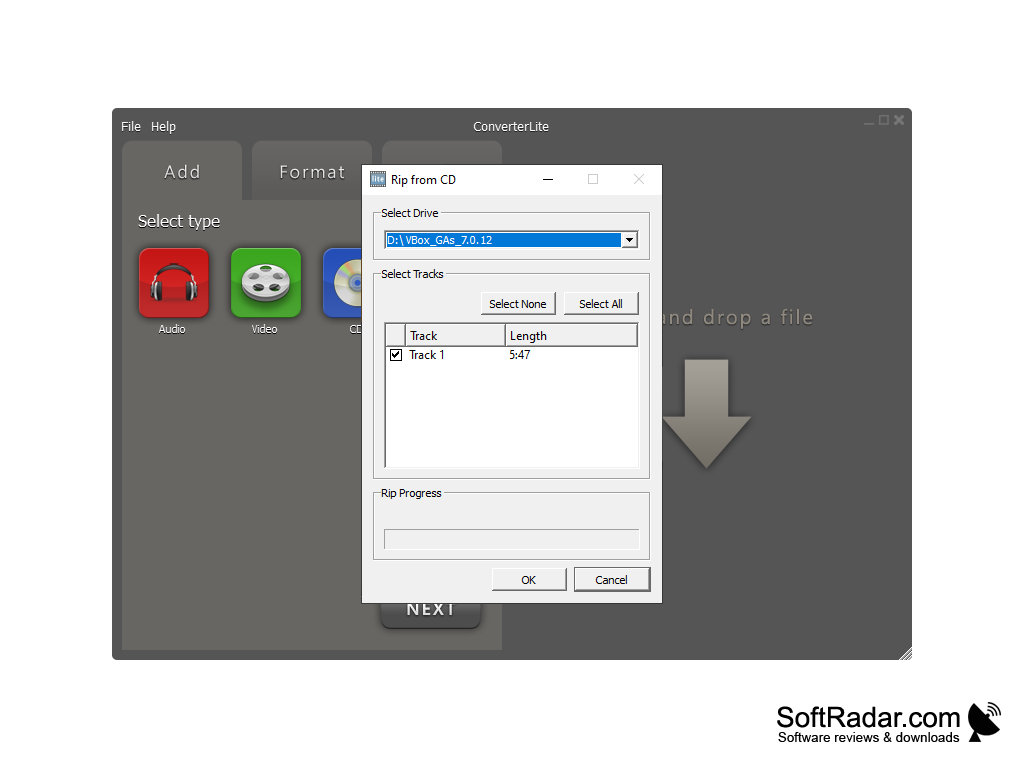
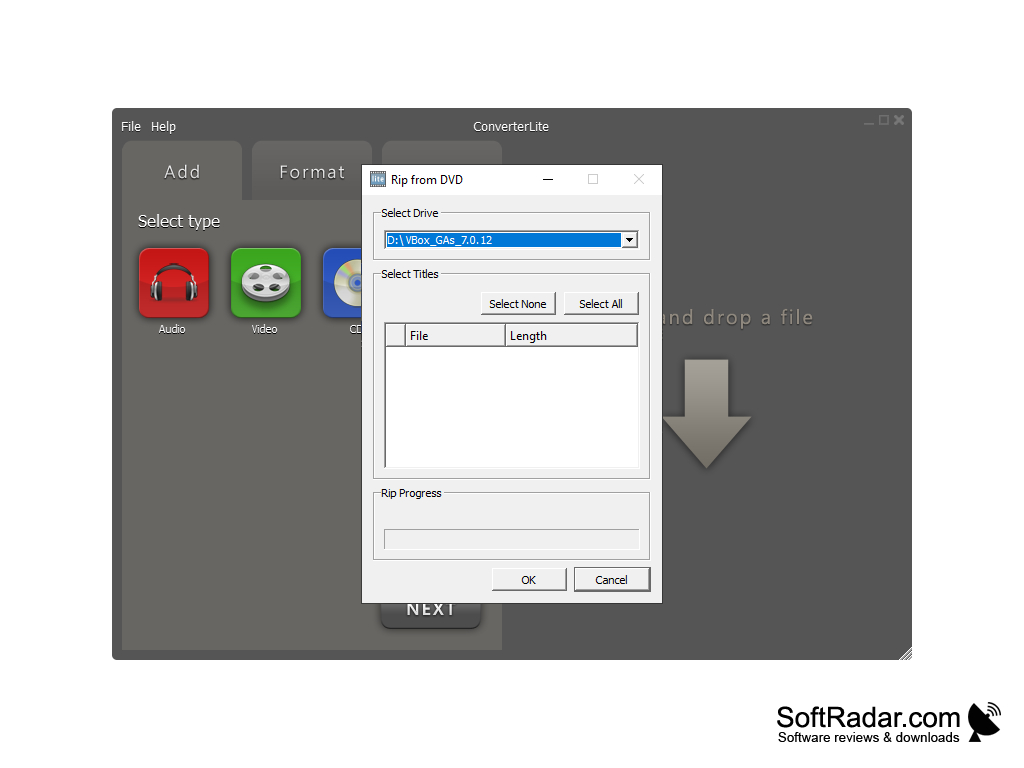
ConverterLite uses the FFmpeg project to convert audio and video files. Its DVD/CD ripping feature copies audio tracks and video titles from a disc to the computer and converts them to the chosen format. Updates to the program mainly added profiles for new devices; the latest version listed on the official site, 1.6.11, was published in November 2014.
The software can convert files in batches: several files are queued and converted in one run, which is useful for converting a large number of audio and video files. The workflow follows three tabs - Add, Format and Convert: you add files with the button or by drag and drop, choose a format or a device and start the conversion. Converting videos to audio is handy for extracting soundtracks or music. The installer may offer additional third-party software through opt-in ads, so read each setup screen carefully. Overall, ConverterLite is a simple free tool for batch converting audio and video files to common formats.
CD/DVD drive for ripping and burning
PROS
Free to use with a simple, user-friendly interface.
Offers batch conversion for efficiency.
CONS
No longer updated with new devices or formats.
Installer may offer additional third-party software.


