TransMac
TransMac software opens Mac APFS and HFS+ format disks and dmg files from Windows
Operating system: Windows
Publisher: Acute Systems
Release : TransMac 15.5
Antivirus check: VirusTotal report
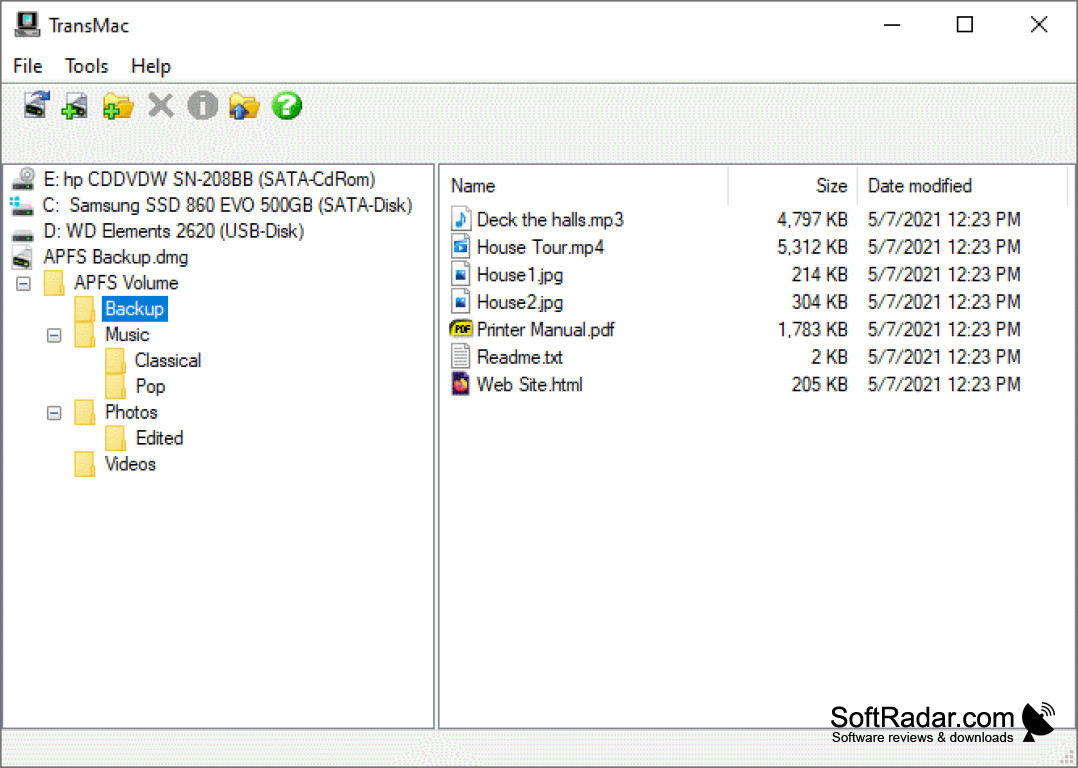
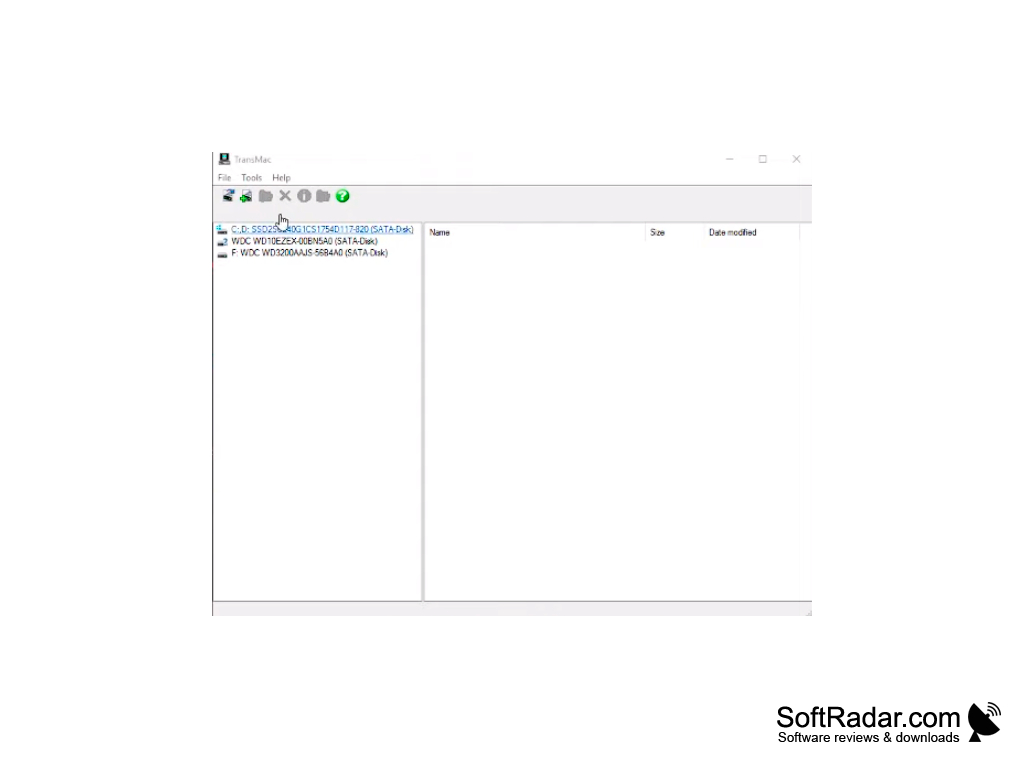
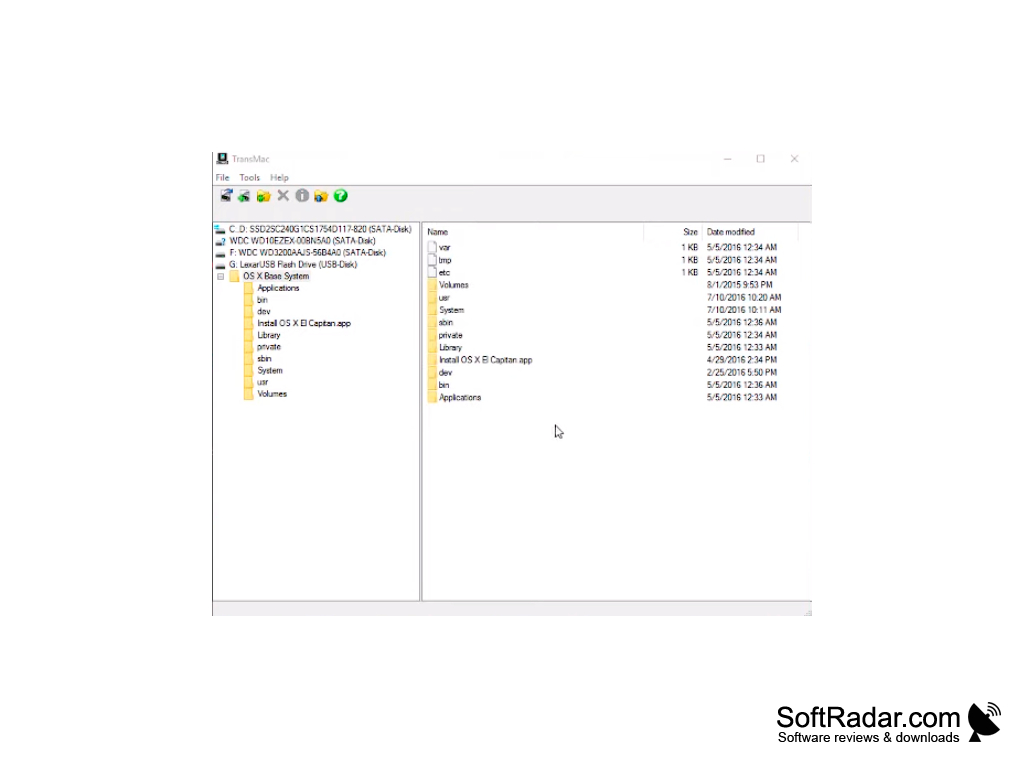
TransMac is a utility for accessing data recorded in Apple Macintosh format. Moreover, the program allows you not only to read and copy these data to a regular PC, but also to write them, as well as format the drives in Macintosh HFS format.
TransMac works with virtually any media - not only hard drives, but also floppy disks, CD/DVD-ROM and others.
Note for Windows Vista / 7 / 8 / 10:In these operating systems, the program requires a higher level of privileges to work. TransMac must be run with elevated rights (permanently or temporarily). To do this, right-click on the program icon and select "Run as administrator". Or select the "Properties" item and check the "Run this program as administrator" option on the "Compatibility" tab.
One main benefit of using TransMac is its ability to read, copy, write, and format data in Apple Macintosh format on a PC.
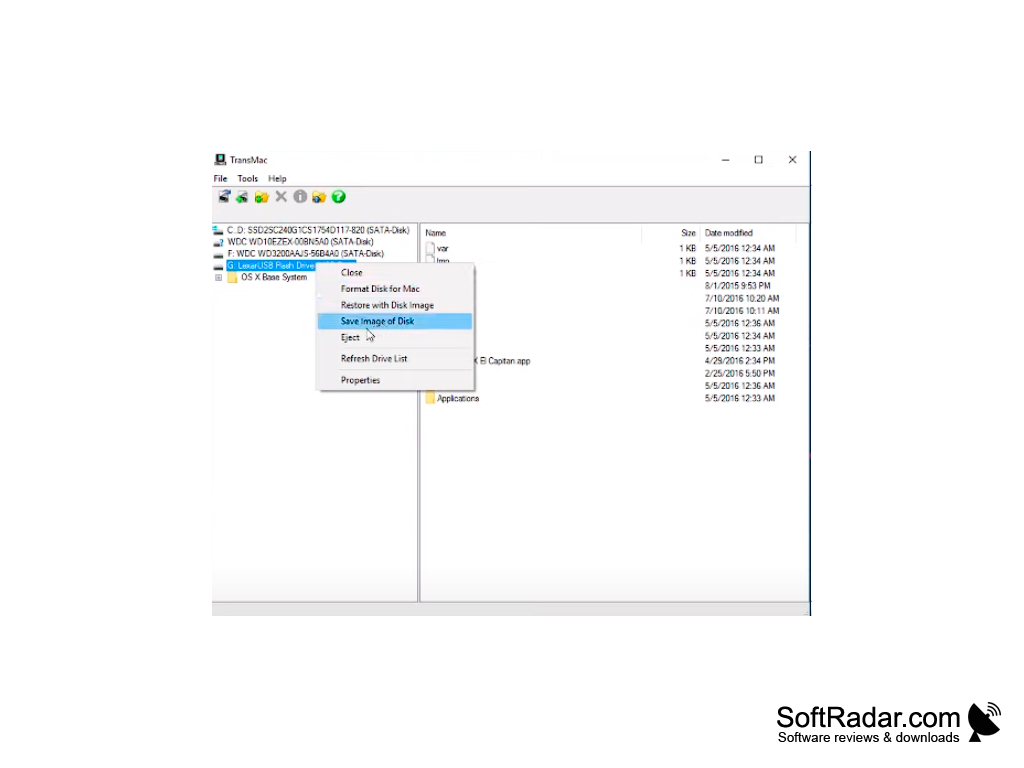
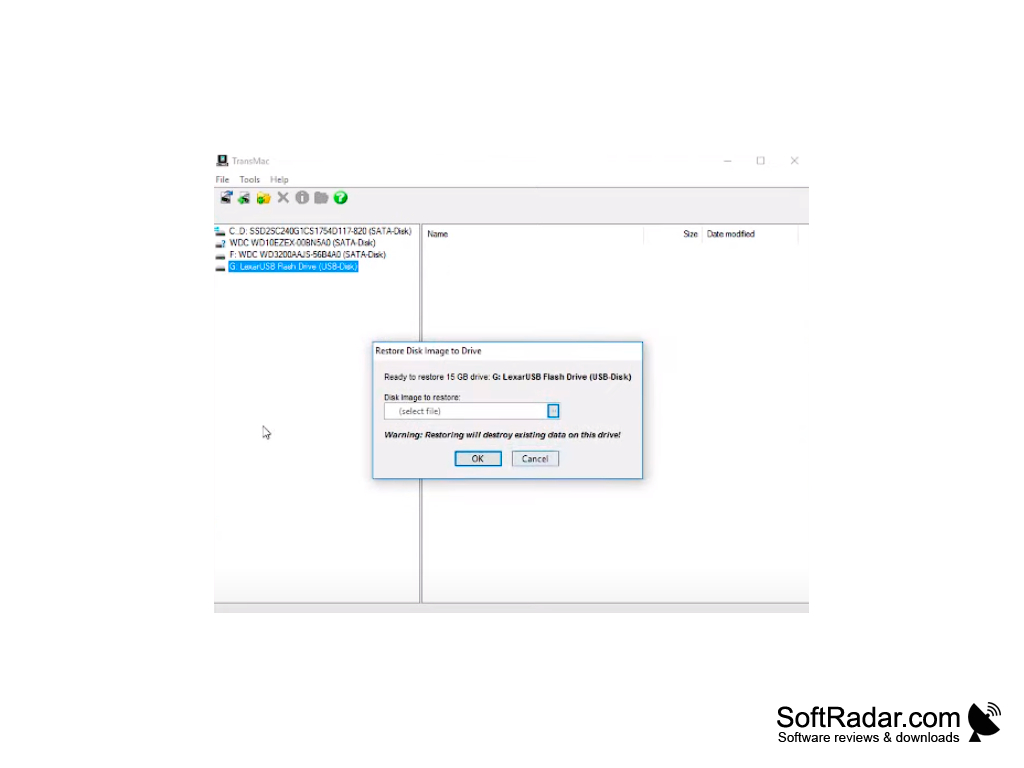
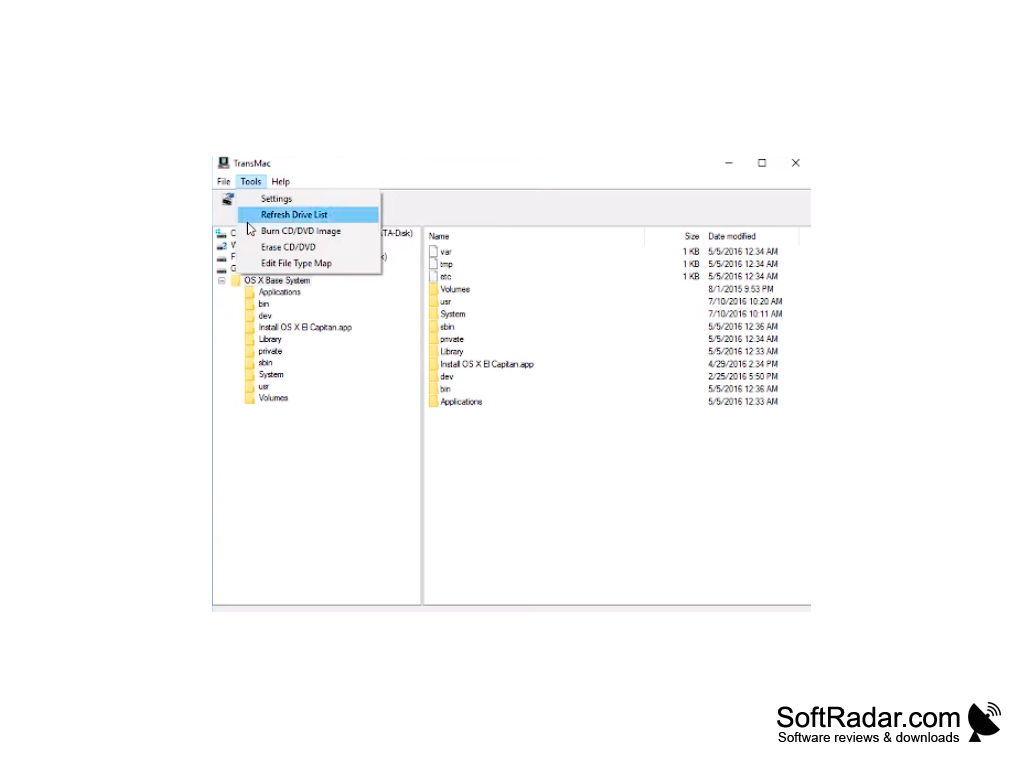
- reads and writes in Mac format on virtually any media;
- supports most types of drives, including USB, IDE, ATAPI, FireWire (IEEE1394), SCSI, etc;
- supports both HFS and HFS + / HFSX formats;
- Copy, rename, and delete files and folders
- creates CD-R/RW, DVD-R/RW, DVD + R/RW, etc. in Mac format;
- to record the disc images;
- reads multi-session and hybrid discs;
- Open and view Mac and PC files directly from TransMac
- Save and restore entire disk images and other features.
PROS
Intuitive, user-friendly interface simplifies use.
Supports all types of disk images and dmg files.
CONS
May seem complex for beginners.
Occasional lags and slow performance.


