TransMac
TransMac software opens Mac APFS and HFS+ format disks and dmg files from Windows
Operating system: Windows
Publisher: Acute Systems
Release: TransMac 15.5
Antivirus check: VirusTotal report
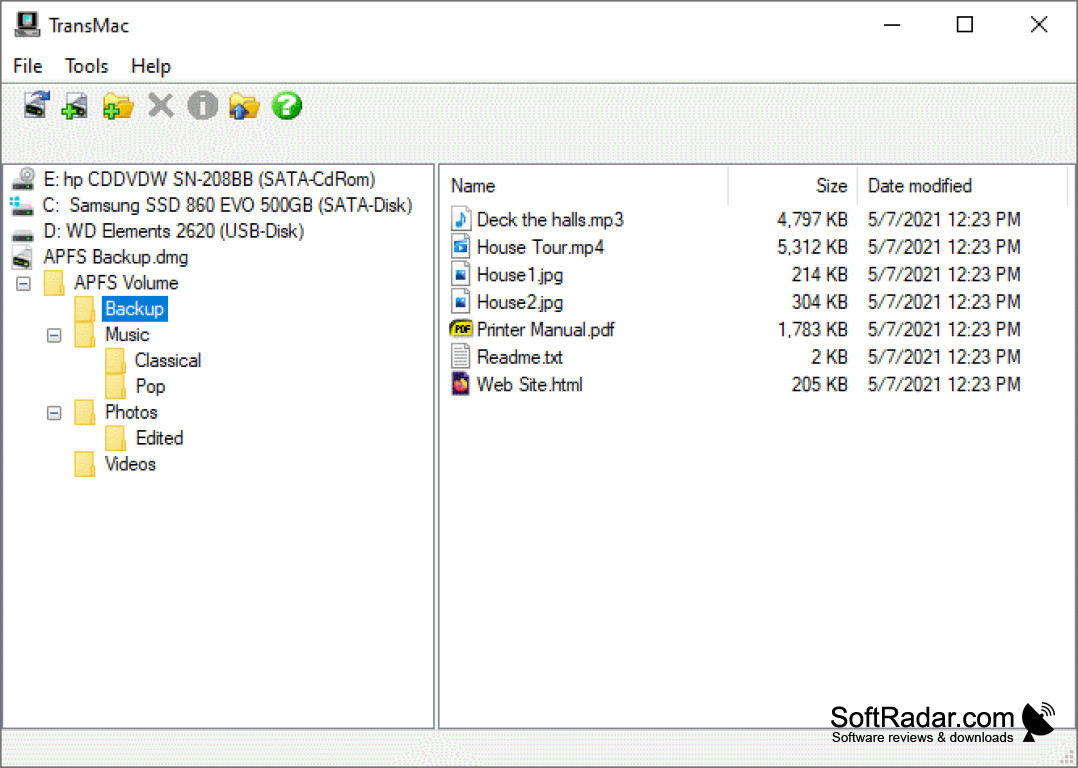
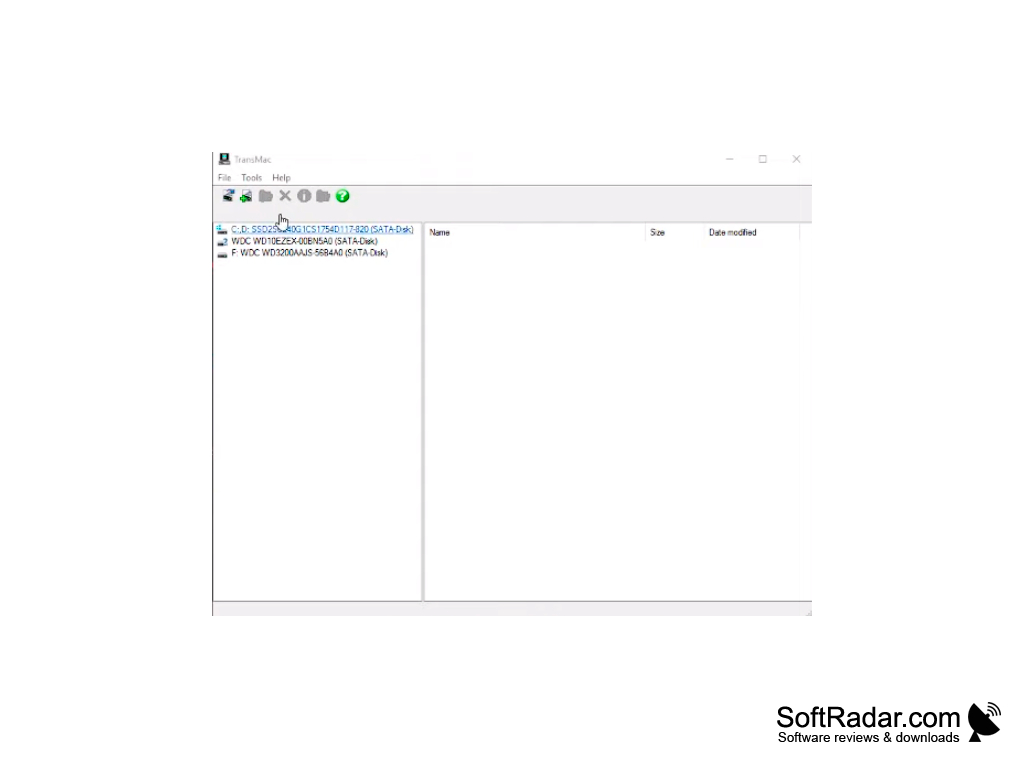
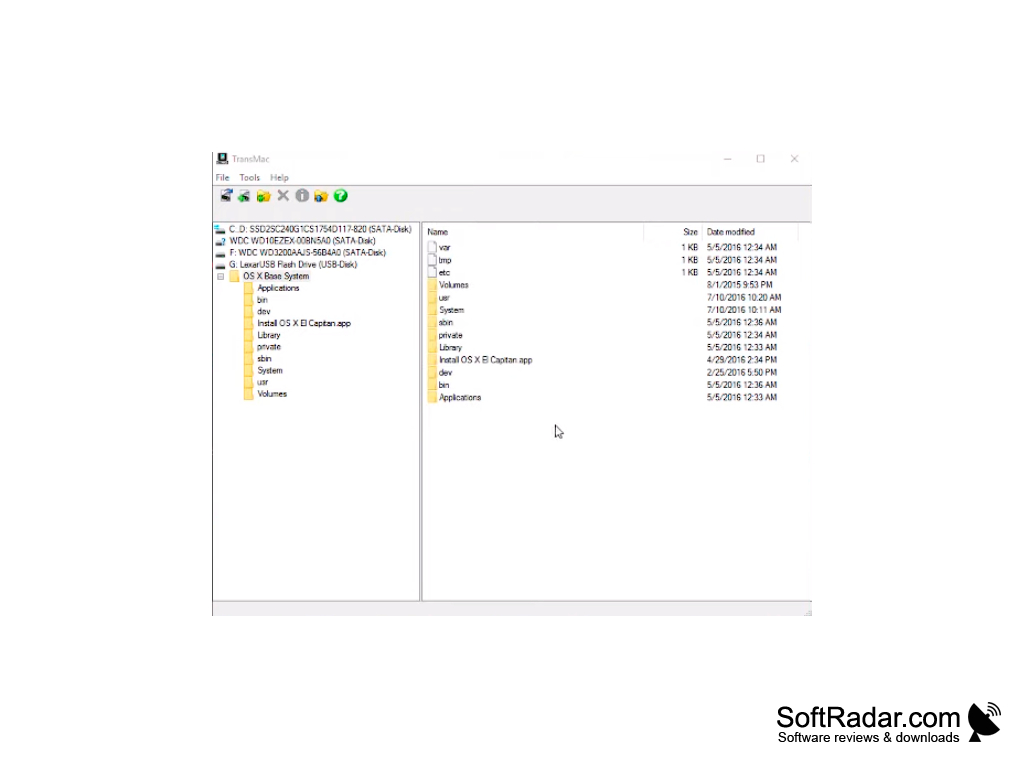
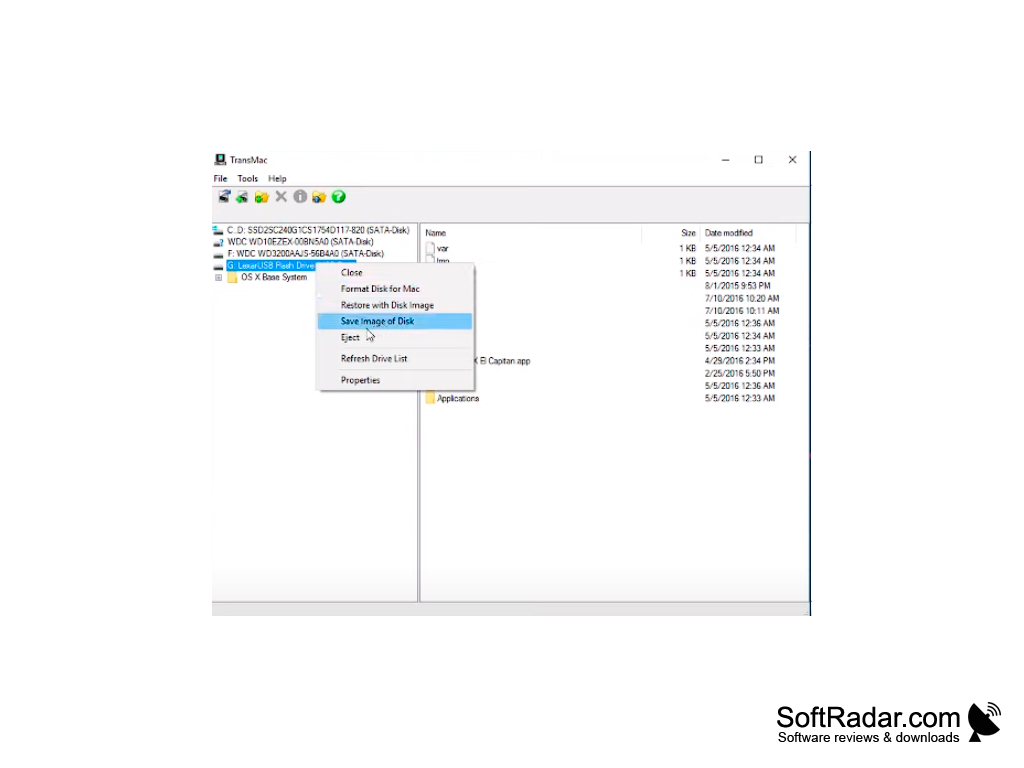
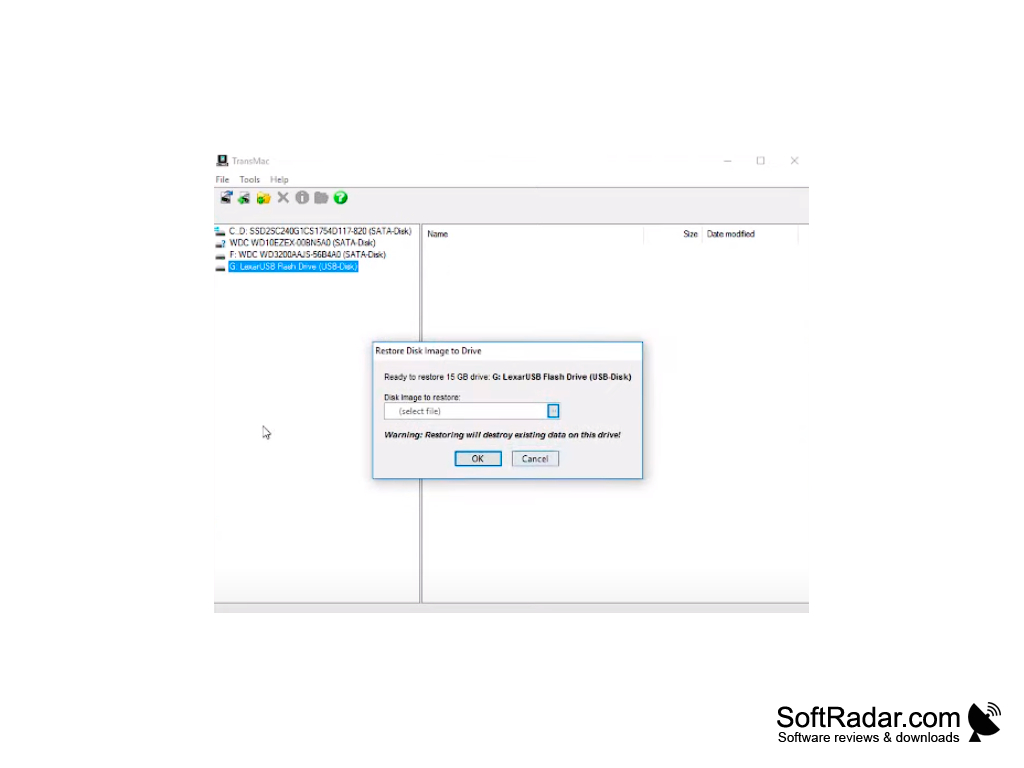
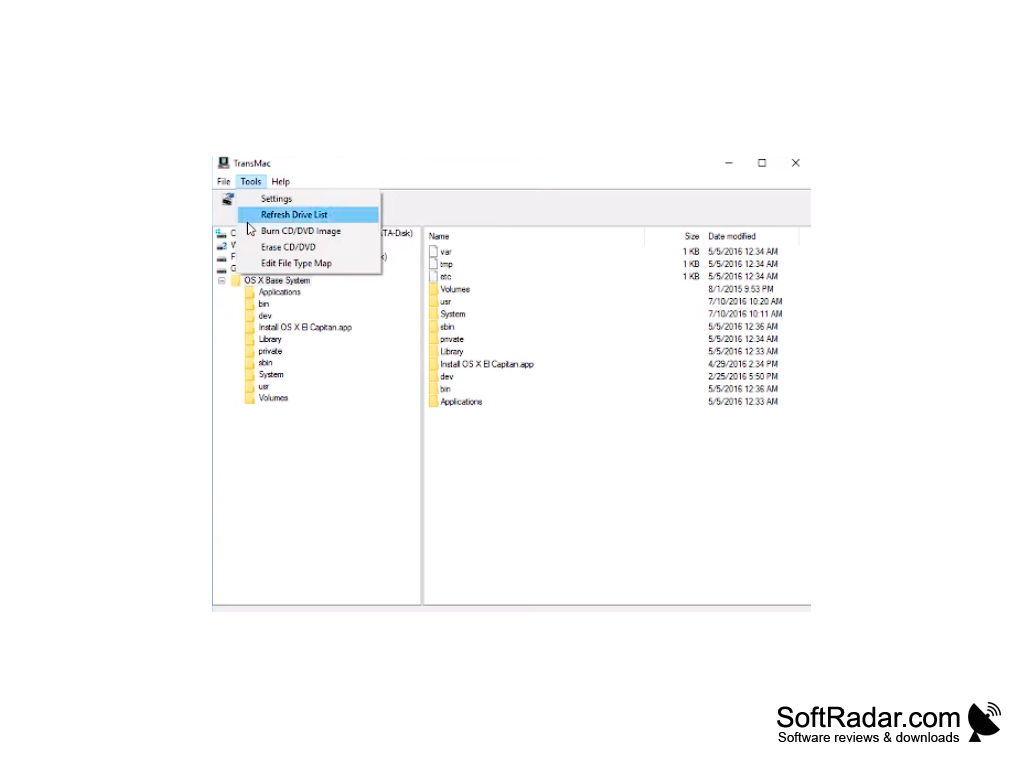
TransMac is a Windows utility for accessing data stored in Apple Macintosh format. It lets you not only read and copy that data to a regular PC, but also write files to Mac volumes and format drives in the Mac HFS+ file system.
TransMac works with a wide range of media - not only hard drives, but also flash drives, CD, DVD and Blu-ray discs and disk image files. It can open APFS volumes for reading, read and write HFS and HFS+ disks, and open, create, compress and split dmg, sparsebundle and sparseimage files.
TransMac is commercial software with a 15-day trial; after that a licence must be purchased to continue using it. On modern Windows the program needs elevated privileges to access disks, so it should be run as administrator. To do this, right-click the program icon and choose "Run as administrator", or open its Properties and enable "Run this program as administrator" on the Compatibility tab.
One main benefit of using TransMac is its ability to read, copy, write, and format data in Apple Macintosh format on a PC.
PROS
Handles disk images including dmg files.
Simple, familiar Explorer-style interface.
CONS
APFS volumes are read-only.
Can feel complex for beginners.


