
TypingMaster
TypingMaster is a touch typing tutor for Windows that helps you learn ten-finger typing and improve your typing speed (WPM).
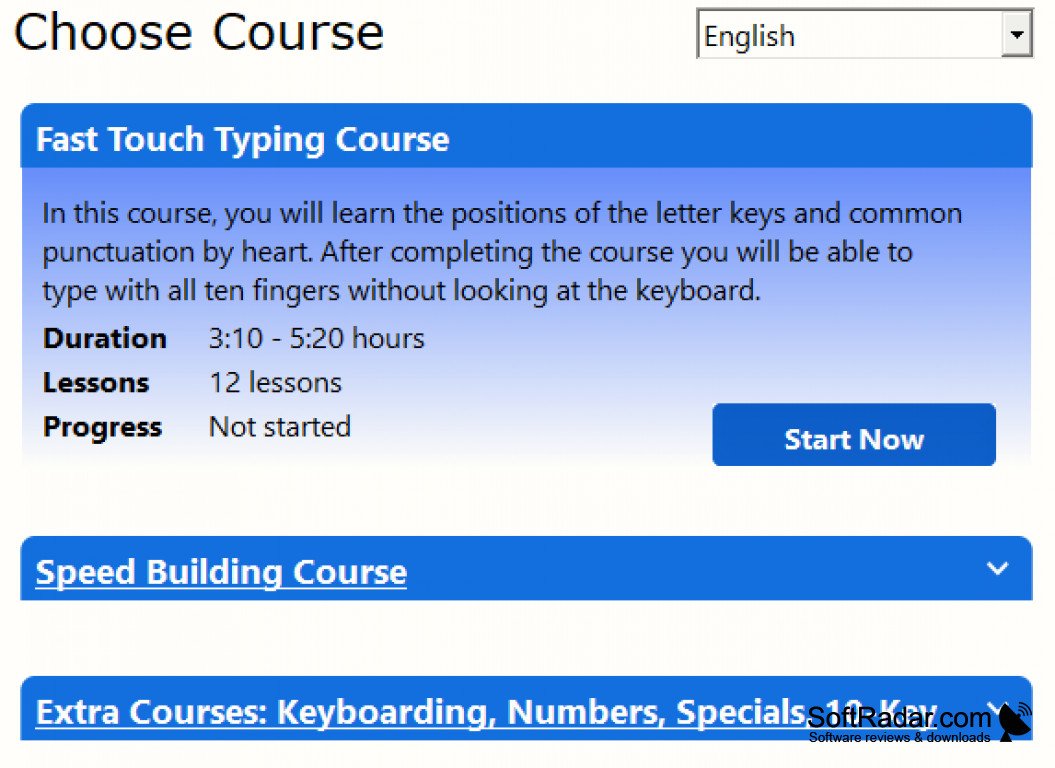

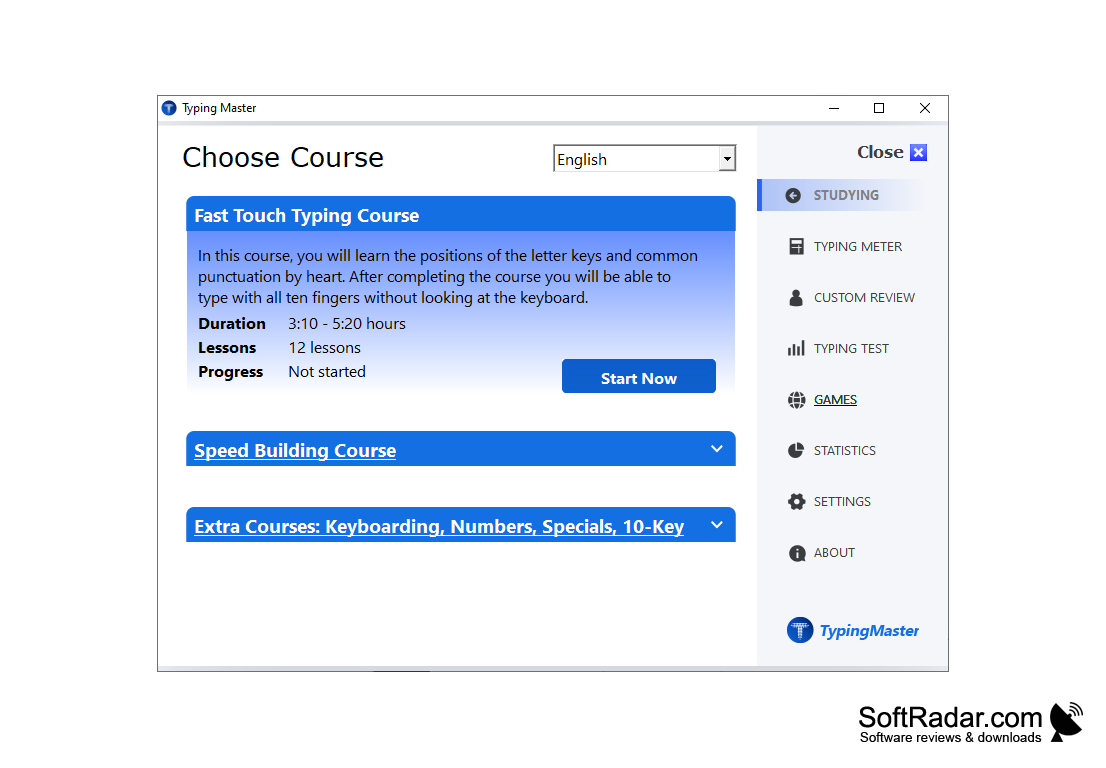
TypingMaster helps people with slower typing speeds increase their speed with a structured touch typing course. A free one-week trial includes all features; after seven days some features are limited until you buy a licence, with prices starting at $19.90. The publisher claims it can double a person's typing speed, which, depending on their current speed, can be really helpful. The training covers more than 10 hours of lessons, including the Fast Touch Typing course with 12 lessons, a Speed Building course and extra courses for keyboarding, numbers, special characters and the 10-key pad. There's a lot of different features that the software includes, which can be seen below. It includes typing games that make practice more varied, all while improving typing speed. It measures the person's speed and accuracy in real time, and if the person is struggling with particular keys or words, it can generate exercises for those keys and words. It gives the user different statistics on how they're doing and how they can improve, giving the person the opportunity to focus on the areas where they struggle the most. It also provides training suggestions, so learners do not have to plan their practice themselves.
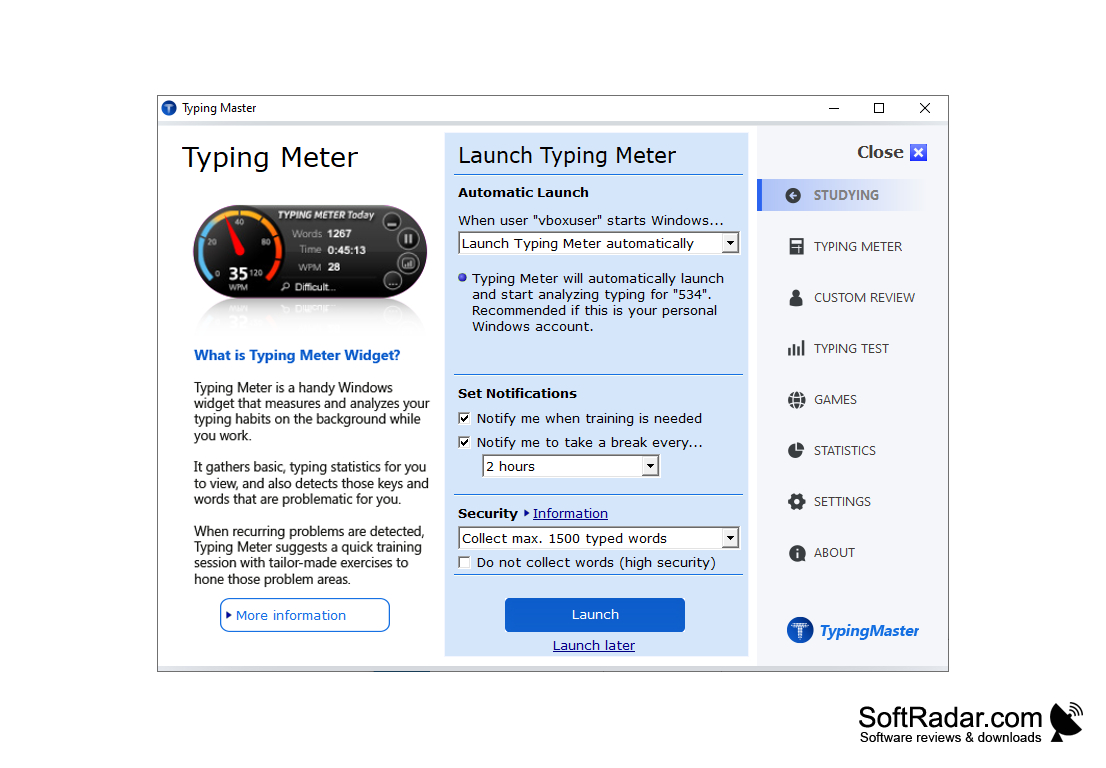
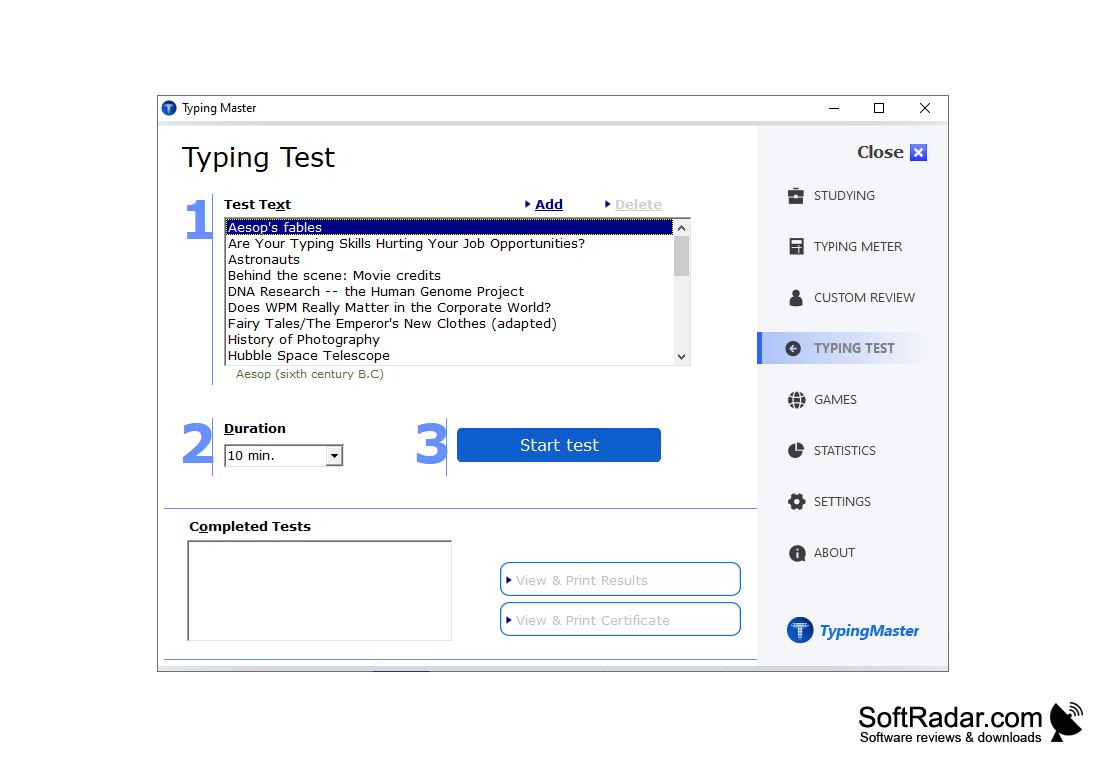
It suits younger learners as well as adults who struggle with typing. The Custom Review feature tailor-makes drills based on the keys and words that caused problems during lessons and typing tests. TypingMeter is a widget that runs in the background while you work: it analyses your everyday typing, spots problem keys and key combinations, and suggests a quick training session when needed. The typing test lasts from 1 to 60 minutes, measures WPM and accuracy, and lets you print the results and a certificate. Training is available in 10 languages with support for QWERTY, AZERTY, QWERTZ, Colemak and Dvorak layouts.
It helps people who have a slow typing speed learn touch typing and increase their typing speed.
Features:
- TypingMeter background analysis
- Typing games
- Customized Review
- Training Suggestions
- The ability to train difficult keys and/or words
PROS
Includes engaging games to make learning fun.
Offers detailed tracking of progress and weaknesses.
CONS
The interface looks outdated.
Some lessons feel repetitive and boring.


