
UPDF
All-in-one PDF editor to edit, annotate, convert, organize, OCR, summarize, and translate PDF files on Windows.
Operating system: Windows
Publisher: Superace Software Technologies Co., Ltd.
Release: UPDF 2.5.10.0
Antivirus check: VirusTotal report
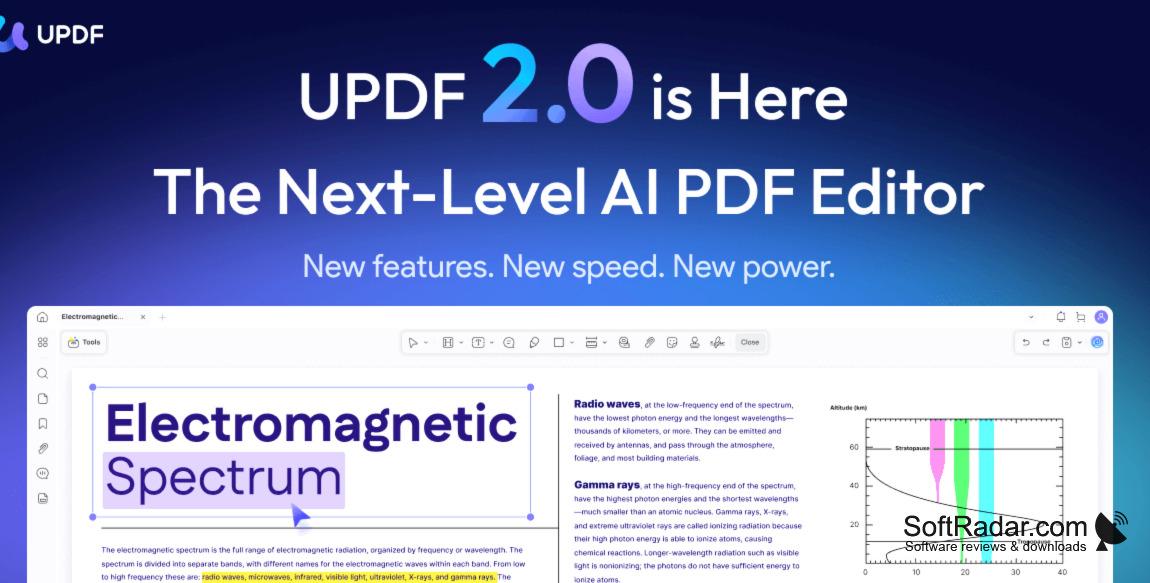
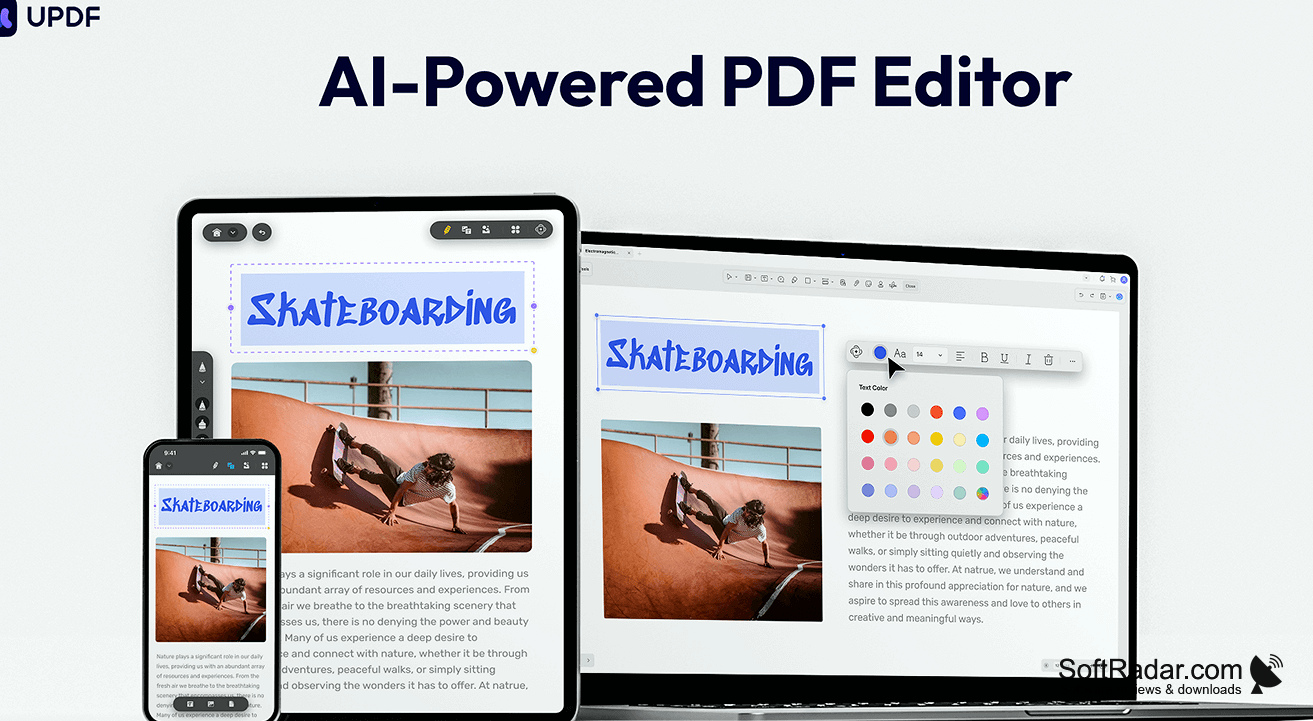
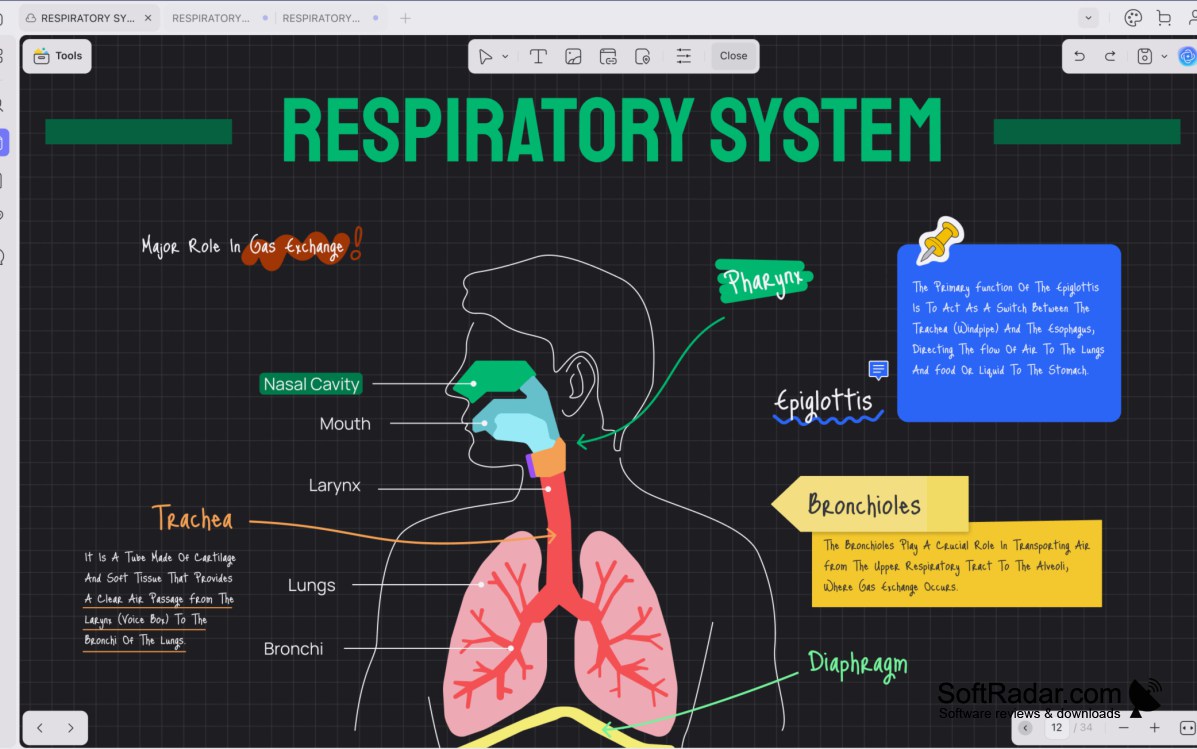
UPDF is an all-in-one PDF editor from Superace Software that combines editing, annotation, conversion and AI tools in one program. It allows you to edit the text or images and customize the background or the page size. Depending on your need, you can add, delete, or modify the content.
The built-in UPDF AI assistant can summarize and translate documents and lets you chat with a PDF, asking questions relevant to its content. It also removes the language barrier by translating whole documents or selected passages. The AI tools help users find key points faster, while OCR turns scanned pages into searchable and editable text.
Features:
- With a user-friendly and clean interface, UPDF allows you to easily navigate between reading, editing, and organizing tools.
- Many editing tools are here that allow you to add, delete, or modify text, images, and links in your PDF.
- The page tools allow you to add a watermark, change the background, crop pages, and create a header and footer for each page.
- With the AI feature in the software, you can summarize or translate your documents with improved efficiency.
- Conversion tools export PDFs to Word, Excel, PowerPoint, images, and other formats.
- An organizing feature allows you to insert, replace, extract, split, merge, rotate, and reorder pages of the document.
- The redact feature enables you to black out a specific part of the document as you need.
UPDF lets you edit, annotate, convert, organize and protect PDF files in one program, with AI tools to summarize and translate documents.
Besides these features, UPDF offers several page display modes for a more convenient reading style. For annotation, it provides highlights, underlines, shapes, sticky notes, stamps, and stickers. You can also fill in and create forms and add electronic signatures.
If you want to add a comment to a specific paragraph or sentence, you can use the comment option from the tool panel. A single Pro license can be used on Windows, Mac, iOS, and Android devices. The software is compatible with Windows 10 or later versions. You can use it for free with limitations: saved files get a watermark and conversions are limited per day. To acquire all the functionalities, you must purchase a Pro license, and the AI assistant is a separate subscription.
PROS
Enhances document security with encryption and digital signatures.
User-friendly interface, suitable for non-tech savvy users.
CONS
Free version limits the number of daily conversions.
AI assistant requires a separate subscription.


