

Video Wallpaper
Video Wallpaper for Windows provides an immersive background experience for you Desketop or Laptop
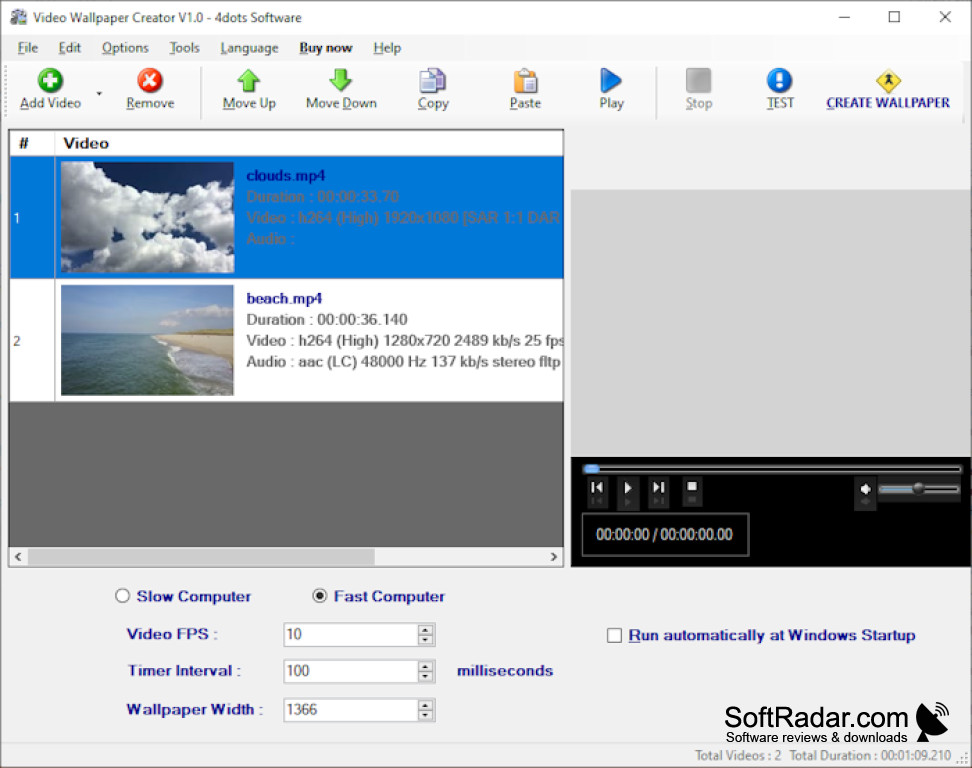

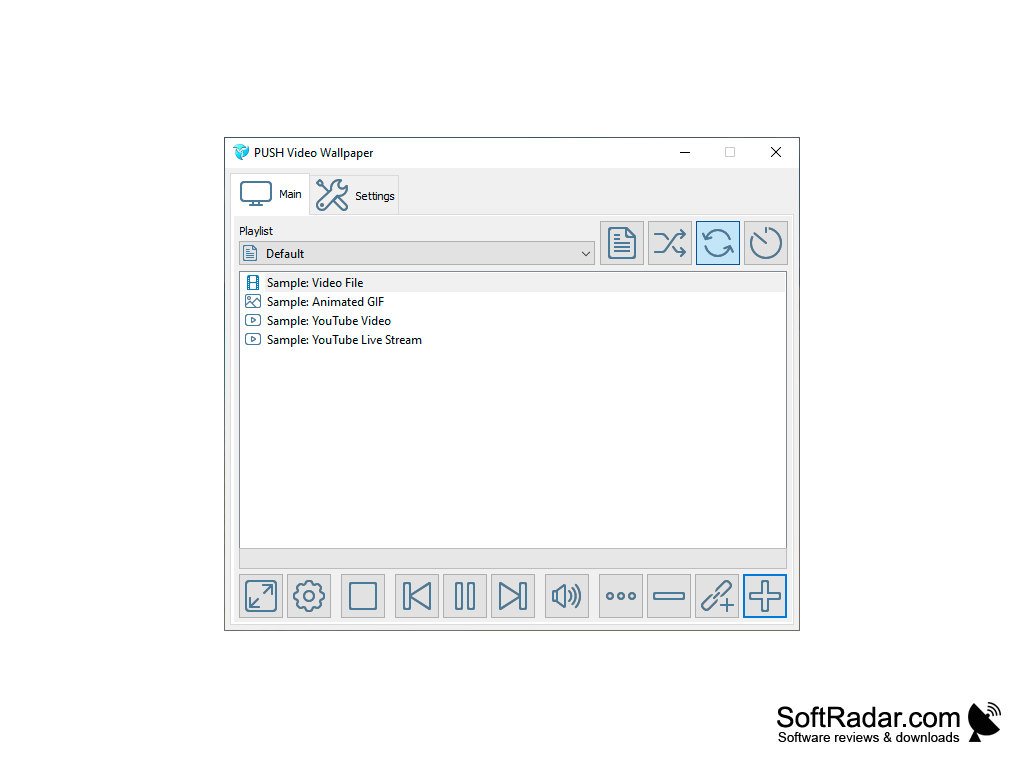
Video Wallpaper is a program that will replace static desktop wallpapers with video. It does this in just a few clicks: just move the desired clip to the playlist and it starts playing in the background instantly. The program does not interfere in any way with the operating system, does not require the installation of additional drivers and even reboots to apply the changes. As soon as it is switched off, it will return the old wallpaper to your desktop. You don't have to worry that after using Video Wallpaper you will see a black background instead of the previously selected image.
Rollers can be played with or without sound. The program includes a volume control, as well as pause, resume, and switch to the next clip. The program can also loop one video to play it endlessly. AVI and WMV formats are supported in all resolutions.
"Video Wallpaper enriches your desktop experience with lively visuals, without significantly impacting your system's performance."
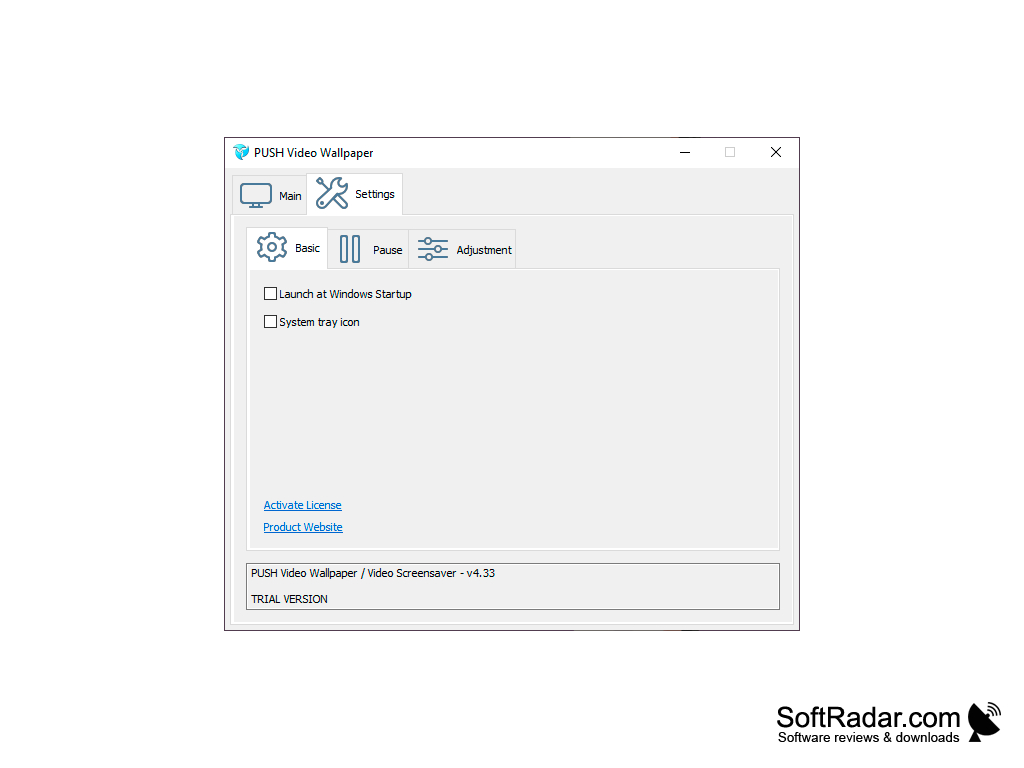
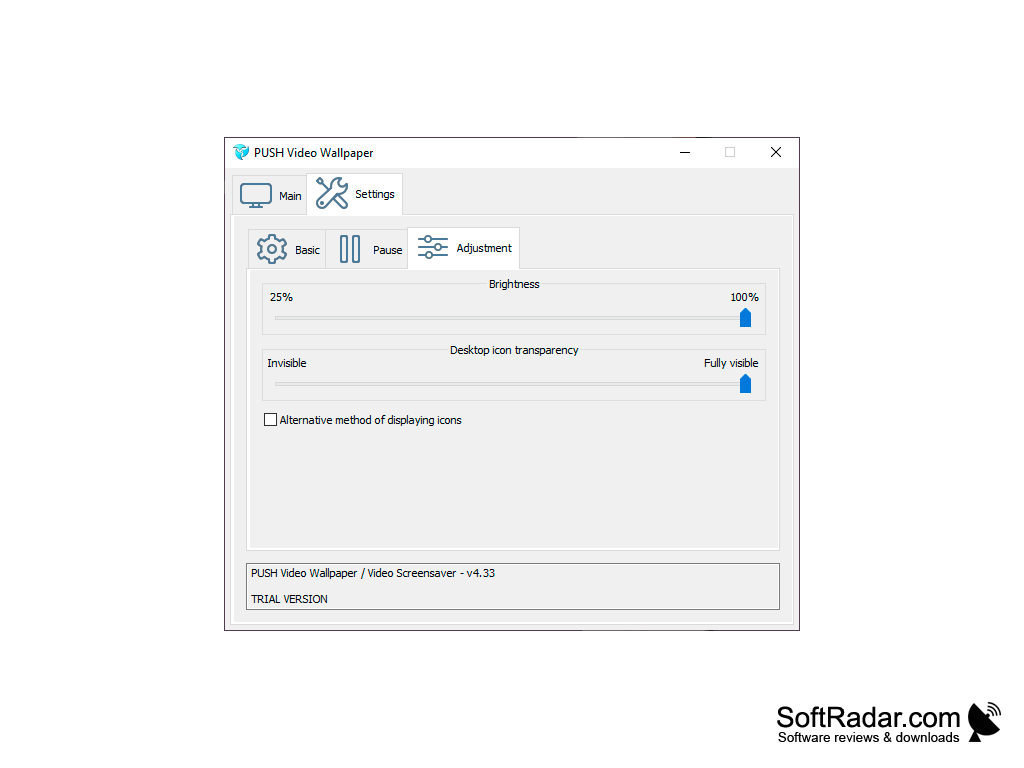
You probably think that playing back video instead of a static image in the background will have a big impact on system performance. Oh, no, it's not! Video Wallpaper consumes a minimum of system resources, so that the drop in performance when running it will be noticeable, except on the weakest PCs. By default, the program makes icons on the desktop transparent so that they do not merge with the image. In the settings, you can adjust the degree of transparency or disable it altogether. There you can also enable Video Wallpaper startup along with Windows startup.
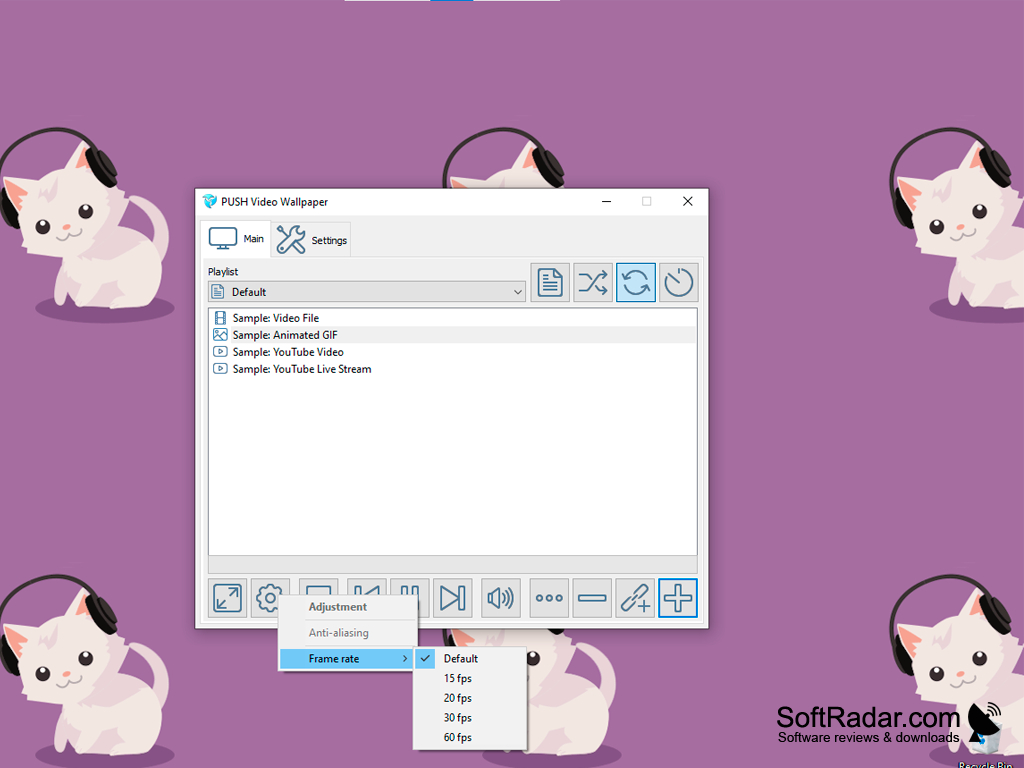
- allows replacing static desktop wallpapers with video;
- allows you to adjust the volume of the clip, create playlists and loop files;
- does not modify system files and does not require installation of additional drivers;
- supports AVI and WMV video formats;
- has almost no effect on the speed of the system.
PROS
Supports multiple formats for wide range of videos.
Enhances aesthetic appeal of user interface.
CONS
Might drain laptop battery quickly.
Potentially distracting during work or study.