
VMware vCenter Converter
VMware vCenter Converter helps IT staff turn physical computers and existing virtual machine images into VMware virtual machines.
Operating system: Windows
Publisher: VMware Inc
Release: VMware vCenter Converter 6.6.0
Antivirus check: VirusTotal report
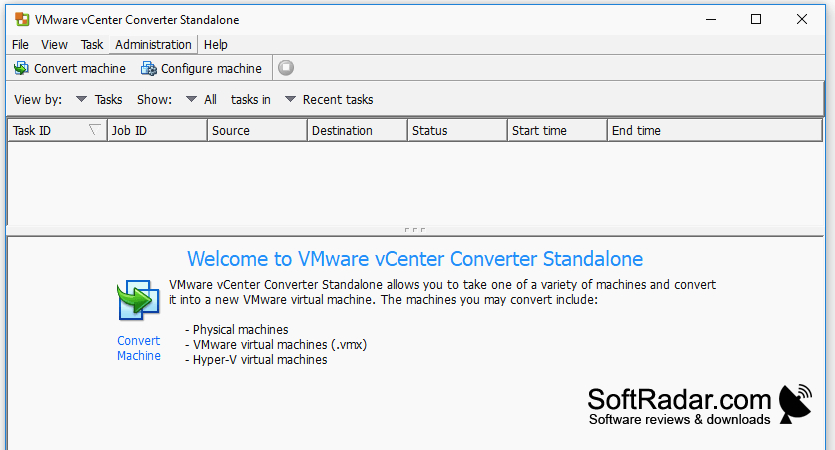
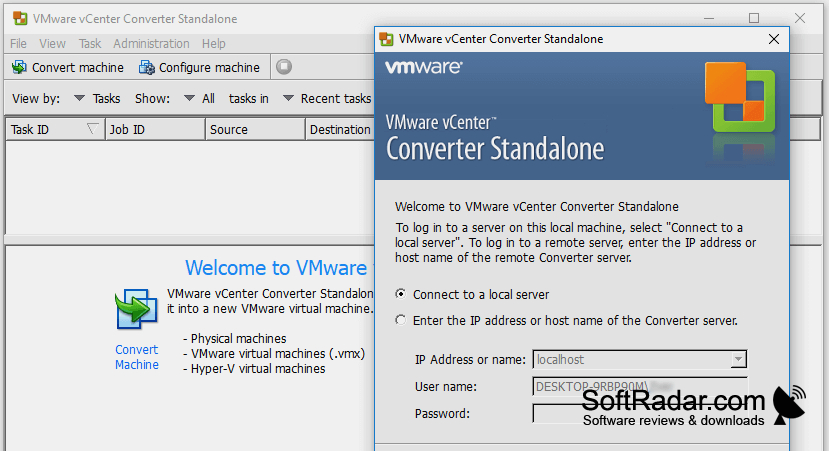
VMware vCenter Converter is a migration tool for administrators moving existing systems into a VMware environment. It can use a Windows or Linux computer as its source, or work from a virtual machine created on another platform. This is useful when retiring hardware, bringing systems under one virtualization setup, or transferring an established installation to a new host.
Move computers and virtual machine images into a VMware environment without rebuilding each system from scratch.
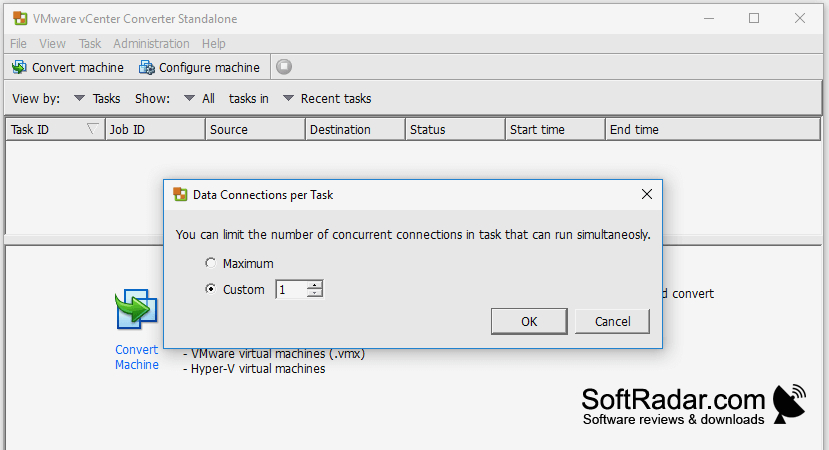
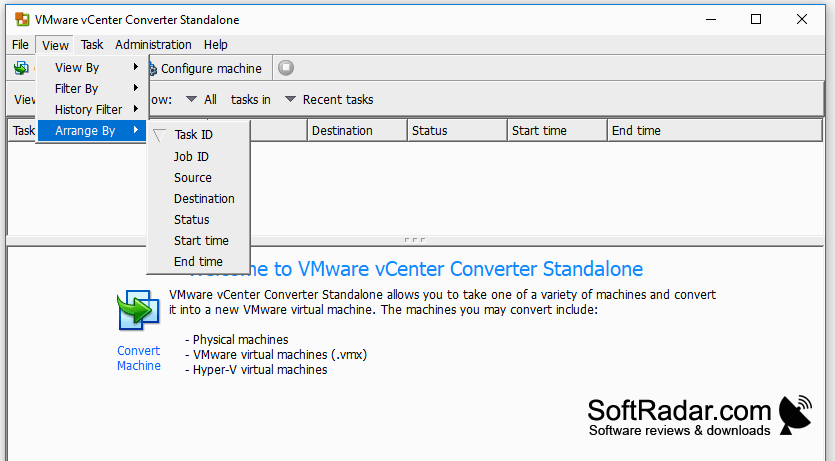
A guided interface lets users set up conversion jobs and adjust the resulting virtual machine's configuration. Jobs can use nearby or remote computers as sources, with several conversions running at once and progress visible from one console. The tool can copy a system while it remains active, and it offers options for synchronizing later changes and working with certain disk images.
Features:
- Convert Windows and Linux computers to VMware machines
- Import virtual machines from Hyper-V and KVM
- Queue and track multiple conversion jobs
- Clone running computers without a restart
- Synchronize changes after the initial copy
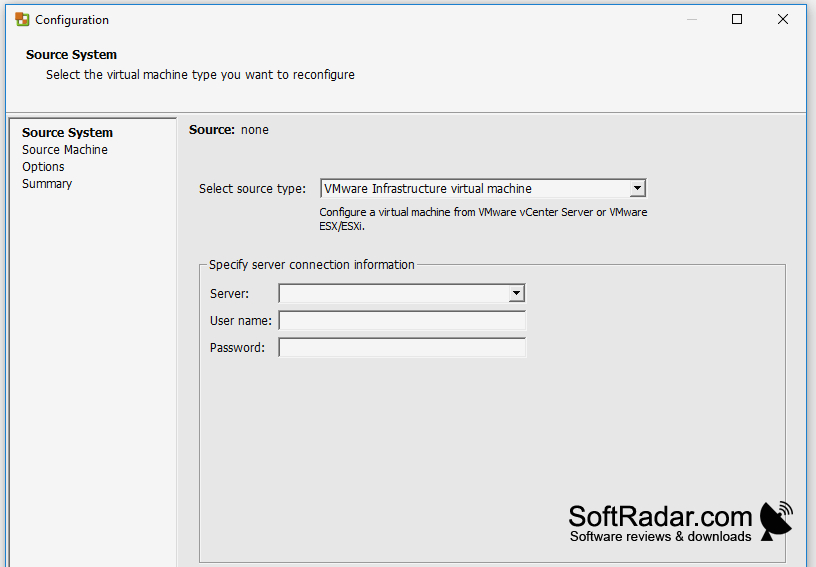
- Adjust virtual machine settings during conversion
PROS
Handles physical systems and diverse virtual disks.
Queues multiple conversion jobs from one console.
CONS
Large machines can take hours to migrate.


