VoiceMeeter

by Copyright V.Burel

Audio Mixer application

Operating system: Windows

Publisher: Copyright V.Burel

Release : VoiceMeeter 1.0.7.0

Antivirus check: passed
Report a Problem

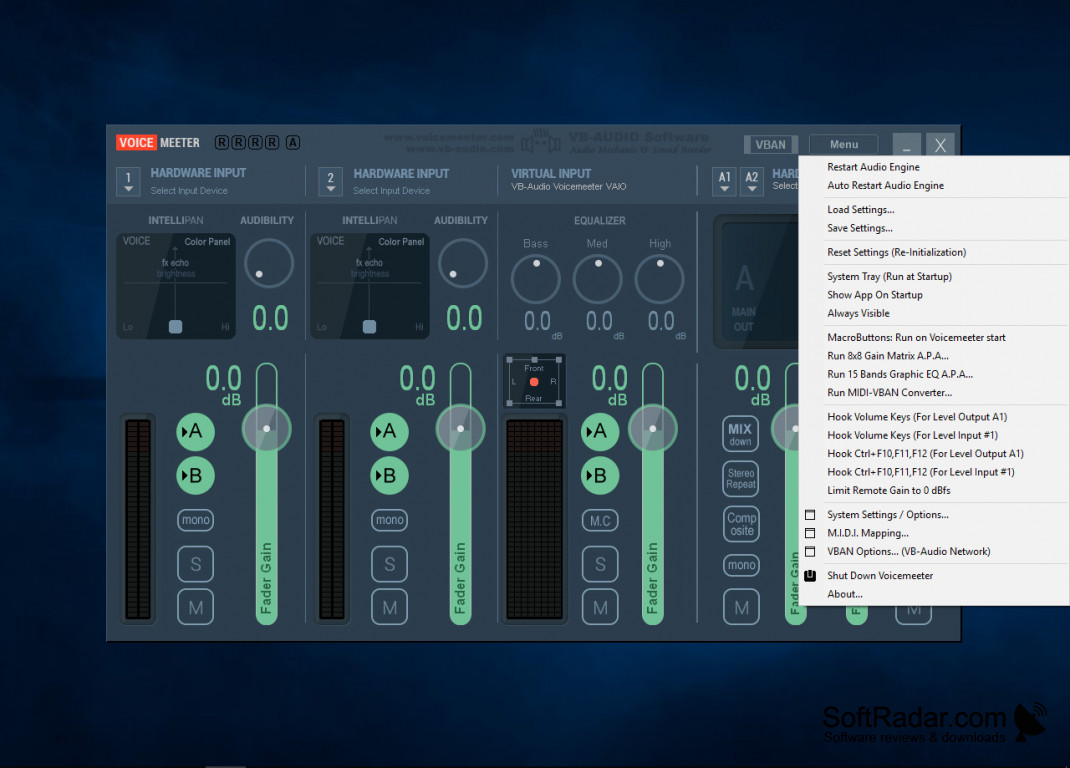
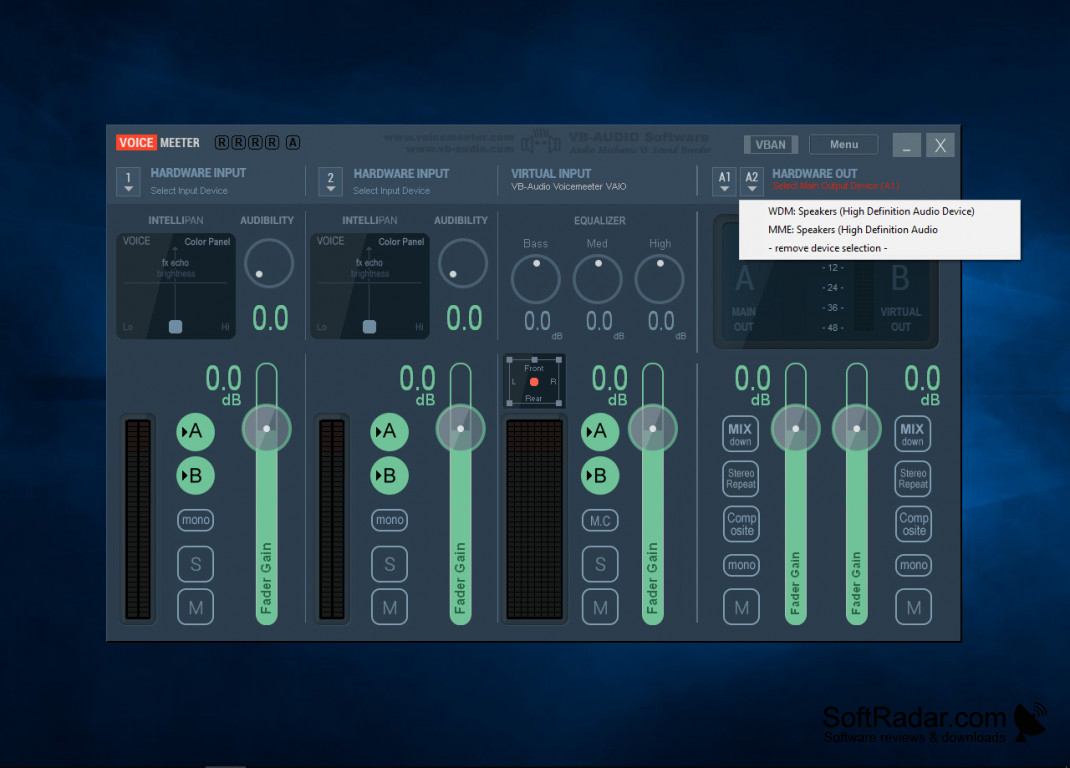
VB-Audio VoiceMeeter is truly a free product that you can pay for as you use it. If you like it you can keep donating to the company to keep the software going. Audio Interface support MME, KS, Direct X, WaveRT, ASio, and Wasapi. You can mix this together on Skype or Google Voice. You can record conference or interview calls. Specific for VOIP users that really want to maximize the system that they have in place. Designed for Windows from XP all the way up to Win 10. 

Features:

  • Use 2x USB Headsets on a computer.
  • Record conferences in multichannel for post-production
  • Simply manager whatever sounds are on your computer
  • Make a tutorial with your preferred software.
  • Make tutorials with video and audio capture.
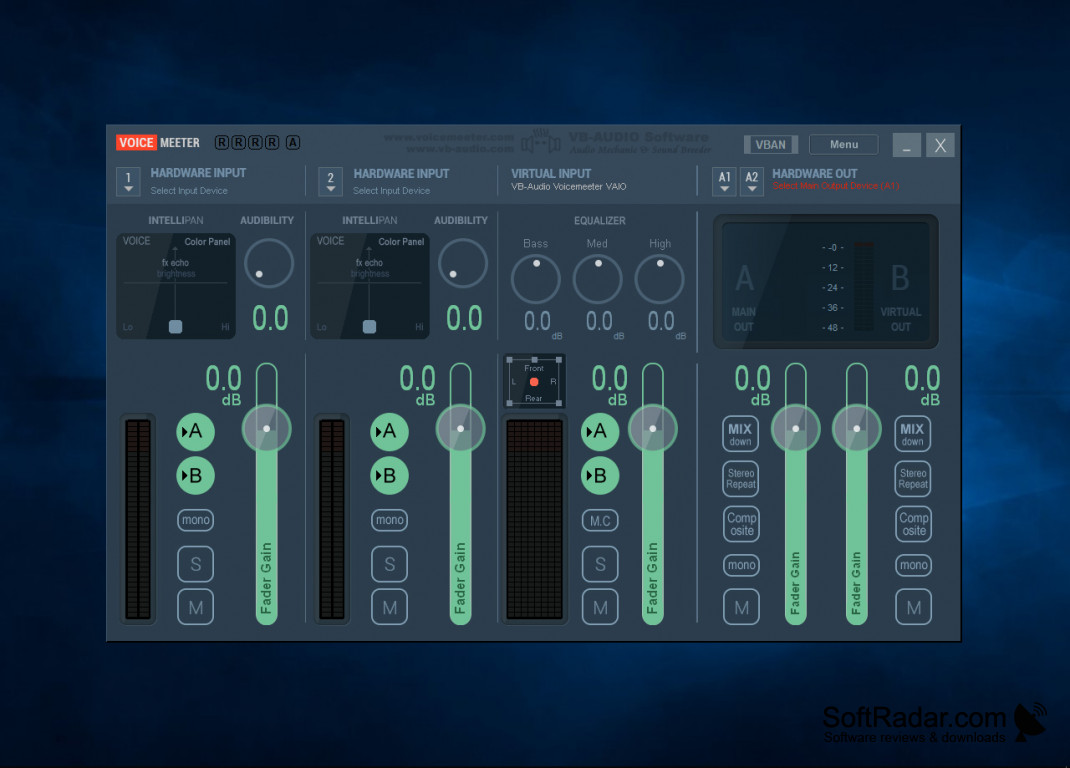
  • 3 inputs and 3 outputs - 2 physical.
  • Full graphical interface
  • Tutorial recommended for users

In conclusion, this is a great software for corporations and individual users. It is free which a lot of companies would be interested in. It works for the vast majority of the operating system so if you are behind on upgrades you can still use this program. This program is packed full of features that allow you to get the most out of audio recordings. If you need a good quality system this is it but you are highly recommended to use the manual. This program is designed to be used by DJ mixers down to a school or work PA system. That is amazing that just one software program is able to do all of that. It covers such a wide variety of environments and frees with the ability to donate to the creators. It is the first audio mixer that is able to virtual mixer able to make changes and manager every audio sources and point. Works on almost all PC systems with very low requirements. A must-have program!

mix and manage any audio files to any audio system or program.
Windows XP to Windows 10 operating system
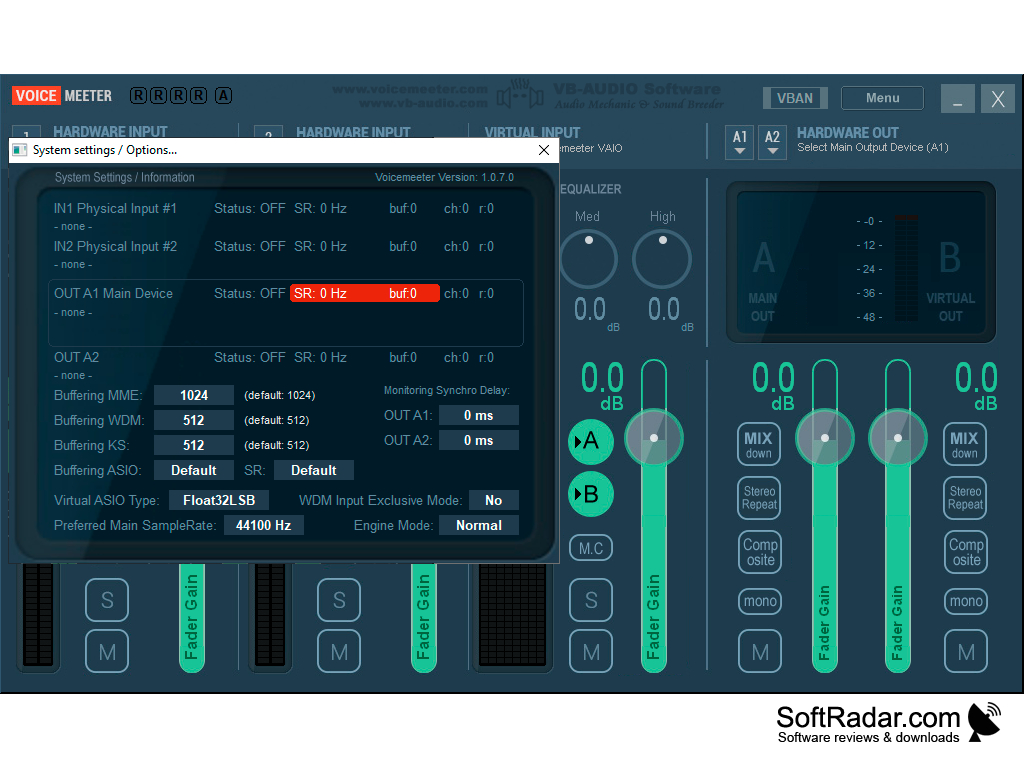
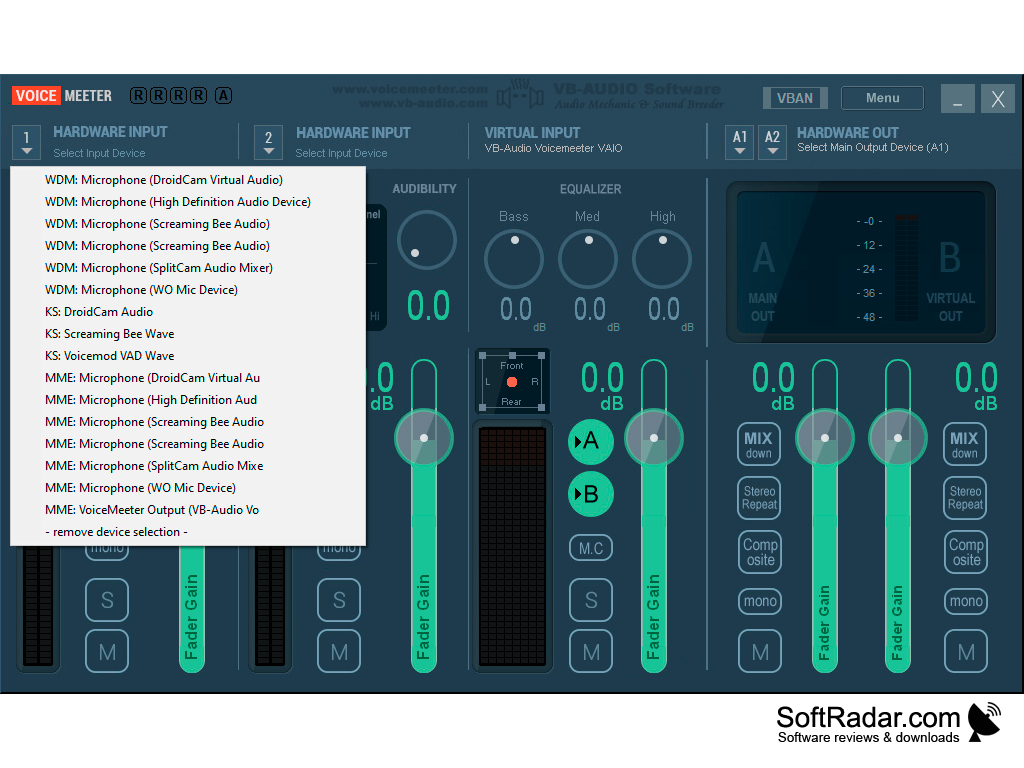
Audio Interface support: MME, KS, Direct X, WaveRT, ASio, Wasapi
Ability to interface with Skype and Google Voice

PROS
Allows real-time audio mixing for multiple input and output applications.
Supports virtual audio devices for enhanced sound control.
Free to use with optional donations for additional features.

CONS
Can be complex for new users to understand and use.
Occasional sound lag or distortion problems.
Limited customer support for troubleshooting issues.
image/svg+xmlBotttsPablo Stanleyhttps://bottts.com/Florian Körner Erik
VoiceMeeter is a very helpful tool for managing your audio files! It's able to support multiple inputs and outputs, can mix sound files, can be used to record voiceover presentations, and is also helpful with recording and managing conference call-like environments. The real benefit though is that it's free (though donations to support development are always welcome), putting it well above similar audio programs that have exorbitant prices for the same features.
image/svg+xmlBotttsPablo Stanleyhttps://bottts.com/Florian Körner Jaxon
This product sounds amazing for both small and large businesses. I liked the aspect that you do not pay for the software unless you decide to utilize it. It also seemed to have several great features that would allow every business to utilize the project based on their specific business needs. Overall based on the product description it seems like a great product and I do not see any flaws. I do think a short video displaying the product would be nice.
image/svg+xmlBotttsPablo Stanleyhttps://bottts.com/Florian Körner James
This is a cool software to have on your computer. It can record conferences and support usb headset. This is a free product. It ca support audio files and help you video conference. This is a cool software to use for video conference and manage sounds on your computer.
image/svg+xmlBotttsPablo Stanleyhttps://bottts.com/Florian Körner Alexander
So VoiceMeeter is free. I just want to get that out of the way. I can use it with Skype or Google voice which is convenient. I have a small business, so I can use it with my daily work, and since the creator allows donations, I don't mind donating for the use I will be getting out of the audio features.
image/svg+xmlBotttsPablo Stanleyhttps://bottts.com/Florian Körner Joshua Camacho
Voicemeeter is a Virtual Audio Device Mixer which deals with any sound sources on Windows PC. It permits to blend your voice in with your music player, program, webradio, computer game, and with the sound originating from any sound DAW like Cubase, Ableton Live for Skype-call or any VOIP/recording work process.
image/svg+xmlBotttsPablo Stanleyhttps://bottts.com/Florian Körner Owen
voicemeeter is best managing and mixing audio sources very easily.it is very small size application so thatt you can use very easily.It improves sound quality of audio.
image/svg+xmlBotttsPablo Stanleyhttps://bottts.com/Florian Körner Josh
VoiceMeeter is an Audio Mix Application. This can help to mix the audio files and give the best ever output of the music. This VoiceMeeter have a multi-state of output like a ZIP File , exe , Mp3 etc..
image/svg+xmlBotttsPablo Stanleyhttps://bottts.com/Florian Körner Robert
This software is really useful if you do podcasts, live YouTube videos, or record audiobooks. It brings together a lot of different features into one interface so makes podcasting or recording much less complicated. It also makes your voice sounds much more professional/high quality as if you were recording in a studio! The background noise cancellation is a godsend, and I also like the voice effects that you can add.
PyTivo Desktop
Transfer files to a compatible TiVo device
VobSub
Substitue video for all video players available
K-Lite Codec Pack Full
Software bundle for high quality thing
LAME
LAME is an educational tool to learn about MP3 Encoding
Windows 7 Codec Pack
Supports every compression and file type for windows