
Xara 3D Maker
3D maker for virtual pictures on windows
Operating system: Windows
Publisher: Xara Group Ltd.
Release : Xara 3D Maker 7.0
Antivirus check: passed
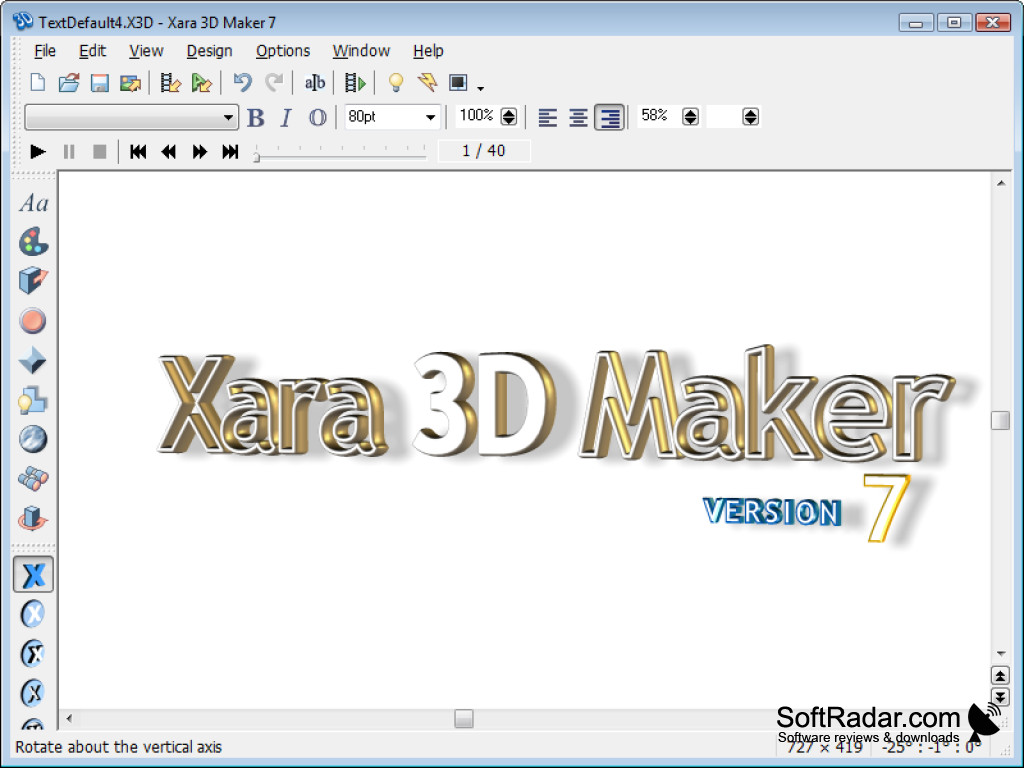
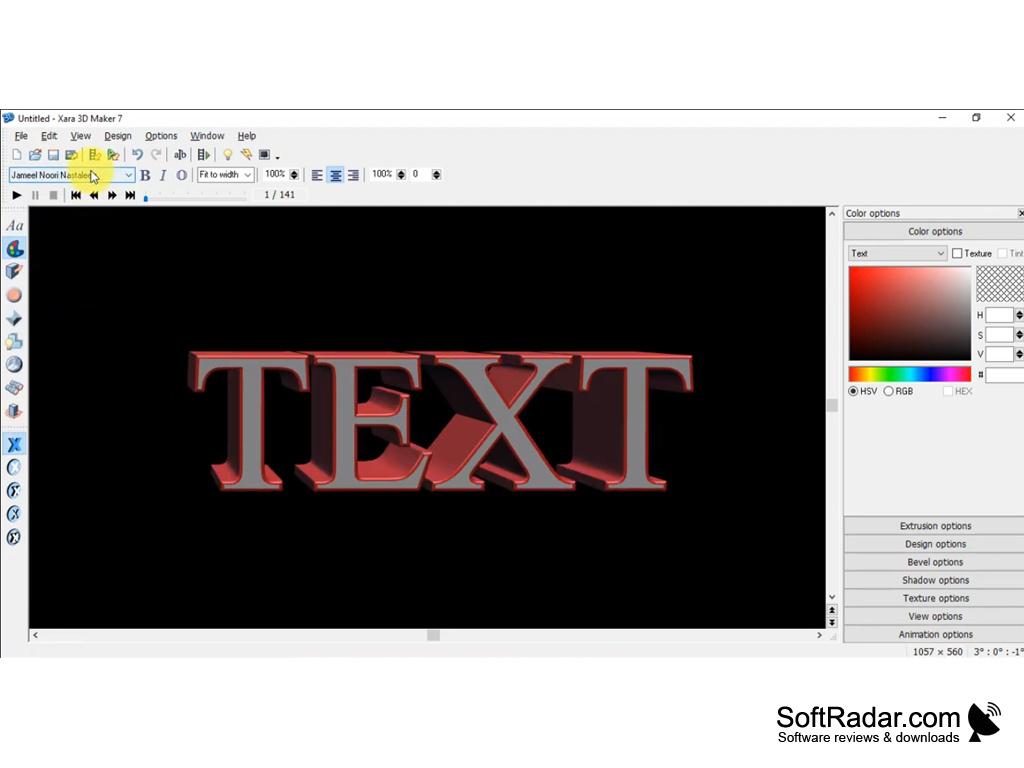
Xara 3D Maker is a program for creating high quality 3D graphics. With just a few clicks you can create 3D and animated texts, including various headings, logos and banners (including flash).
In addition, Xara 3D Maker allows you to quickly create 3D buttons and other small graphics objects for websites.
Another function of the program is to create screensavers.
Xara 3D Maker allows quick creation of high quality 3D graphics and animations, useful for web design and screensavers.
Xara 3D Maker is very easy to use, so literally anyone can create high quality 3D graphics in minutes.
Creation and import:
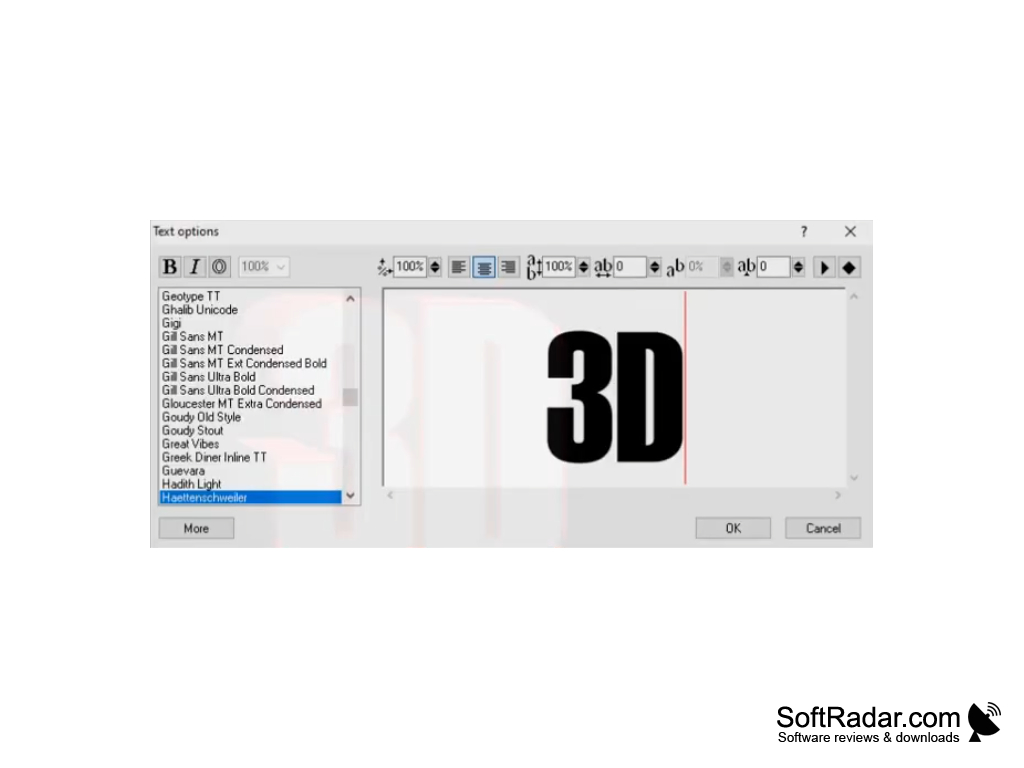
- any TrueType font installed in the system can be used in the header text;
- full control over the text, including alignment, index, line spacing, etc., for both individual characters and the entire selection;
- Creation of non-text headers by importing 2D graphics, Windows files (WMF and EMF) or CorelXARA / Webster files (XAR and WEB);
- Complete smoothing for the best display quality on the screen.
Editing and applying special effects:
- interactive control over the depth of 3D extrusion;
- Real-time 3D positioning around three axes;
- you can select text areas and apply different attributes to them, such as tilt, color, font, textures, animation, etc;
- The Style Picker tool allows you to easily capture any or all of the settings in one image and apply them to other objects;
- interactive, easy-to-use lighting control;
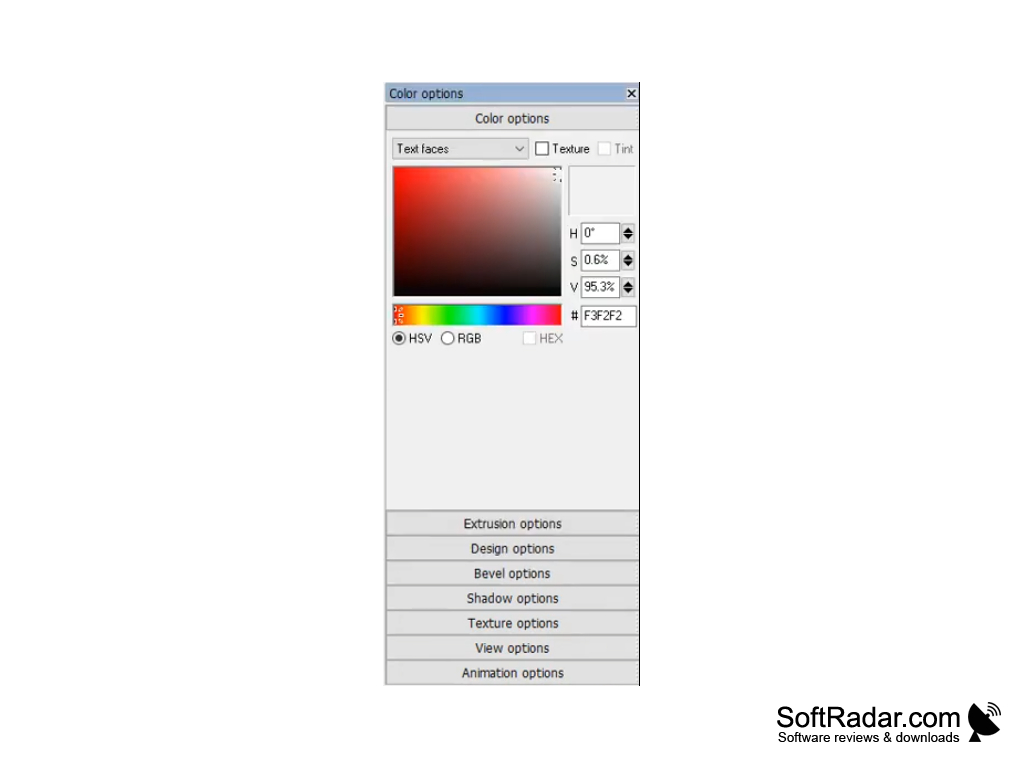
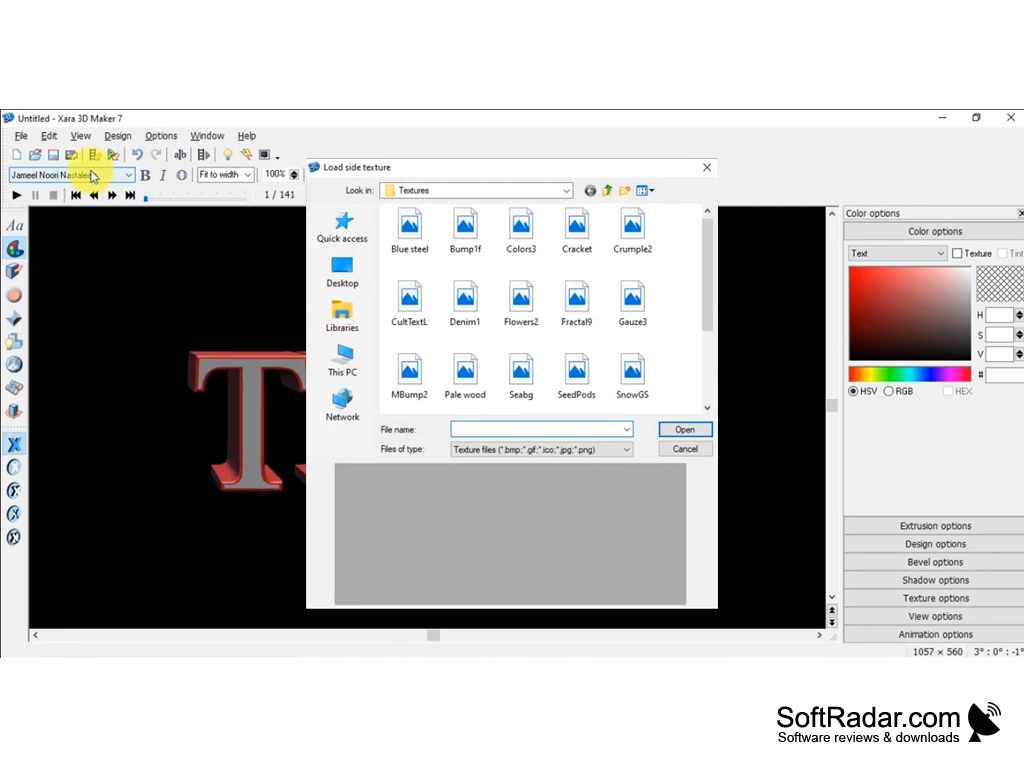
- Flexible interactive control over the color and/or textures of each part of the image and background;
- Textures can be scaled, rotated and colored;
- Images can be displayed with front and back chamfering, or can be hollowed out;
- the images can be either matte or shiny;
- Images can have soft shadows, and an intuitive interface makes it easy to change shadow blur, transparency and color;
Animation:
- Various image animation options such as Rotate, Fade, Pulsate, Step, Fade and Swing;
- The Animation Picker tool makes it easy to copy animation settings from one image to another;
- Use different animations for individual characters or parts of text;
- The number of frames, direction of rotation, speed, pause, etc., can be selected using simple controls;
- the light and text can be rotated separately;
- is perfect for creating animated buttons.
Export of results:
- output to JPEG, GIF, BMP, PNG (including full alpha channel PNG), ICO (icons), CUR (cursor), animated GIF, AVI and SWF (vector and raster);
- any 3D animation can be exported as a screen saver;
- background transparency option;
- Reduced color and optimized palette for maximum quality with the smallest file size (ideal for web pages and presentations);
- full control over the size of the image.
And a lot of other possibilities...
PROS
Offers a range of 3D text and graphics.
Provides high-quality output and performance.
CONS
Pricey for its limited features.
Steep learning curve for beginners.