yt-dlp
yt-dlp is a free command-line program for downloading video and audio from YouTube and thousands of other websites, a fork of youtube-dl.
Operating system: Windows
Publisher: yt-dlp
Release: yt-dlp 2026.08.19
License: Open source (Unlicense)
Antivirus check: VirusTotal report
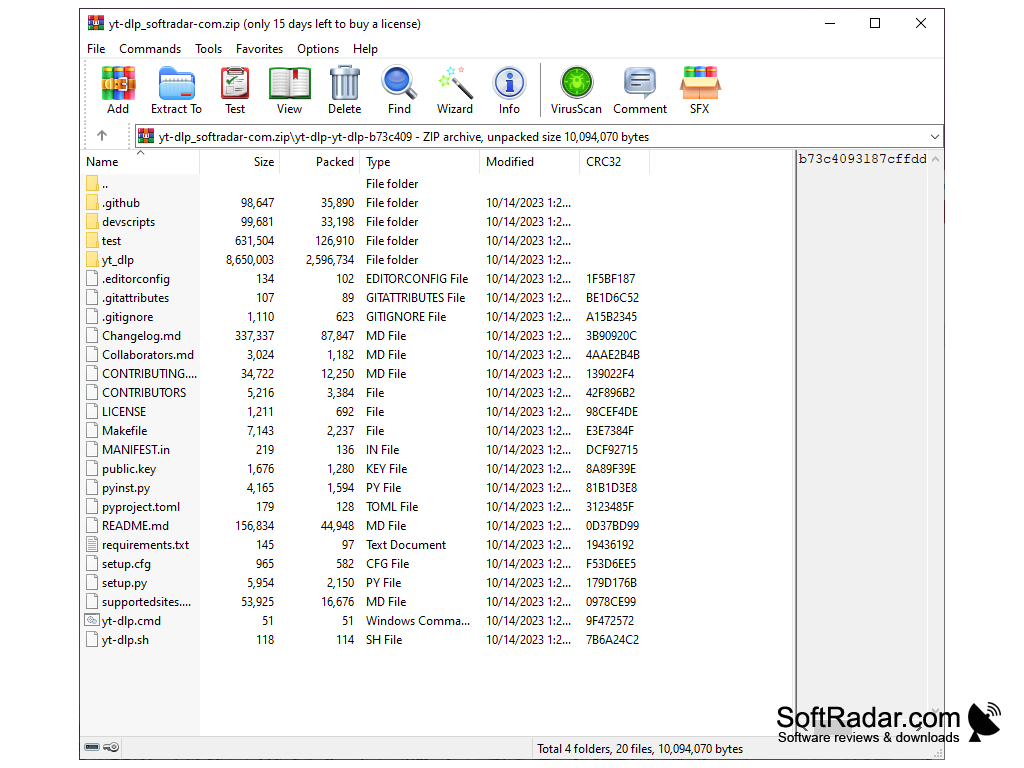
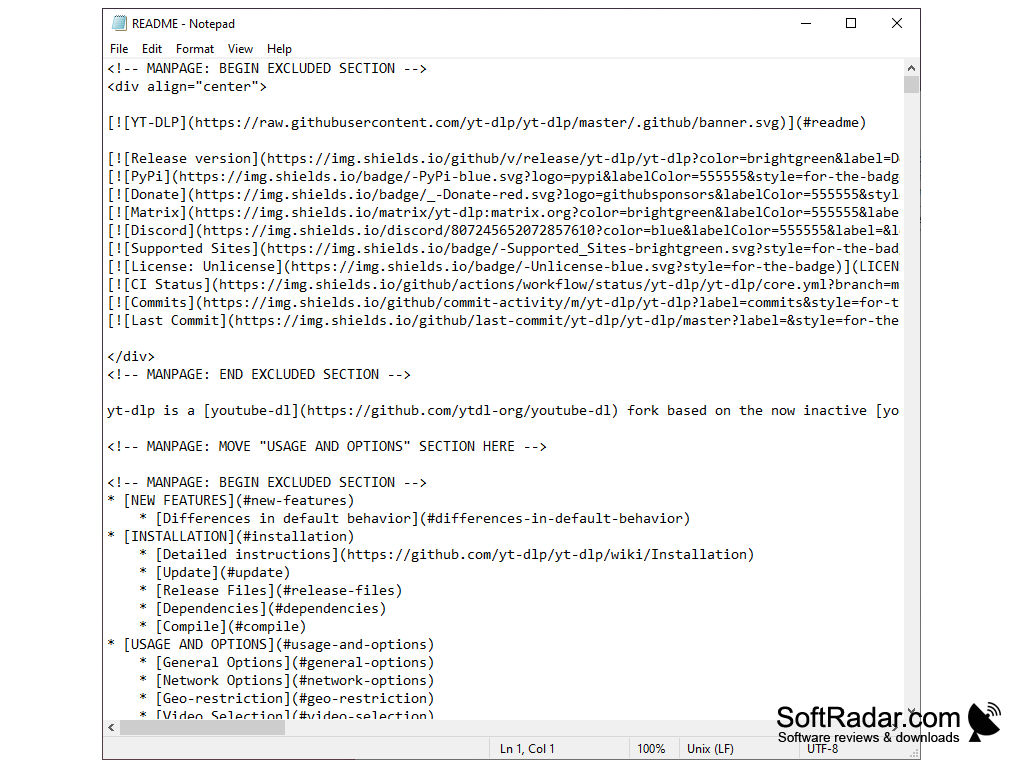
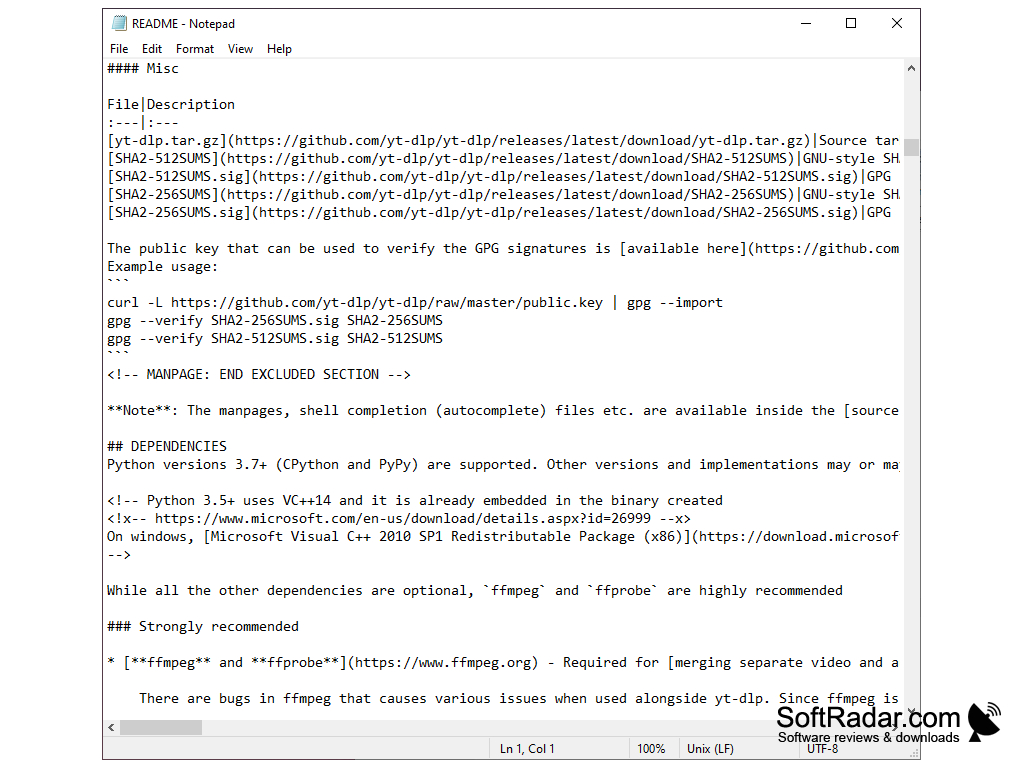
yt-dlp is a free, open-source command-line program for downloading video and audio from YouTube and thousands of other websites. It is a fork of youtube-dl based on the now inactive youtube-dlc project, and it adds many features and fixes while keeping most youtube-dl options. yt-dlp is released under the Unlicense and developed on GitHub, with frequent releases.
yt-dlp allows users to download videos and audio from YouTube and many other websites in a flexible, scriptable way.
Features
yt-dlp offers a wide range of options for downloading and processing online media.
• Wide Site Support: yt-dlp can download from YouTube and a large number of other video and audio sites listed in its supported sites file.
• Format Selection: you can list all available formats and choose exactly which video and audio quality, codec and container to download.
• Merging and Conversion: with FFmpeg installed, yt-dlp merges separate video and audio streams and can convert the result to other formats.
• Audio Extraction: the extract audio option saves only the sound track, for example as MP3 or M4A.
• Playlists and Channels: yt-dlp can download whole playlists and channels, or only selected items from them.
• Resume Downloads: if your download is interrupted, yt-dlp can continue it from the point where it stopped.
• Download Archive: an archive file records finished videos so they are skipped next time, which is useful for keeping a channel copy up to date.
• Subtitles and Metadata: subtitles, chapters, thumbnails and metadata can be downloaded or embedded into the output file.
• SponsorBlock: sponsor segments marked by the SponsorBlock community can be removed or marked as chapters.
• Output Templates: file names and folders are built from customizable templates using the video title, uploader, date and other fields.
• Download Speed Settings: you can limit the download rate and download several fragments of a stream at the same time.
• Live Streams: live broadcasts can be recorded, on supported sites even from the start.
• Cookies: cookies can be loaded from a file or directly from your browser to access content that requires a login.
• Configuration Files: frequently used options can be stored in configuration files instead of typing them every time.
• Chapter Splitting: videos can be split into separate files based on their chapters.
• Browser Impersonation: requests can imitate browsers such as Chrome or Edge for sites that use TLS fingerprinting.
• Self-Update: the standalone executable can update itself to the latest release with the -U option.
• Standalone Windows Builds: yt-dlp.exe runs without installing Python; FFmpeg and a JavaScript runtime such as Deno are recommended for full YouTube support.
Python 3.10 or later only when run from source
FFmpeg recommended for merging and conversion
JavaScript runtime such as Deno for full YouTube support
PROS
Provides rich configuration options for user customization.
Free and open source with frequent updates.
CONS
Updates must be started manually with the -U option.
No integrated video player or media library.


