
Absolute Uninstaller
Remove unwanted and unneeded files in a matter of seconds
Operating system: Windows
Publisher: Glarysoft Ltd
Release: Absolute Uninstaller 5.3.1.23
Antivirus check: VirusTotal report
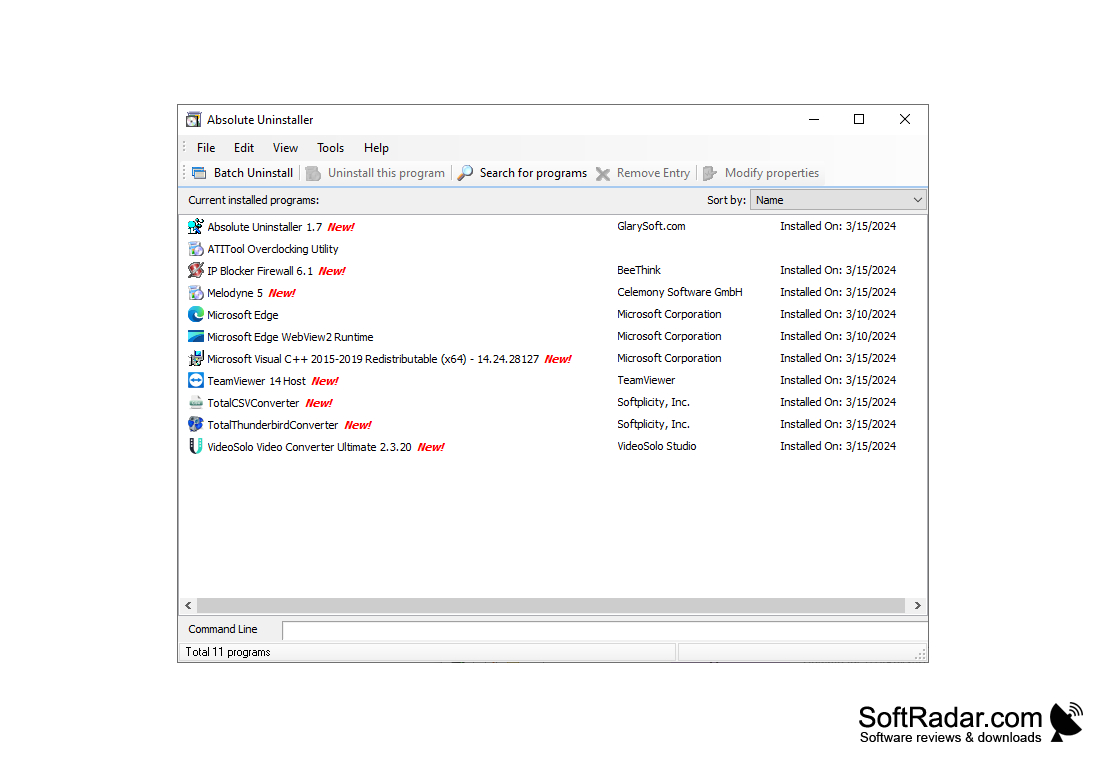
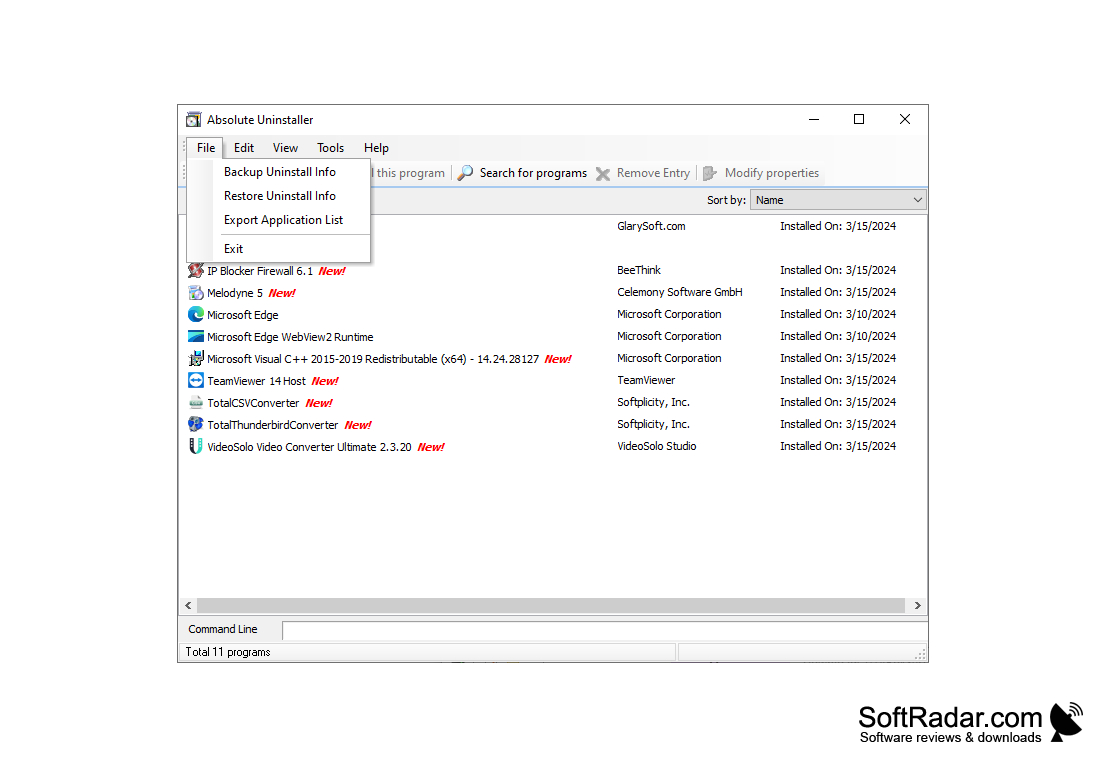
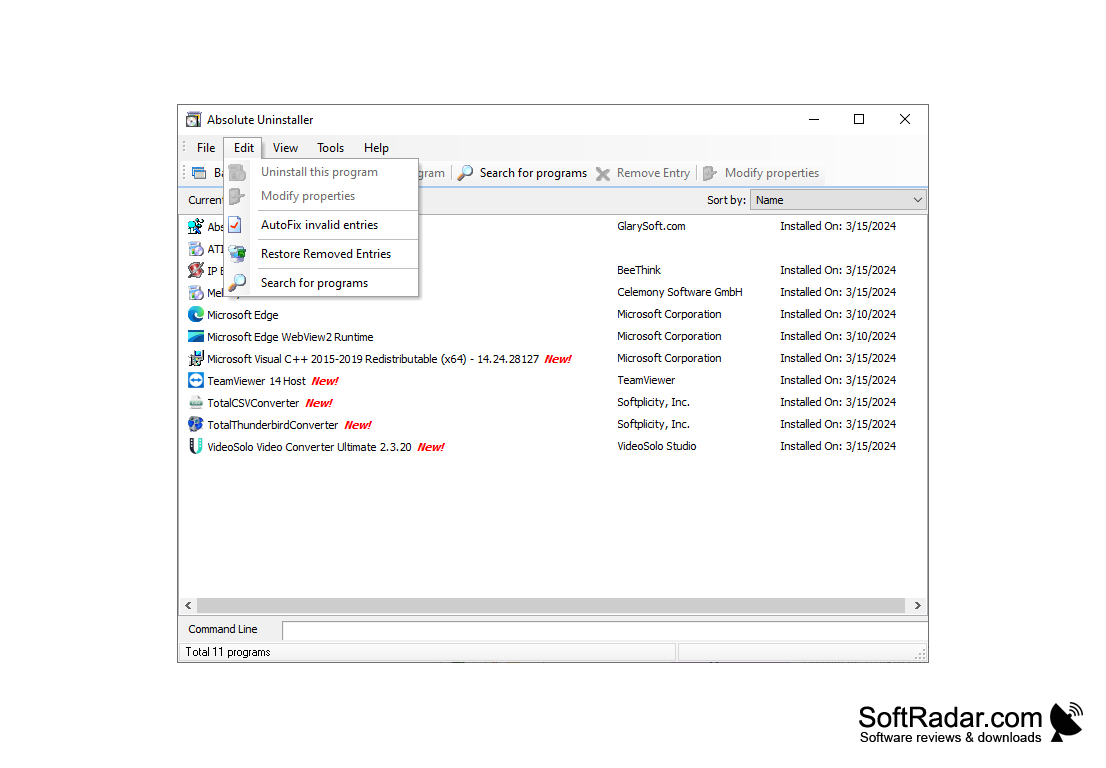
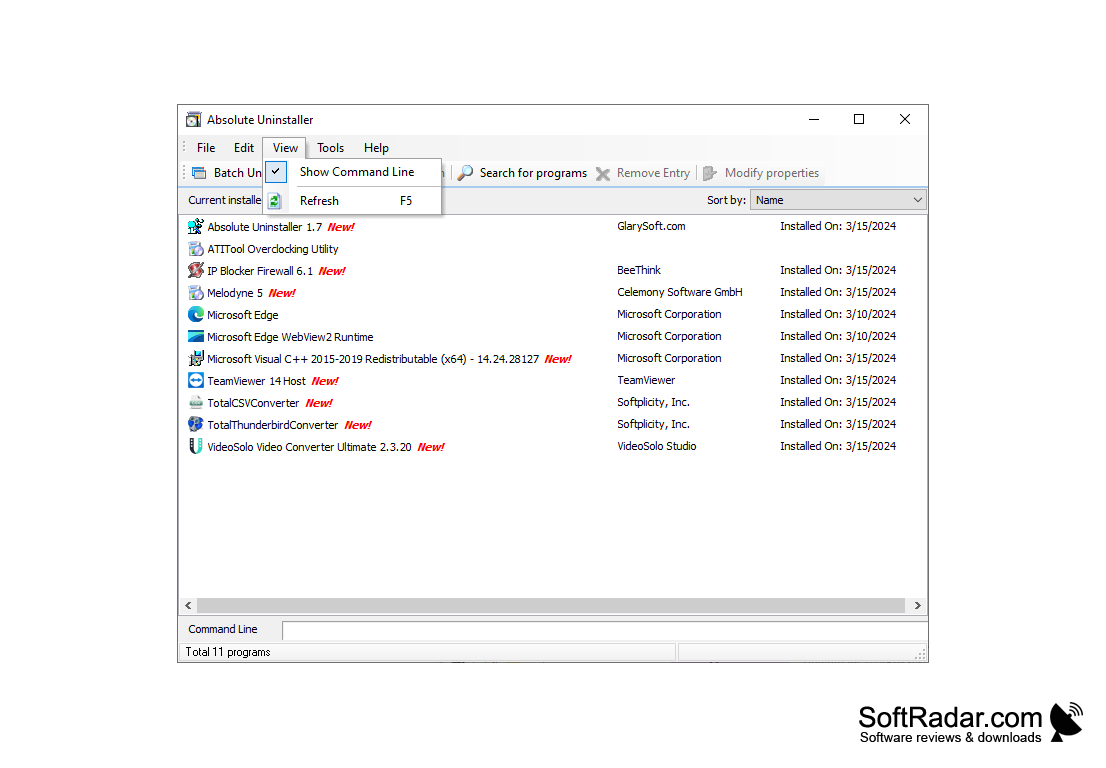
Absolute Uninstaller is a program that can remove programs from your computer. Similar to the Add/Remove Programs on all Windows Operating System, Absolute Uninstaller goes a step further and removes files that are left on your system for the Add/Remove Programs process. You can change the name of an uninstalled program to modify how it appears in a list. You can also modify the program's Command Line string that is used when uninstalling the software.
Features:
- Completely Uninstall - The Add/Remove Programs feature on your computer doesn't always completely remove programs that have been uninstalled from your computer. Absolute Uninstaller will do that for you!
- Clean Your Registry - When programs are uninstalled from your computer, your Registry often left unchanged, leaving fragments of pieces of programs on your computer. Absolute Uninstaller will remove these fragments from your computer, allowing your computer to have more efficiency. You can also separate large and rarely used programs so you can easily see the list of programs.
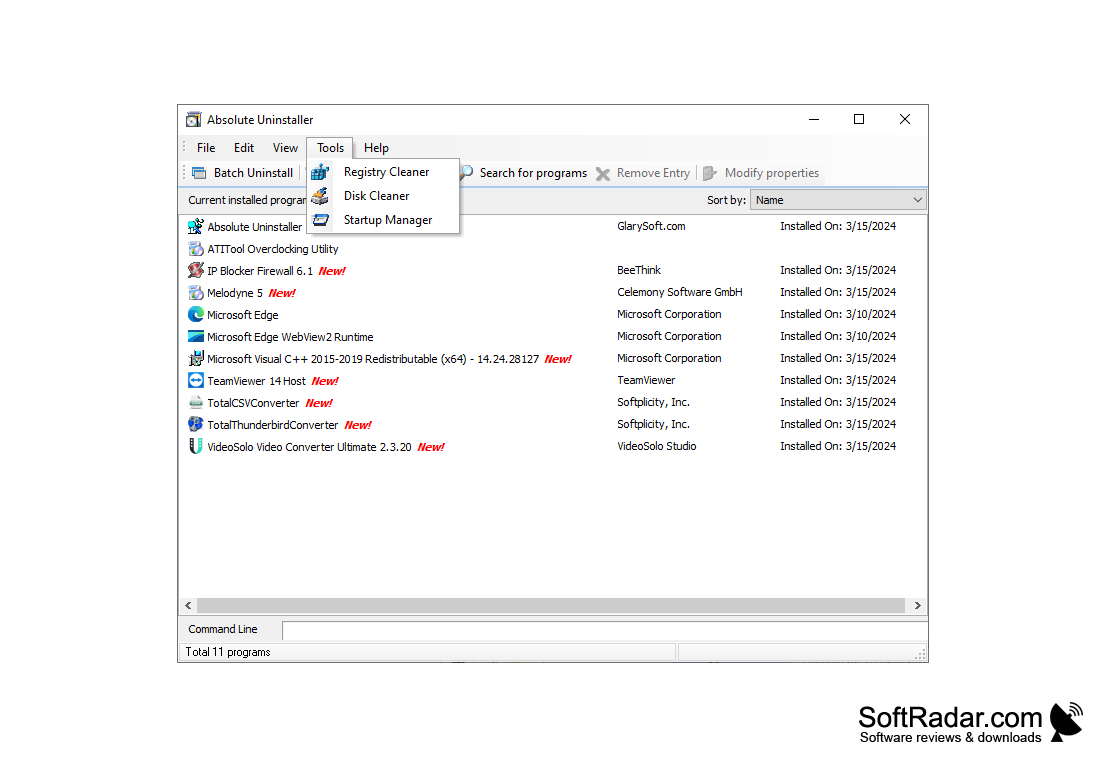
- Fast and User-Friendly - Absolute Uninstaller is a simple program to use and removes programs from your computer in a fast and efficient manner. Recently installed programs have a "New" next to it to allow you to know which files are new on your program.
- Available on all Versions of Windows - Absolute Uninstaller isn't simply for the newer operating Windows system. This program is available on Windows 10, Windows 8, Windows 7, Windows Vista, Windows XP, Windows ME, Windows 2000, Windows 98, Windows NT, and Windows Server 2003. Available for all Windows operating system to allow your computer to run quickly and efficiently. You can also remove unwanted Windows updates that you feel are unnecessary.
Removes unneeded files to improve your computer's efficiency.
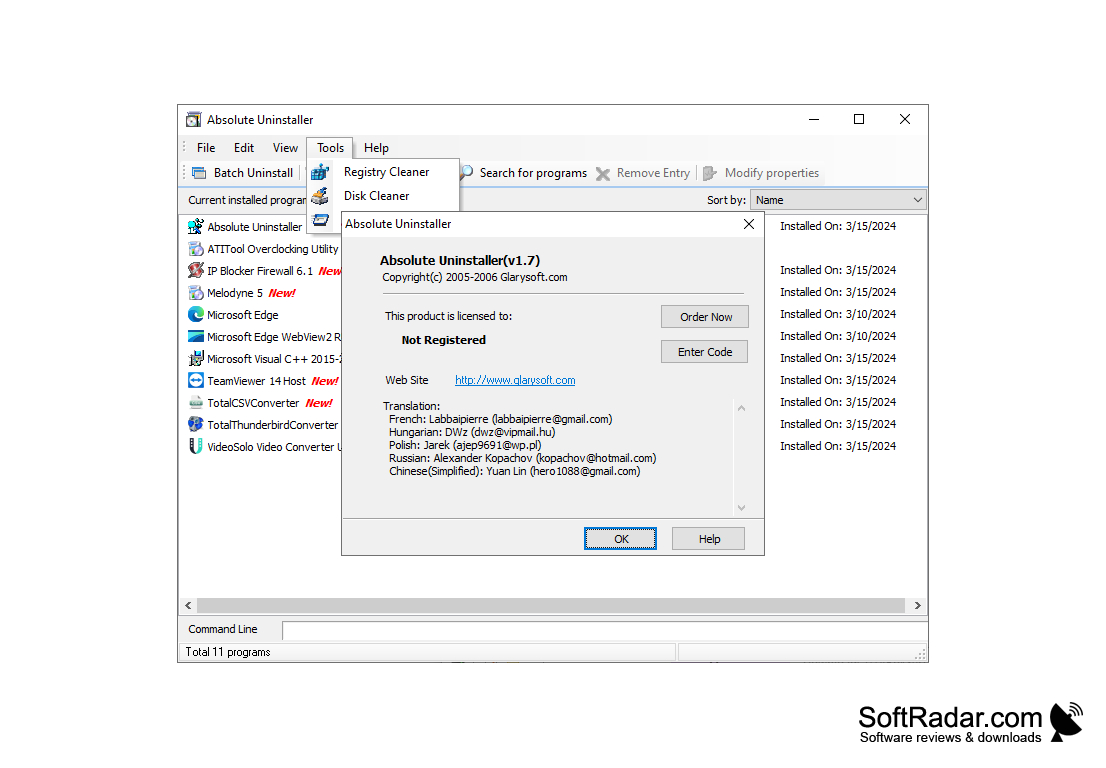
Absolute Uninstaller is easy to use and has an easy to understand, uncluttered interface. It supports batch file uninstalls and removes files quickly and efficiently. You can also backup all of your uninstall information to a REG file in case you need it sometime in the future. For advanced users, it also backs up all your registry items so you can see your registry points for a specific program.
Hard Disk: Minimum 20 MB free space
RAM: At least 512 MB
Processor: Pentium IV or above
PROS
User-friendly interface with easy-to-understand functions.
Free to use with no subscription costs.
CONS
Lacks advanced features of some competitors.
User interface is somewhat outdated.


