
Acer Care Center
Acer Care Center helps Windows 11 users with Acer computers inspect device details, run checks, manage updates, and find support resources.
Operating system: Windows
Publisher: Acer Inc.
Release: Acer Care Center 4.00.3058
Antivirus check: VirusTotal report
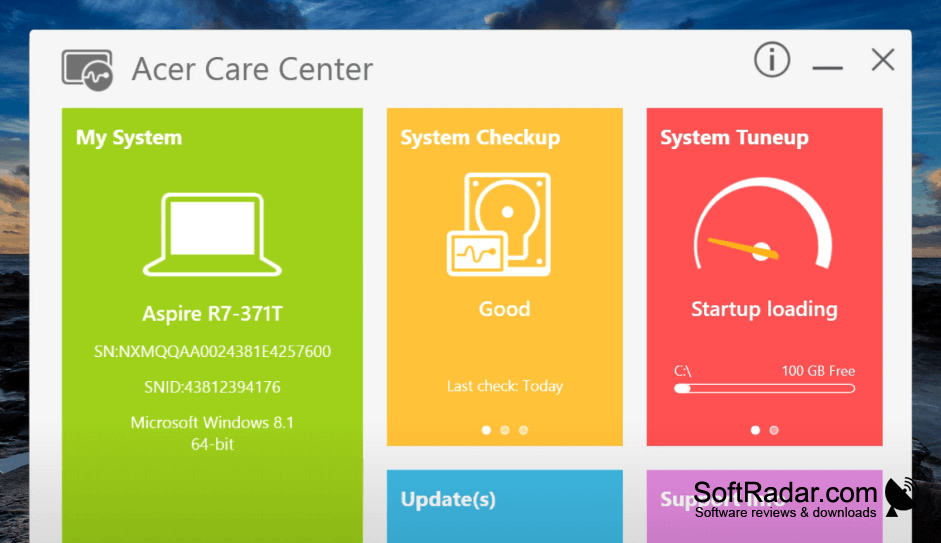
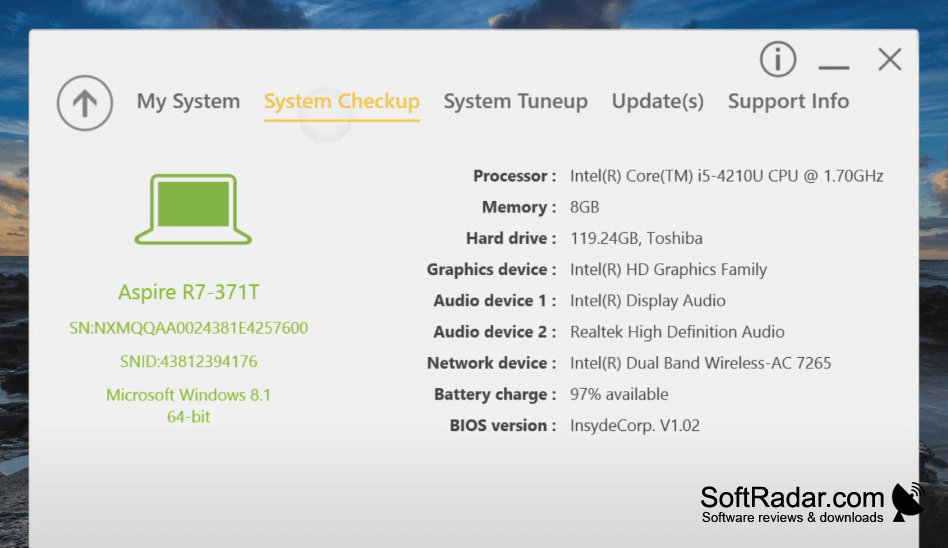
Acer Care Center is a maintenance application for Acer computers running Windows 11. It helps owners review their computer's specifications, check the condition of key components, and handle routine upkeep without opening separate utilities. You can use it when investigating battery or connection problems, looking for available drivers, or preparing settings for restoration after a system issue.
It brings component checks, maintenance controls, and update management into one application.
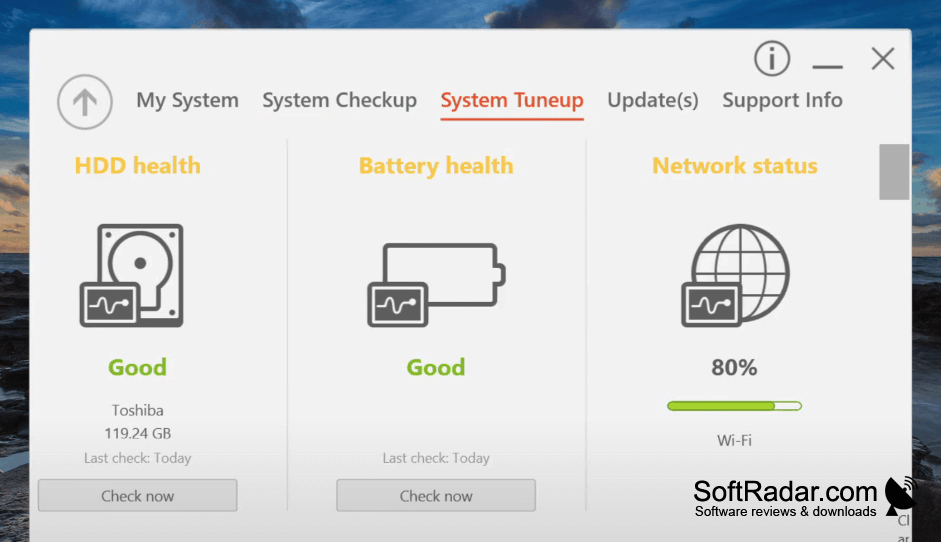
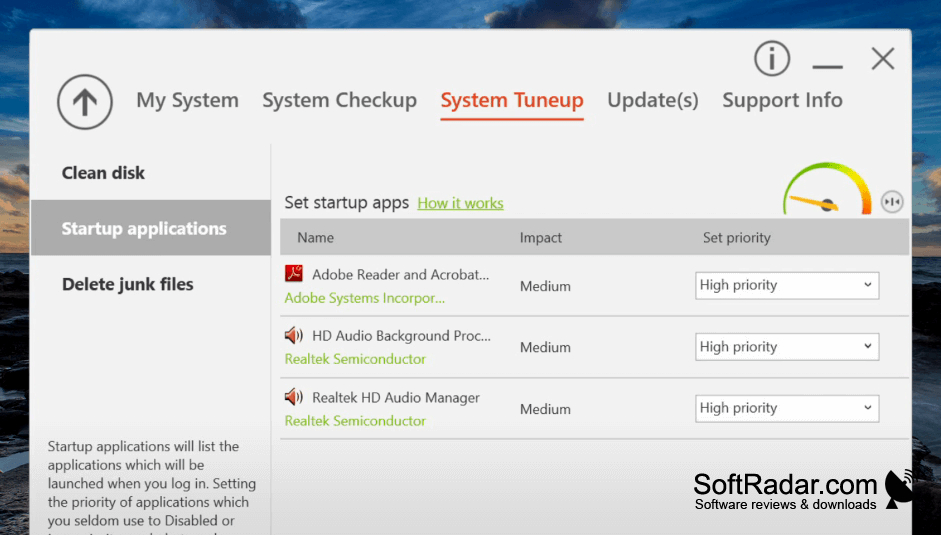
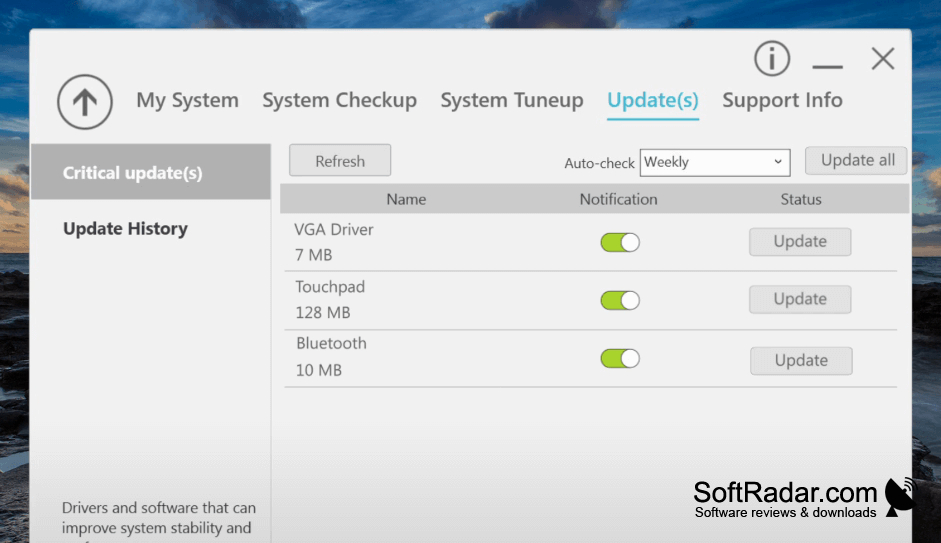
The application displays processor, graphics, memory, and operating system details alongside reports for storage drives, the battery, and networking. Its maintenance controls cover disk cleanup, defragmentation, and programs that launch with Windows. It can retrieve device and driver updates, show previously installed updates, save or restore settings and network drivers, and link to service locations and help pages.
Features:
- View hardware and operating system information
- Check drive, battery, and network status
- Clear unwanted files and defragment drives
- Manage programs that run at startup
- Install available device and driver updates
- Save and restore settings and network drivers
Compatible Acer computer required
PROS
Displays detailed hardware information and device identifiers.
Offers drive, battery, and network health checks.
CONS
Many tools work only on supported Acer models.


