
ADB AppControl
ADB AppControl is a free Windows program that manages apps on Android devices over ADB: disable bloatware, uninstall or install APKs without root.
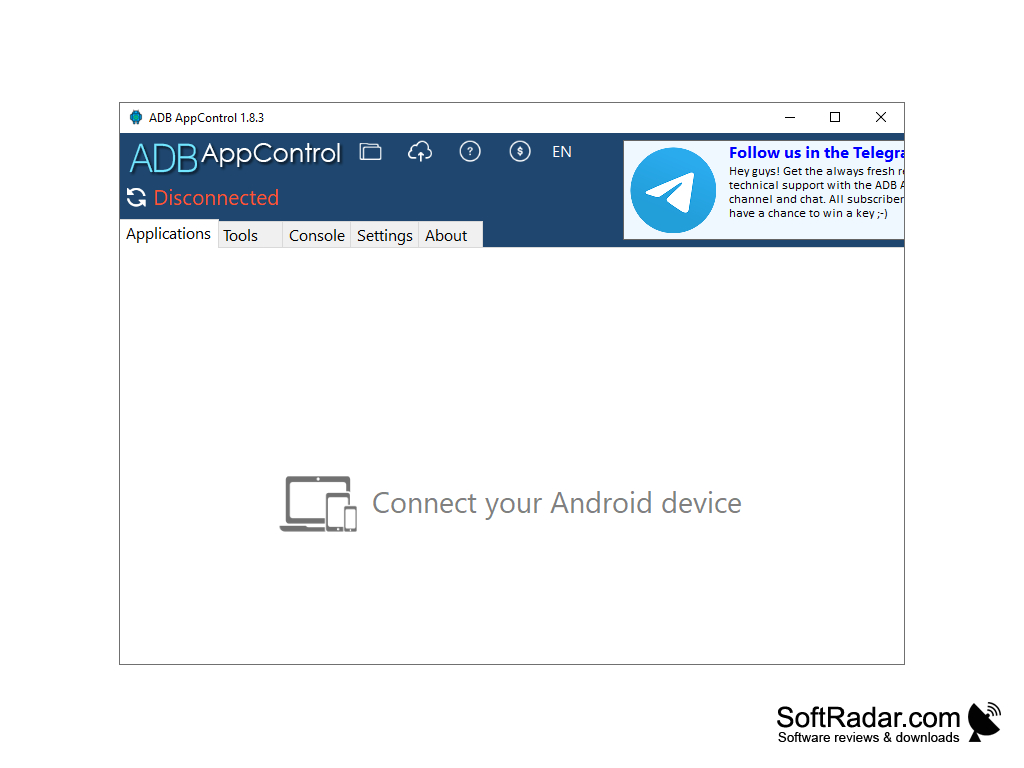
ADB AppControl is a Windows desktop program for managing applications on Android devices through ADB (Android Debug Bridge). ADB is a standard debugging protocol built into Android, so the program works without root access: you only need to enable USB debugging in the developer options of the phone, tablet or Android TV and connect it to the PC by cable or over Wi-Fi. The program is aimed at power users, developers and testers, but its graphical interface makes it usable by anyone who wants to remove preinstalled bloatware without typing adb commands.
ADB AppControl lets you disable, uninstall and install Android apps from your PC through a graphical interface instead of typing adb commands.
Features
- Application Management: ADB AppControl lists all applications installed on the connected device with their icons and names. You can disable or uninstall unwanted system and user applications, enable them again later, clear their data and save the APK files of installed applications to the PC.
- App Installation: the program installs applications from APK files, including split APKS packages, and can install several files in a row. Extended version users can also drag and drop APK files into the window and install them in batches.
- Debloat Wizard: ADB AppControl can detect unwanted preinstalled applications and recommends which of them can be safely disabled. Ready-made presets (lists) let you apply the same set of changes to a device quickly.
- Permissions: the built-in permission manager shows the permissions of applications, and the program can automatically grant special permissions required by popular apps such as Tasker and MacroDroid.
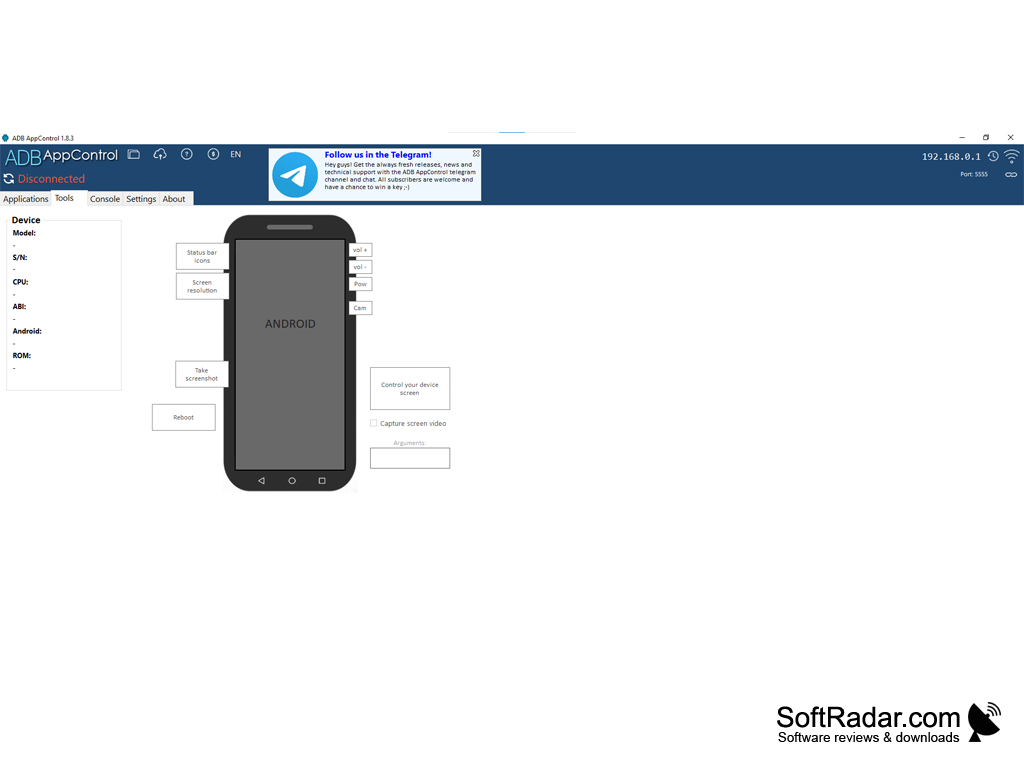
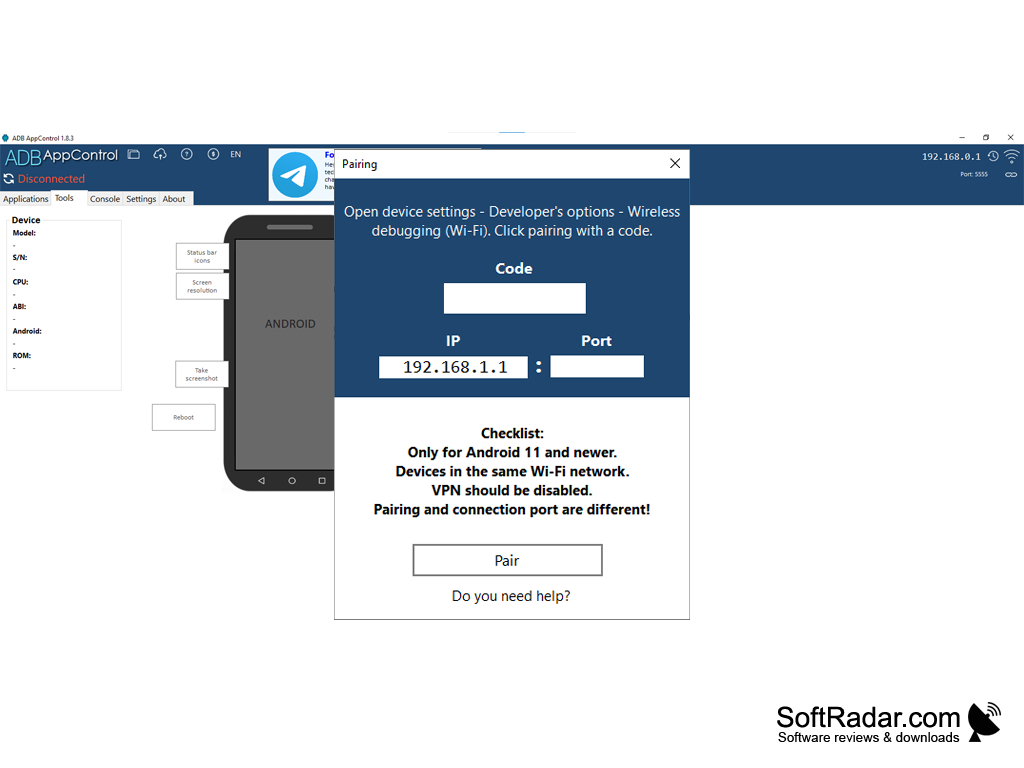
- Tools: the Tools tab shows device information (model, serial number, CPU, Android version), takes screenshots, changes screen resolution and density, reboots the device into recovery, fastboot or normal mode and can control the device screen through scrcpy.
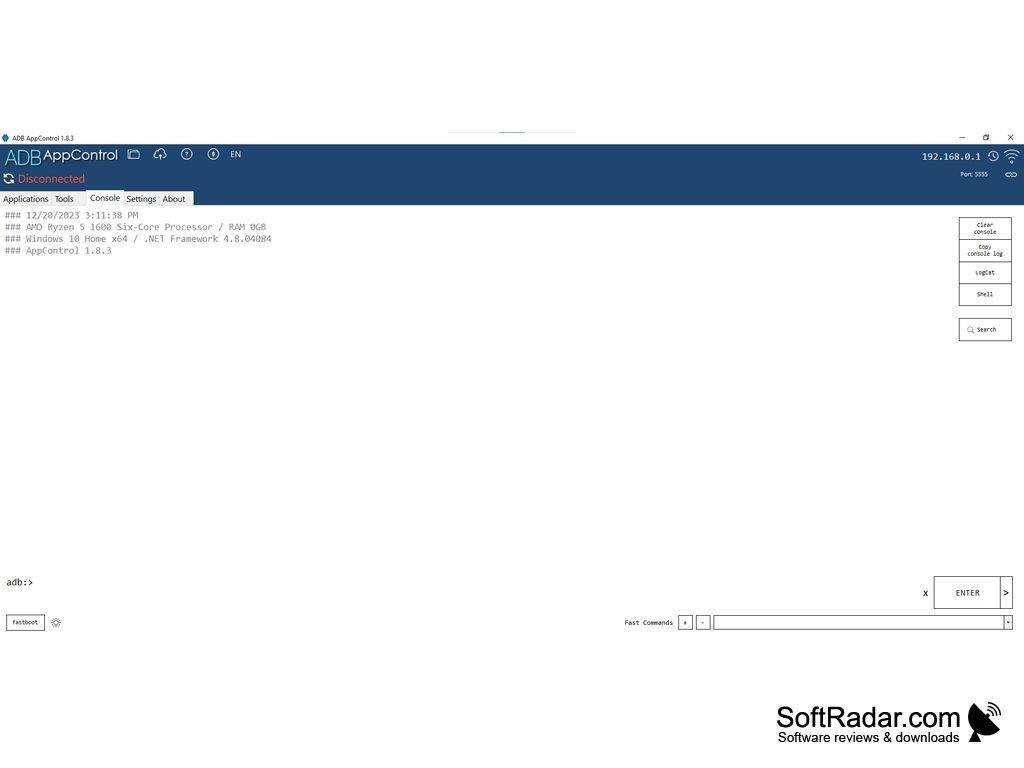
- Console: a multifunctional adb console with quick commands, a command history, Logcat logs and a shell lets you run any adb command directly from the program.
- Wireless connection: devices with Android 11 and newer can be paired over Wi-Fi with a pairing code, so a USB cable is not required once wireless debugging is enabled.
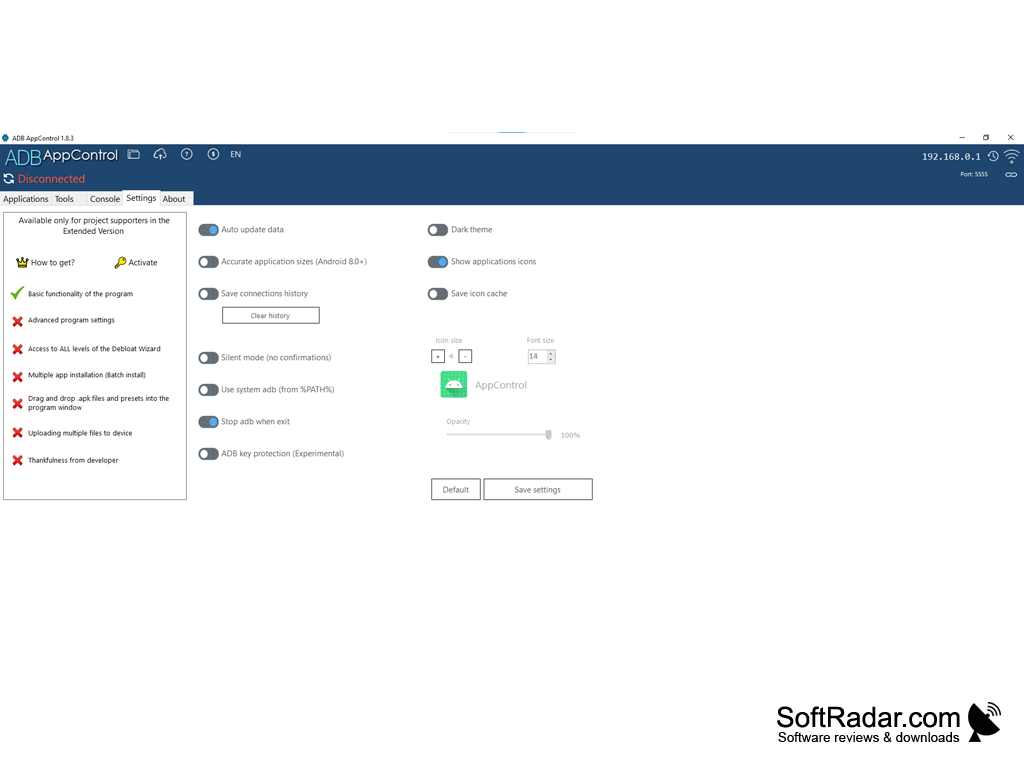
- Settings: the Settings tab offers a dark theme, a silent mode without confirmations, accurate application sizes for Android 8.0 and newer, a saved connection history and an option to use the system adb from the PATH instead of the bundled one.
Conclusion
ADB AppControl is a convenient application manager for Android devices that runs on a Windows PC. It is free to download; the basic functions are available to everyone, and project supporters get an Extended version with the full Debloat Wizard, batch installation and other extras. With its tabbed interface (Applications, Tools, Console, Settings, About), ADB AppControl makes working with applications over adb much easier than using the command line.
.NET Framework 4.6 or higher
Android device with USB or wireless debugging
PROS
Straightforward interface facilitates ease of use.
Provides detailed app and device information.
CONS
Some features are limited to the Extended version.
Disabling system apps carelessly can break device functions.


