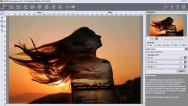
AKVIS Chameleon
A fun to use tool for photo collage creation that makes the process easy and entertaining
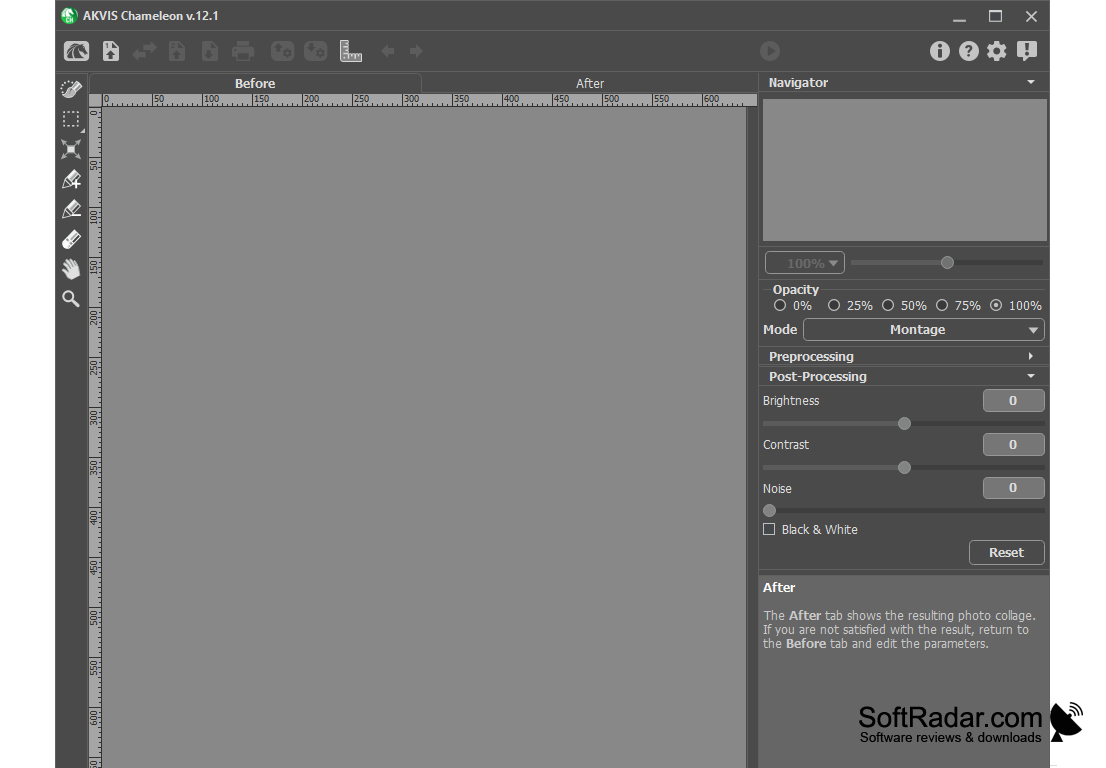
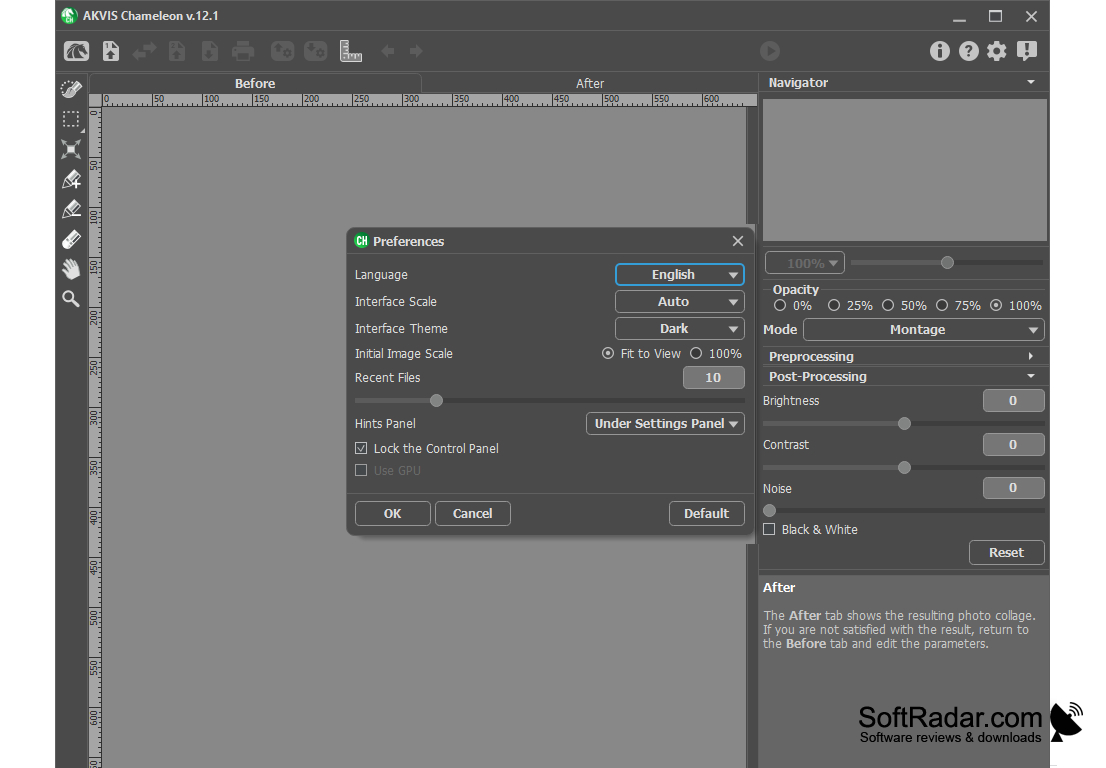
AKVIS Chameleon is a powerful tool for creating professional quality collages. In essence, it is a plugin for serious graphic editors - Adobe Photoshop, Photoshop Elements, JASC Paint Shop Pro, Ulead PhotoImpact, etc. Called from the Filter menu and applied immediately after the call.
AKVIS Chameleon is very easy to use and saves a lot of time and effort, as it doesn't require the user to select objects precisely - just copy the object, paste it into another image and press the button. And the object itself adapts to the new background, as the chameleon does - adapts to the new colors and blends in with the environment.
The plugin also automatically smoothes the borders and selects the color scale of the inserted object to match the rest of the image.
"Akvis Chameleon enables seamless photomontages by automatically adapting copied objects to new image backgrounds."
In addition, AKVIS Chameleon can be used to hide unwanted artifacts by replacing them with nearby parts of the image (similar to the Clone Tool).
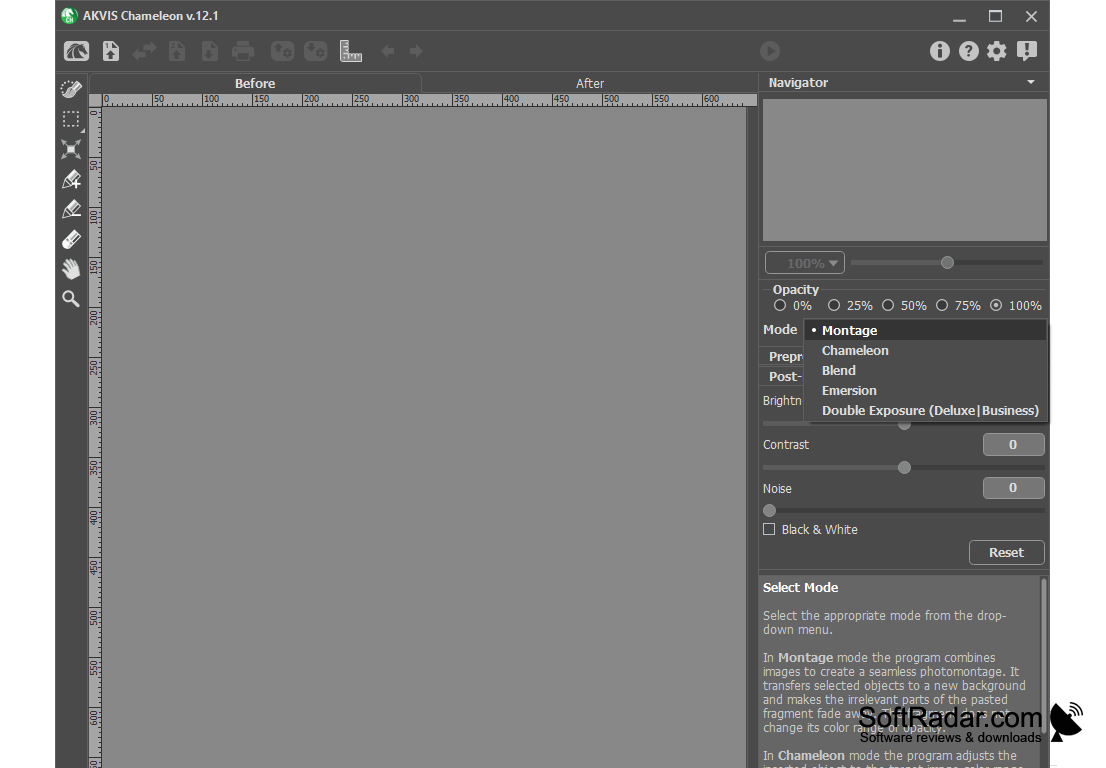
The plugin works in three modes:
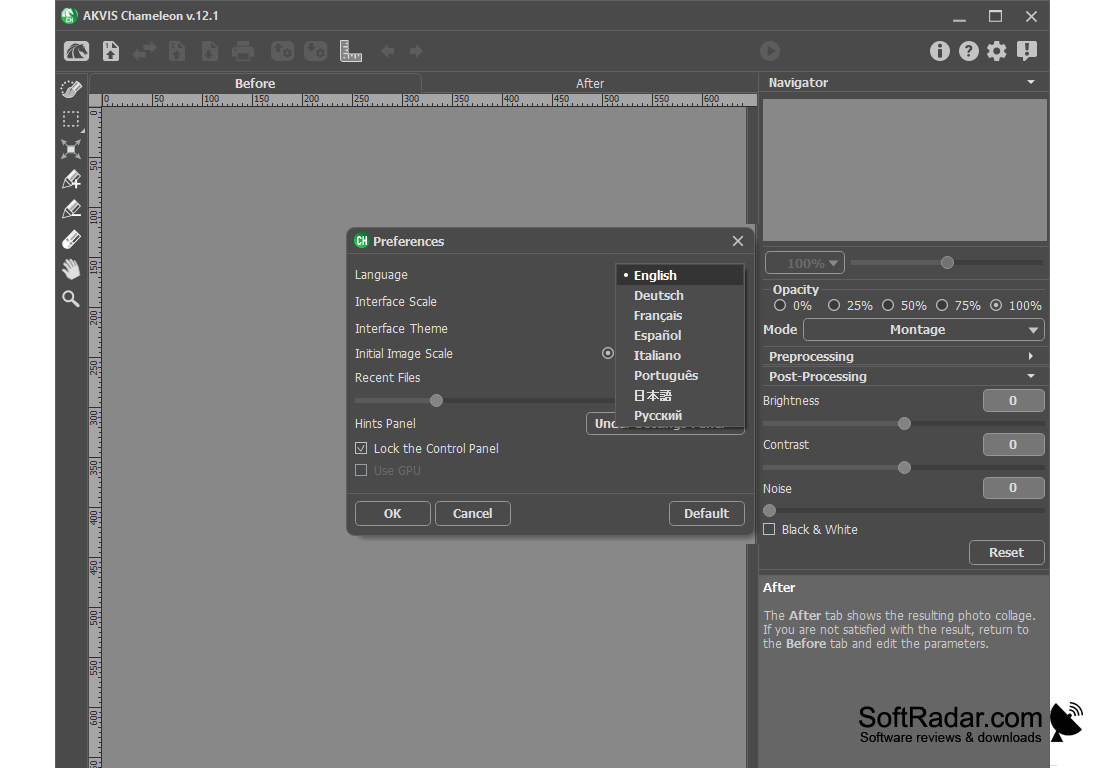
Montage. In this mode, the program combines images to create seamless photomontage. The inserted objects do not change their colors or opacity. This mode is convenient for creating photo collages with people (inserting a person into a new background).
Chameleon. In this mode, the program adjusts the inserted fragment to the color range of the target image and smoothes the borders of the object. This mode is similar to the way chameleon adapts to the environment.
Blend Mode. In this mode, the program not only smoothes the borders of the inserted object and adjusts its color gamut, but also makes the object semi-transparent, so that the texture and relief of the main image can be seen to the end. Use this mode if you want to dissolve the inserted image in the background image.
Minimum 1 GB RAM required.
Requires DirectX 9+ compatible Graphics card.
Supports Windows 7, 8, 8.1, 10; Mac OS X 10.7-10.11, macOS 10.12-11.0.
PROS
Supports a variety of image formats.
User-friendly interface for beginners.
CONS
Limited customer support for technical queries and issues.
The user interface can feel slightly outdated and clunky.


