Always On Top
Software used for editing videos for winodws

Always On Top — a program that allows you to pin any window on top of the rest. It can be useful if the application the user is working with does not have built-in functionality that allows him to be on top of all the windows, or you need to fix an image, text document or explorer from above. It's also worth noting that Always On Top can work in all versions of Windows from XP to Windows 10 Creators Update, it doesn't require installation and doesn't make any changes to the system registry.
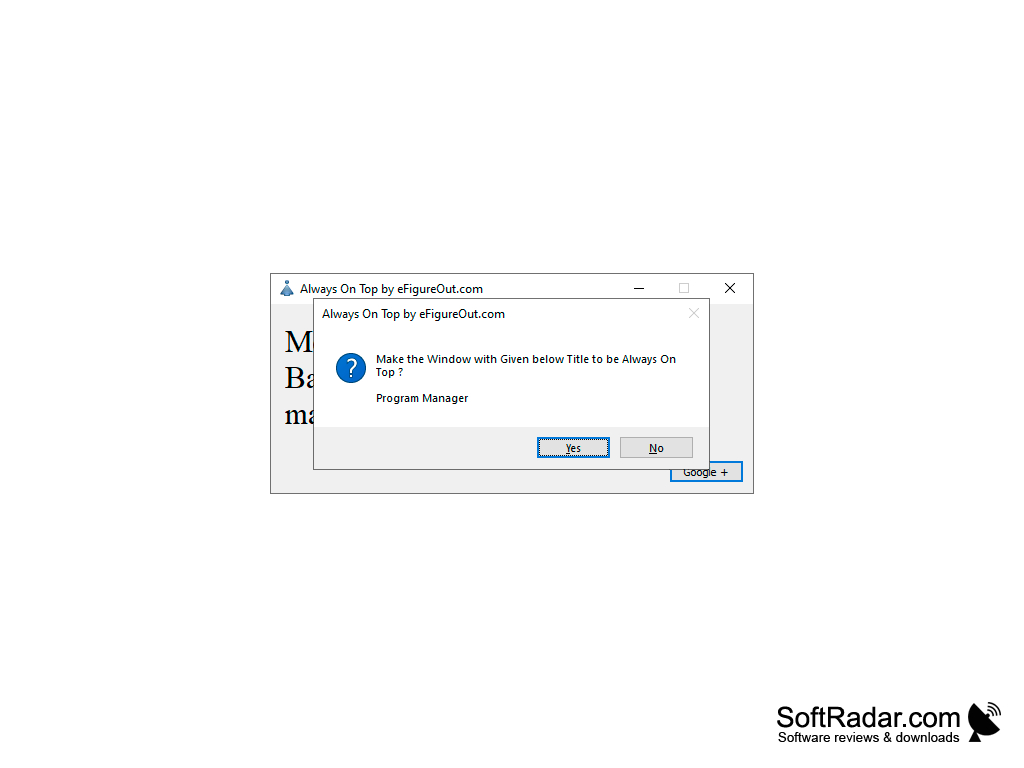
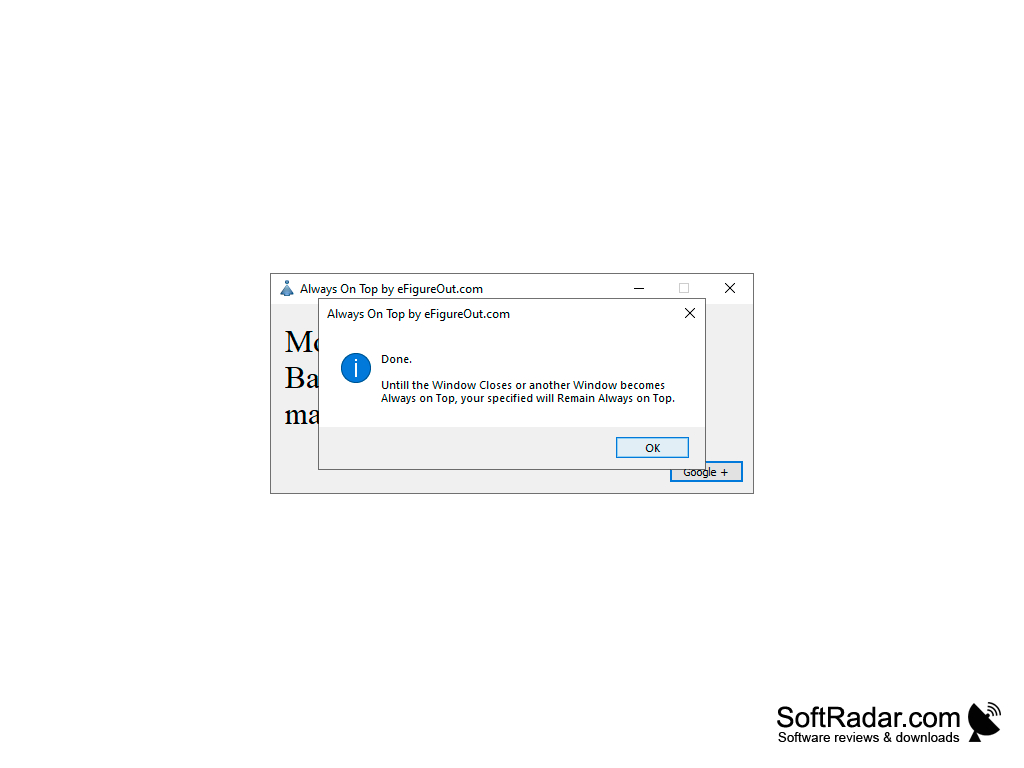
Working with the program is very simple, the main window will show instructions. After starting up, you need to put the cursor on the window title, which should be placed over the rest of the window and press the key specified in the program (from F6 to F11, the function key will be assigned automatically, depending on its availability). Immediately after choosing, the following confirmation will be opened: "Do you really want to fix the %name of the window% on top of the rest of the’ after the answer is yes, a message will appear indicating that everything was successful. Always On Top can now be closed or minimized if you plan to lock another window in the future. The selected window will be placed on top of the others until it is closed or another window is selected.
Important note: in modern operating systems — Windows 7, 8/8.1, 10, the program must run as an administrator, otherwise it will not work properly.
The main benefit of using Always On Top software is that it allows you to keep any window pinned on top, enhancing productivity by ensuring important information remains visible.
- Administrator privileges for proper functioning on Windows 7, 8/8.1, 10
- No additional installation required
- Does not modify system registry
PROS
Improves productivity by reducing window switching.
Customizable to suit individual preferences and work styles.
CONS
Might cause unwanted distractions during important tasks.
Potential for screen clutter and decreased productivity.


