
AMS Interior Design 3D
3D (and 2D) interior design software
Operating system: Windows
Publisher: AMS Software
Release: AMS Interior Design 3D 3.25
License: Free
Antivirus check: VirusTotal report
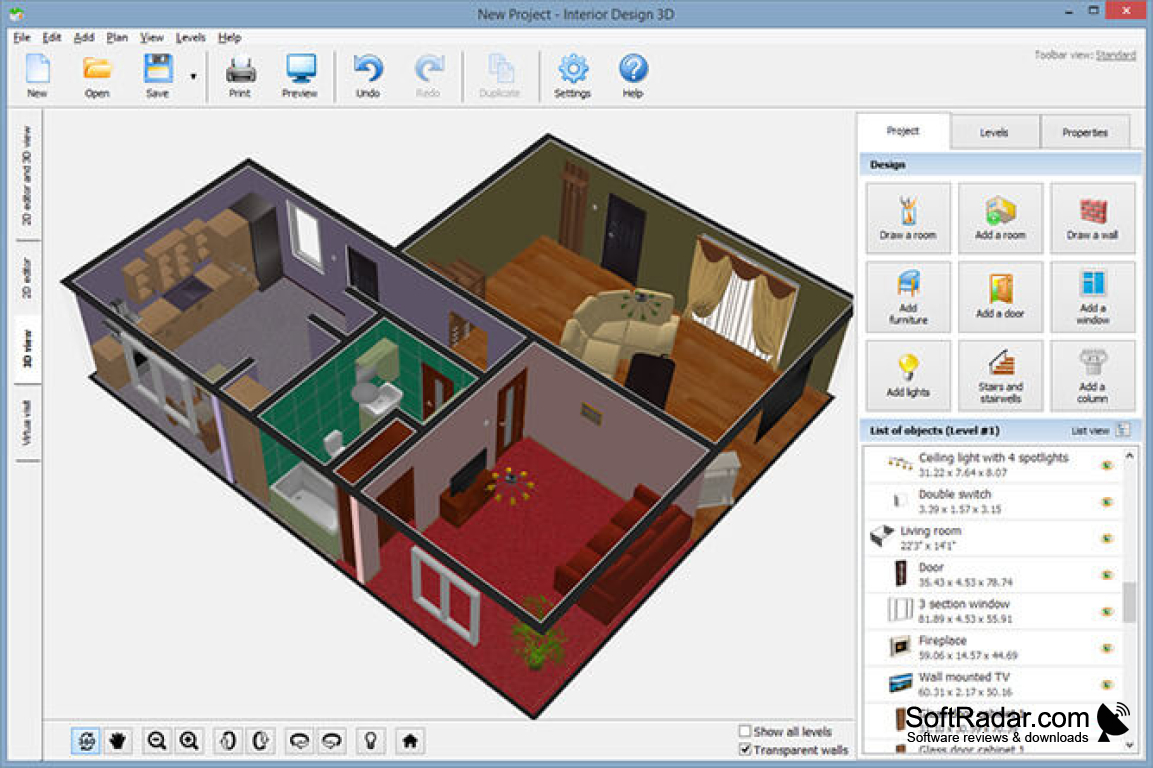
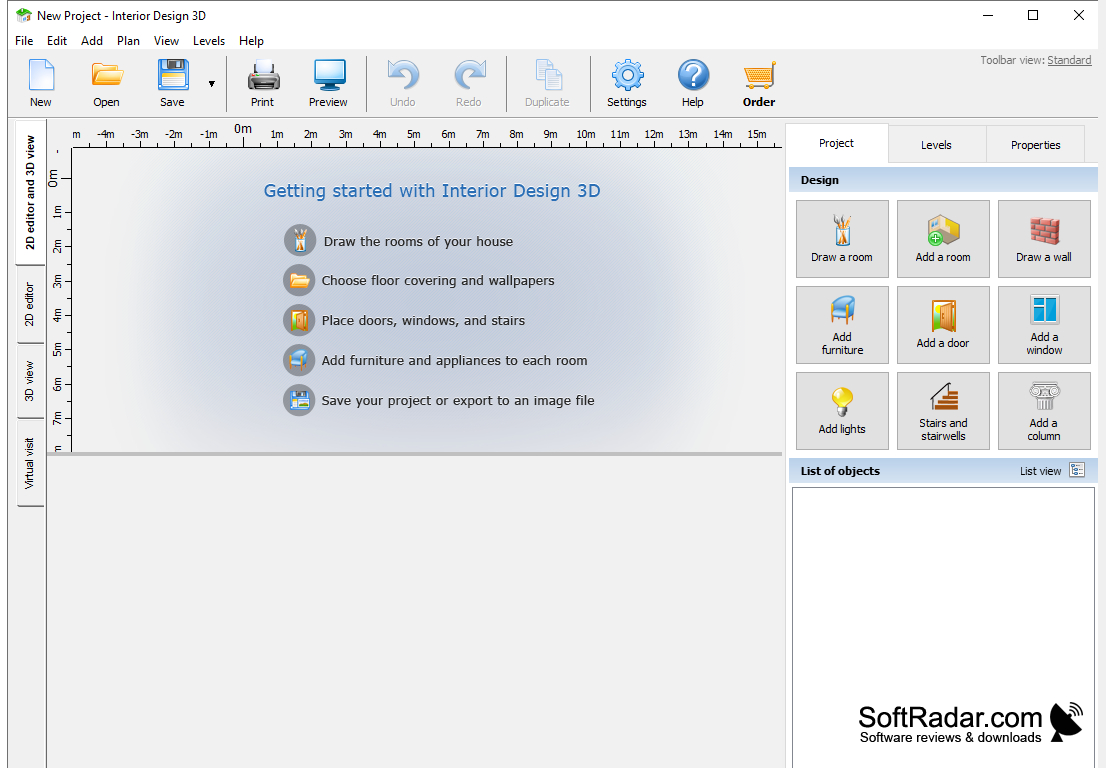
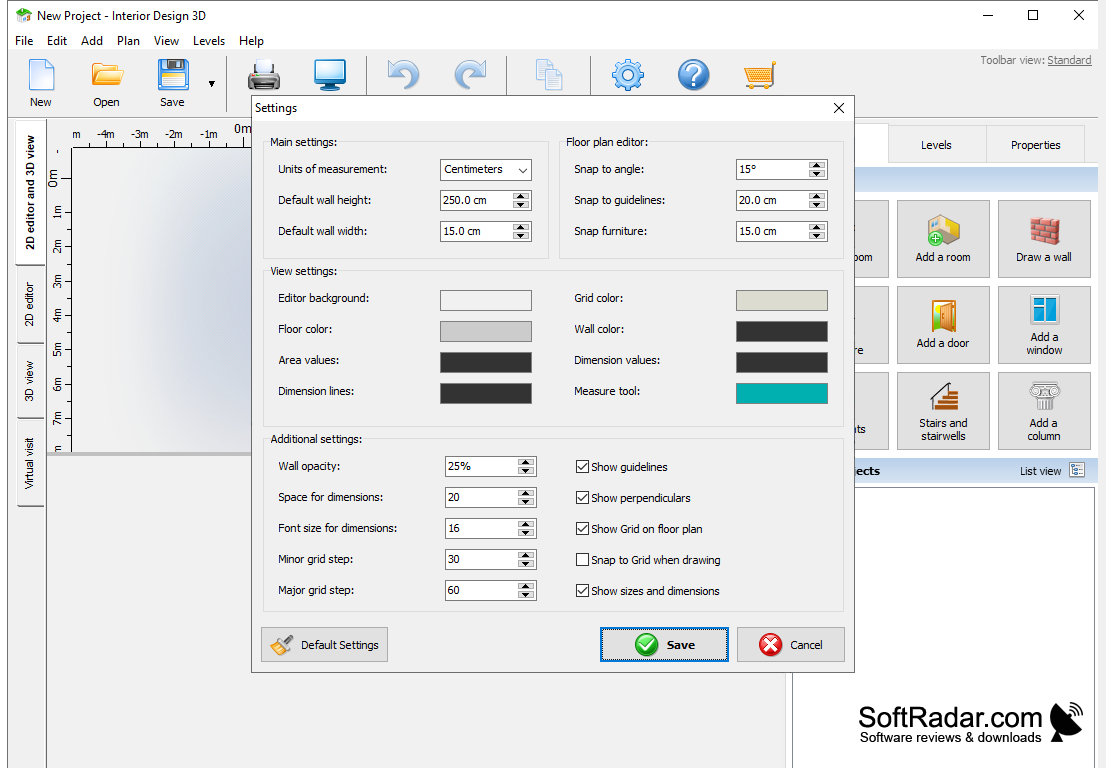
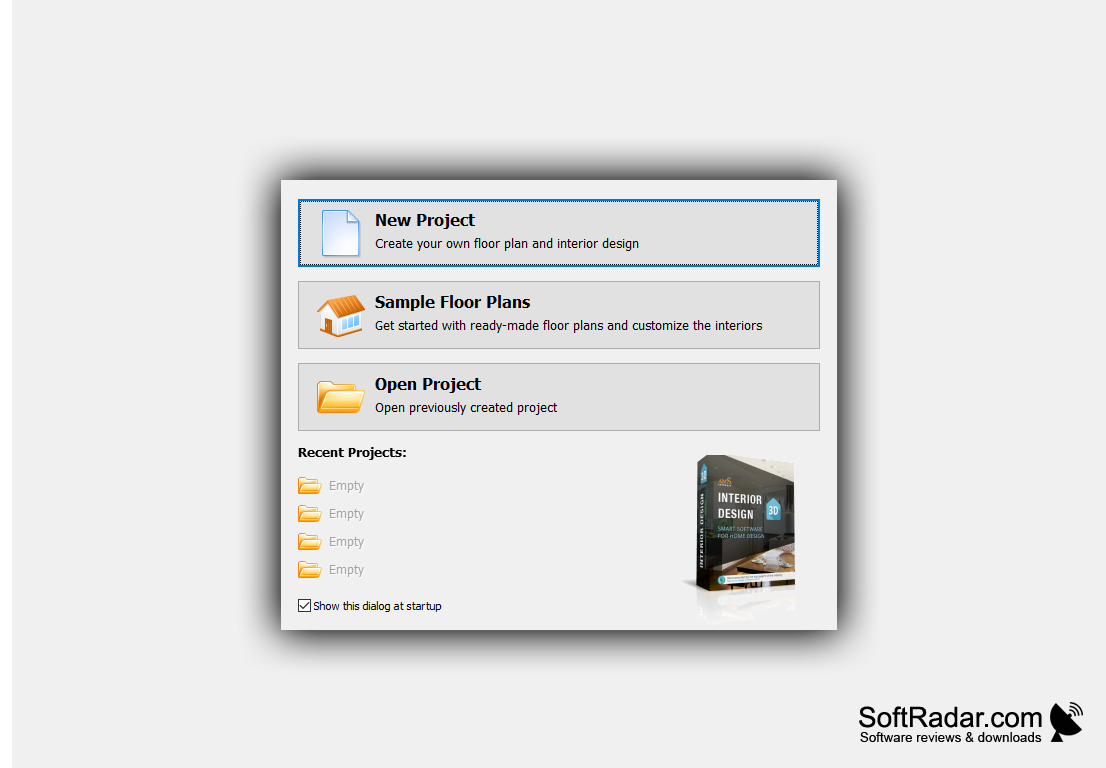
AMS Interior Design 3D is a program that allows architects and other home designers (even aspiring ones!) to create a virtually walkable, 3D (or 2D) model of their desired floorplans and home interiors. The program is compatible with most contemporary versions of Windows -- 10, 8, 7, Vista, and XP. The interface is very easy to use for both professionals and amateurs. The program contains a set of sample floor plans to allow budding designers a framework within which to work and to save time even for seasoned home planners. The program performs all calculations automatically. It also shows helpful prompts to assist even amateurs in crafting the virtual home of their dreams. The built-in collection of furniture is suitable for all your basic dreams as well as your more ambitious ones -- of course, there are chairs, lighting fixtures, beds, tables, etc., but the program also features columns, walk-in closets, and gym equipment. The program also boasts a wide array of decorating materials, such as wallpaper, flooring options, and even ceiling coverings. This allows users to create a very detailed mock-up of their desired home (or a realistic interpretation of their current home!).
With AMS Interior Design 3D, making a 3D home model can be done in only 3 steps! First, create a floor plan. You can add predesigned rooms or create your own with the drawing tool. You can also upload a hand-drawn plan into the program and use that as a base layer, drawing your virtual layers on top of it. Once you set a scale and trace over the plan, the software will digitize it for you. Next, you can decorate and furnish the virtual home to your heart’s content. As mentioned, the software contains a vast array of decoration options. For example, you can choose between wallpaper, tile, parquet, laminate, and linoleum -- and that’s just for the flooring! The program also boasts several different types of stone for use in outdoor sculptures and landscaping. You can also edit the colors of furniture and other furnishings to align with your chosen color palette. Now it’s time to take a virtual tour! You can set the “camera” angle and take photos to export, or you can do a real-time virtual walkthrough to get a feel for your new space.
can be used for drafting floor plans & interiors!
Features:
-
intuitive, user-friendly interface
-
access to 600+ home-decor materials
-
includes real-time 3d planning
-
virtual walkthroughs
-
built-in collection of furniture
-
fully automatic calculations
-
countless decoration options
Requires graphics card supporting real-time 3D rendering
PROS
Offers realistic 3D rendering capabilities.
Supports a large library of furniture and decor items.
CONS
Lacks advanced texturing and lighting features.
Limited furniture and decor selection.


