
AnyViewer
AnyViewer lets Windows users control another computer over the internet, exchange files, and help others with computer problems from a distance.
Operating system: Windows
Publisher: AnyViewer Team
Release: AnyViewer 5.8.1
Antivirus check: VirusTotal report
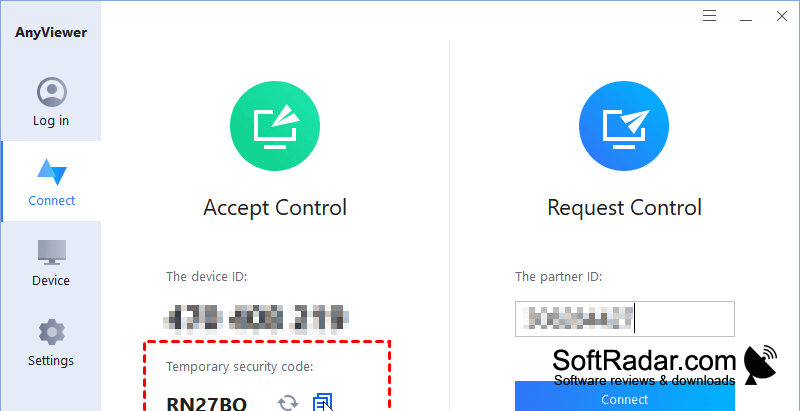
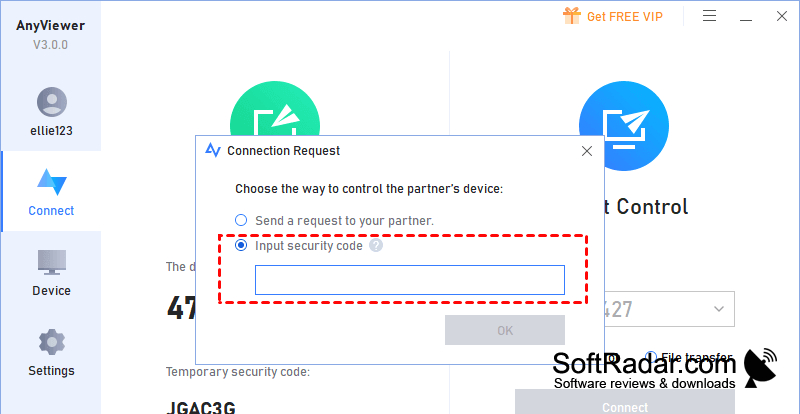
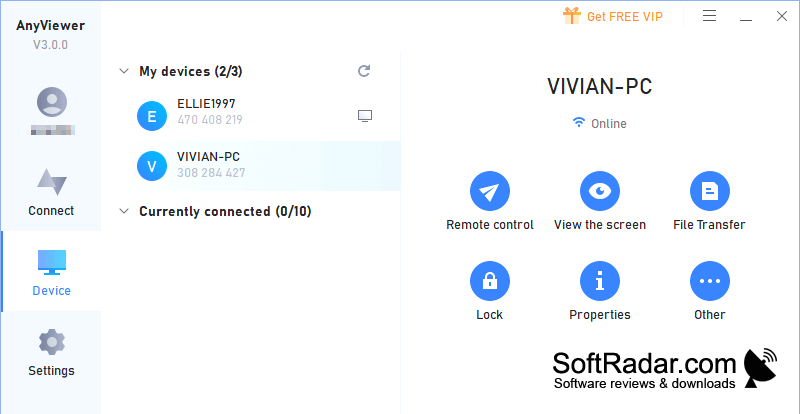
AnyViewer is a Windows remote desktop tool for people who need to reach a computer from elsewhere. It can be used to work on a home or office PC, guide someone through a technical issue, or move documents between machines. It also supports viewing games and other visual content running on the distant computer through a live desktop session.
Use a distant Windows computer through its desktop without being at the machine.
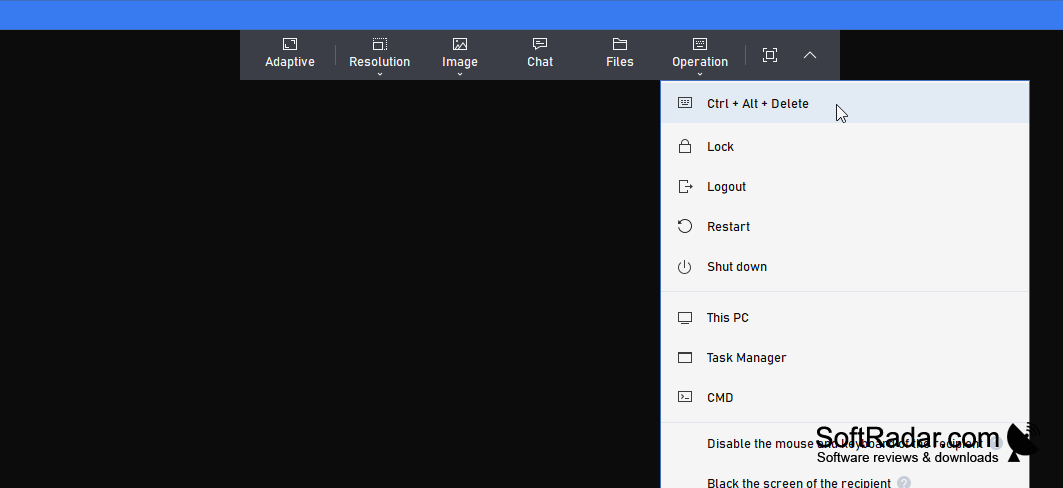
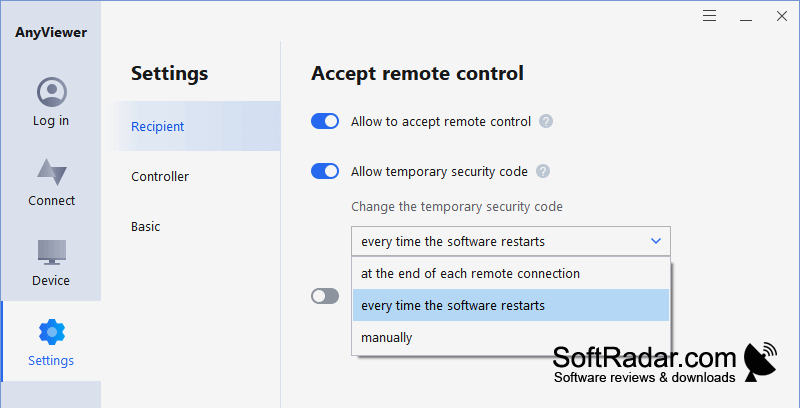
Install the program on both Windows computers, then connect to a machine configured for access. Sessions can begin with someone at the other computer or without them using an access code. The software can show displays from computers with more than one monitor, fill the screen with the remote desktop, and adjust picture quality. An iOS app provides touch controls for connecting from a phone or tablet.
Features:
- Control a Windows desktop remotely
- Move files between connected computers
- Connect without someone at the other computer
- View computers with multiple monitors
- Adjust remote display picture quality
- Use touch controls on an iOS device
PROS
File transfers are built into remote sessions.
The free tier covers basic remote support.
CONS
Higher streaming quality requires a paid plan.


