
Xmanager
Xmanager lets Windows users open graphical applications hosted on Unix and Linux computers. It suits administrators and teams working across operating systems.
Operating system: Windows
Publisher: NetSarang Computer, Inc.
Release: Xmanager 8.0
Antivirus check: VirusTotal report
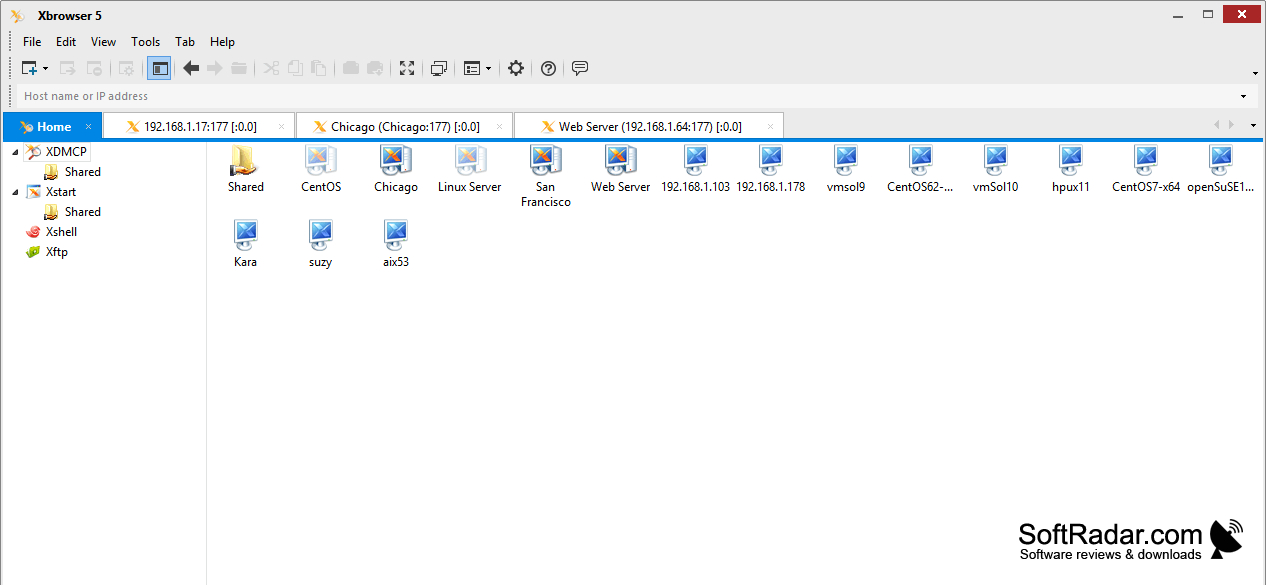
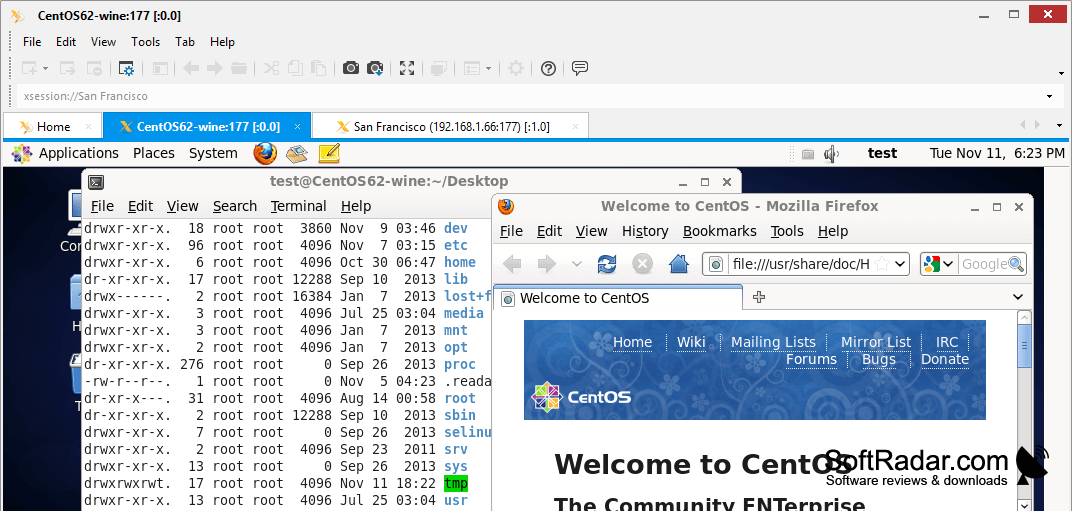
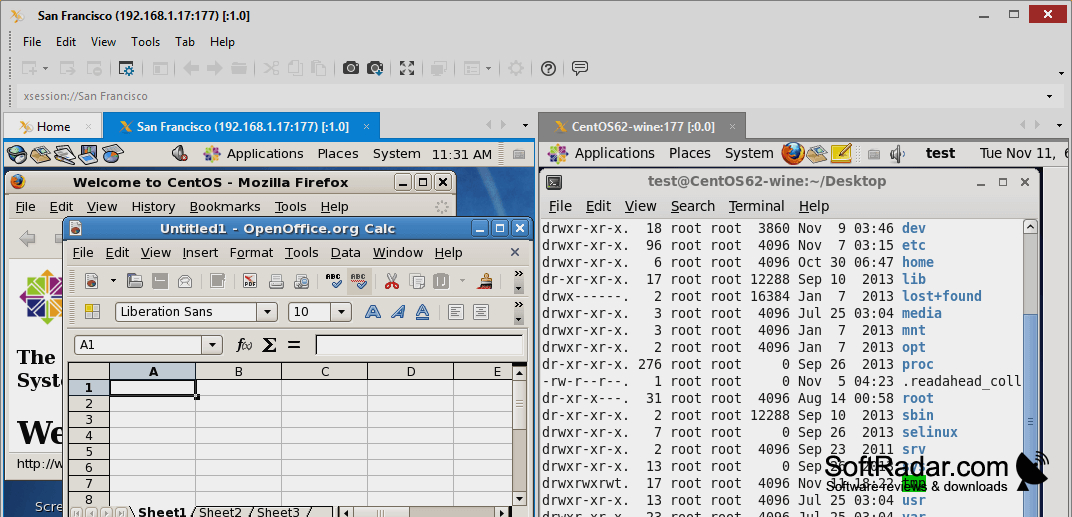
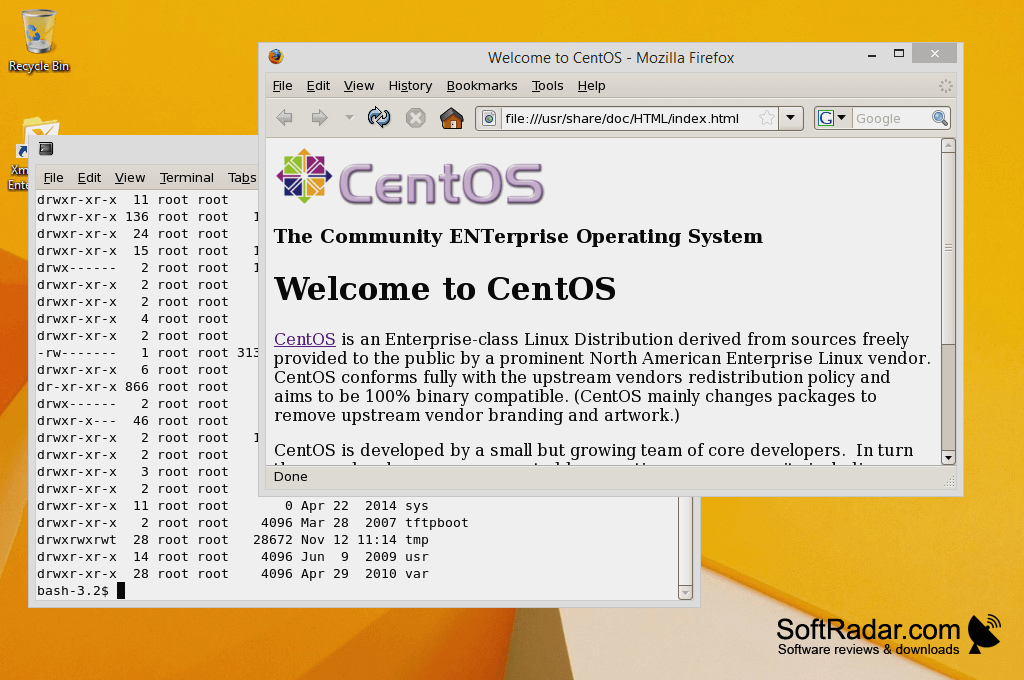
Xmanager is a Windows X server for opening graphical programs hosted on Unix and Linux systems. It gives administrators, designers, and other users a desktop view of remote applications while they continue using local Windows software. Teams can use it to access shared tools on central machines, such as design applications, or to work with remote systems from different locations.
Use remote Unix and Linux graphical tools on a Windows desktop alongside local programs.
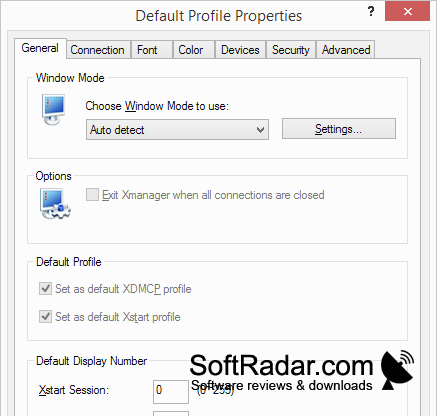
A session console keeps connection settings together, while an application launcher starts remote X programs. Users can create X server profiles, connect through SSH, and access remote desktops with XDMCP. OpenGL support allows compatible 3D and CAD programs to display on the Windows computer. Saved settings help users return to regularly used hosts without entering the same configuration each time.
Features:
- Display remote Unix and Linux X applications
- Run remote programs beside Windows applications
- Save connection settings for repeat sessions
- Launch X applications from a dedicated tool
- Connect to hosts through SSH or XDMCP
- Display compatible OpenGL and CAD graphics
PROS
Saved session profiles simplify repeat connections.
SSH forwarding supports encrypted X11 sessions.
CONS
Graphics responsiveness suffers on high-latency connections.

