RemotePC
RemotePC lets people operate Windows computers from another location, whether they need to use a work PC, reach files, or help someone with a task.
Operating system: Windows
Publisher: IDrive Inc.
Release: RemotePC 7.7.15
Antivirus check: VirusTotal report
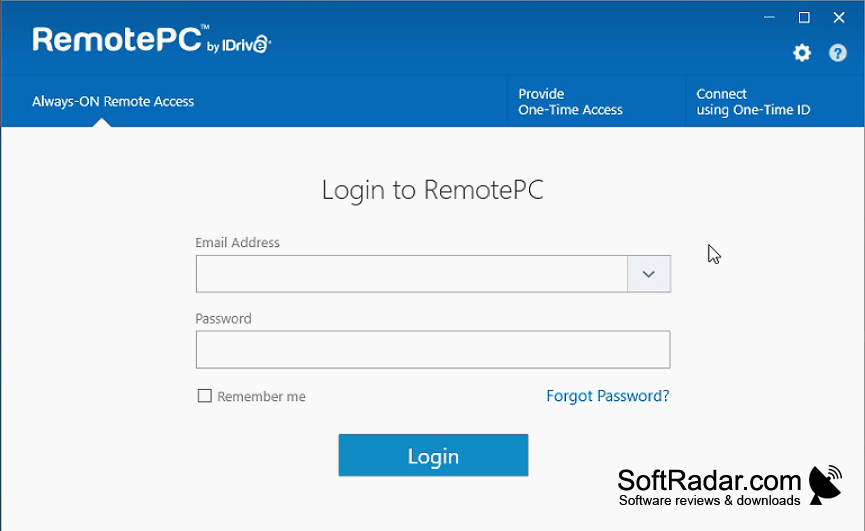
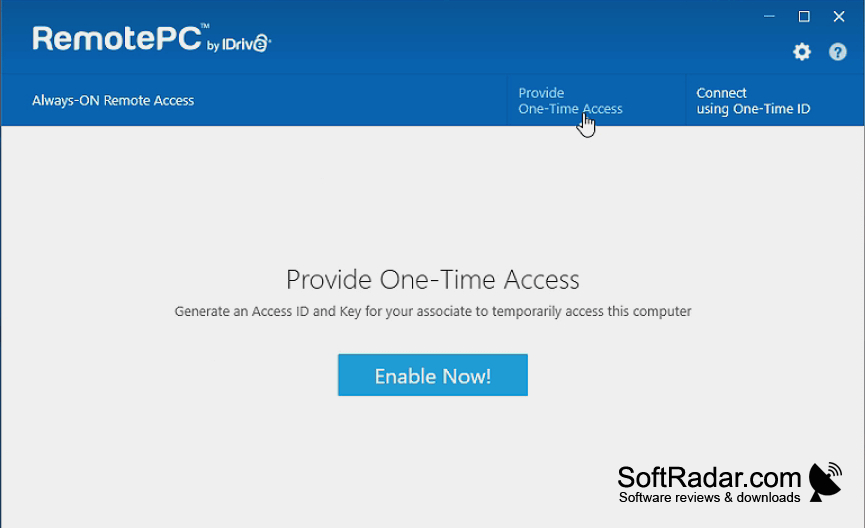
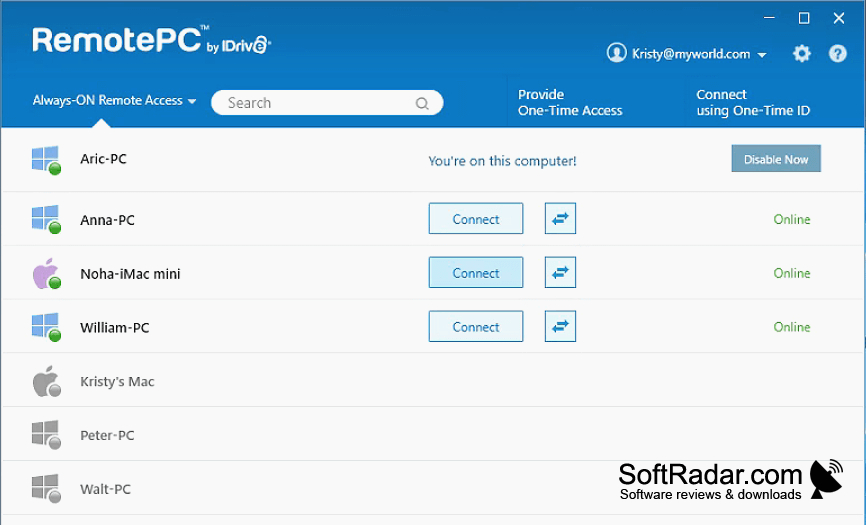
RemotePC gives home users and teams a way to use a computer from another location. Someone can open a workplace desktop while away from the office, retrieve documents from a home PC, or let another person join a session to help with a task. The program supports Windows 7, 8, 10, and 11.
Use a distant computer’s desktop and files without having to sit at that machine.
A computer set up as a host can be reached through a viewer or a browser when it is online and running the application. During a session, users can move files between machines, print documents on a local printer, and exchange messages. They can also draw on the screen, hear audio, record the session, and view multiple monitors.
Features:
- Control a computer through a web browser
- Send files between connected computers
- Print distant documents on a local printer
- Grant temporary access with shared credentials
- Draw annotations on the viewed screen
- Display multiple monitors from another computer
PROS
File transfer and remote printing simplify routine tasks.
Setup is straightforward for nontechnical users.
CONS
Remote printing can require extra troubleshooting.
