
EMCO Remote Installer
EMCO Remote Installer helps Windows network administrators install, remove and track applications on computers across a local network from one console.
Operating system: Windows
Publisher: EMCO Software
Release: EMCO Remote Installer 6.1.4
Antivirus check: VirusTotal report
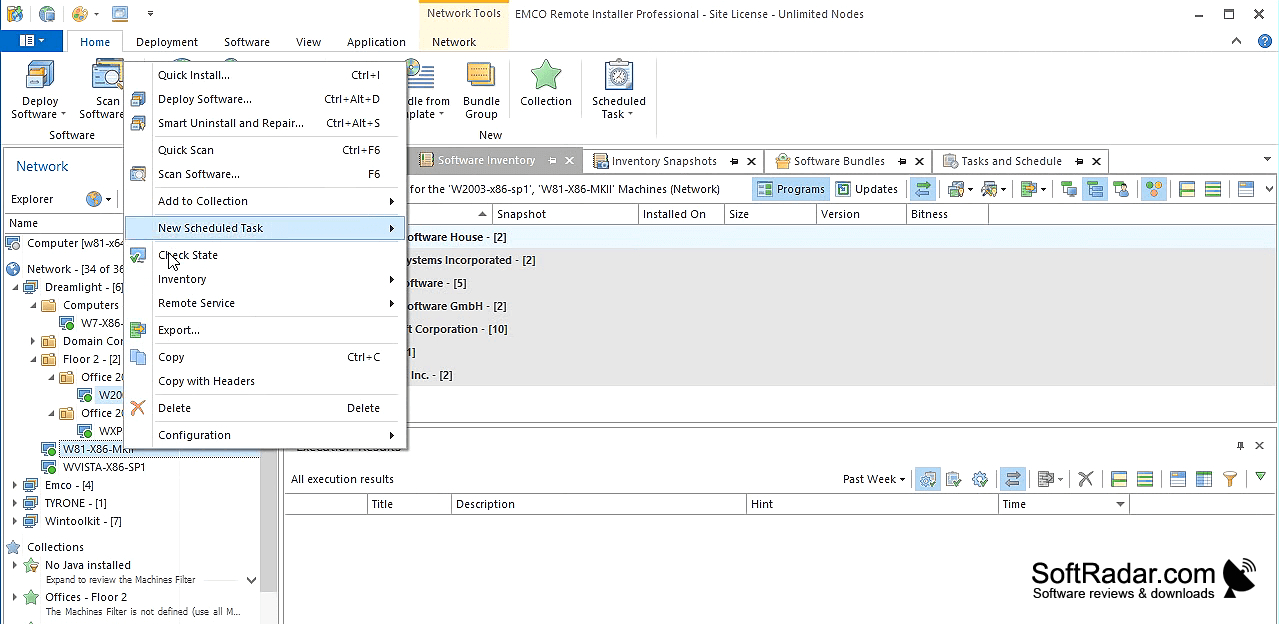
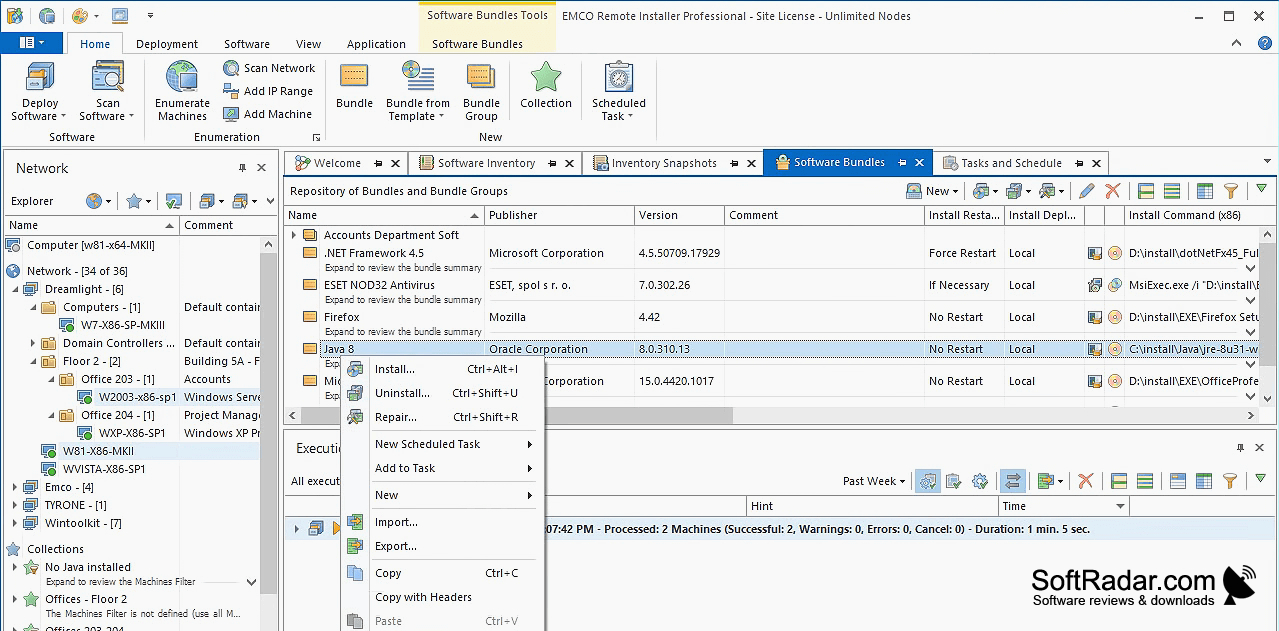
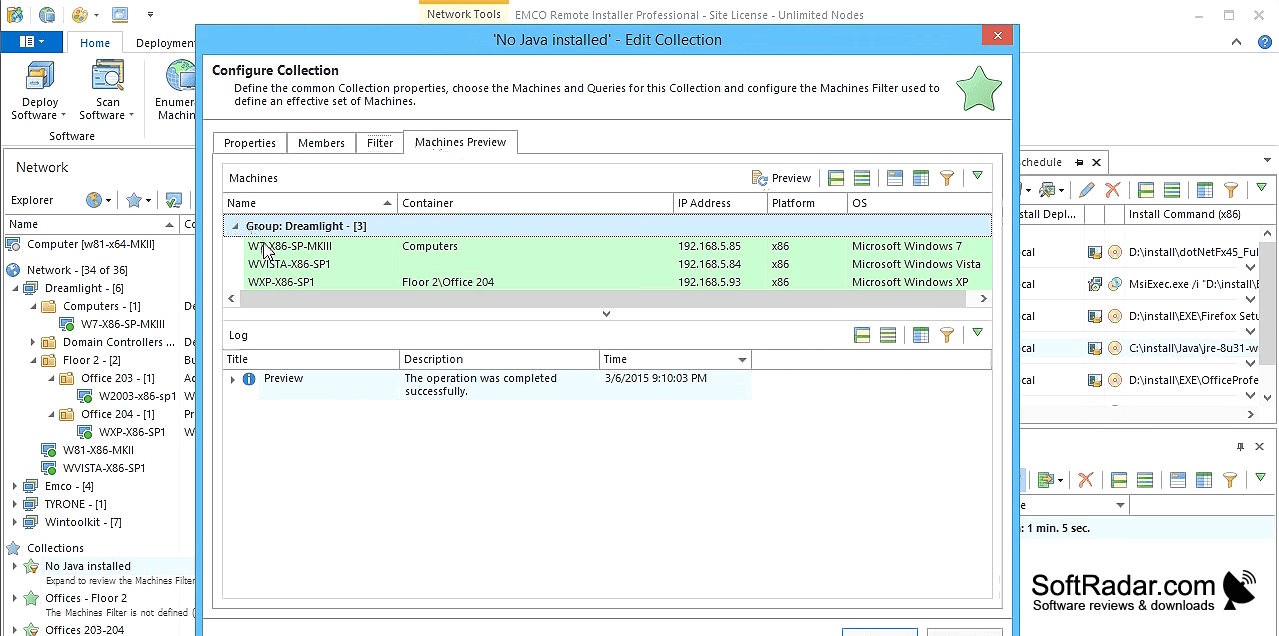
EMCO Remote Installer gives IT staff a central place to manage applications on Windows computers connected to a local network. It suits routine rollouts, removal of outdated programs and checks on which applications are present across workstations. Administrators can work with machines in different domains or workgroups, rather than handling each PC separately, and review inventory information to monitor changes in deployed software.
Handle application rollouts and software inventories for multiple Windows PCs without visiting each machine.
To start a deployment, choose a setup package and the computers that should receive it. The program handles EXE installers and MSI or MSP packages, with options for unattended installation, removal and repair. It can run jobs on multiple computers at once and records a log for each target. Depending on the edition, target selection can use conditions, and deployment or audit tasks can run on a schedule.
Features:
- Install EXE packages on networked Windows computers
- Remove applications from selected remote PCs
- Deploy MSI and MSP packages to multiple machines
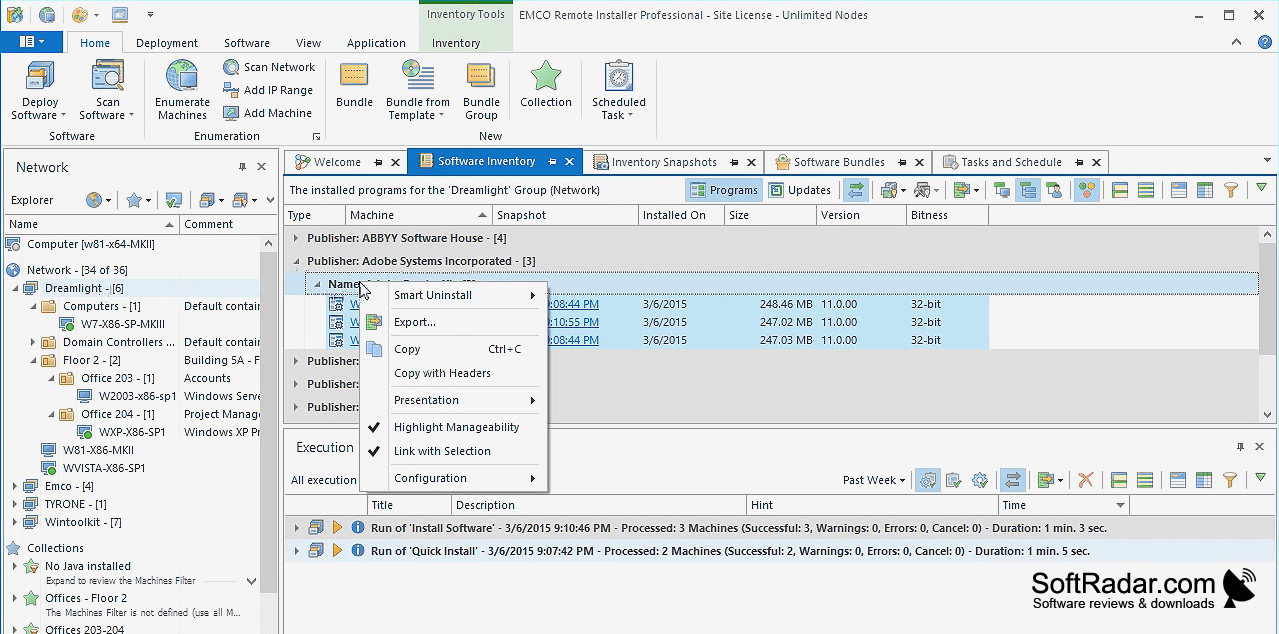
- Collect application inventories from network computers
- Review per-computer deployment logs
- Schedule deployment and audit tasks in supported editions
PROS
Tracks installed applications and software changes.
Schedules unattended installations and removals.
CONS
Firewall and credential settings complicate initial deployment.


