
AOMEI Cloner
AOMEI Cloner copies Windows systems, full drives and individual partitions for people moving to another disk or replicating a computer setup.
Operating system: Windows
Publisher: AOMEI Technology
Release: AOMEI Cloner 6.0
Antivirus check: VirusTotal report
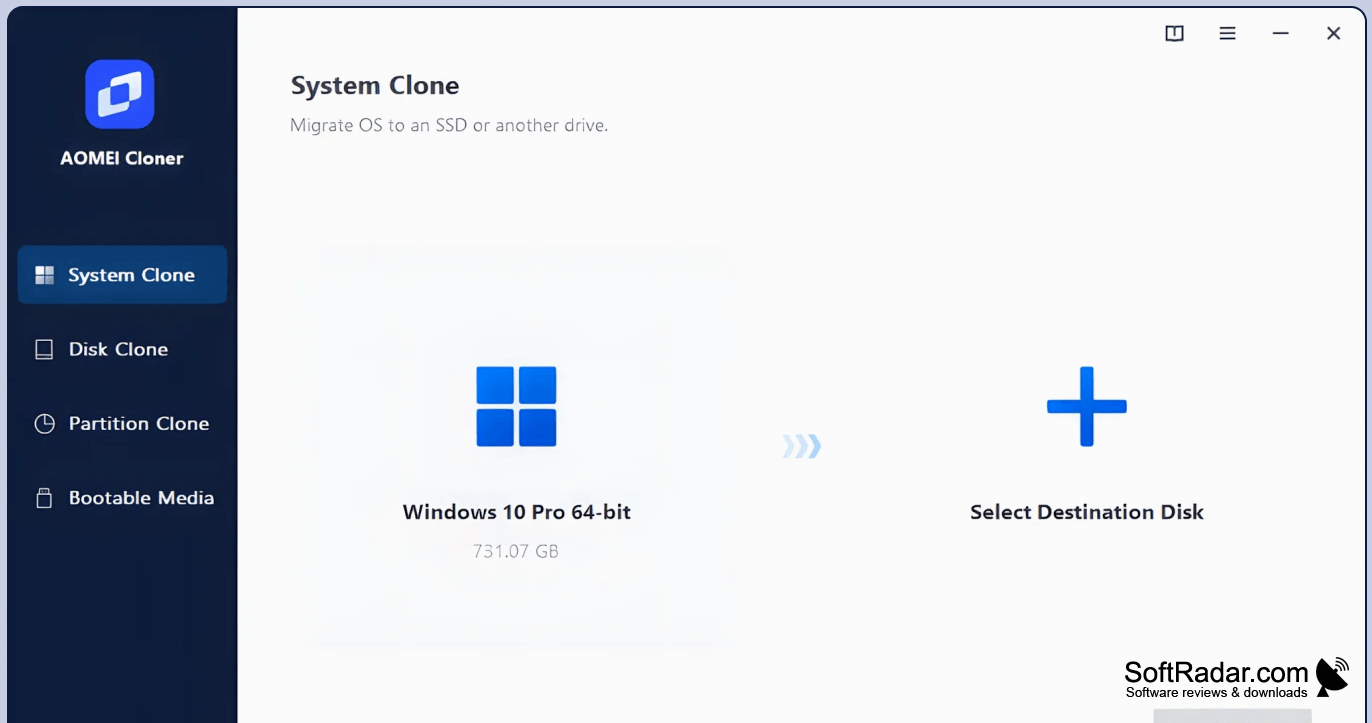
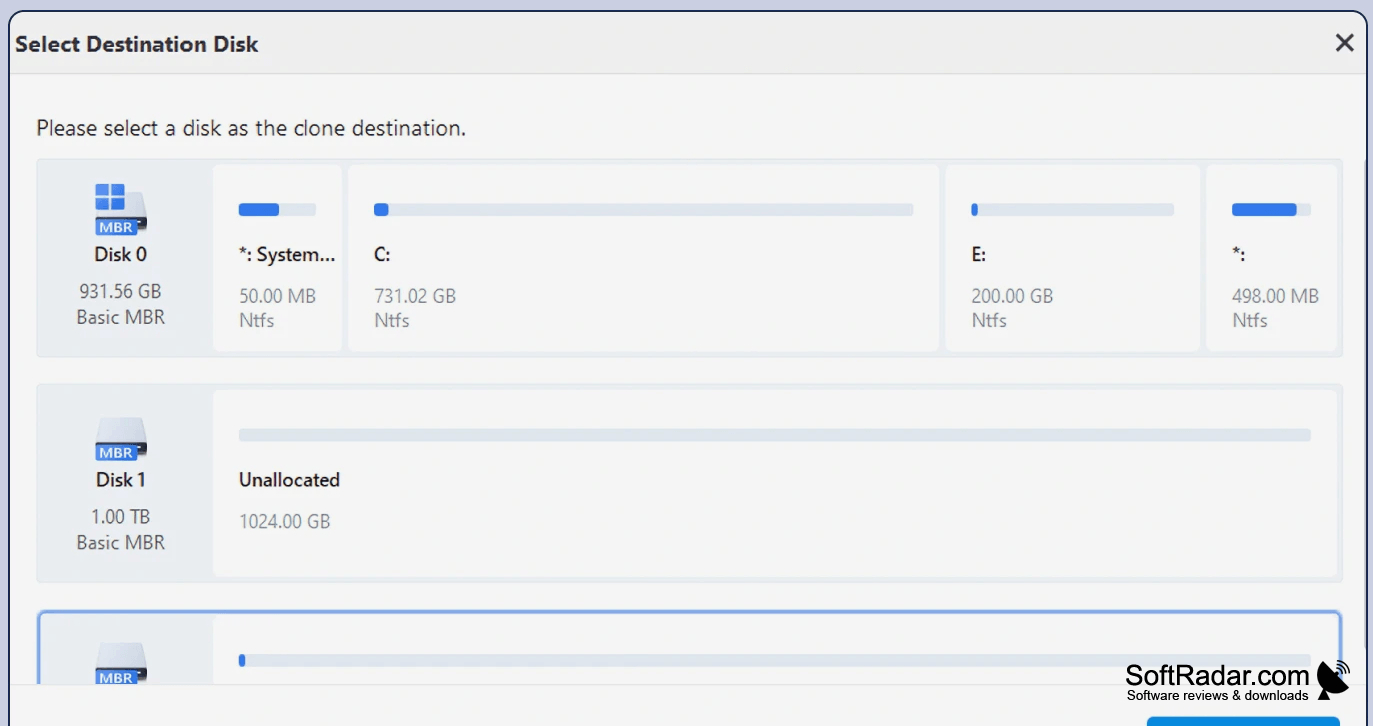
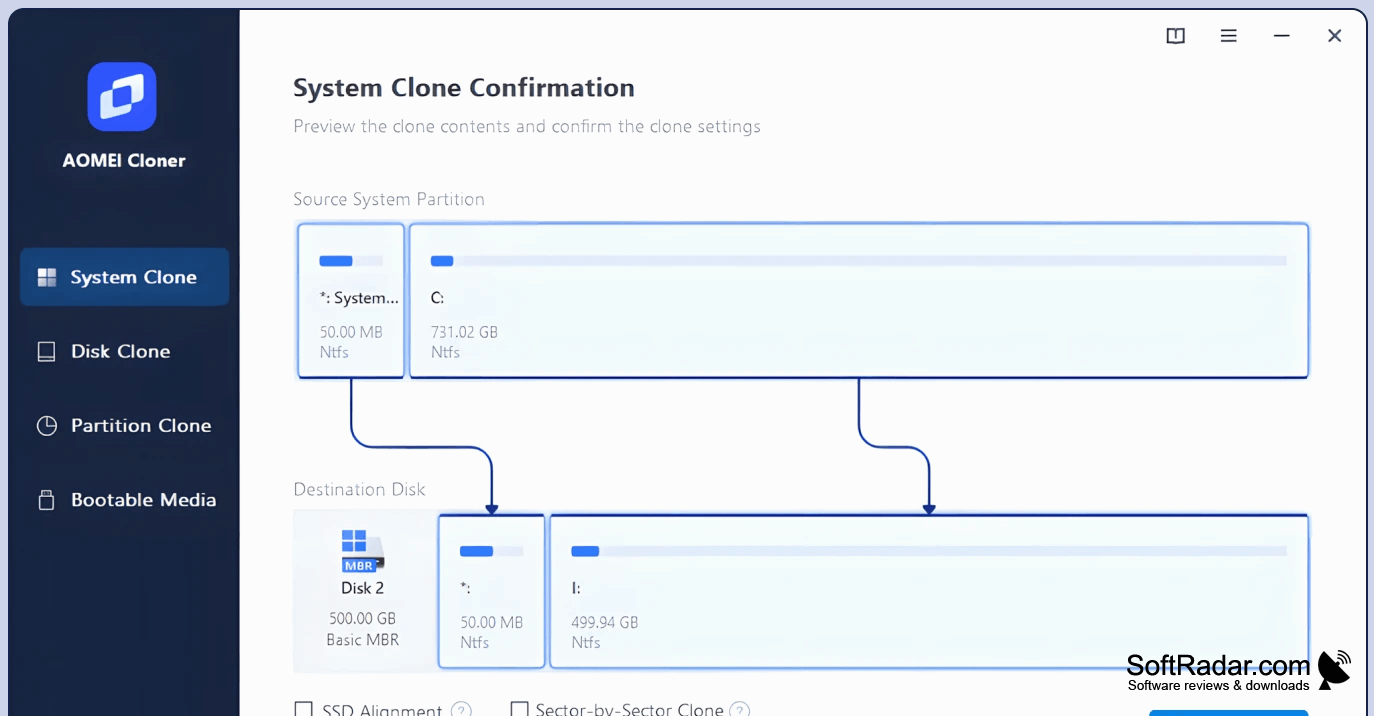
AOMEI Cloner helps Windows users transfer an existing installation or copy storage devices when replacing a drive or preparing another computer. It can move Windows, applications, settings and startup information to a different disk, or duplicate a whole drive or an individual partition. These options cover moves from a hard drive to an SSD as well as drive replacement.
Move an existing Windows installation and its applications to another drive without setting them up again.
Choose a system, disk or partition copy in the guided interface, then select the destination and review the planned operation before it runs. The program can copy between disks using MBR and GPT layouts and lets you adjust partition sizes on the destination. It also offers SSD alignment and command-line controls for repeated cloning jobs.
Features:
- Move Windows and installed applications to another drive
- Duplicate an entire disk onto a replacement drive
- Copy individual partitions to a chosen destination
- Adjust target partition sizes during a clone
- Clone across MBR and GPT disk layouts
- Run cloning tasks through command-line controls
PROS
Disk and partition cloning cover different migration needs.
CONS


