
Bluetooth File Transfer (PC)
Bluetooth File Transfer (PC) lets Windows users exchange files with nearby devices that support Bluetooth OBEX file transfer and manage folders on those devices.
Operating system: Windows
Publisher: Medieval Software
Release: Bluetooth File Transfer (PC) 1.5.0.0
Antivirus check: VirusTotal report
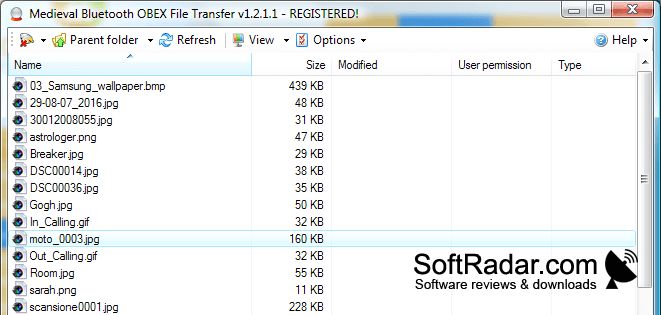
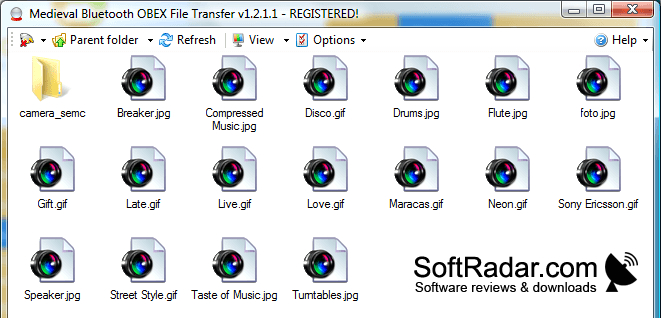
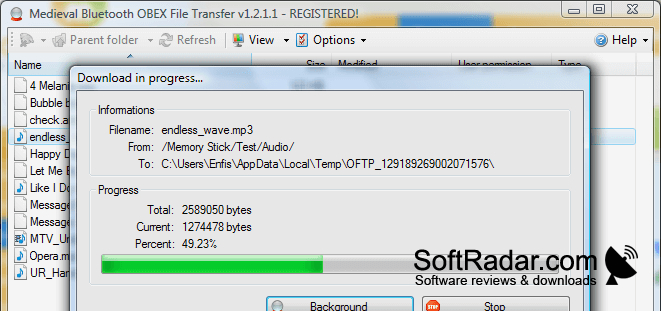
Bluetooth File Transfer (PC) moves files between a Windows computer and a nearby device that supports the Bluetooth OBEX file transfer profile. It handles uploads and downloads, making it useful for exchanging documents or other files with a phone or another computer. The PC needs a Bluetooth adapter.
Move files between a PC and a compatible Bluetooth device without connecting a cable.
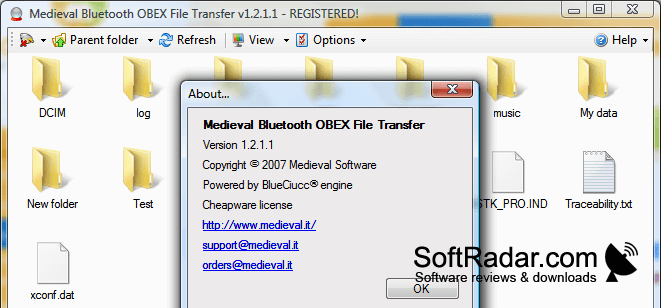
The application shows files in a browser-style window. You can drag files between it and Windows Explorer, browse folders on a connected device, create folders, and delete files. Device history helps you reconnect, while a progress display tracks active transfers. The program requires Microsoft .NET Framework and may have trouble with some Bluetooth drivers.
Features:
- Send files to compatible Bluetooth devices
- Download files from connected devices
- Browse and manage remote folders
- Drag files between the app and Windows Explorer
- Reconnect using device history
- Track upload and download progress
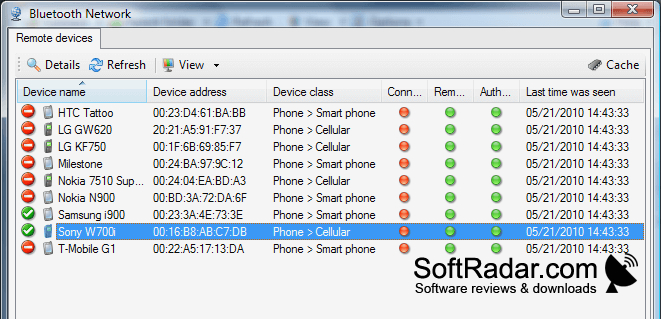
Bluetooth adapter or built-in radio
Remote device supporting Bluetooth OBEX FTP
PROS
Browses and organizes folders on compatible devices.
Device history simplifies reconnecting to nearby devices.
CONS
Cannot browse devices lacking Bluetooth OBEX FTP.


