
aTube Catcher
A video downloader and converter software used to download videos from the internet to your computer
Operating system: Windows
Publisher: DsNET
Release: aTube Catcher 4.2.5
Antivirus check: VirusTotal report
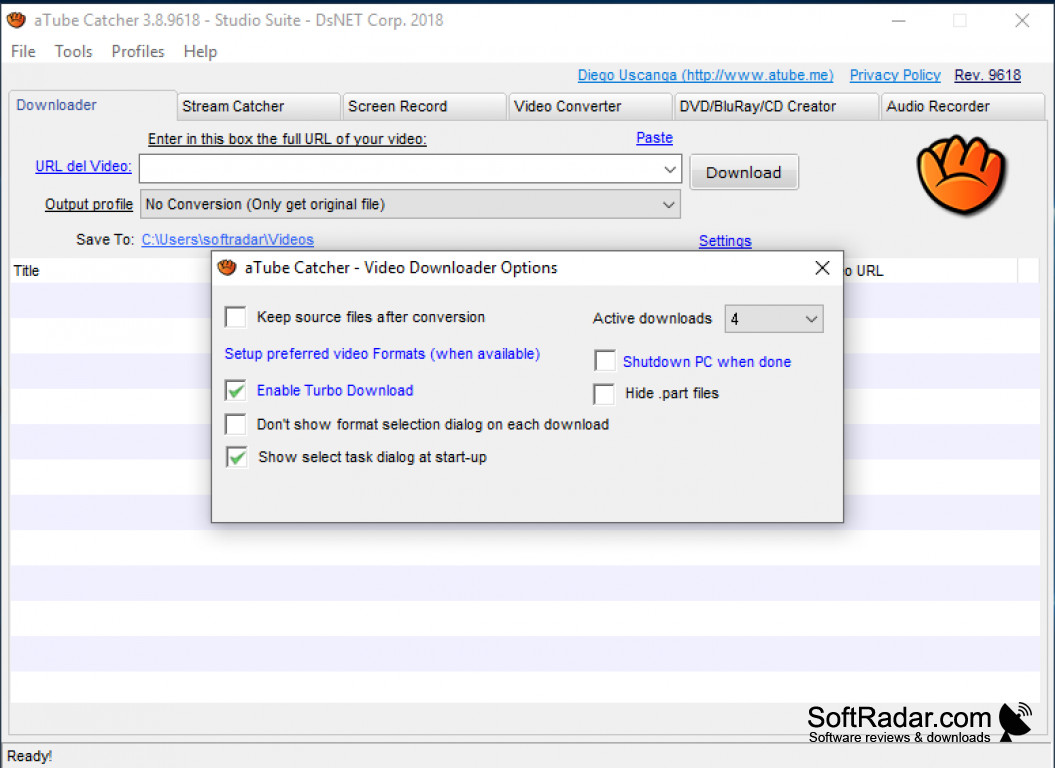
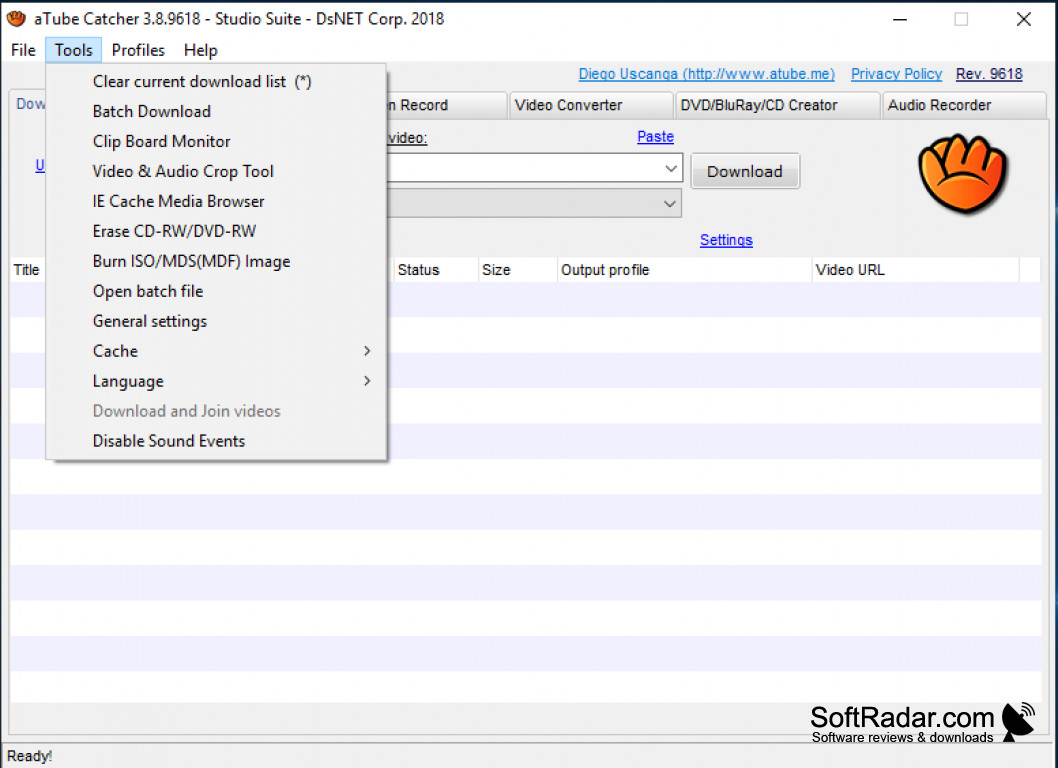
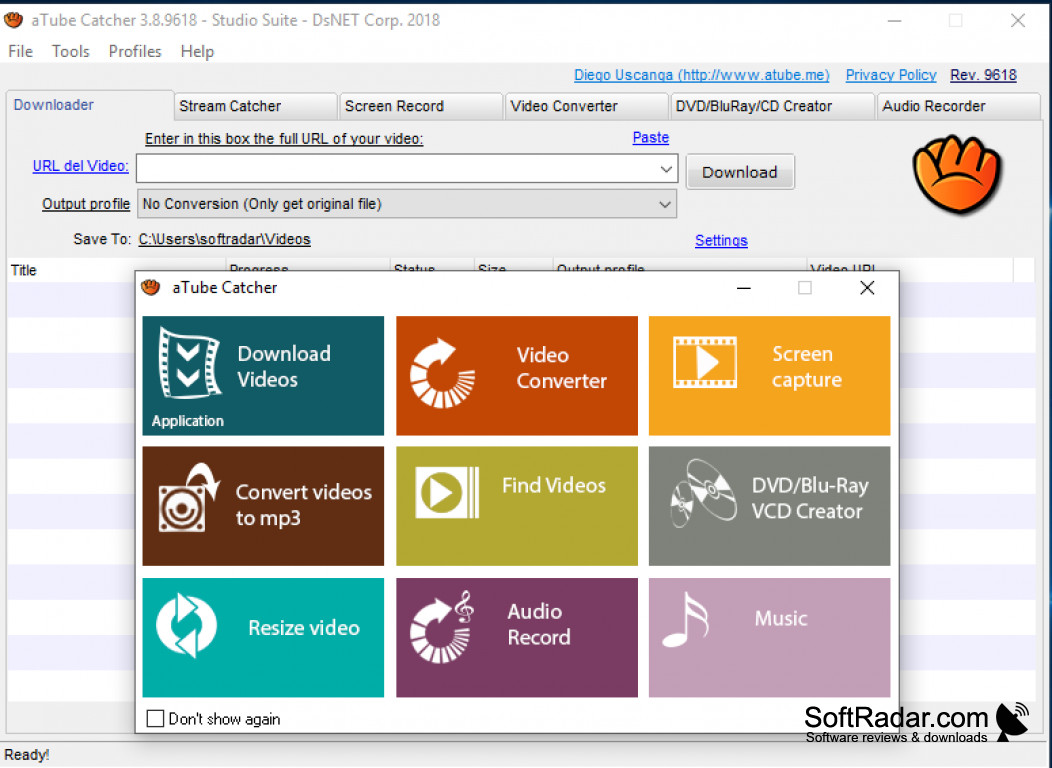
aTube Catcher is explicitly designed for personal computers with the Microsoft Windows operating system. aTube Catcher provides a PC user the ability to download videos from the internet. aTube Catcher is also available for mobile devices such as Android. aTube Catcher has been downloaded more than a million times.
Features:
-
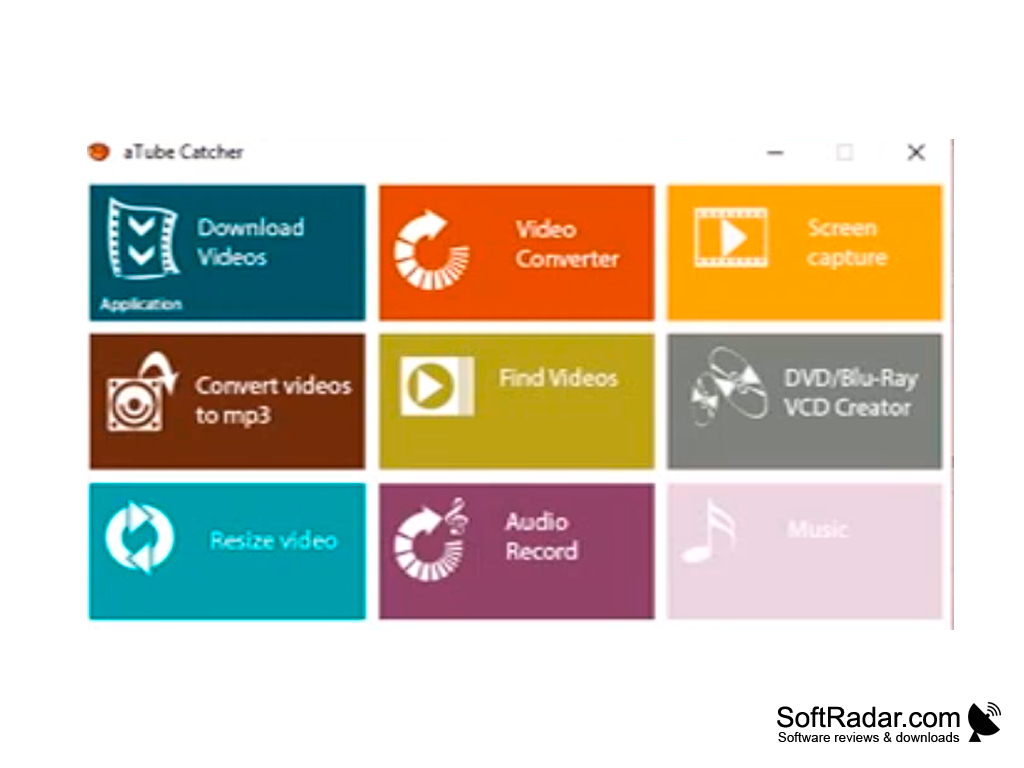
Comes with a Downloader for video URLs.
- Comes with a Stream Catcher.
- Quickly create Mp3, Wave, or WMA playlists from a YouTube playlist.
- Comes with a Screen Recorder.
- Comes with a Video Converter.
- Comes with a DVD/Blue Ray CD Creator.
- Comes with an Audio Recorder.
aTube Catcher allows a user to download videos from multiple online video platforms that include YouTube.
Once aTube Catcher is downloaded onto your computer, this software product will be displayed on your desktop in the image or appearance of a baseball glove.
aTube Catcher can download videos into the .3gp, .3g2, .avi, .xvid, .mp2, .mp3, .mp4, .wma, .wmv, .gif, .flac, .flv, .wav, .psp, .mpg, .vob, .ogg, and .mov formats.
aTube Catcher is available in several different languages in addition to American English.
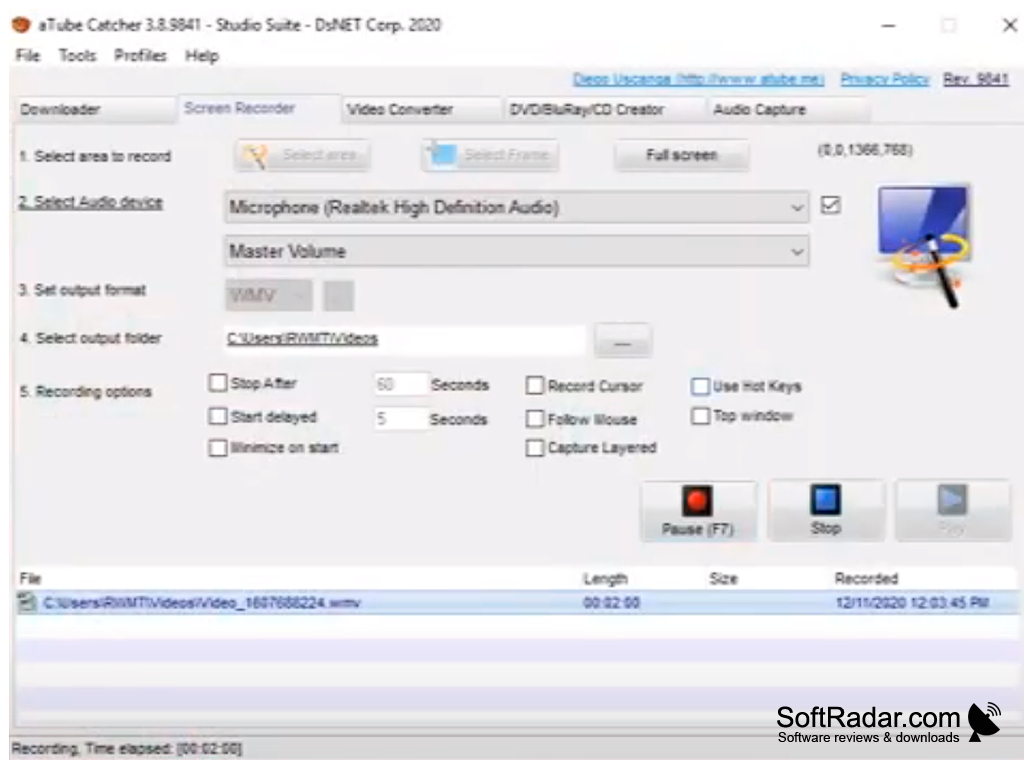
The Screen Recorder has features that will allow you m to minimize your screen, prior to starting your onscreen presentation, a start and stop delay from giving you time to get set before you begin an onscreen presentation. The Screen Recorder will also allow you to display your mouse cursor on your screen, while you perform your onscreen presentation.
The Screen Recorder on aTube Catcher has a feature that you can use to playback your presentation to perfect the presentation to your specific satisfaction before deciding to save your presentation in a video format for later use. The Screen Recorder on aTube Catcher has the ability to allow you to keep your presentation into a video format of your choosing that is supported by aTube Catcher onto any file location of your choosing that is on your computer.
aTube Catcher will save your presentation into the video media format by default. The Screen Recorder on aTuber Catcher also has a number of different sound formats to choose from that will fit your specific preference for your presentation.
aTube Catcher has a feature that will allow you to upload videos from your computer onto an online video platform such as YouTube.
This product comes with both a free and a paid version.
PROS
Features a built-in screen recorder.
Supports batch download and conversion.
CONS
May cause performance issues on slower computers.
Limited customer support available.


