
AutoScreenRecorder
AutoScreenRecorder is an easy-to-use screen recording software that can capture audio, video, and screenshots from your desktop.
Operating system: Windows
Publisher: Wisdom-soft
Release : AutoScreenRecorder 5
Antivirus check: VirusTotal report
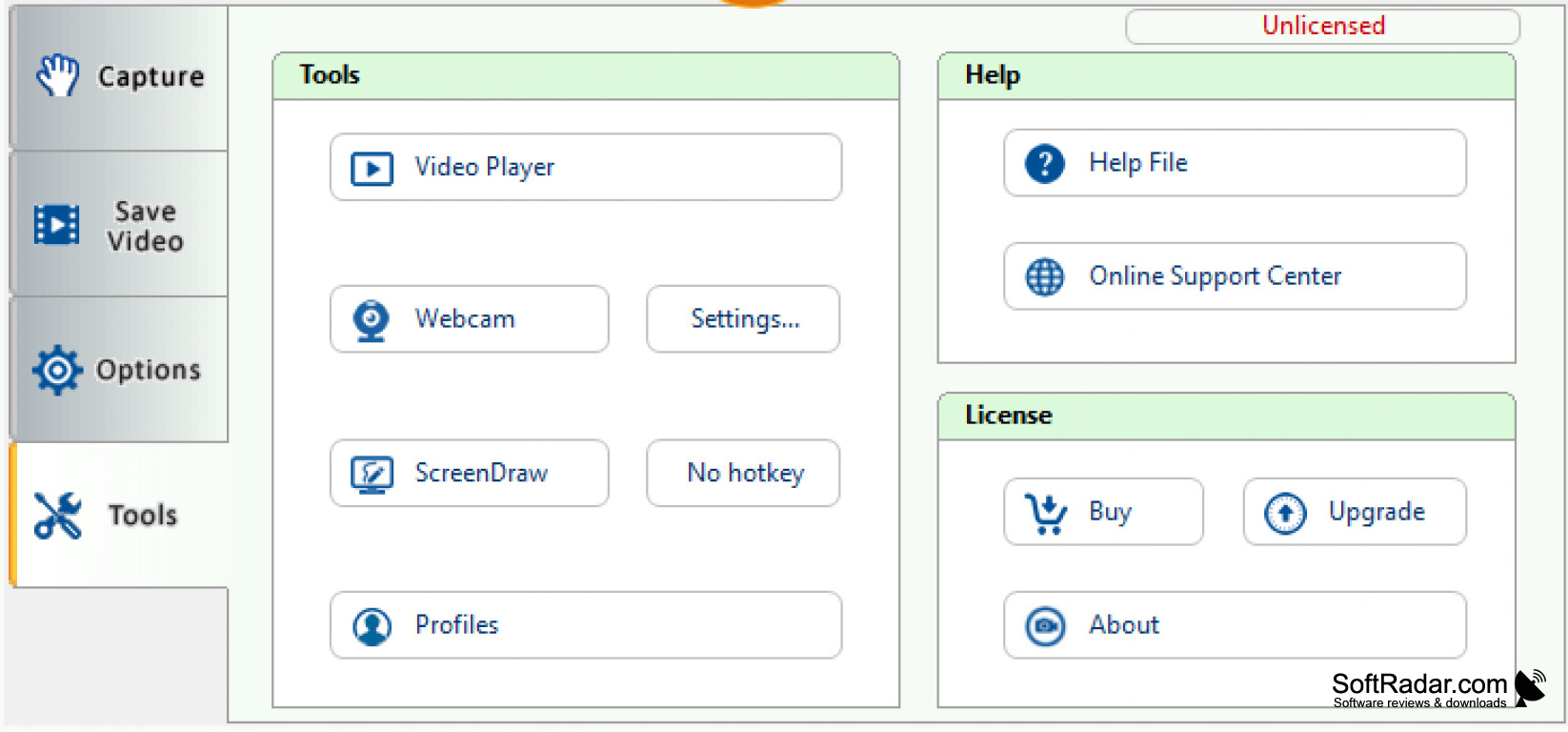


AutoScreenRecorder is an easy-to-use and powerful screen recording software for Windows that allows you to capture anything on your screen including windows, objects, menus, full screen, rectangular/freehand regions and even scrolling windows/web pages.
AutoScreenRecorder is a great tool for creating tutorials, software demonstrations, game walkthroughs and more. It is also a great tool for recording video lectures and presentations.
AutomatiScreenRecorder allows users to easily record and share high quality videos of their computer screen.
Features:
• Capture anything on your screen including windows, objects, menus, full screen, rectangular/freehand regions, and scrolling windows/web pages
• Record audio from microphone, system sound and speakers
• Highlight mouse cursor, add text and images
• Capture screenshots at any time with one click
• Easy-to-use and powerful video editing tools
• Record videos in AVI, FLV, WMV, MP4, and other popular formats
• Share your recordings with others via email, YouTube, and other popular sharing services
• Support for multiple languages
• Ability to capture videos in high quality
• Automatically pause and resume recording
• Add special effects to your recordings
• Automatically save recordings to a specified folder
• Schedule recordings to begin and end at a specified time
• Adjust frame rate, video quality, and other settings
• Record multiple monitors
• Record multiple webcam streams
• Create a video player for playback
• Customize hotkeys for quick access to recording functions
• Capture a video from a webcam
• Record video from a game console
• Create a video slideshow from images
• Add text and images to recordings
• Convert videos to other formats
• Support for Windows XP, Vista, 7, 8, and 10
AutoScreenRecorder is the perfect solution for creating professional-looking screencasts and tutorials. It is easy to use, feature-rich, and affordable. Whether you’re recording a presentation, a business meeting, or a game walkthrough, AutoScreenRecorder has all the tools you need to create high-quality recordings.
PROS
Offers extensive editing and annotation tools.
Simple, user-friendly interface suitable for all users.
CONS
Can slow down system performance.
Interface may not be user-friendly for beginners.


