
Megacubo
Megacubo is a free, open-source IPTV player for Windows that plays live TV channels and radio streams from M3U playlists.
Operating system: Windows
Publisher: Megacubo
Release: Megacubo 17.7.0
Antivirus check: VirusTotal report
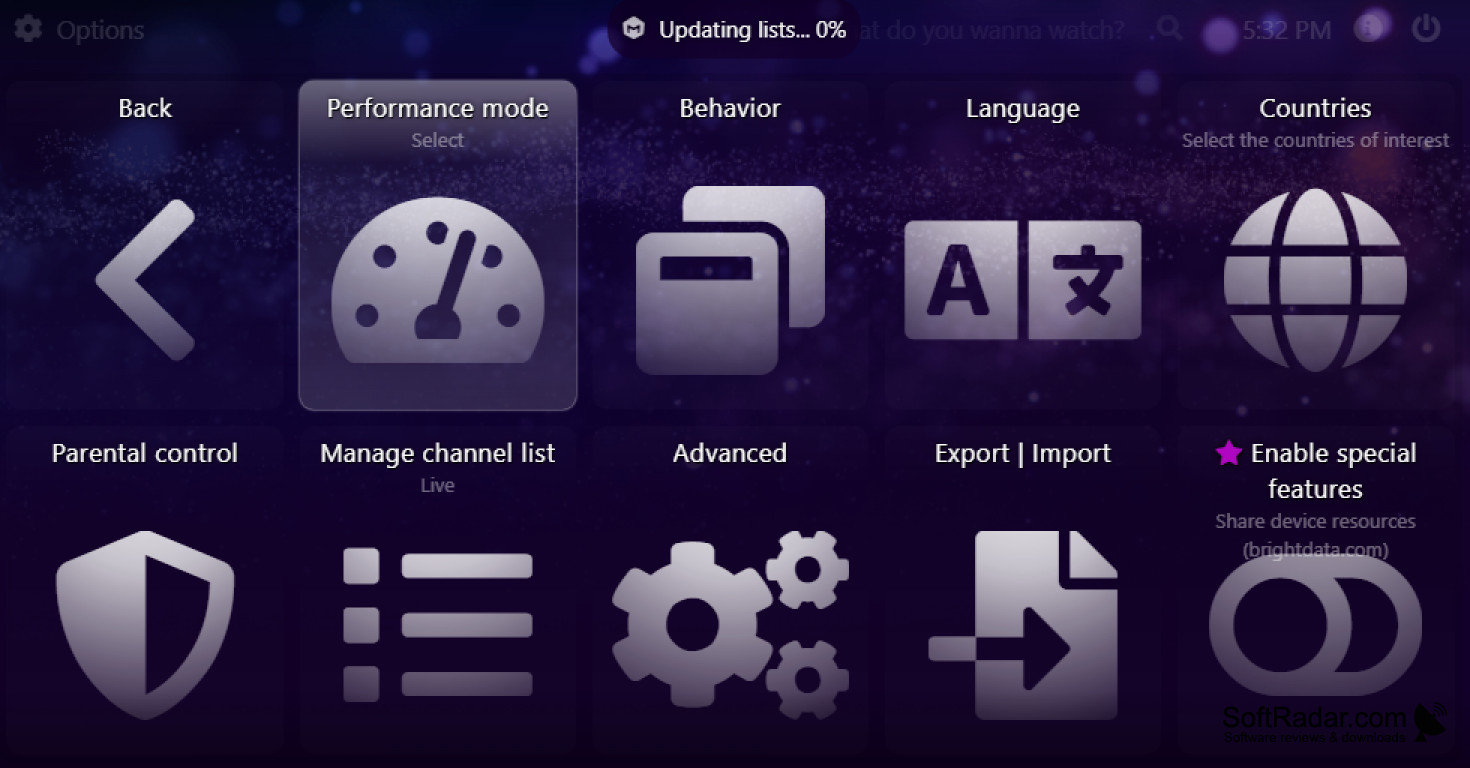
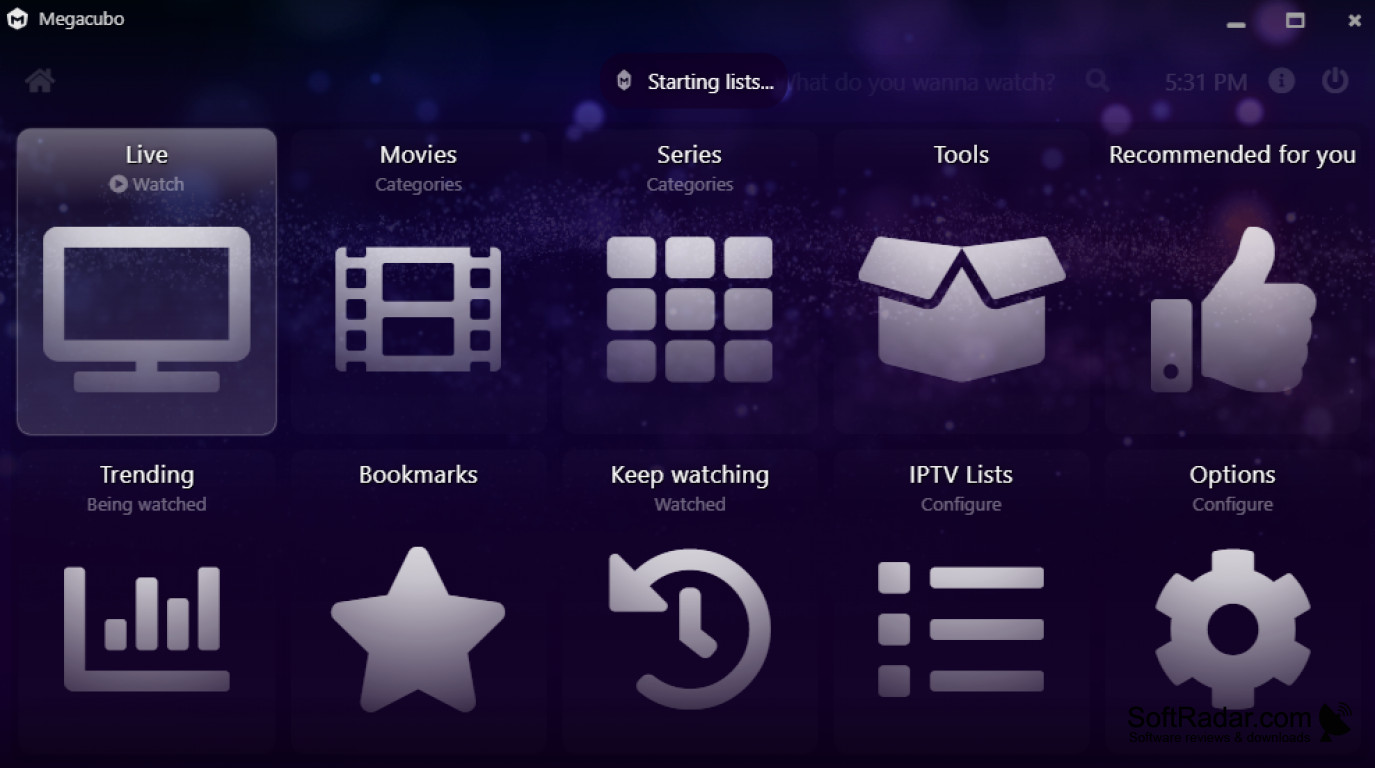
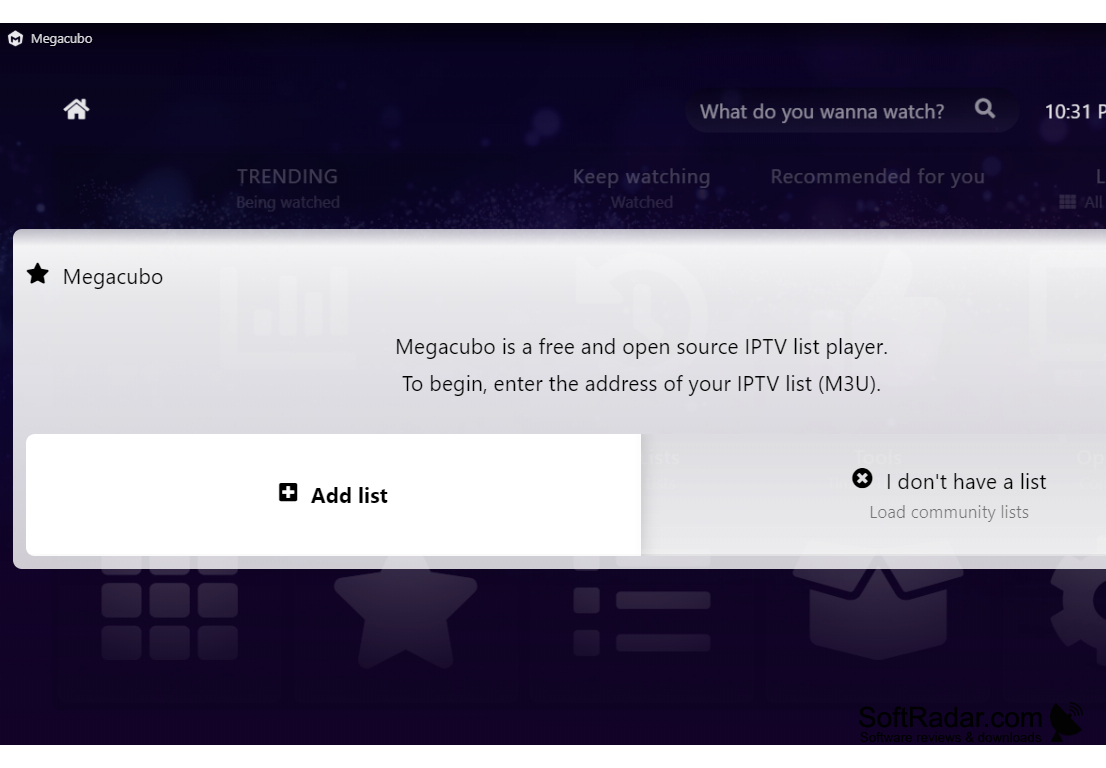
Megacubo is a free and open-source software for watching TV on your computer. It is an IPTV list player that opens live TV channels, radio stations and other streams from M3U playlists, offering an easy-to-use interface and an extensive list of features.
Features:
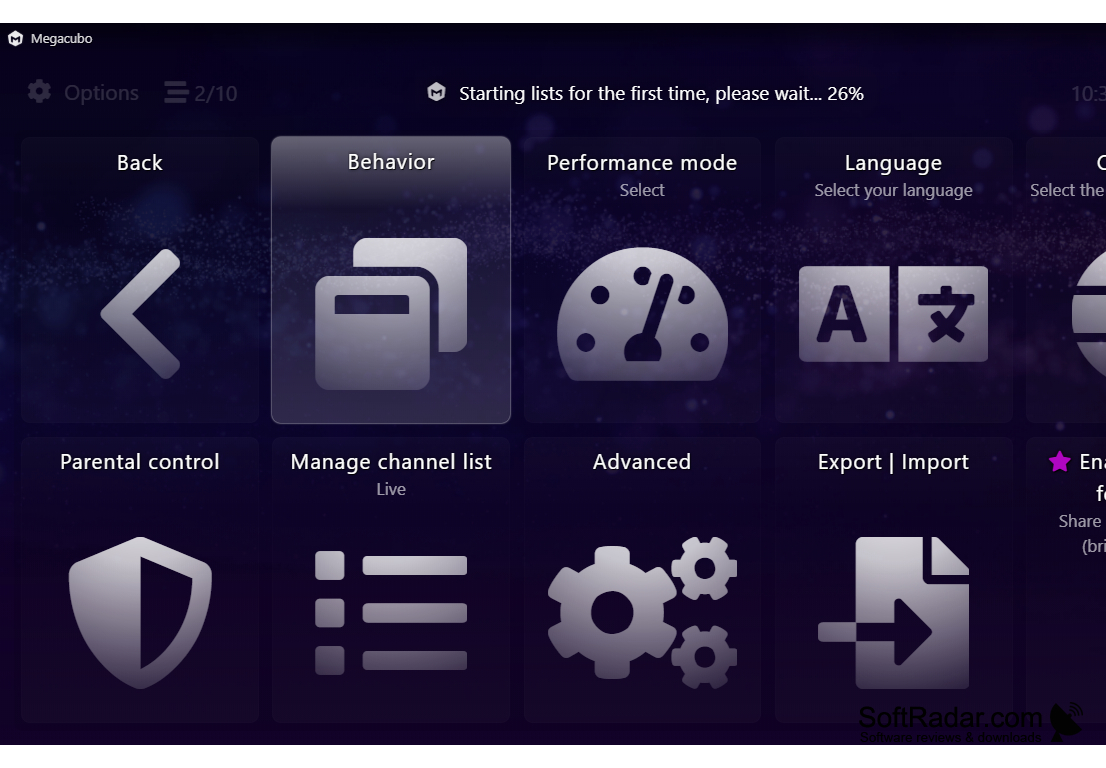
- Easy-to-use interface: Megacubo has an intuitive and user-friendly interface, making it easy to navigate and quickly find the channels you want to watch.
Megacubo provides a convenient way to watch live TV channels from your own IPTV lists or community lists in one simple interface.
- Channels from IPTV lists: Megacubo does not provide its own broadcasts; it plays channels from the M3U lists you add, and in Community Mode it can load lists shared by other users. Channels can be filtered by country in the options.
- Recording and scheduling: the optional Megacubo Premium package lets you record broadcasts and schedule recordings so you never miss a show.
- TV guide: Megacubo supports EPG data, so it can show what programs are currently airing and when they will air.
- Live streaming: Megacubo checks all the lists you add and searches each of them until it finds an online transmission of the channel you want.
- Miniplayer: Megacubo has a miniplayer (picture-in-picture) mode, so you can keep watching in a small window while doing something else.
- Parental control: Megacubo includes a parental control feature that allows you to block certain channels and restrict access to certain content.
- Multiple devices: Megacubo is available for Windows, Linux, macOS and Android, so you can watch TV on your computer, smartphone, tablet or TV box.
- Casting: with Megacubo Premium you can stream video to a TV via Chromecast or DLNA; the program also keeps bookmarks and your watch history.
- Languages and source code: the interface is translated into more than 20 languages, and the source code is published on GitHub under the GPL-3.0 licence.
Overall, Megacubo is a handy program for watching TV on your computer. It has an easy-to-use interface, works with any number of IPTV lists and offers an extensive list of features. Whether you're looking for a simple way to open your own M3U playlist or want to explore community lists, Megacubo is worth a try.
PROS
Offers radio stations in addition to TV streaming.
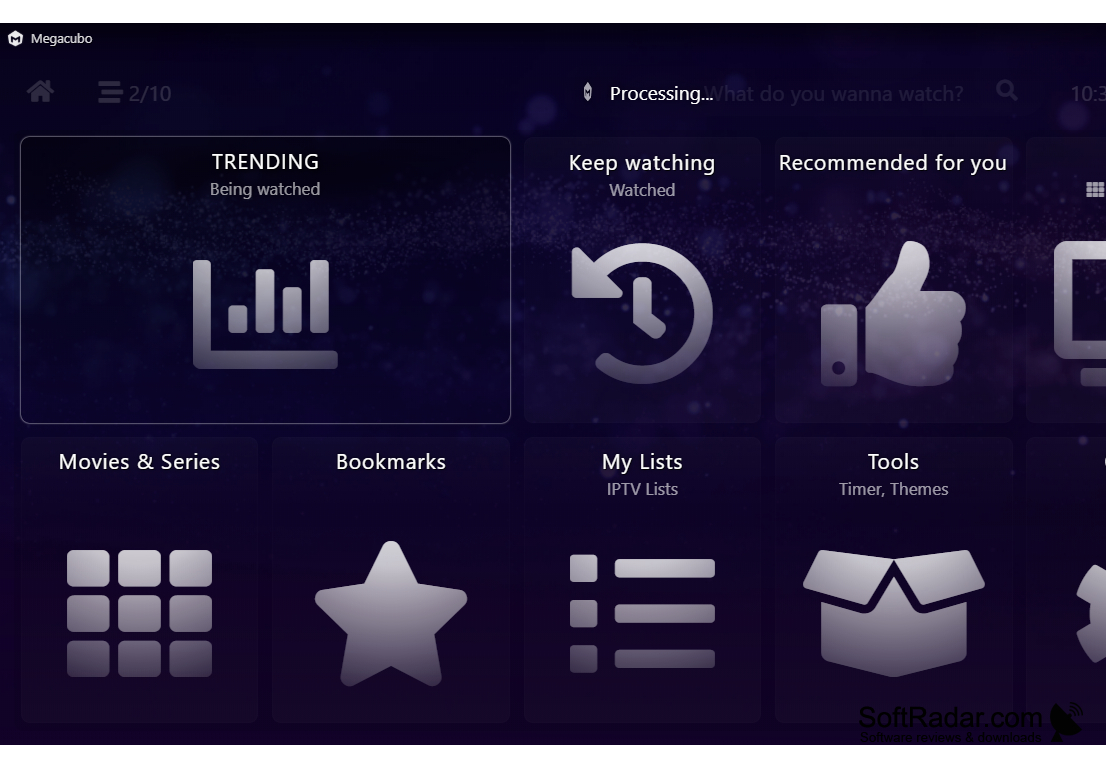
Features user-friendly interface, easy to navigate.
CONS
Stream quality depends on the source and your connection.
Recording and casting require the paid Premium package.


