
AxCrypt
A free and easy to use security software solution that can encrypt files
Operating system: Windows
Publisher: Axon Data
Release : AxCrypt 3.1.5.0
Antivirus check: passed
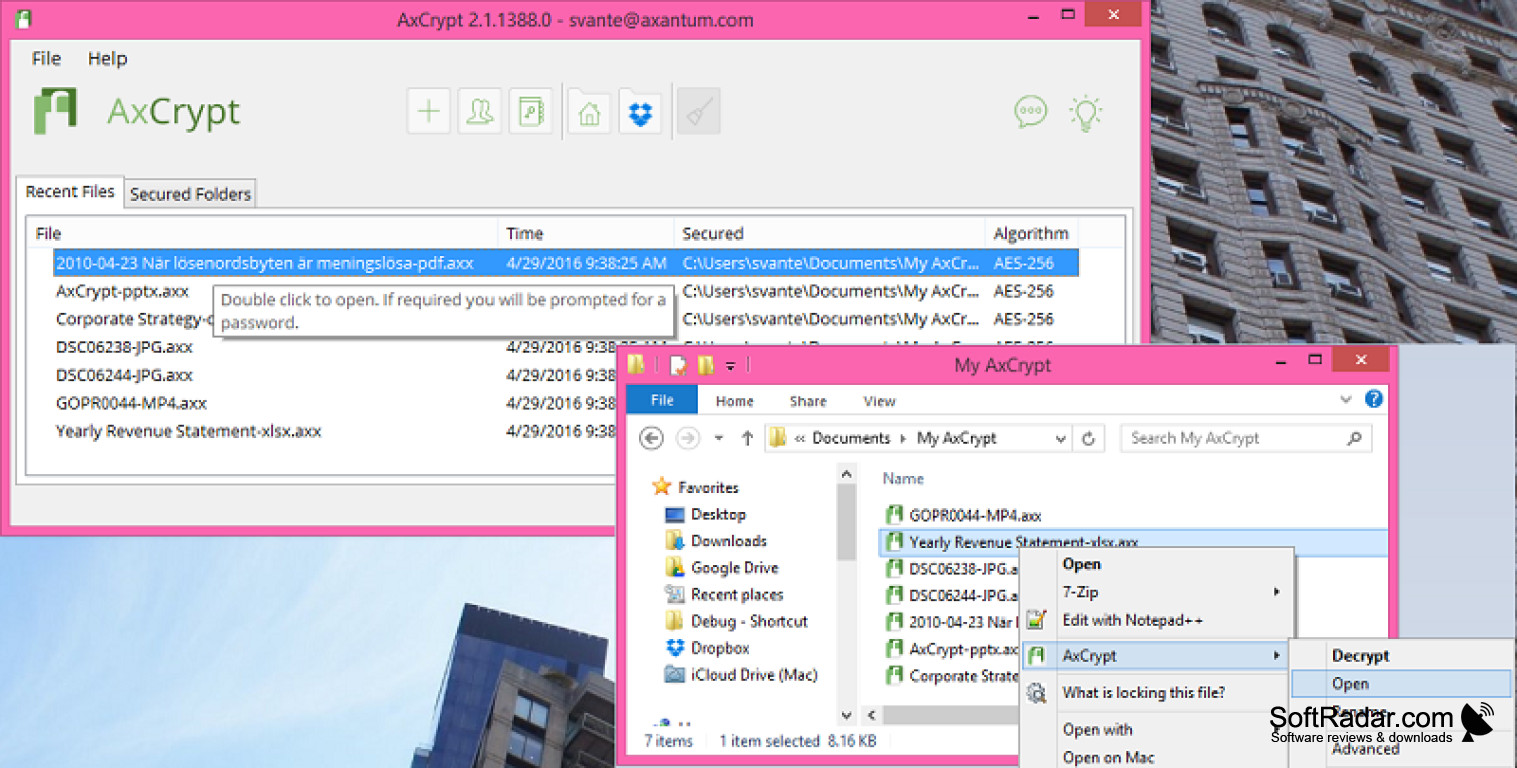
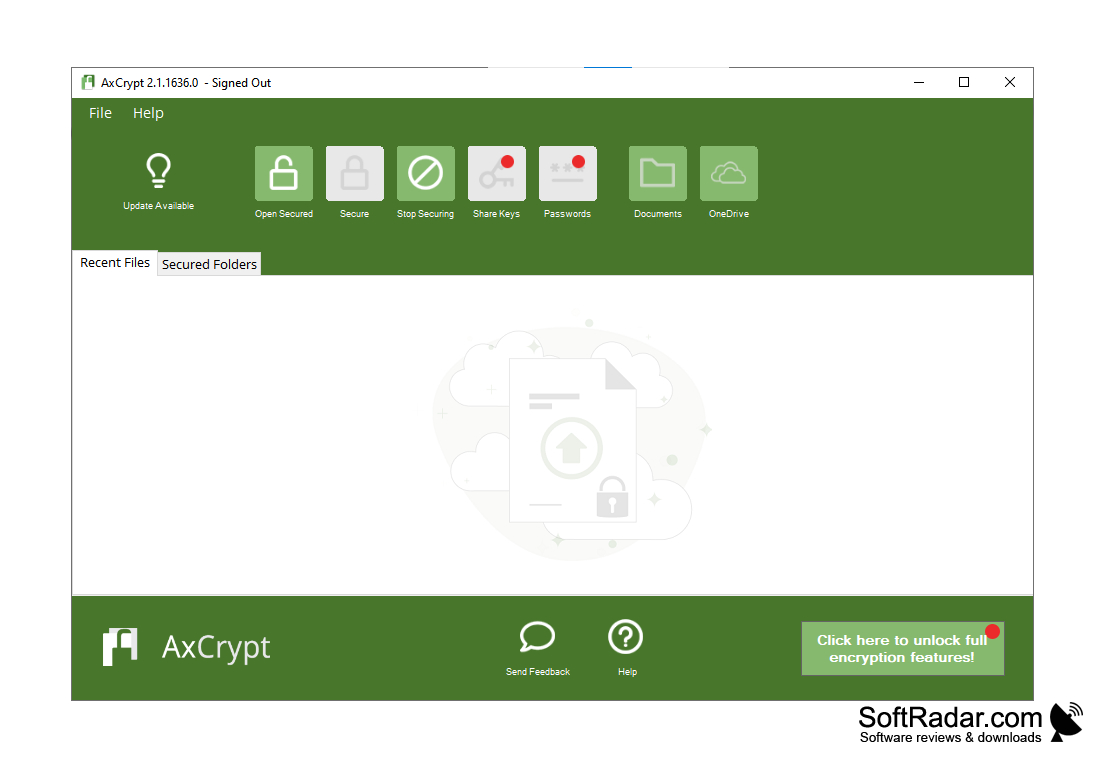
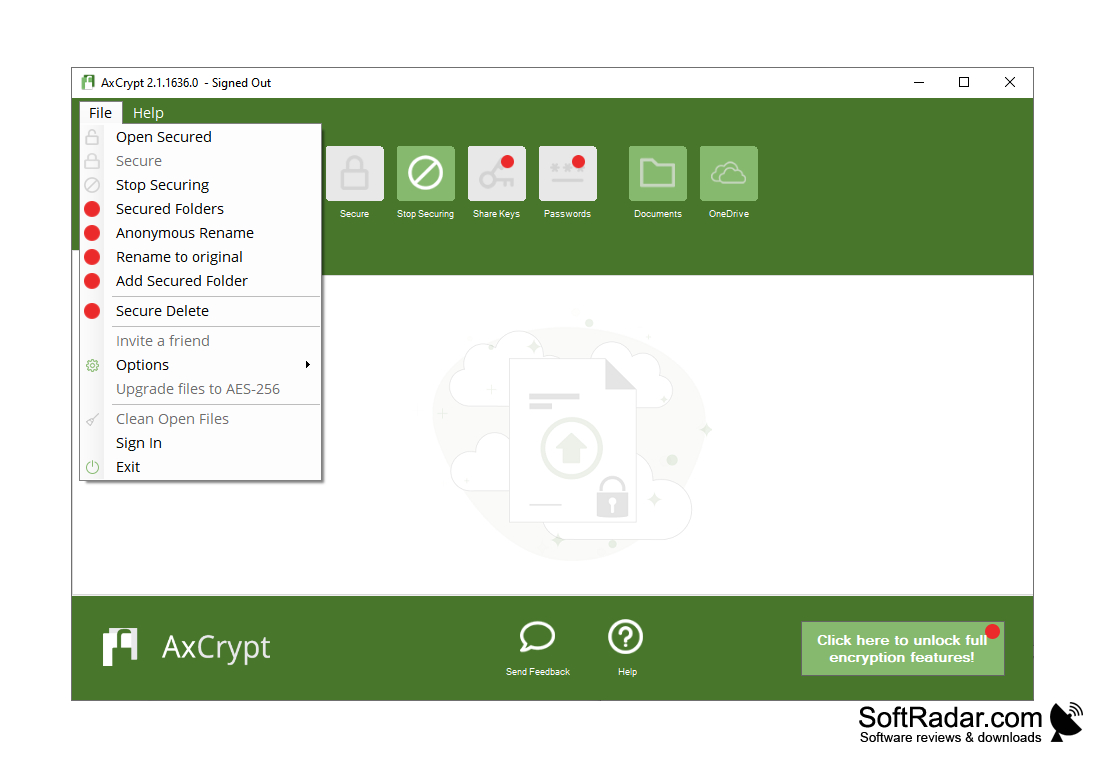
AxCrypt is an easy-to-use program that will help encrypt files or folders using the AES-256 algorithm. It's a reliable algorithm that can protect your personal data from prying eyes, allowing you to safely transfer files from one computer to another. Yes, files encrypted on one PC can be easily opened on another, provided that AxCrypt software is installed on it and the password used for encryption is entered. Instead of the standard AXX encrypted file format, you can use the EXE executable format. In this case, you will not need to install AxCrypt itself to open files on another computer. You can also create a key file (TXT).
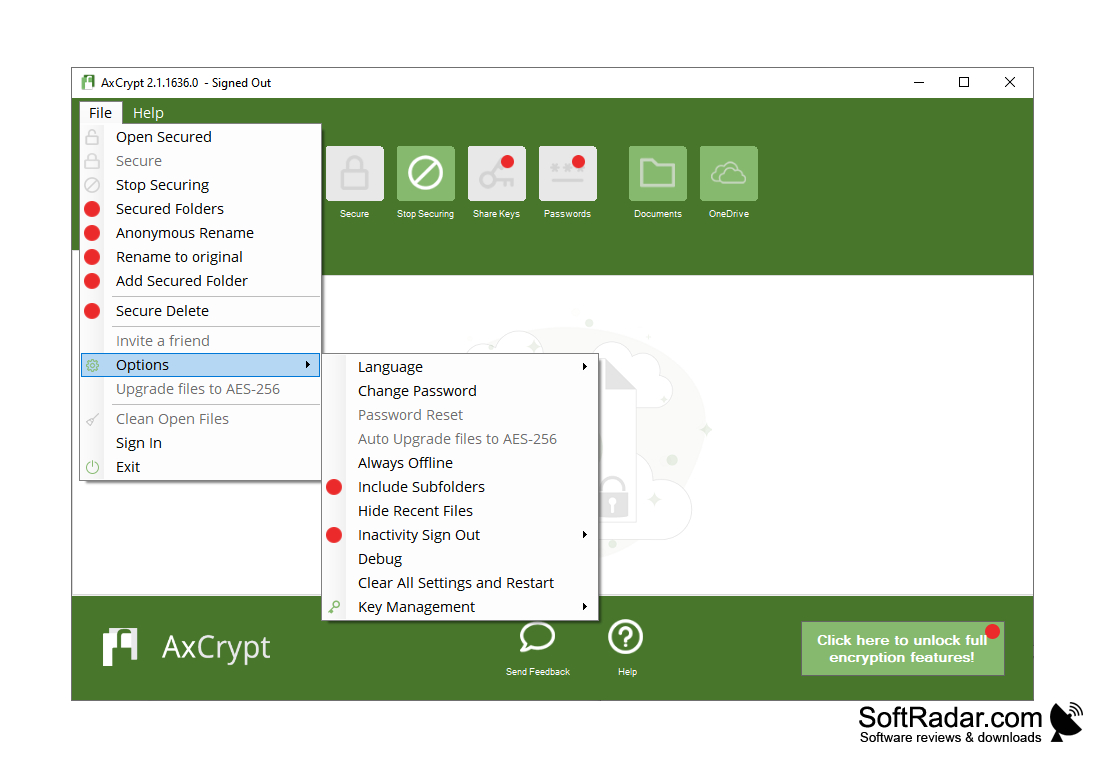
The program has a rather simple and convenient control panel. To display it, you will need to enter the master password specified at the first start. To protect a file or folder, just use the key with the "+" symbol. By default, the original file or folder is deleted and replaced with an encrypted copy in AXX/EXE format, retaining the title. Encrypted copy creation speed directly depends on CPU performance and file weight. Encrypting large volumes can take a long time. Fortunately, AxCrypt can do it in the background.
AxCrypt provides secure file encryption using AES-256 algorithm, ensuring safe transfer of personal data between computers.
Among the drawbacks of the program it is possible to note absence of possibility of encryption of the whole section and work in the Premium-mode only for a month. Then AxCrypt is converted into a free version, which is greatly "cut" in functionality.
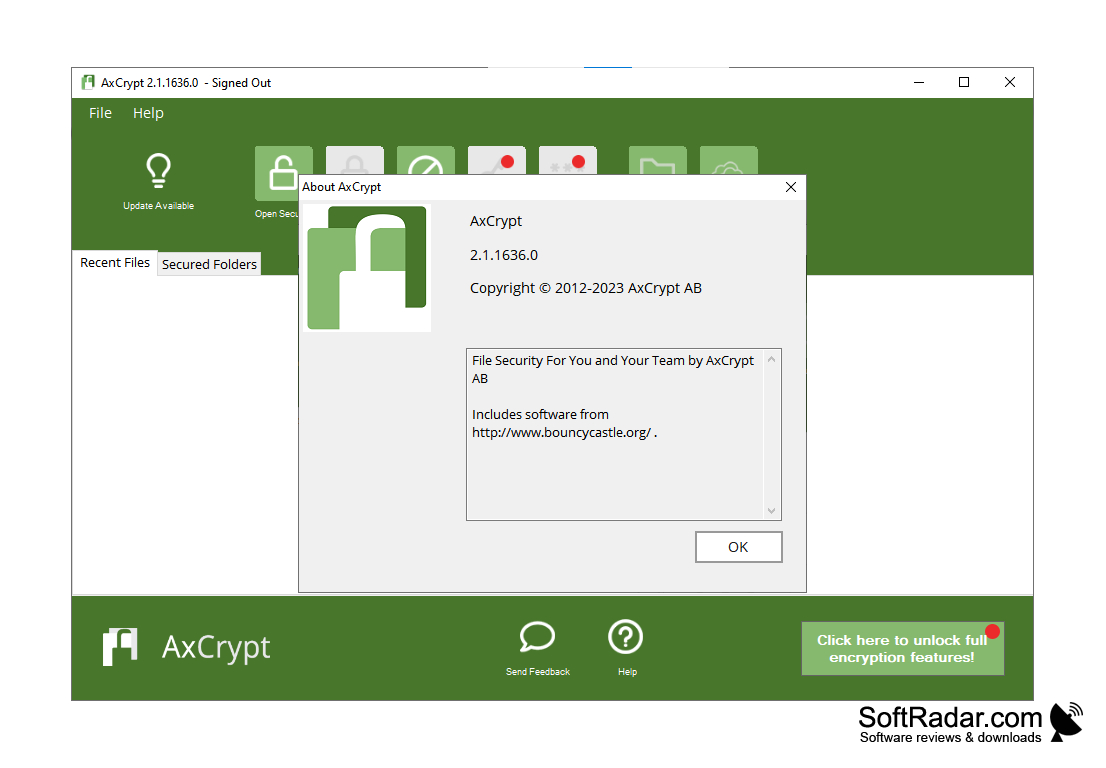
- encrypts files and folders using the AES-256 algorithm;
- uses its own AXX format and can also create encrypted copies in EXE format. The latter do not require AxCrypt to be installed to open files on another computer;
- can operate in the background;
- creates a key file (TXT);
- has a simple interface.
PROS
Intuitive and user-friendly interface.
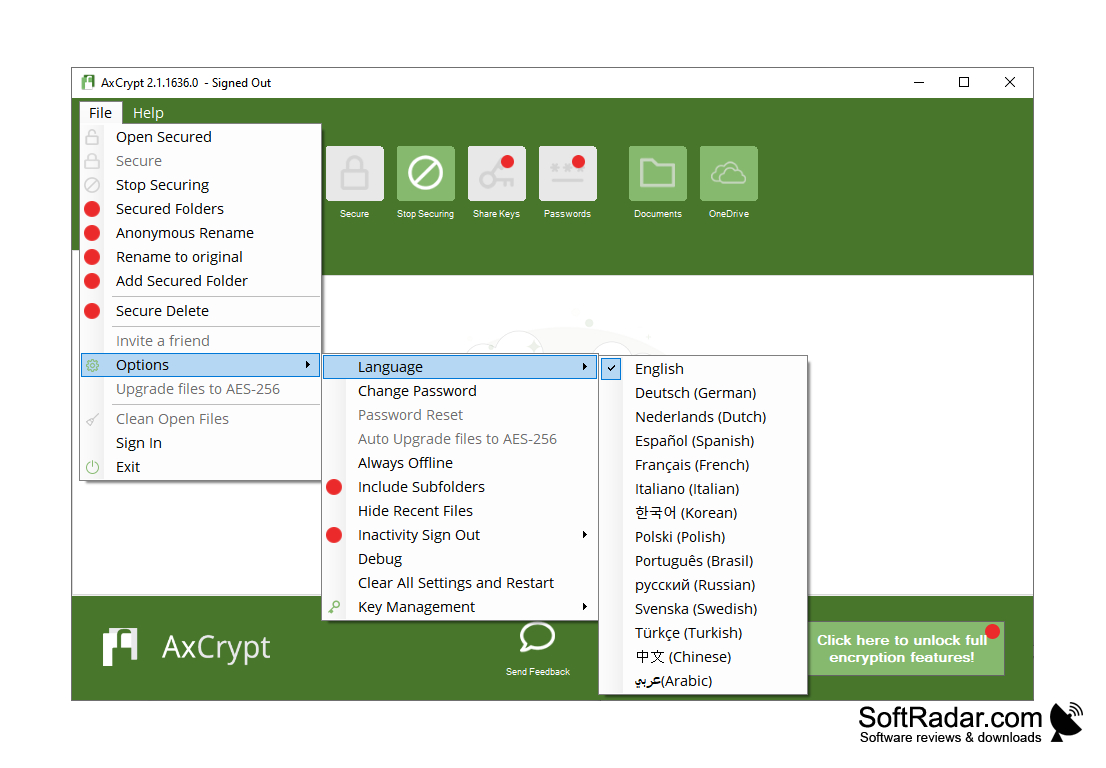
Supports multi-language use.
CONS
Advanced options can be complex for beginners.
Lacks multi-device synchronization function.


