
BIOSAgentPlus
Optimize your PC by keeping your BIOS and Drivers up to date
Operating system: Windows
Publisher: eSupport.com
Release : BIOSAgentPlus Latest
Antivirus check: passed
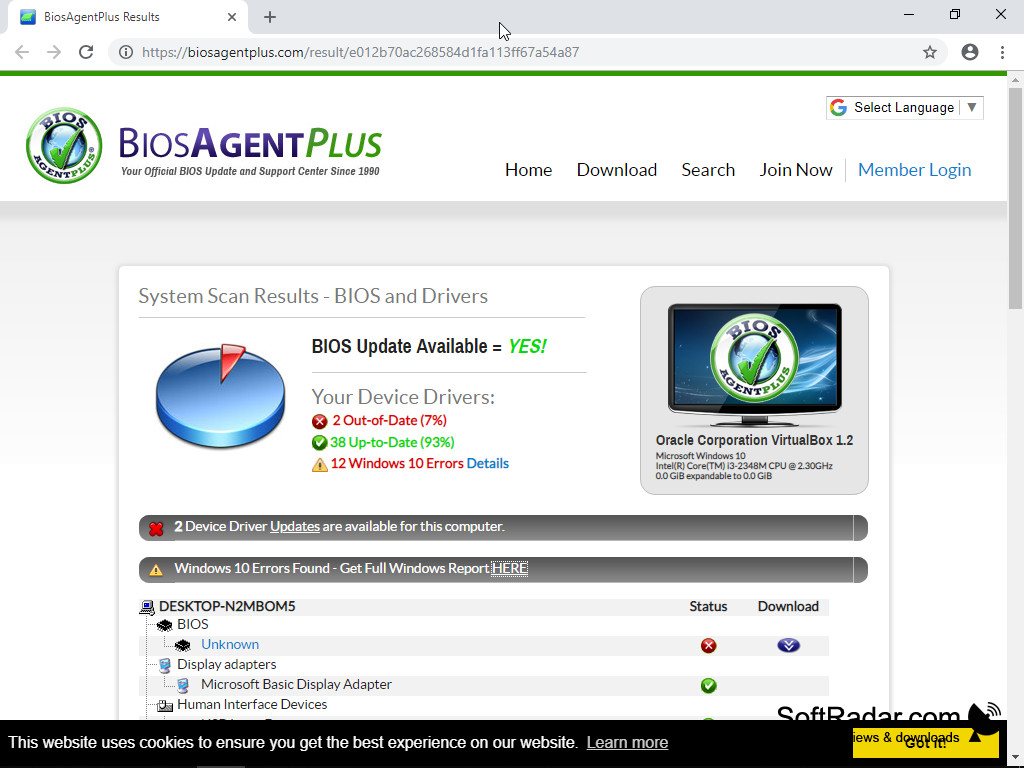
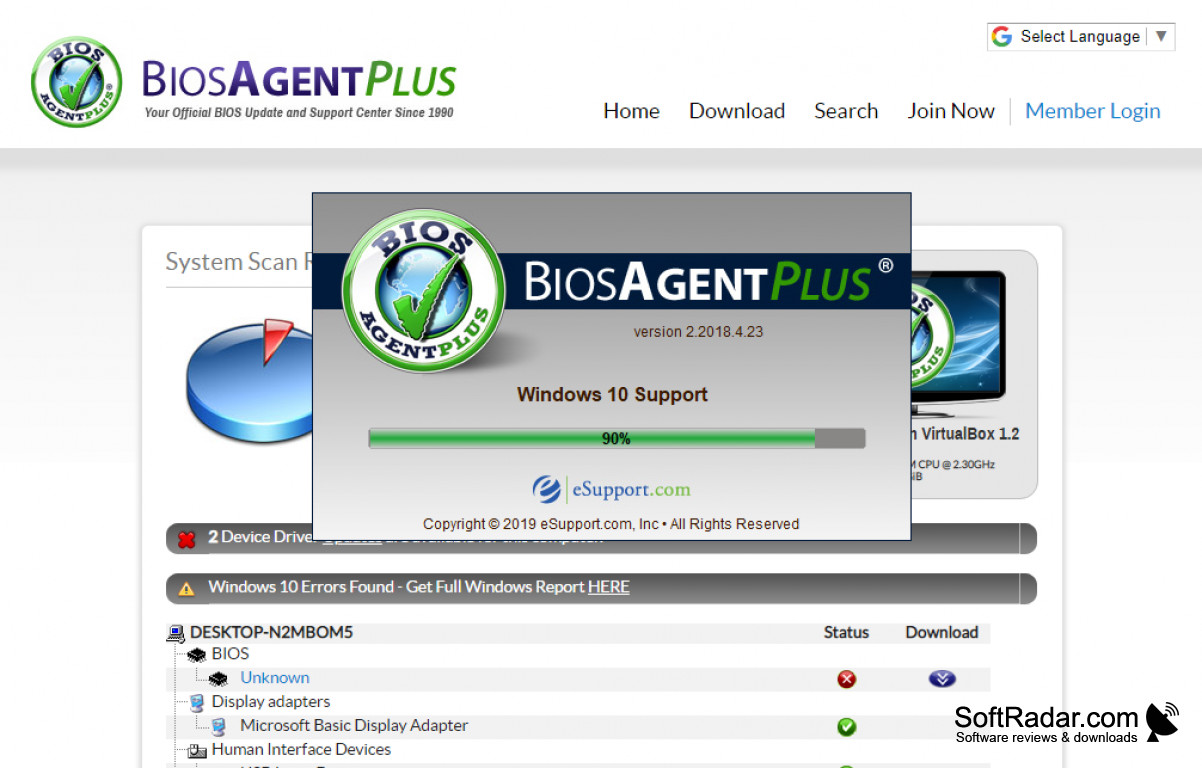
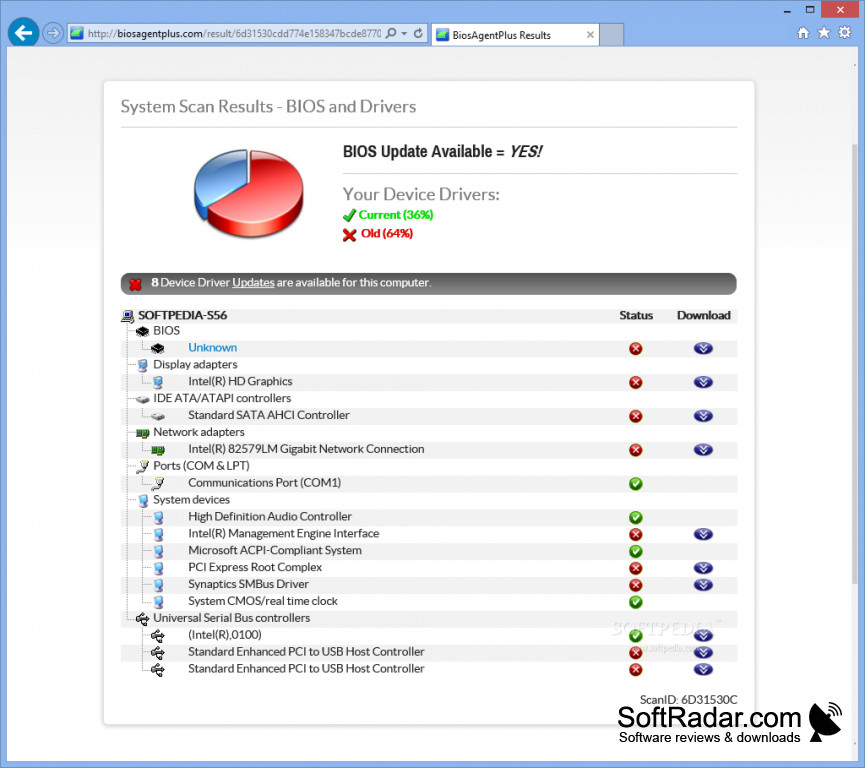
Over ten million people have downloaded BIOSAgentPlus to check their computers for new BIOS and old Drivers to improve PC performance and speed. It will give you instant access to a detailed report of their findings.
Features:
- Checks for new BIOS updates
- Finds old Drivers and recommends appropriate updates
- Improves PC performance and speeds
- Offers convenient video updates for AGP and PCI
eSupport.com, Inc. has been working for over 20 years to create top of the line software to keep its customer's BIOS up to date and working at optimal levels. Their innovative team has created a line up of tools to keep computers, tablets, notebooks, netbooks, and more at working speeds that keep up with this busy world. BIOSAgentPlus will keep a BIOS up to date with the most current updates available, providing the customer with the peace of mind of knowing their computers are running at optimal levels.
It speeds up your input/output for faster performance
eSupport.com, Inc. has been working for over 20 years to create top of the line software to keep its customer's BIOS up to date and working at optimal levels. Their innovative team has created a line up of tools to keep computers, tablets, notebooks, netbooks, and more at working speeds that keep up with this busy world. BIOSAgentPlus will keep a BIOS up to date with the most current updates available, providing the customer with the peace of mind of knowing their computers are running at optimal levels.
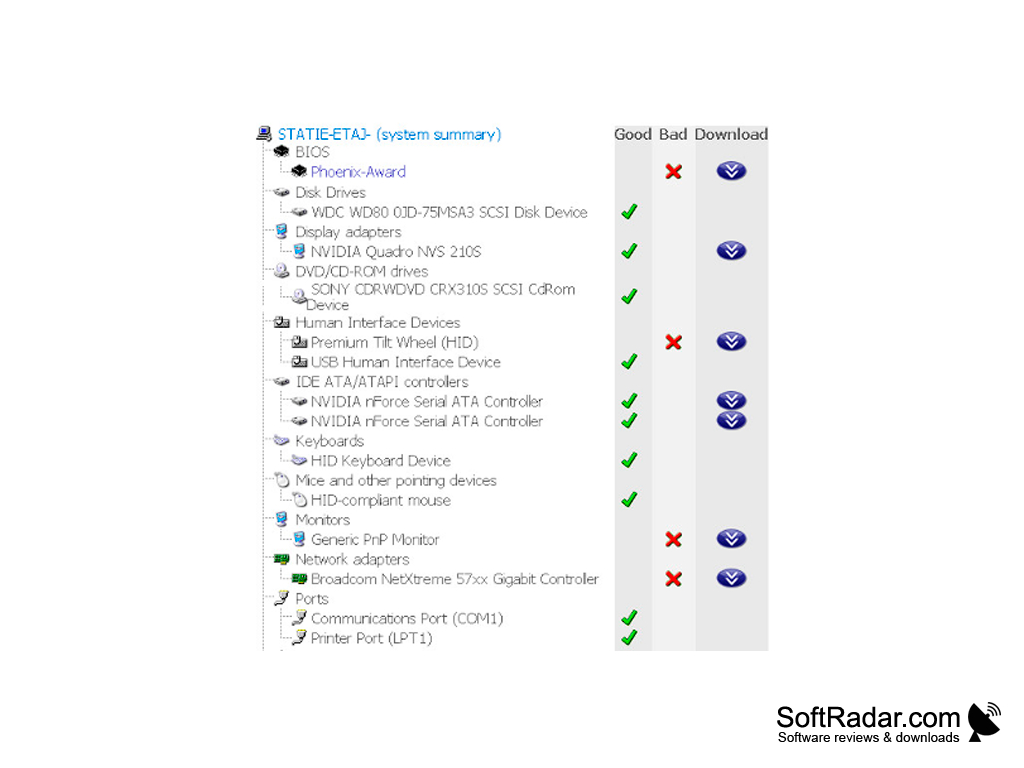
Drivers are imperative to the running of any operating system. They work by communicating with the computer's hardware, which makes it work with the operating system. Old drivers can clog up a computer and cause it to slow down or stop working altogether. BIOSAgentPlus will find old drivers and provide the necessary update recommendations. It provides access to a BIOS/Driver report that outlines exactly what action should be taken to improve PC performance, so there is never any guessing what needs to be done.
Can you fix these problems without BIOSAgentPlus? It is possible to fix a computer's BIOS without the aid of specialized software. However, unless a tech expert is doing it, it is very easy to do significant damage to a computer's operating system by changing the settings incorrectly. With BIOSAgentPlus, the customer can be confident that the BIOS is up to date and working correctly without any risk.


Internet Connection: Required for updating
Disk Space: 100 MB minimum
PROS
Offers detailed hardware information reports.
Automates the update process, saving user's time.
CONS
Sometimes falsely identifies outdated drivers.
Occasionally delivers slow scanning and update processes.


