
Bookviser Reader
A free ebook reader for Windows with access to thousands of free public domain ebooks.
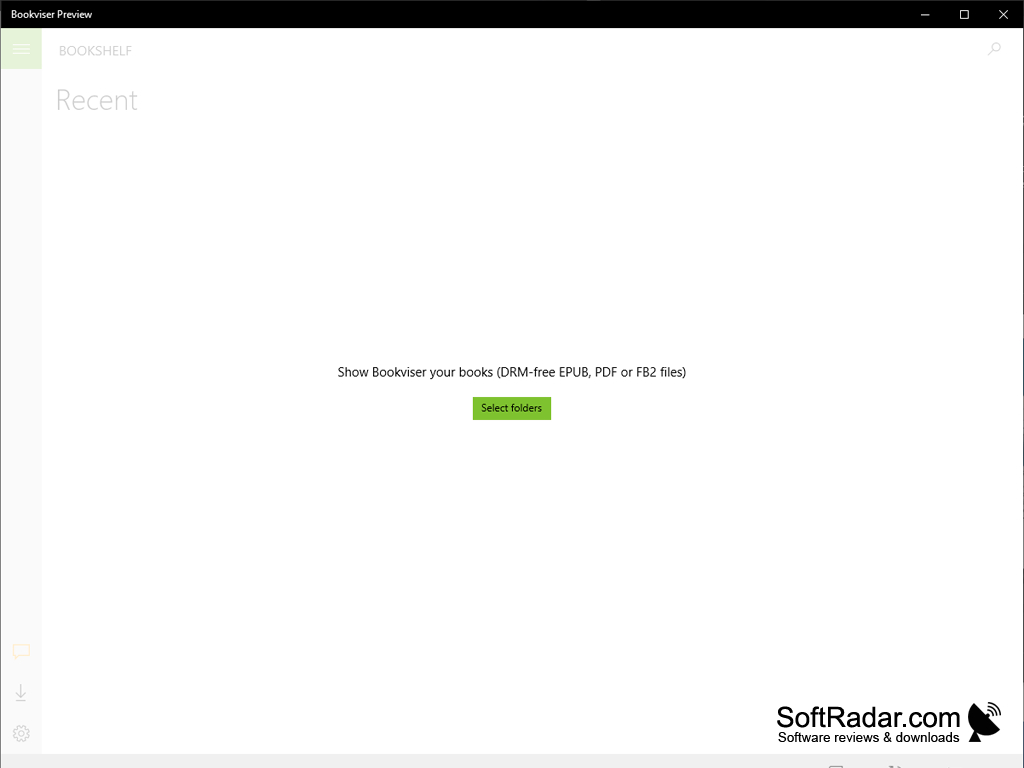
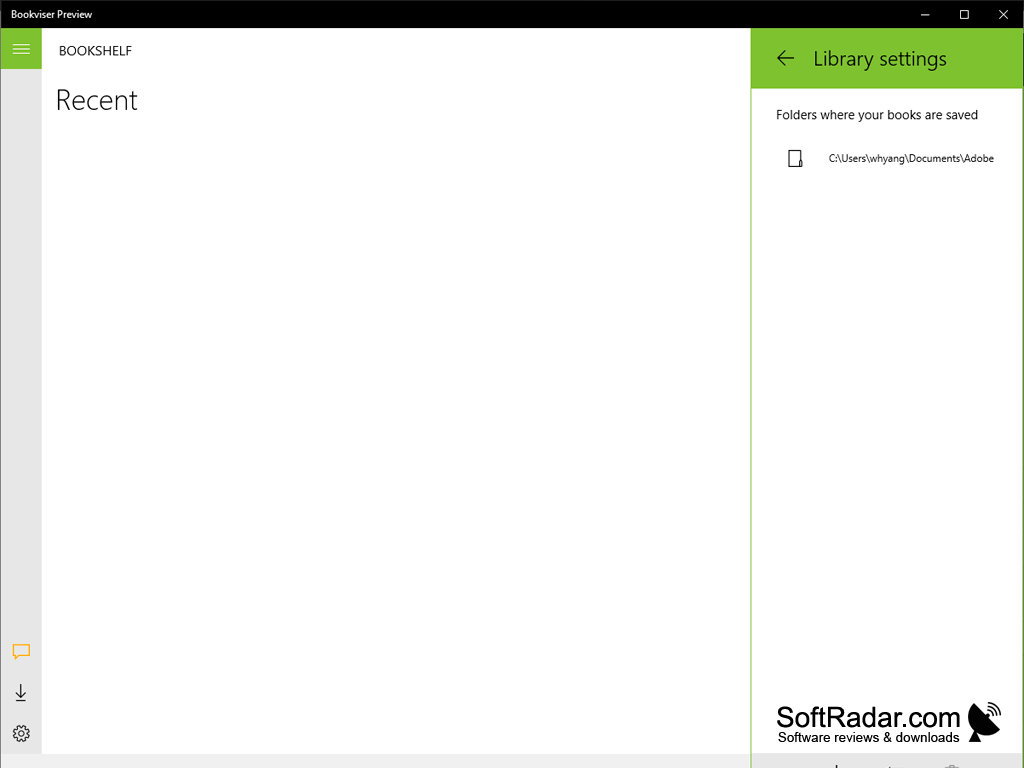
Bookviser Reader is a free ebook reading app for Windows that allows users to read their own DRM-free books and download thousands of free public domain ebooks.
Features:
- Simple to use
- built-in catalogs of free books
- EPUB, FB2 and PDF formats
- Free and without ads
Bookviser Reader lets you read your own EPUB and FB2 books and download free classics in one ad-free app.
Bookviser Reader was first made for Windows 8.1 and Windows Phone, so it works on tablets and phones as well as on PCs. The Bookviser Reader app allows users to read or listen to thousands of free ebooks from built-in OPDS catalogs and sources such as Feedbooks, Smashwords and Project Gutenberg, while also allowing you to import ebooks from OneDrive, an SD card or the file system.
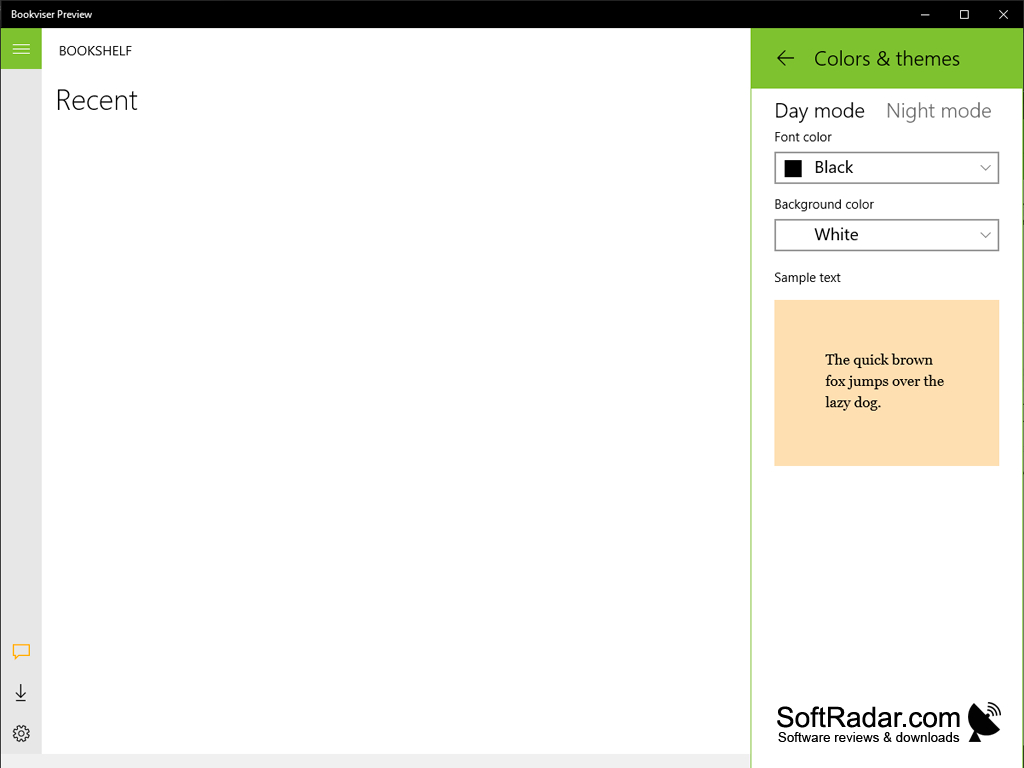
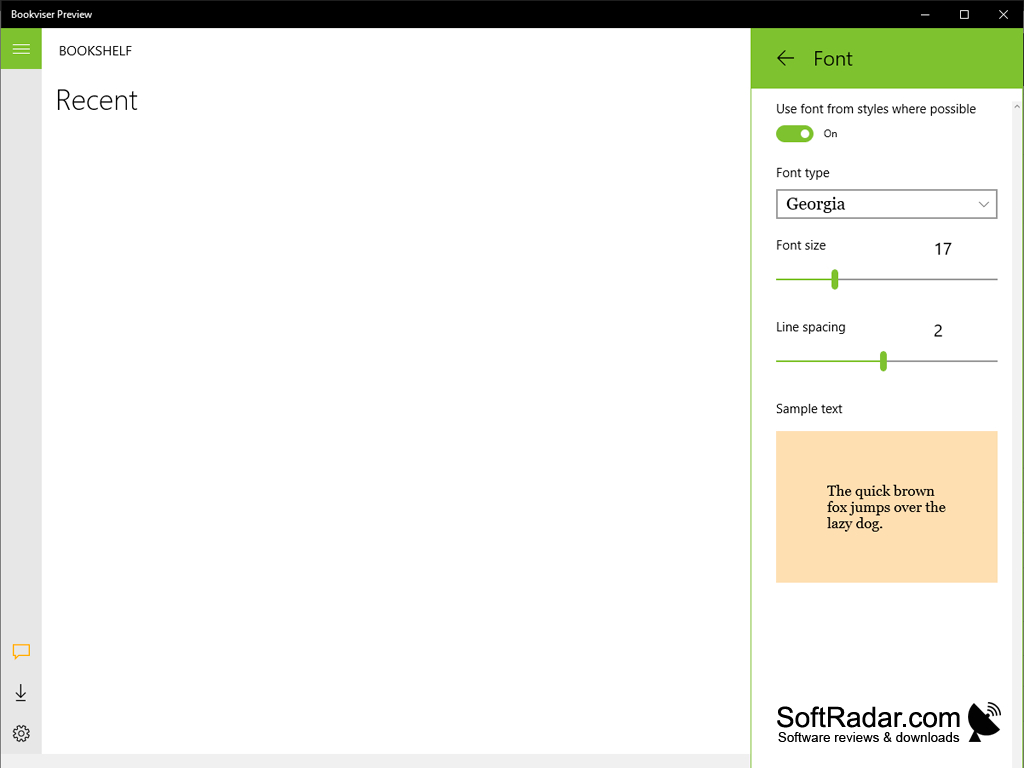
Bookviser also allows you to customize the app to your liking, increasing or decreasing the font size, choosing the font and line spacing, adjusting the color schemes with day and night modes or grouping your ebooks to your personal liking. For those who do not feel like reading, enjoy the text-to-speech option that Bookviser provides. That is beneficial to those on the go whether you may be driving on your way to work or going out for an afternoon walk.
Bookviser Reader contains no ads, so nothing interrupts you while you read or listen to a book. You can also highlight passages, take notes and translate snippets of text when you read a book in a foreign language. A paid Premium edition was also sold, but the basic app has always been free.
Today the original app is no longer listed in the Microsoft Store. The developer, Bookviser Inc, offers the free Bookviser Preview app for Windows 10 and 11 instead. It is an early version of the next Bookviser Reader that handles CSS formatting in EPUB books, keeps your books in one or several folders of your choice and lets you zoom images, while many features of the old app are still being added.
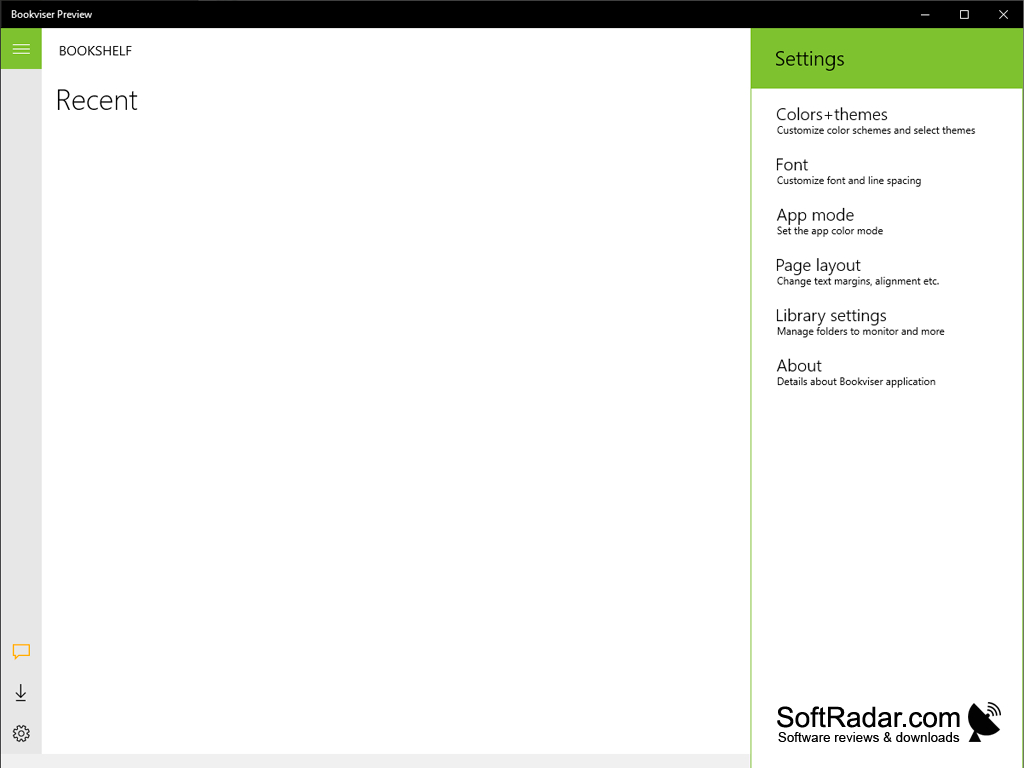
x86 app, also runs on 64-bit Windows
PROS
Offers customizable reading interface.
Free to use and contains no ads.
CONS
Original app is no longer offered in the Store.
Opens only DRM-free books.


