
Dell Display Manager (DDM)
Dell Display Manager (DDM) is a Windows utility for people using compatible Dell monitors to arrange application windows, adjust display settings, and switch video inputs.
Operating system: Windows
Publisher: Dell
Release: Dell Display Manager (DDM) 2.3.2.18
Antivirus check: VirusTotal report
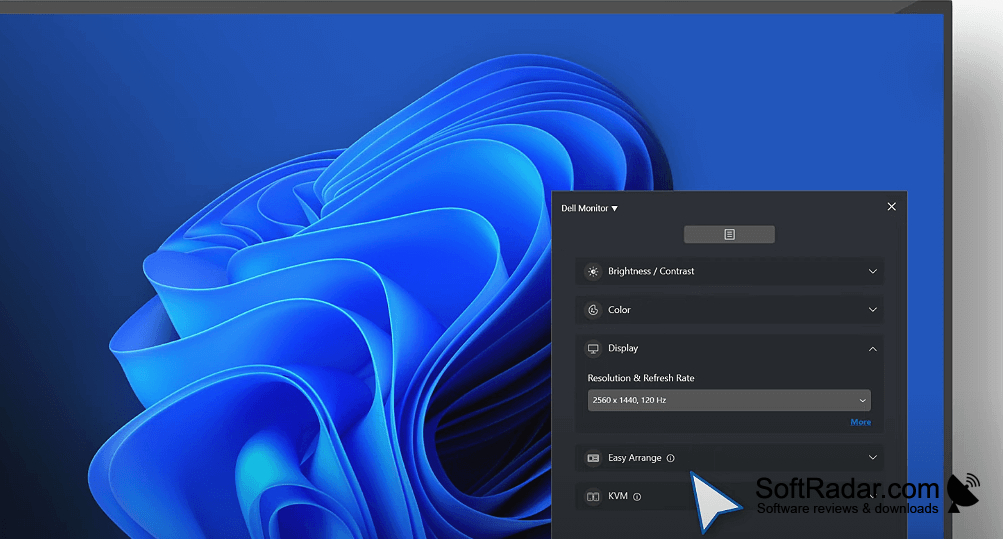
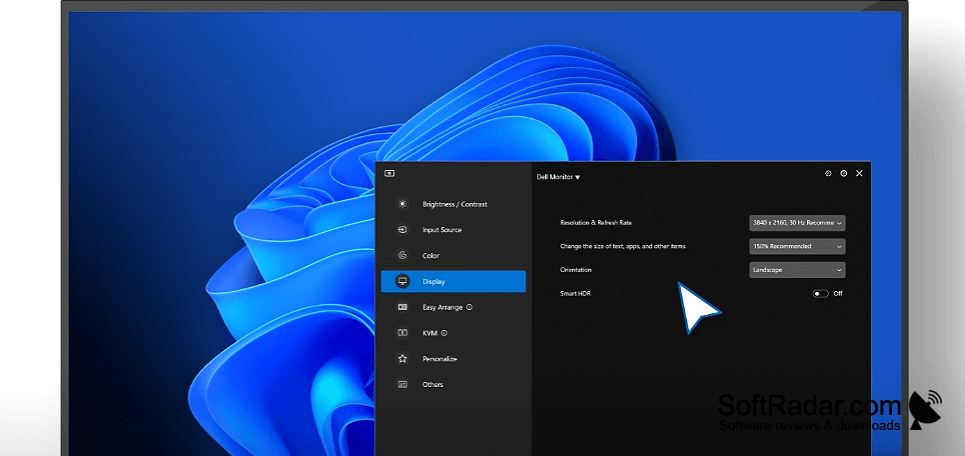
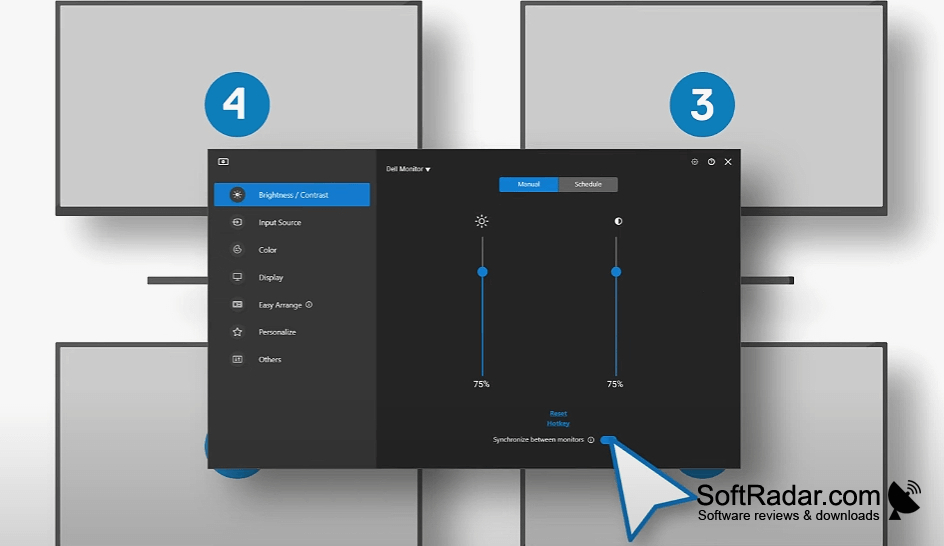
Dell Display Manager (DDM) helps people with compatible Dell monitors manage their workspace from Windows. It is useful when several applications share one screen or when a desk has multiple displays. You can place windows in saved arrangements, move between connected video sources, and change display settings without using the monitor's physical controls. Some monitor models do not support the software.
Save reusable window layouts so multiple apps return to familiar positions across your Dell displays.
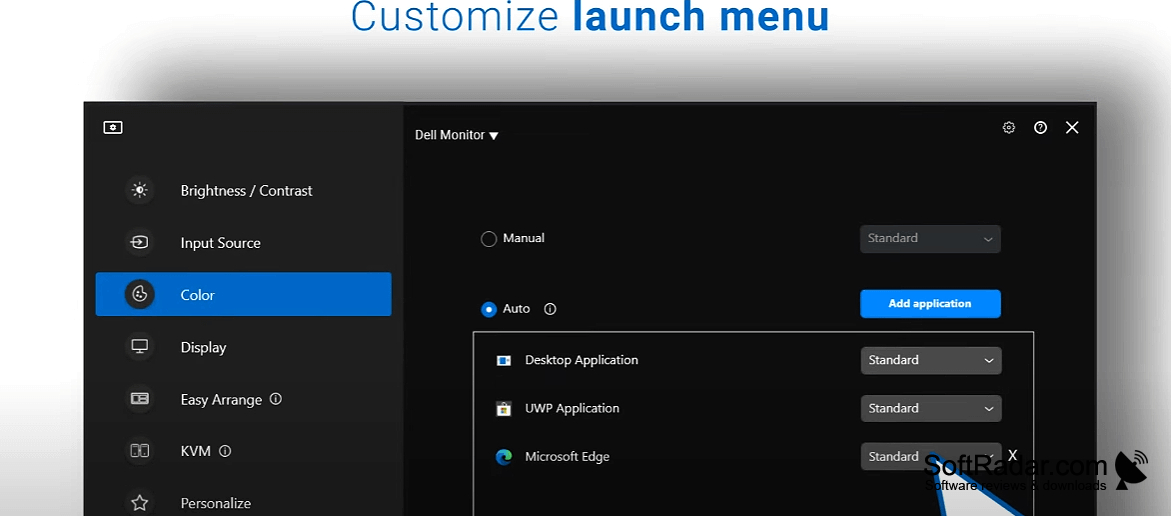
Choose a window layout to position and size open apps, then reuse it later; the program can also restore their previous placement. Brightness and contrast can be adjusted manually or linked to individual applications through presets. Input controls let you label sources and assign shortcuts for switching between them. For larger setups, it can manage multiple monitors and create a report of display information.
Features:
- Arrange app windows using reusable layout templates
- Restore previous application window positions
- Assign display presets to individual applications
- Adjust brightness and contrast from Windows
- Switch named video inputs with keyboard shortcuts
- Generate a report of monitor asset details
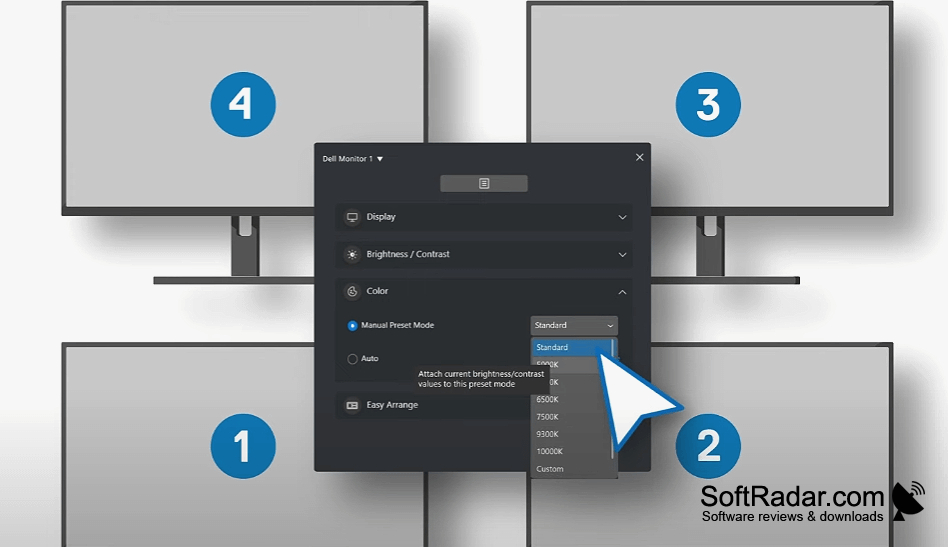
Compatible Dell monitor required
DDC/CI enabled in monitor settings
PROS
Switches video inputs without using monitor buttons.
Adjusts brightness and contrast from Windows.
CONS
Sometimes fails to detect connected Dell monitors.


