Digital Video Repair

by Rising Research

Allows for a variety of different things to be repaired
Operating system: Windows

Publisher: Rising Research

Antivirus check: passed

Report a Problem

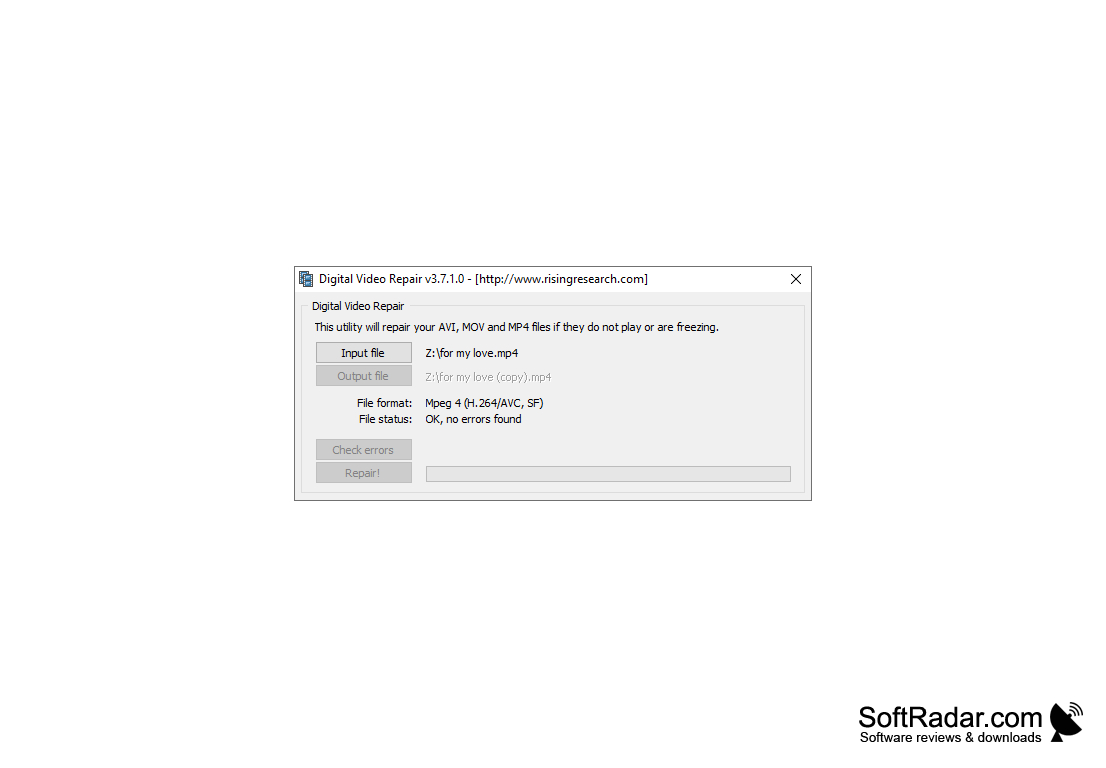
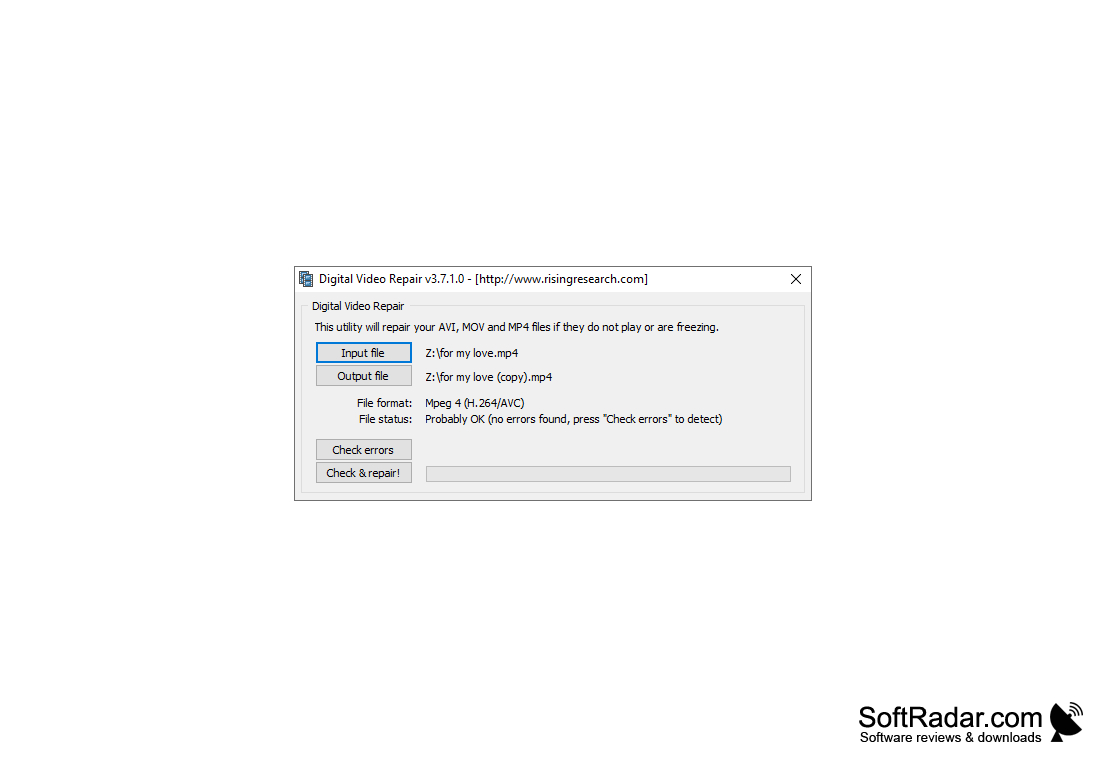
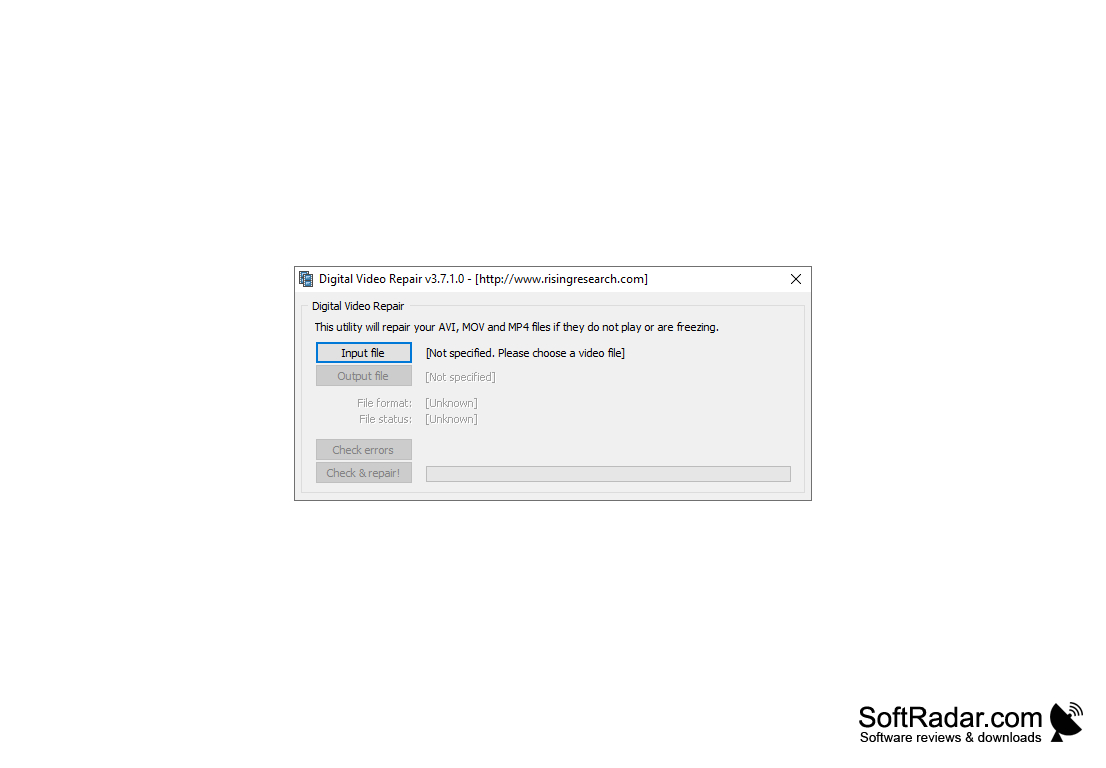
Digital Video Repair is an application for fixing corrupted video files. In case of incorrect copying of a movie from a CD or its incomplete download from the Internet, the file structure is damaged and it is not played back. This is exactly what Digital Video Repair does. The program allows you to exclude corrupted data from the file and recreate the index table. After that, you can watch the movie in any player. Supports work with video in AVI formats (codecs DivX, XviD, 3ivX, MPEG4, etc.) and Microsoft Video for Windows.

The main benefit of using Digital Video Repair software is its ability to fix corrupted video files, enabling smooth playback on any player.
Operating System: Windows 7 or newer
RAM: Minimum 512MB
Hard Drive Space: At least 50MB
Supports AVI, MPEG4, DivX, XviD video formats

PROS
Efficient at fixing corrupted or unplayable video files.
User-friendly interface makes operation simple.
Supports a variety of video formats.

CONS
Limited file formats supported for repair.
Interface is not user-friendly.
Lacks advanced video repair features.

Jamie
Sun, Jan 21, 2024

Digital Video Repair is a software that specializes in fixing video files that have been corrupted those, with damage caused by incorrect copying or incomplete downloads. This program removes corrupted data and Reconstructs the index table allowing the videos to be played smoothly on any media player. It supports video formats like AVI (including codecs such as DivX, XviD, 3ivX, MPEG4) and Microsoft Video for Windows. One of the advantages of this software is its ability to efficiently repair video files while offering a user friendly interface. It allows for edits and ensures high quality output. Digital Video Repair has gained recognition from users for its capabilities in repairing videos. It effectively addresses issues like frames, audio glitches and out of sync video and audio. Users have praised it for recovering lost data from files without compromising the original quality. The software also earns appreciation for its intuitive interface, quick repair process and compatibility with video formats.
However some users have mentioned that the interface could be more user friendly and that advanced video repair features are lacking. Though Digital Video Repair receives praise for its effectiveness, in fixing damaged videos.
image/svg+xmlBotttsPablo Stanleyhttps://bottts.com/Florian Körner Lewis
Digital Video Repair for Windows is a program that I can take advantage of to make quick, painless edits to videos and movie files that I've retrieved from Internet databases. If any patch-up work is required to correct video sequences, this program can step in to accomplish the job. The resulting output is always of very high quality.
image/svg+xmlBotttsPablo Stanleyhttps://bottts.com/Florian Körner James Mores
Digital Video Repair (DVR) is a powerful tool that can help repair corrupt and damaged video files. It is a powerful tool that can fix a wide range of video-related issues, including broken frames, audio glitches, and out-of-sync video and audio. It can also help recover some of the lost data from corrupted files, making them viewable and playable again.
Resolume Arena
Video covac for arena on windows processor
ZD Soft Screen Recorder
A powerful and easy to use software tool for screen recording
Honeycam
A blackout screen to protect your privacy on your laptop screen
Winamp Full
A multi-platform media player application that supports themes and plugins
WinDV
A comprehensive and lightweight application allowing the capturing of DV device videos