
uView Player
uView Player is a floating media player for Windows that keeps online videos, live streams and local media files in a resizable always-on-top window while other programs are in use.
Operating system: Windows
Publisher: iDruf
Release: uView Player 8.1.3.1
Antivirus check: VirusTotal report

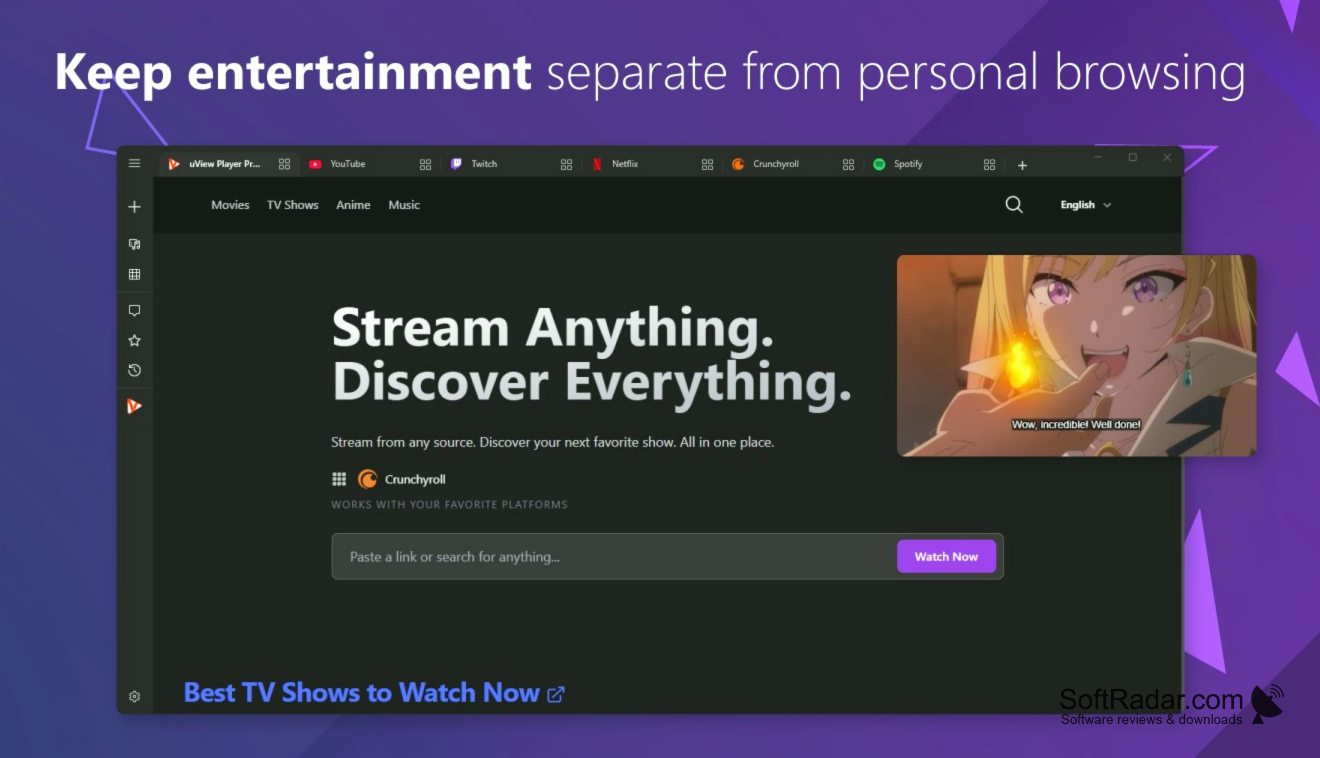
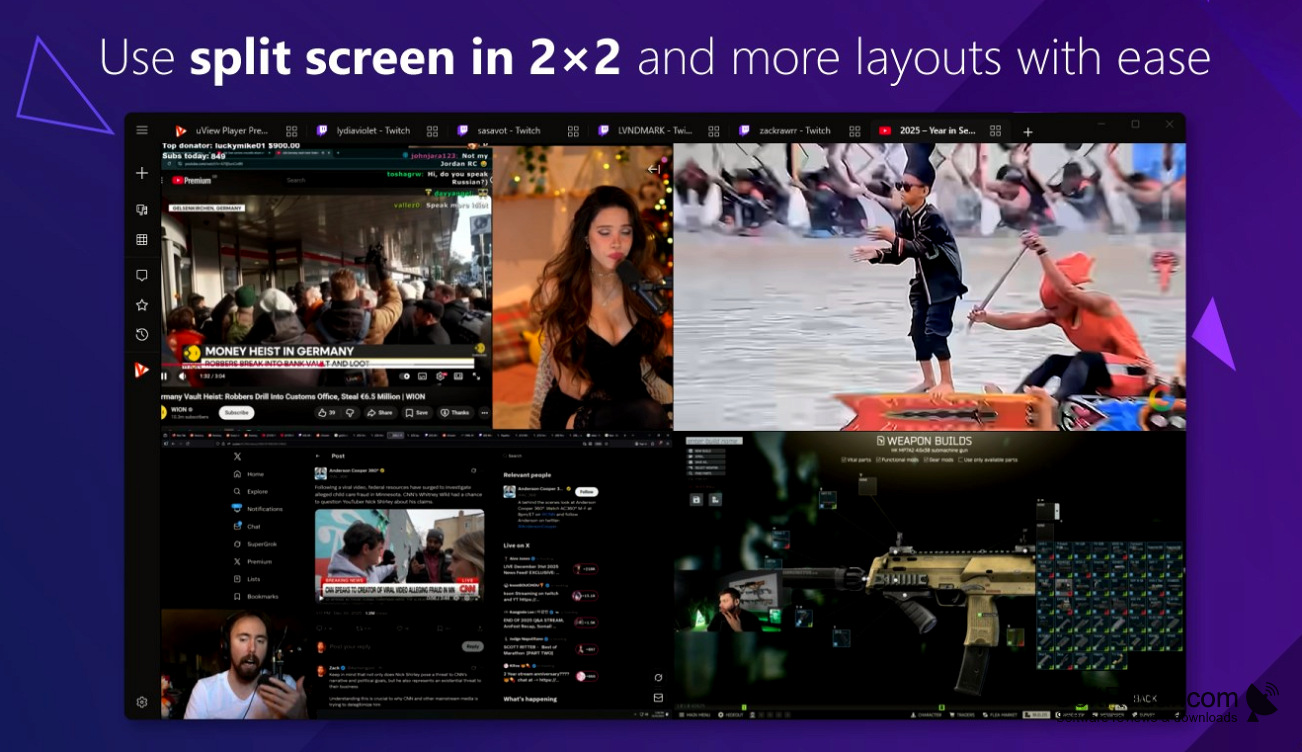
uView Player from iDruf is a media player for Windows built around a floating picture-in-picture window. The window stays on top of other applications, so a video, live stream or music clip remains visible while documents are edited, web pages are browsed or a game is running. It is distributed through the Microsoft Store for Windows 10 and Windows 11.
Lets a video keep playing on top of work or a game without switching windows.
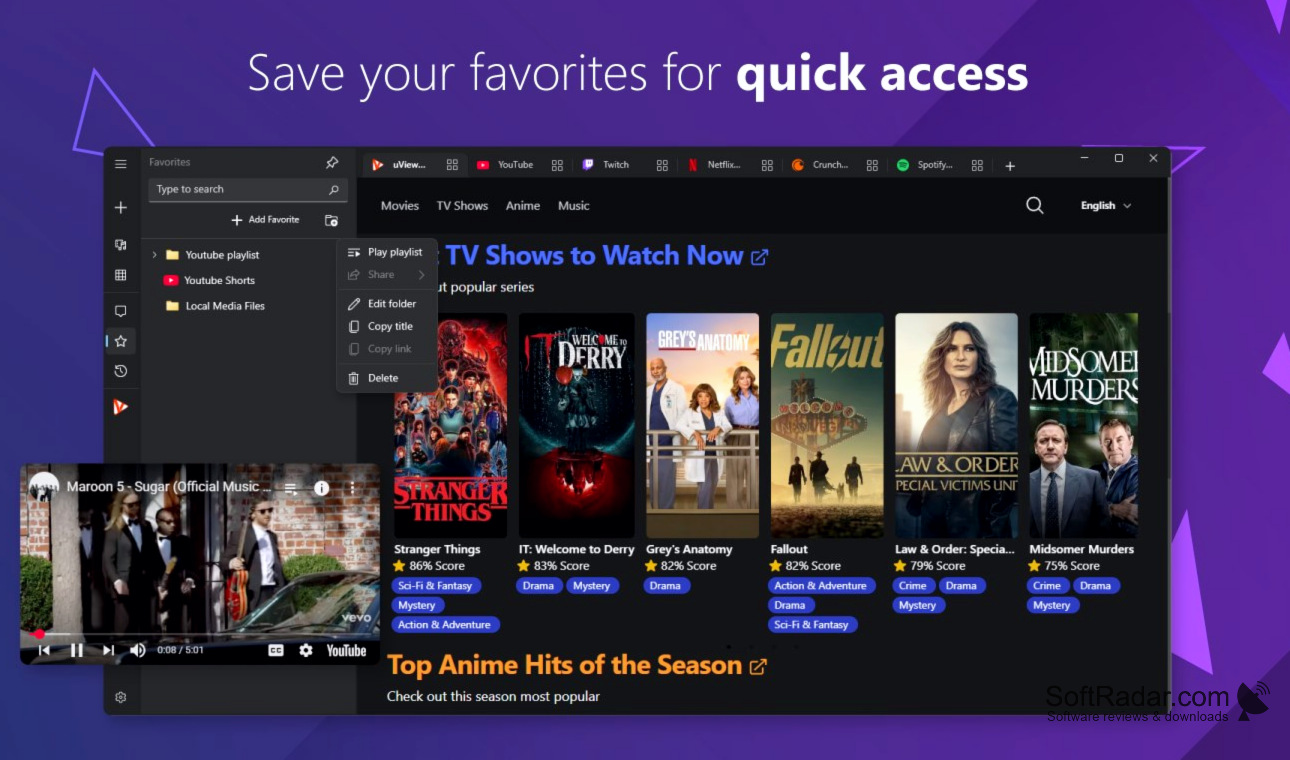
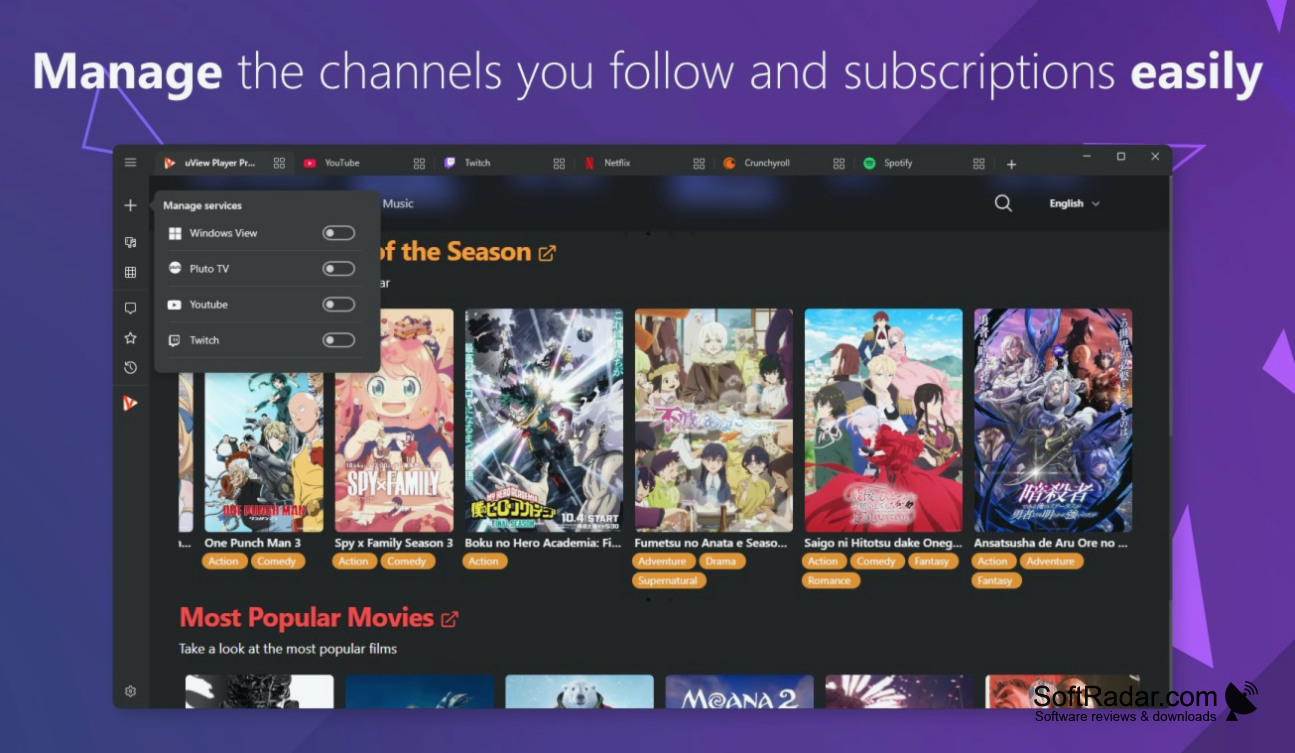
The player opens content from services such as YouTube, Netflix, Twitch, TikTok, Crunchyroll and Dailymotion, as well as HLS streams, direct media links, internet radio stations and local video, audio and image files. The window can be resized, moved, made partly transparent and locked against accidental clicks. Playlists, bookmarks and a Follow Manager for subscribed channels organise the content, and browser extensions send a video from a web page to the player. The application is free, with an optional paid Premium subscription that adds further functions.
Features:
- Always-on-top picture-in-picture window
- Adjustable size, position and transparency
- Window lock against accidental clicks
- Plays streams, internet radio and local files
- Playlists, bookmarks and Follow Manager
- Extensions for Chrome, Firefox, Edge and Opera
4GB of RAM
Microsoft Edge WebView2 Runtime
PROS
Handles streaming services and local files.
Window can be locked and made transparent.
CONS
Available through the Microsoft Store only.


