Disk Speed Test
Allows for increased disk speed for windows processor
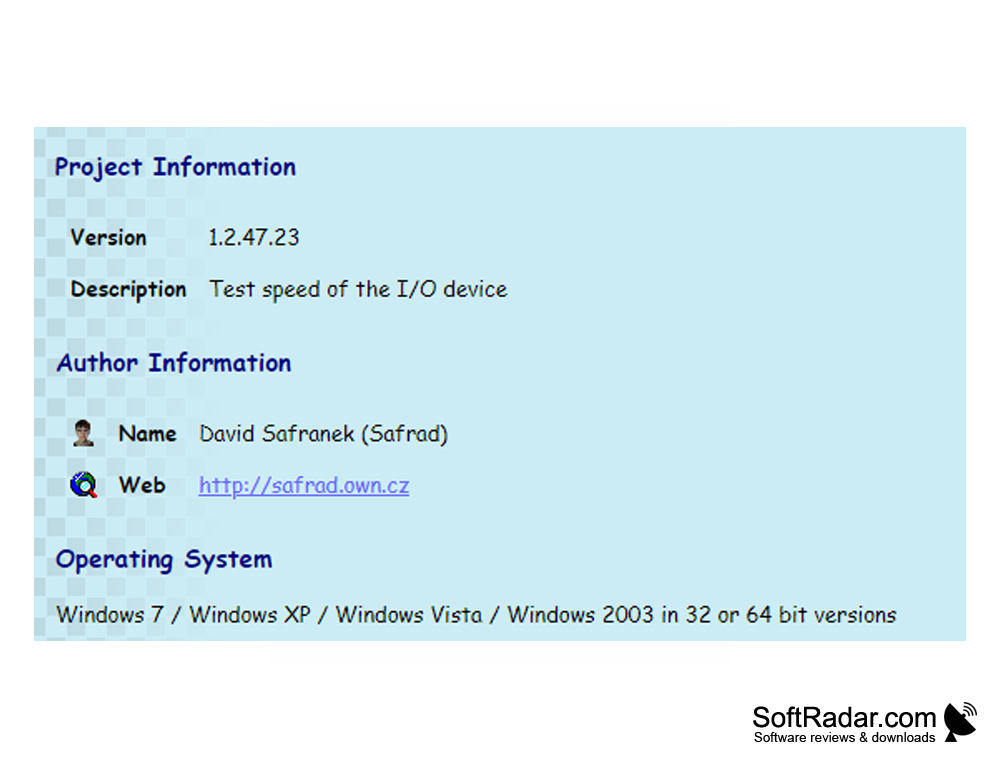
It is well known that early detection of hard drive malfunctions can help prevent the loss of invaluable personal information. David Safranek's Disk Speed software will always keep you up to date with your hard drive's speed and whether there are any delays or malfunctions.
The program is easy to use, even novice users will easily understand it on their own. All tools are located in the main application window, and the process of testing the hard drive takes about a minute. During this time, it is recommended not to load the computer with other programs for the purity of the experiment. As a result of the test, the user receives data on the speed of data recording to the HDD and the number of blocks. When you select the "Draw chart" parameter, the data is built up as a visual chart. After reviewing the test results, we can conclude that the performance of the hard drive as a whole is efficient. Disk Speed does not impose any special requirements on PC resources and is installed flawlessly on all versions of Windows, including Windows 7. The appendix does not require any administrative rights for the work.
The main benefit of using Disk Speed Test software is its ability to quickly detect potential hard drive malfunctions, preventing data loss.
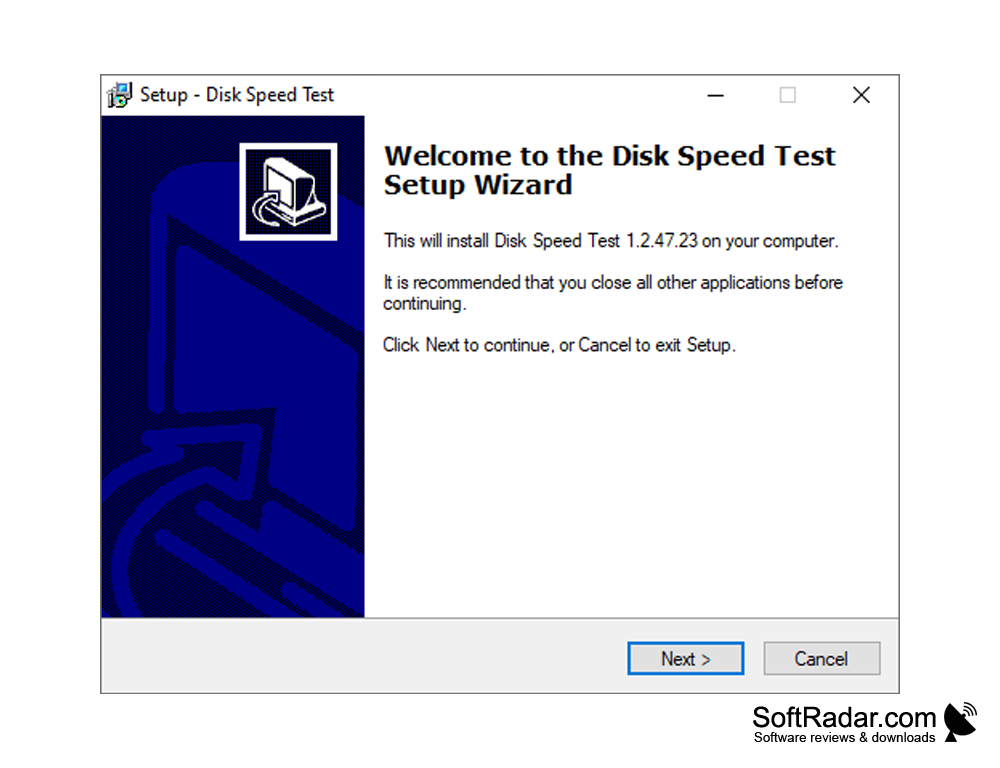
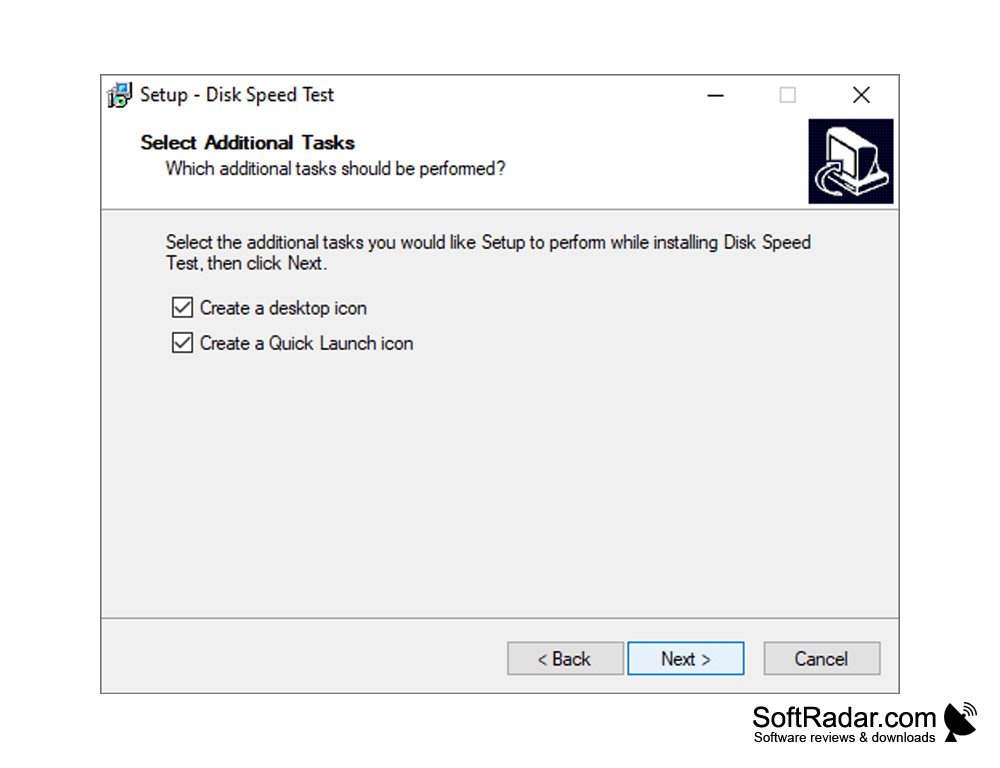
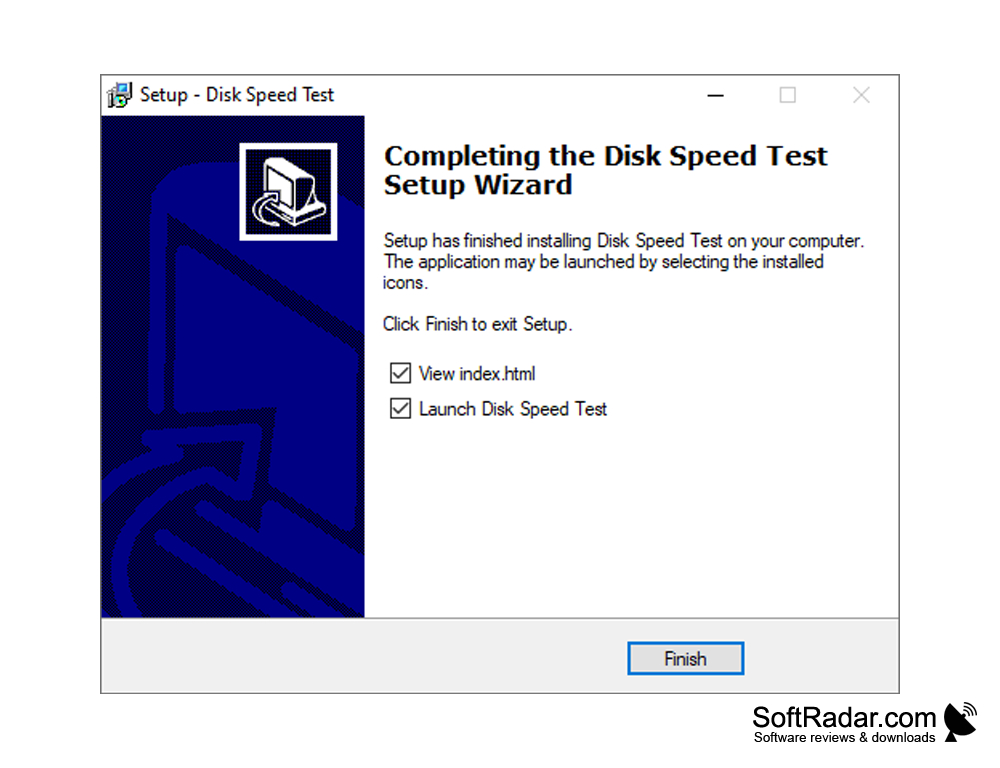
- determines the speed of the hard drive;
- allows to draw a conclusion about the efficiency of hard disk functioning;
- allows you to display test results as a graph;
- rapid testing (about a minute);
- does not require the rights of an operating system administrator;
- is distributed completely free of charge.
PROS
Provides accurate and reliable results.
Supports different types of storage media.
CONS
Not compatible with all operating systems.
Potential for inaccurate results if system isn't idle.


