DOS Navigator OSP
by DN OSP Team
This file manager helps organize your computer quickly and simply
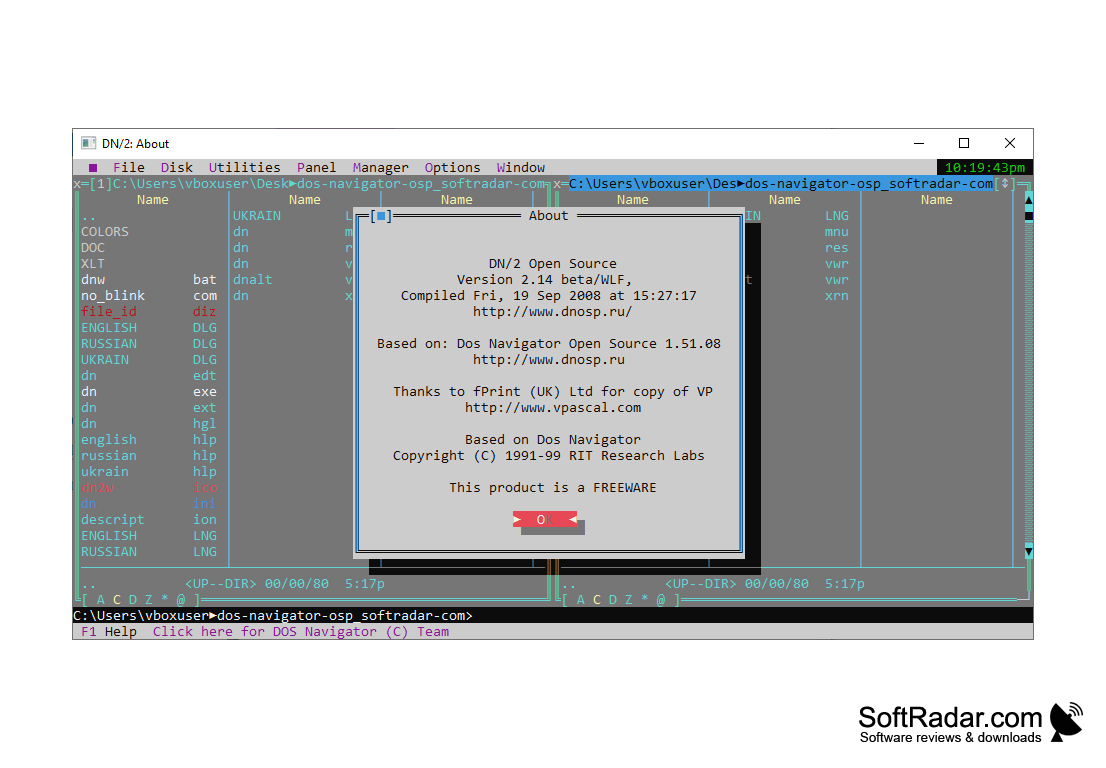
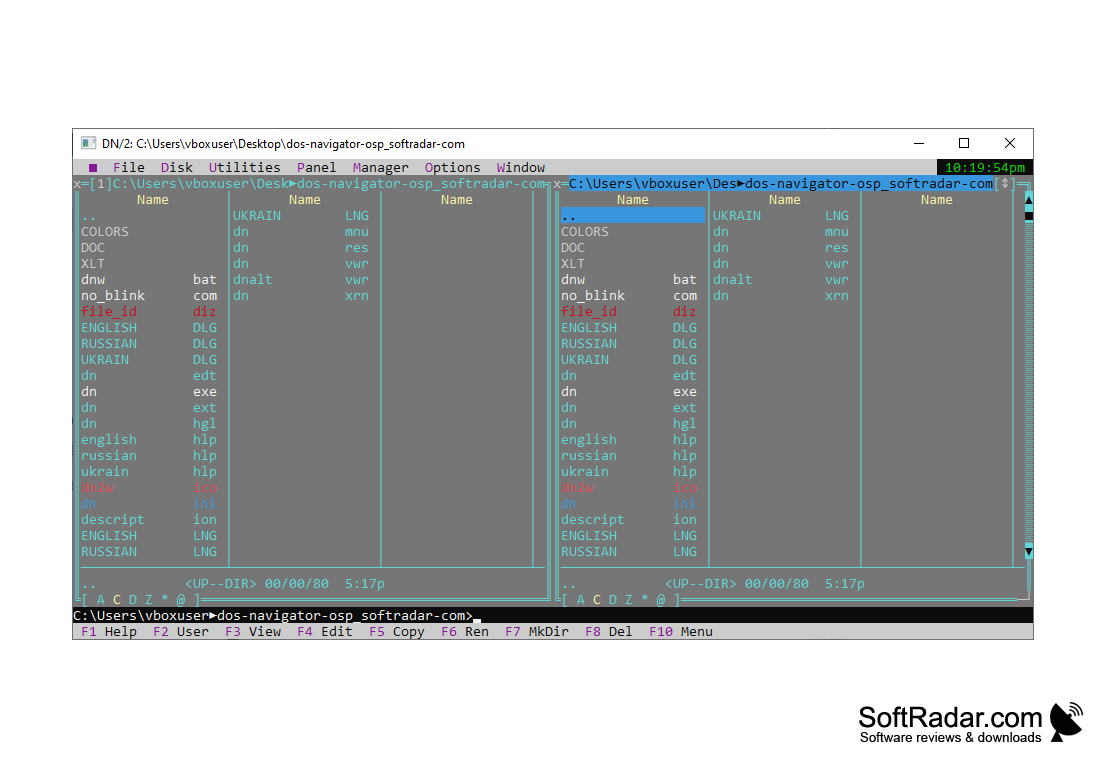
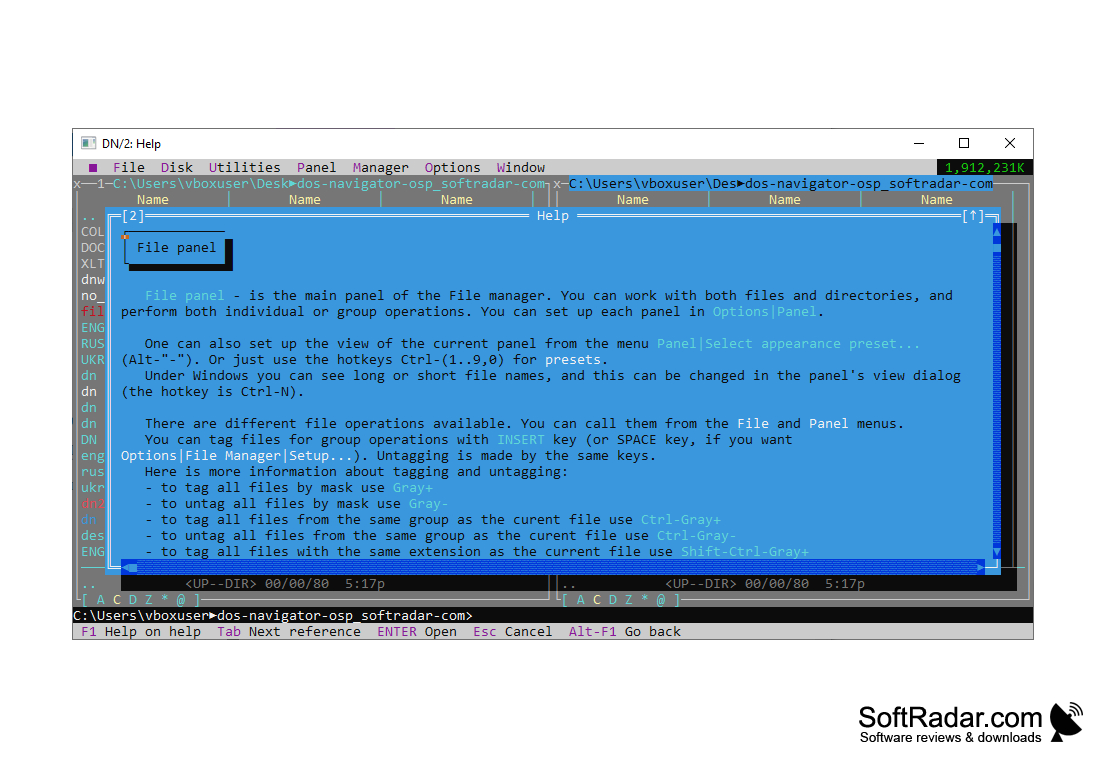
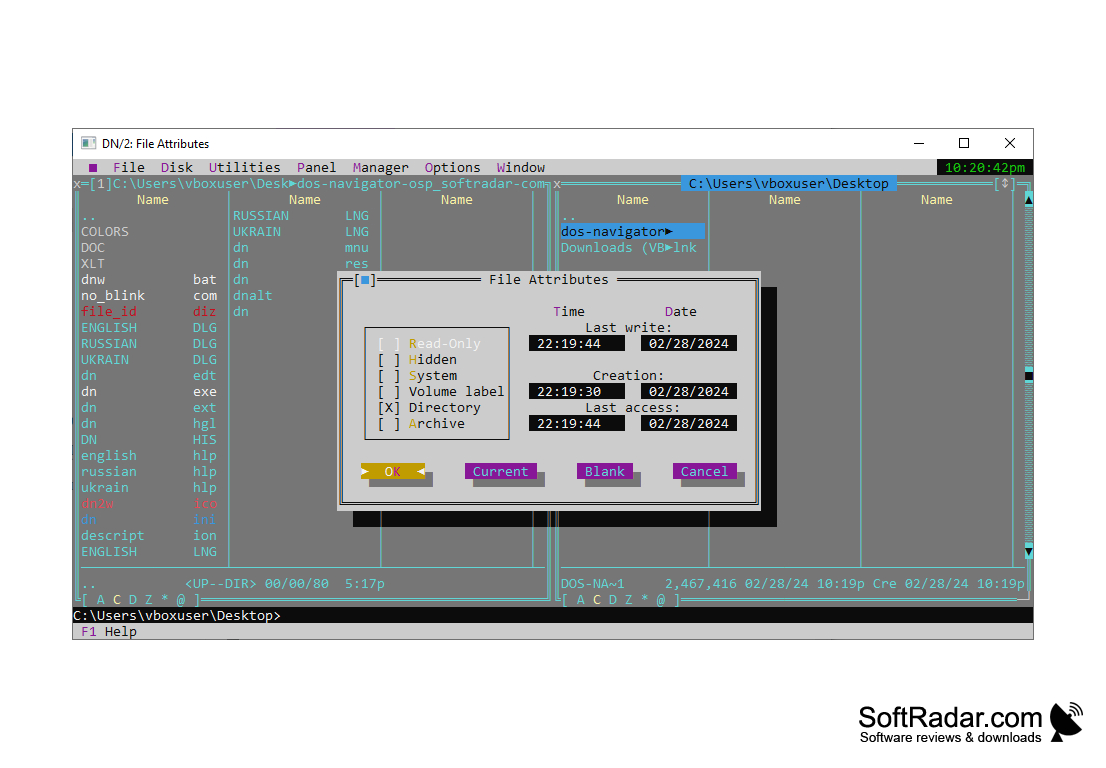
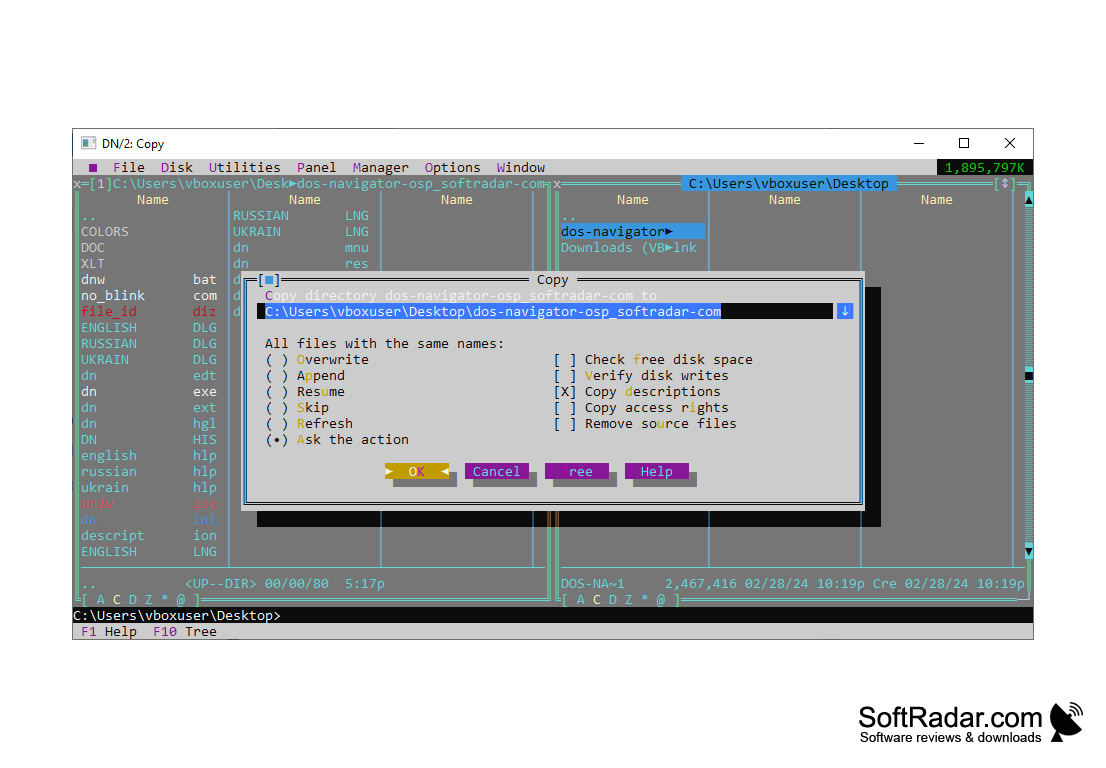
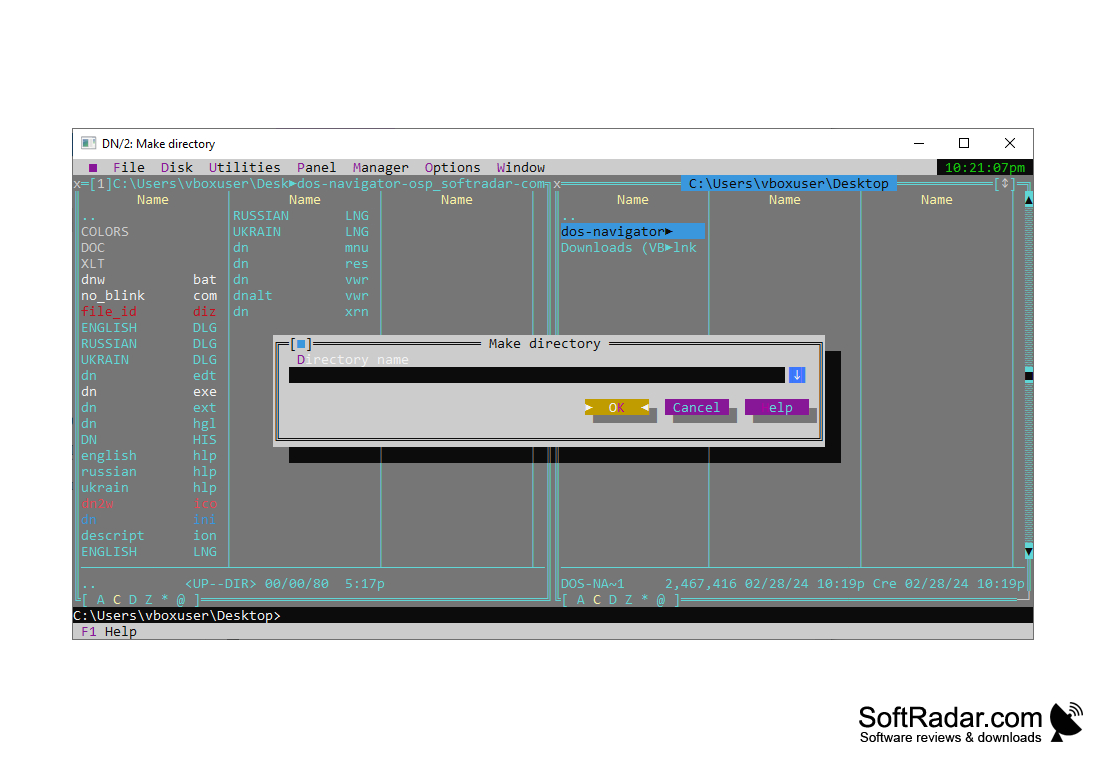
DOS Navigator OSP is a multi-platform (Win32, DPMI, DOS, OS/2) file manager.
DOS Navigator OSP allows for easy file management across multiple operating systems and platforms.
Windows, DPMI, DOS, or OS/2 operating system.
Basic file management knowledge.
Basic file management knowledge.
PROS
Easy to use interactive interface.
Supports a wide variety of file systems.
Offers advanced file management features.
Supports a wide variety of file systems.
Offers advanced file management features.
CONS
Limited functionality compared to modern file management tools.
Might be complex for non-technical users.
Dated interface, lacks aesthetic appeal.
Might be complex for non-technical users.
Dated interface, lacks aesthetic appeal.


