
Driver Robot
Upkeep the latest drivers for their respective hardware without the effort
Operating system: Windows
Publisher: Blitware Technology Inc.
Release : Driver Robot 5.0.201.0
Antivirus check: passed
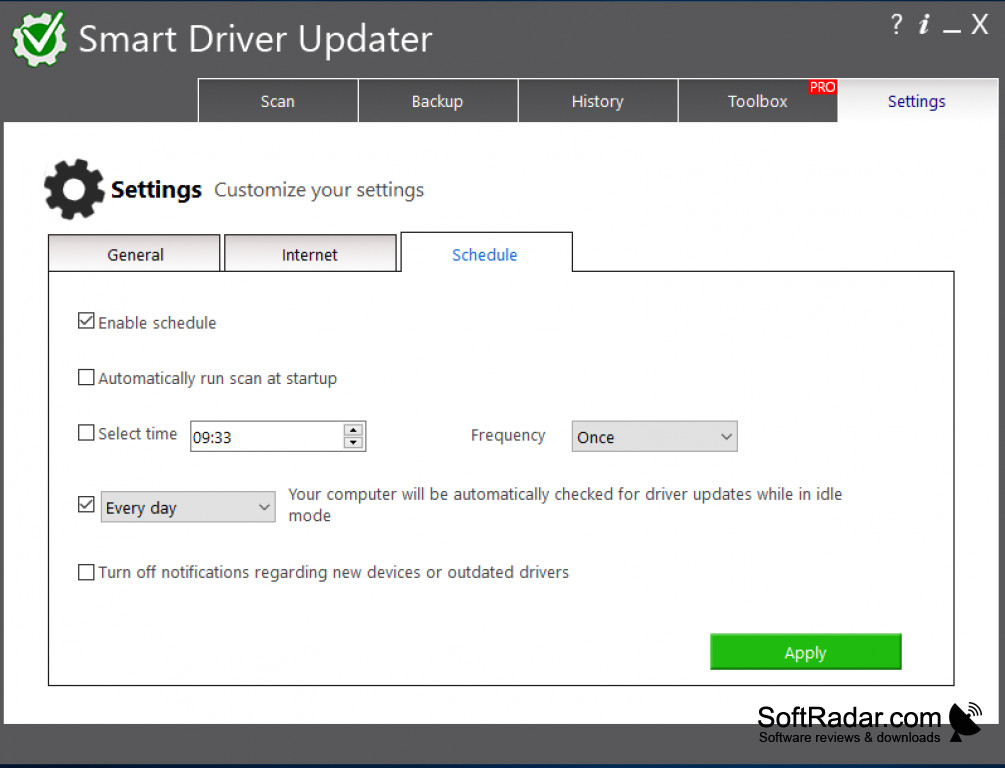


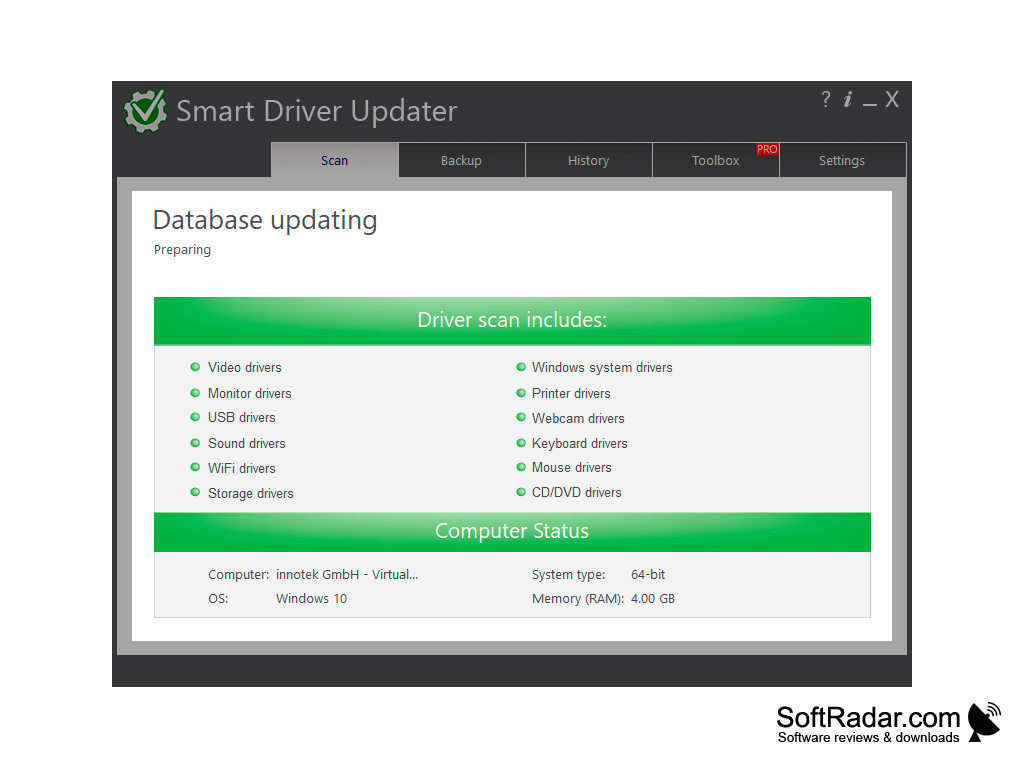
You plug your printer in and get the pop up that says your device is not recognized, what do you do now? No worries, Driver Robot can save the day and do it quickly. Utilizing a database of over 100,000 entries from a broad panorama of devices, the driver you need is bound to be there. Driver Robot scans the hardware and identifies the corresponding driver update and installs it for you, so you never have to fiddle with the manual process of hunting the correct driver down and reinstalling it. Driver Robot works off a system called Robot Spider, which is able to find drivers for new devices within a record time of no more than 24 hours after their release. You can even export the hardware scan and identified configurations from a computer that is offline and then subsequently take it and run it on a computer that is online. You then just download the respective drivers that were found for the offline computer, and you have your drivers.
Finds and downloads drivers to the database within 24 hours of product releaseFeatures:
- Includes drivers for the majority of mainstream printers
- Includes drivers for any Windows Vista or Windows XP video card variants
- Includes drivers for Motherboards
- Includes drivers for thousands of web type cameras, giving you access to all the webcams functionality
- Includes drivers for Ethernet sources
- Includes drivers for FireWire devices
- Includes drivers for Universal Serial Bus controller devices, providing optimum import/export/transfer speeds
- Includes drivers for Chipsets, stopping your computer from preventable system freezes and crashes
- Includes drivers for DVD's enabling quicker reading of CD/DVD's
- Includes drivers for the majority of pointing devices to enable full control of the mouse
- Includes drivers for keyboards to function properly
- Includes drivers for monitors to give you the highest quality of the picture on your new monitor
- Product support with a maximum of 24 hours turnaround time
- Includes legacy drivers that cannot be found in any other database or web forum
Free hard disk space: At least 50MB
Internet connection for updates and driver downloads
Processor: 1 GHz or faster CPU
PROS
Easy-to-use interface suitable for non-technical users.
Supports a wide range of computer hardware.
CONS
Limited driver database compared to competitors.
Pricing is relatively high for its features.


