
DriversCloud
DriversCloud helps Windows users inspect PC components, installed software and drivers, with update suggestions and diagnostic information for troubleshooting.
Operating system: Windows
Publisher: Cybelsoft
Release: DriversCloud 12.1.6
Antivirus check: VirusTotal report
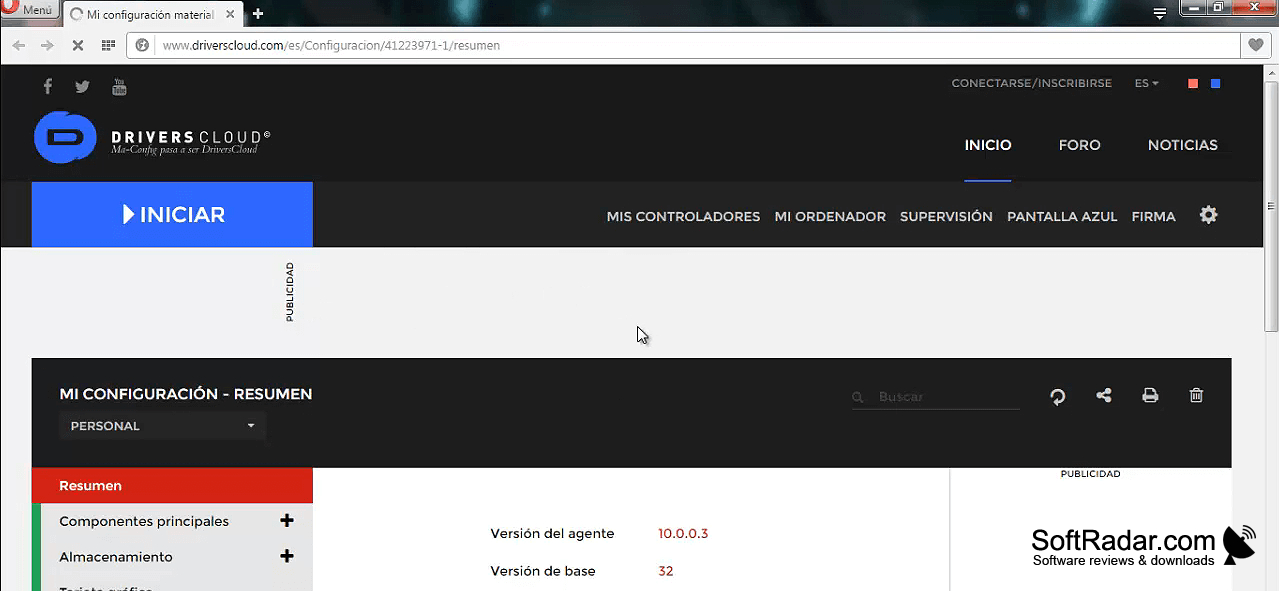
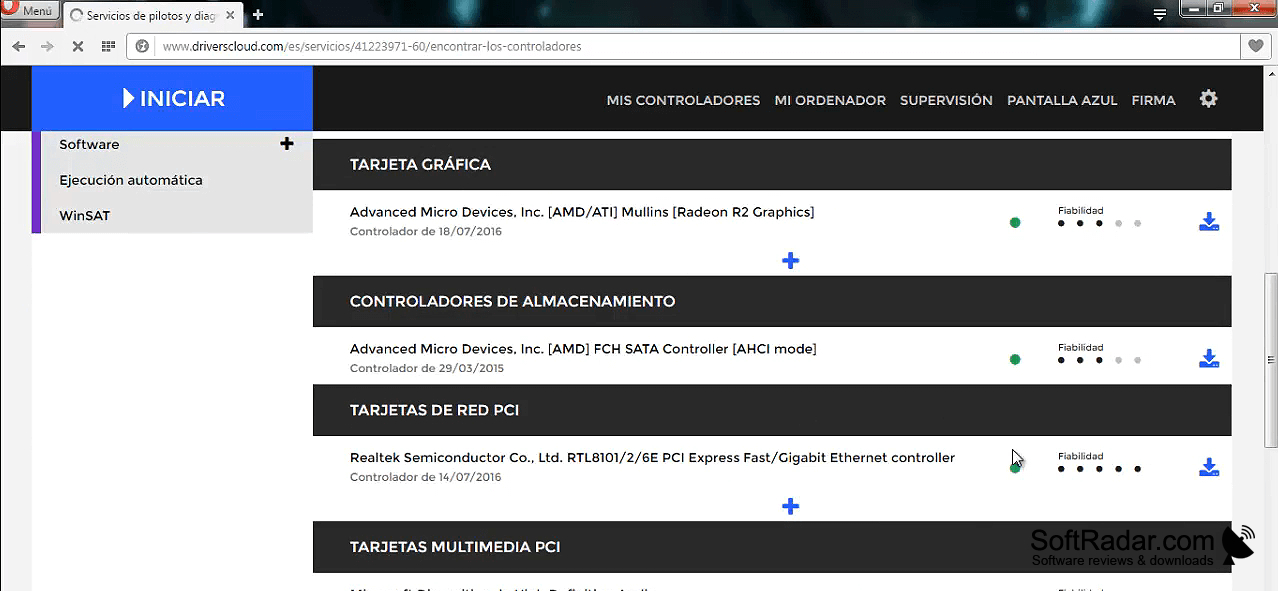
DriversCloud gives Windows users a detailed view of the components and drivers in their PC. It is useful when checking which devices are installed, reviewing available driver updates, or collecting system details for a support request. Alongside driver information, it reports installed programs and can help investigate crashes or other operating system problems. The results bring several types of diagnostic information into one place.
See which device drivers may need attention alongside a broader inventory of your Windows PC.
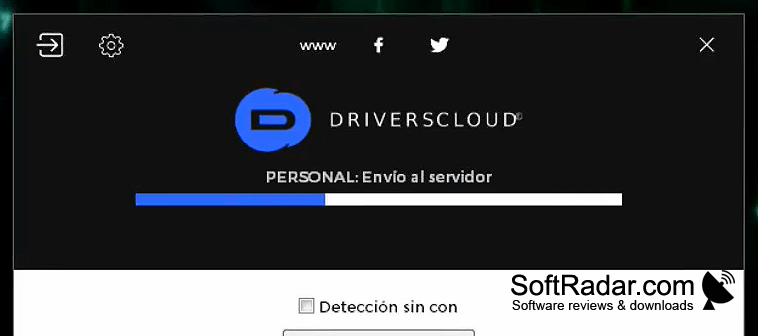
After a small client is installed, scans are started and viewed through a web browser. Outdated driver entries include links to suggested replacements, but downloads and installation are not automated. A separate portable edition can gather data without an internet connection. Reports can be saved as PDF files, while crash analysis and live readings for temperature and power use offer further context when the hardware has suitable sensors.
Features:
- Lists installed devices and their drivers
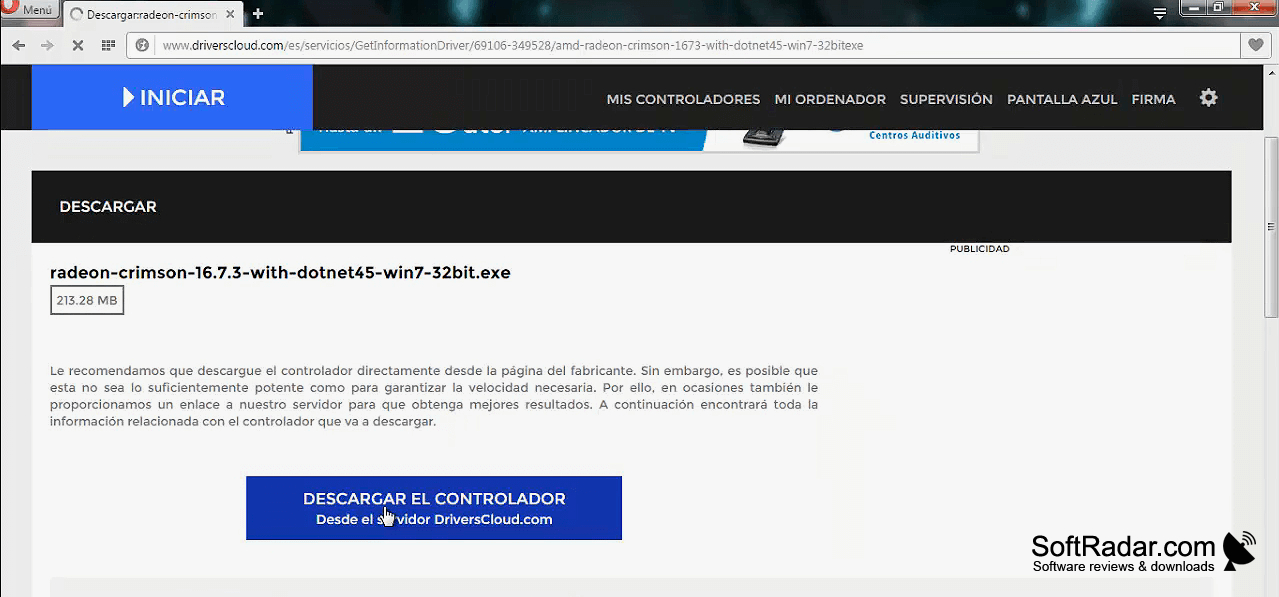
- Links to suggested driver replacements
- Collects scan data without internet access
- Exports system reports as PDF files
- Examines blue-screen crash information
- Shows live hardware sensor readings
Available in 32-bit and 64-bit builds
Requires a web browser for results
PROS
Offline detection works on disconnected PCs.
Driver recommendations include direct download links.
CONS
Detailed scan results can overwhelm less experienced users.
Browser-based workflow adds steps to routine scans.


