
AMD Software: Adrenalin Edition
AMD Software: Adrenalin Edition gives Windows 11 users tools to manage Radeon graphics drivers, adjust game settings, monitor performance, and record gameplay.
Operating system: Windows
Publisher: Advanced Micro Devices, Inc.
Release: AMD Software: Adrenalin Edition 26.8.1
Antivirus check: VirusTotal report
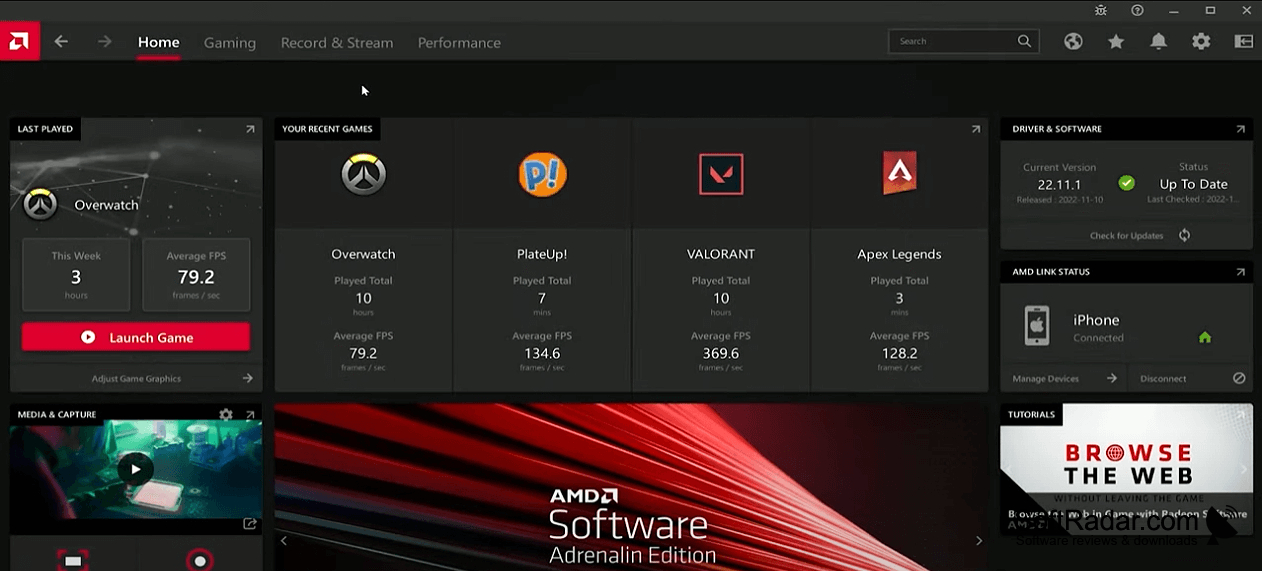
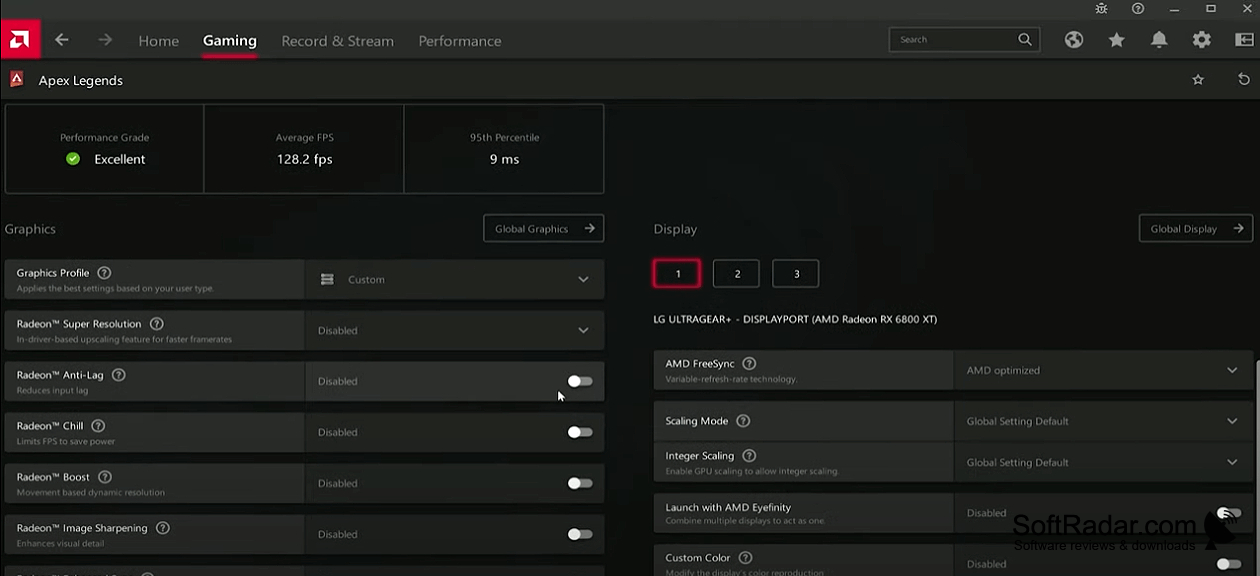
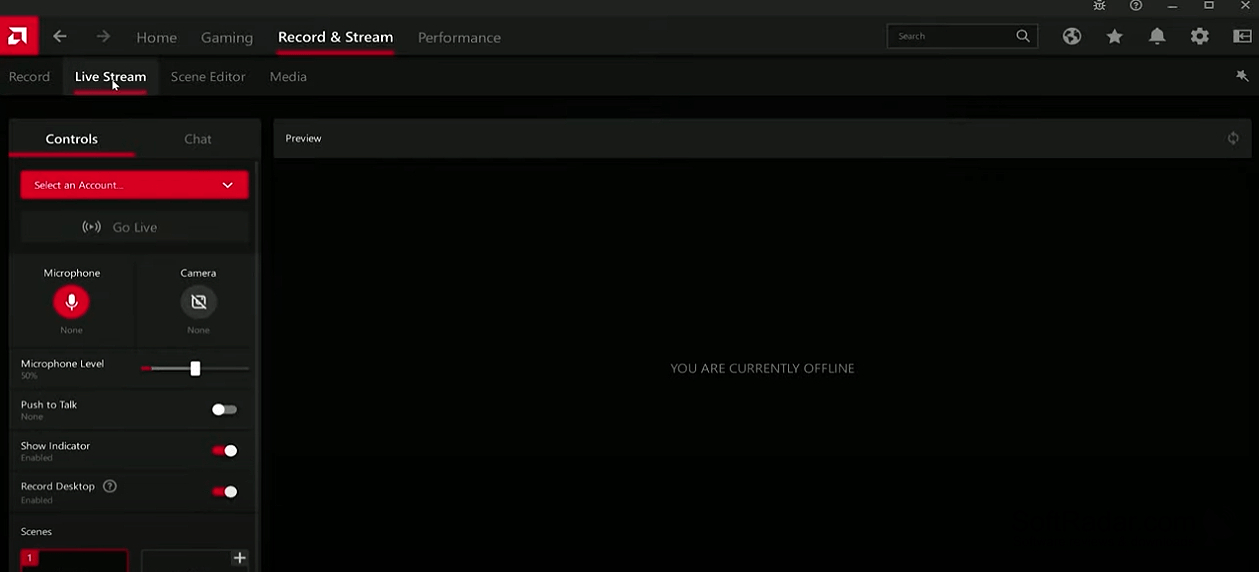
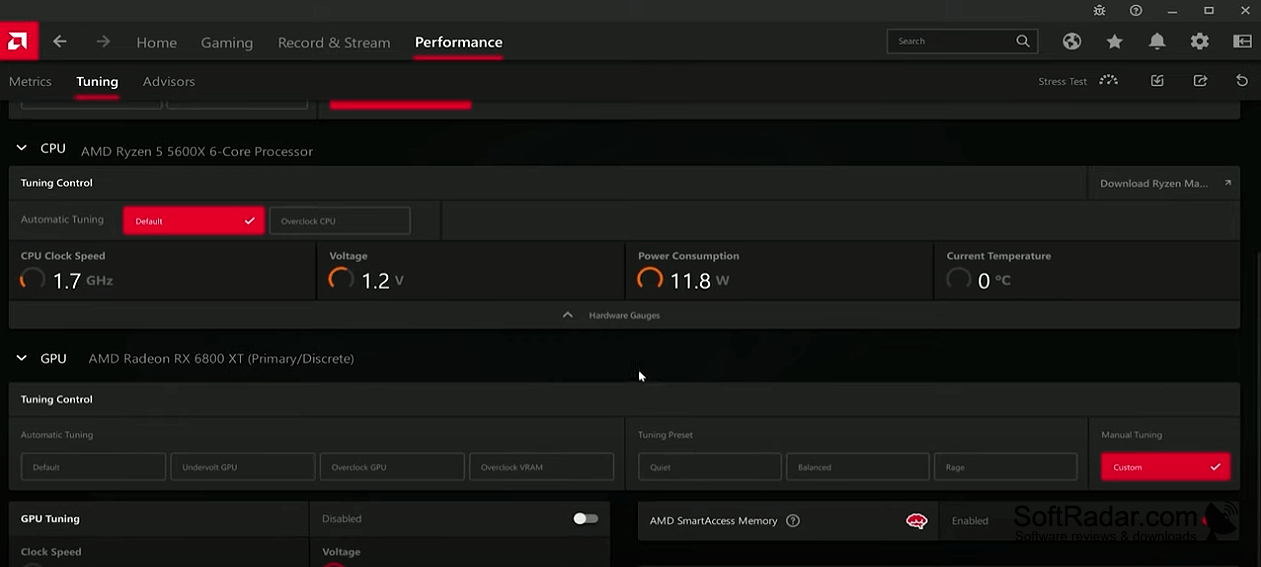
AMD Software: Adrenalin Edition provides controls and drivers for Radeon graphics hardware on Windows 11. It brings display and game settings together with performance information and available driver downloads. Players can use it to adjust how games look and respond, review activity data, and record footage without moving between separate graphics utilities.
It puts graphics controls, performance information, and driver downloads in one interface.
An overlay opened with Alt+R makes controls available while a game is running. Options include reducing input delay, changing resolution during camera movement, sharpening images, and adjusting power use based on activity. The software can also record gameplay, reduce background audio noise, and connect a PC to other devices through AMD Link. Some functions depend on the graphics card or game.
Features:
- Open graphics controls during gameplay with Alt+R
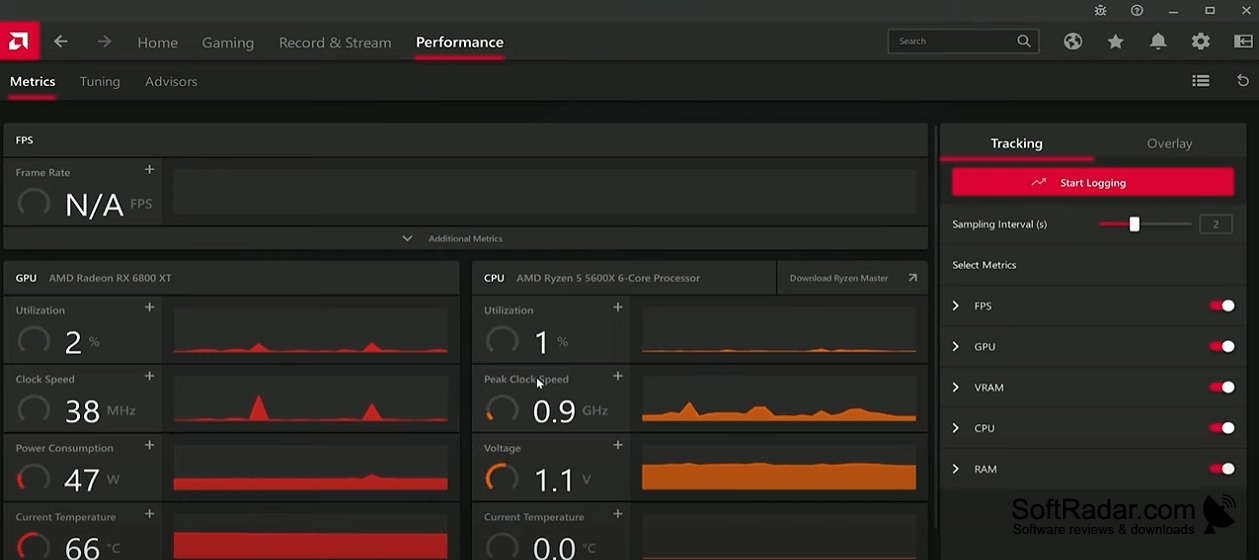
- Review game activity and graphics performance
- Download drivers for Radeon graphics hardware
- Record gameplay footage
- Adjust resolution during camera movement
- Connect phones, tablets, and TVs through AMD Link
64-bit operating system
Compatible AMD Radeon GPU or APU
PROS
In-game overlay simplifies recording and performance monitoring.
Per-game profiles make graphics settings easy to customize.
CONS
Settings can reset after installing driver updates.


