
Duplicate Cleaner
Finds unlimited duplicate photos and removes them to recover disk space
Operating system: Windows
Publisher: DigitalVolcano
Release: Duplicate Cleaner 5.28.0.0
Antivirus check: VirusTotal report
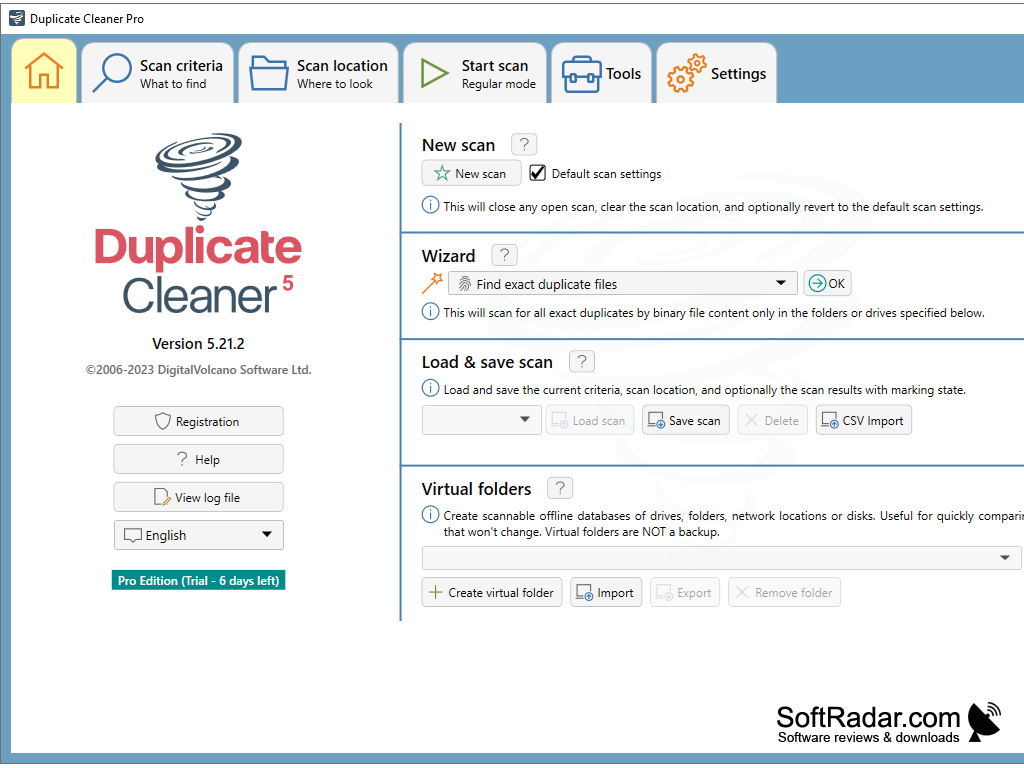
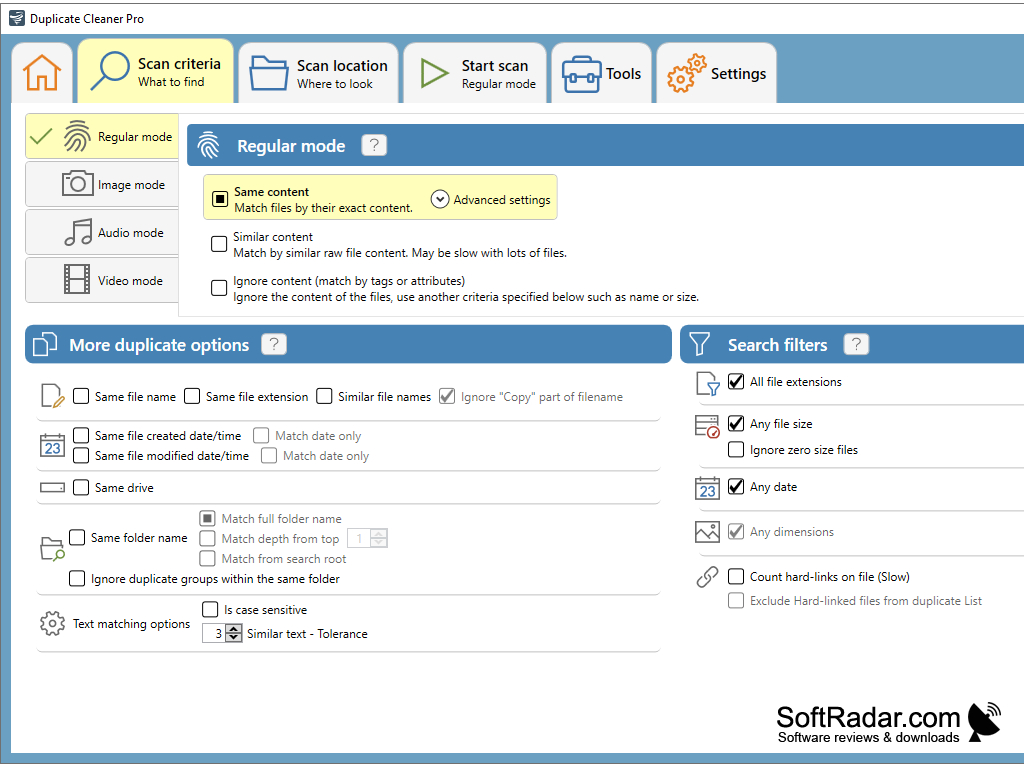
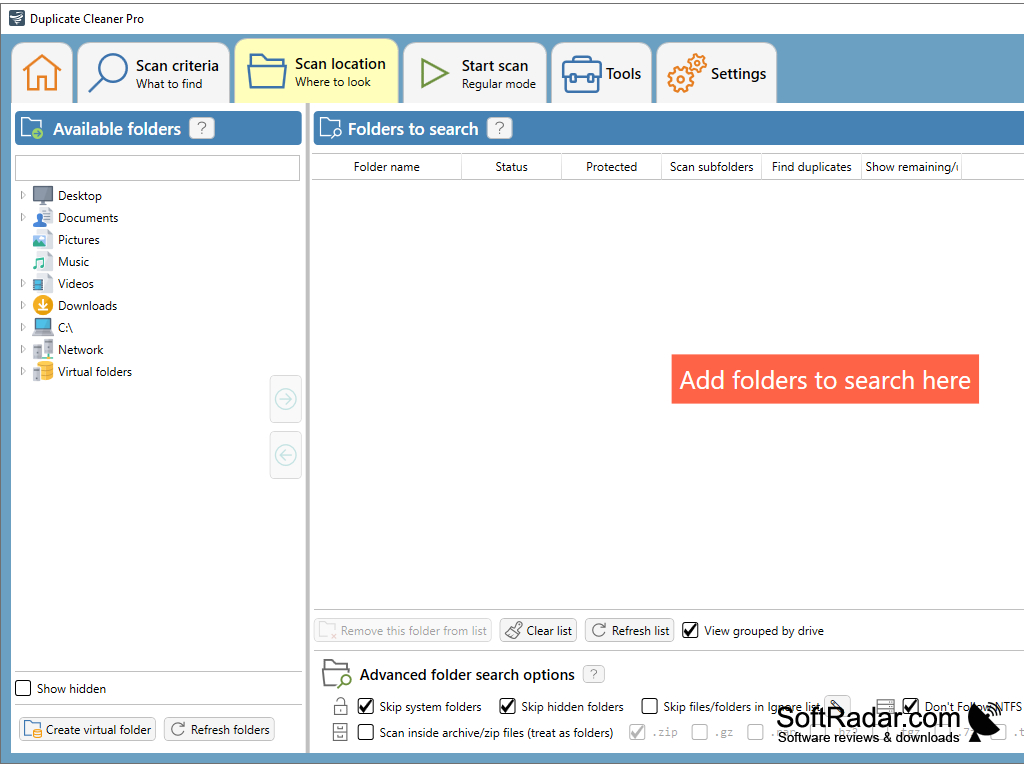
Duplicate Cleaner is a program for searching and deleting duplicate files. With this application, you can find duplicate images, documents, music and other files. Thanks to the built-in search function for similar images, Duplicate Cleaner is able to find upside-down duplicates of images and duplicates with resized images. At the same time, the program saves the data in the cache during scanning, which greatly speeds up the process of subsequent search for duplicates.
Duplicate Cleaner supports MP3, OGG, WMA, M4A, M4P, AAC, FLAC and WAV audio files and can compare them by tag content. You can also find duplicate files and entire folders by comparing them by date of creation, name and other parameters. Duplicate Cleaner can work with the contents of Zip archives as well as local and network drives and export the scan results to CSV format. The program allows you to preview the found duplicates of images, delete unnecessary copies of files to the trash or move them to a new location. In addition to the paid version of the program, there is also a free version with some limited functionality - Duplicate Cleaner Free 3.0.0. This version includes all the basic functions of searching for duplicates, but does not allow you to search for similar images, duplicate folders and does not support Zip-archives.
Duplicate Cleaner efficiently maximizes storage space by identifying and deleting redundant files, greatly enhancing device's processing speed.
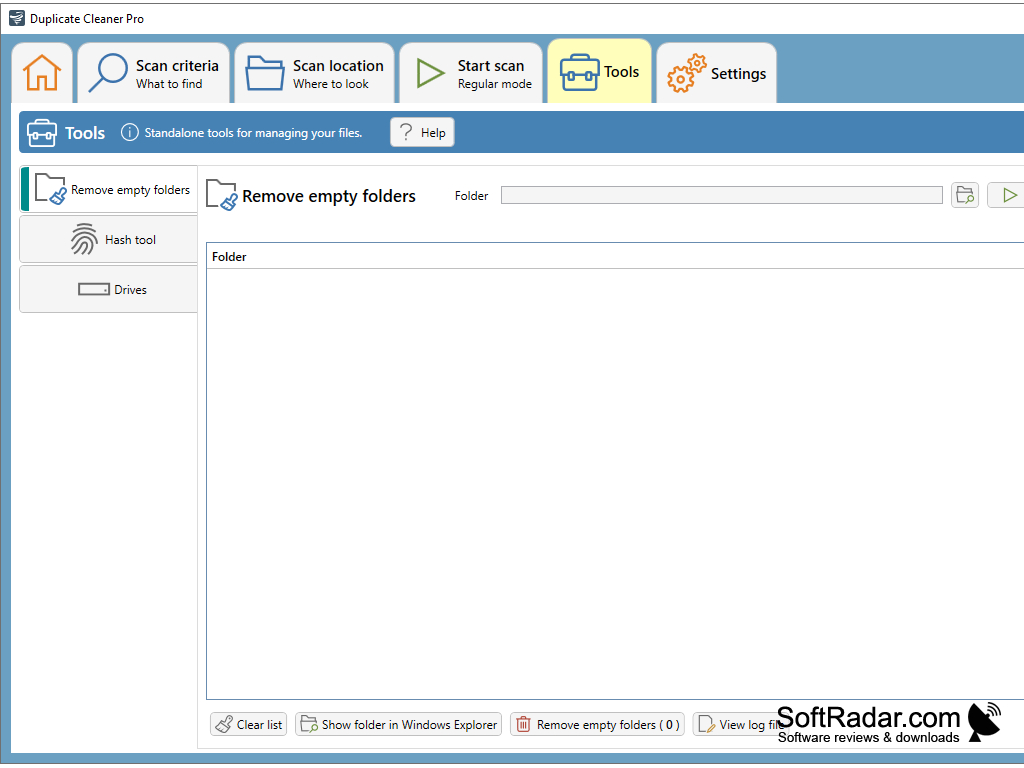
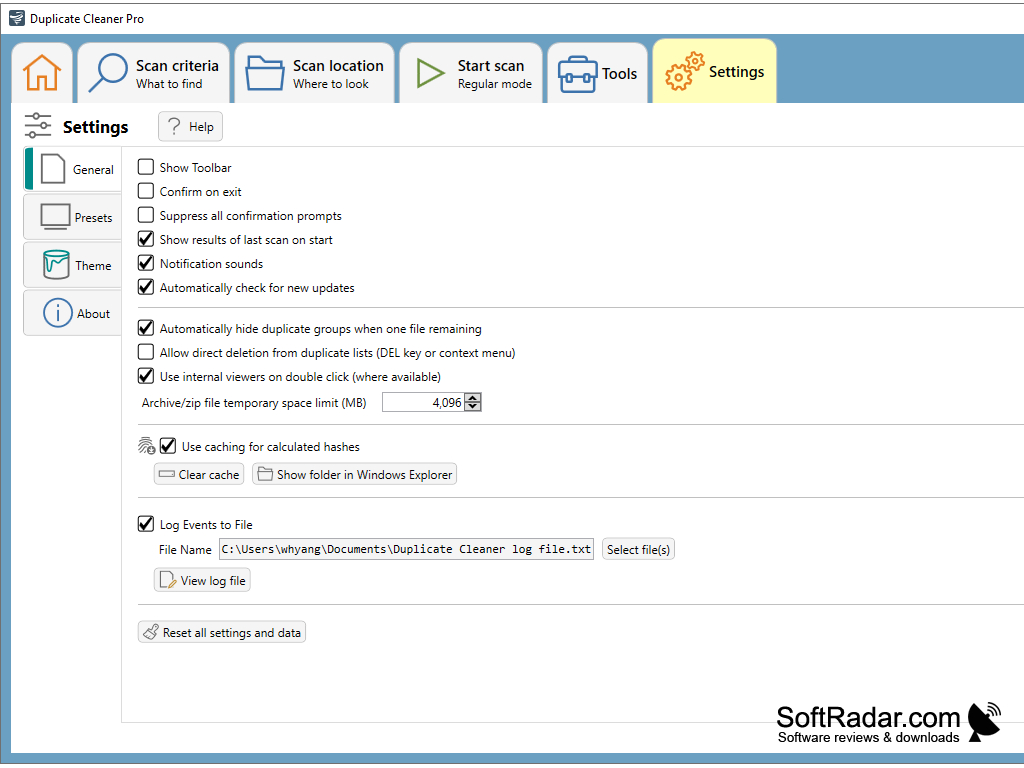
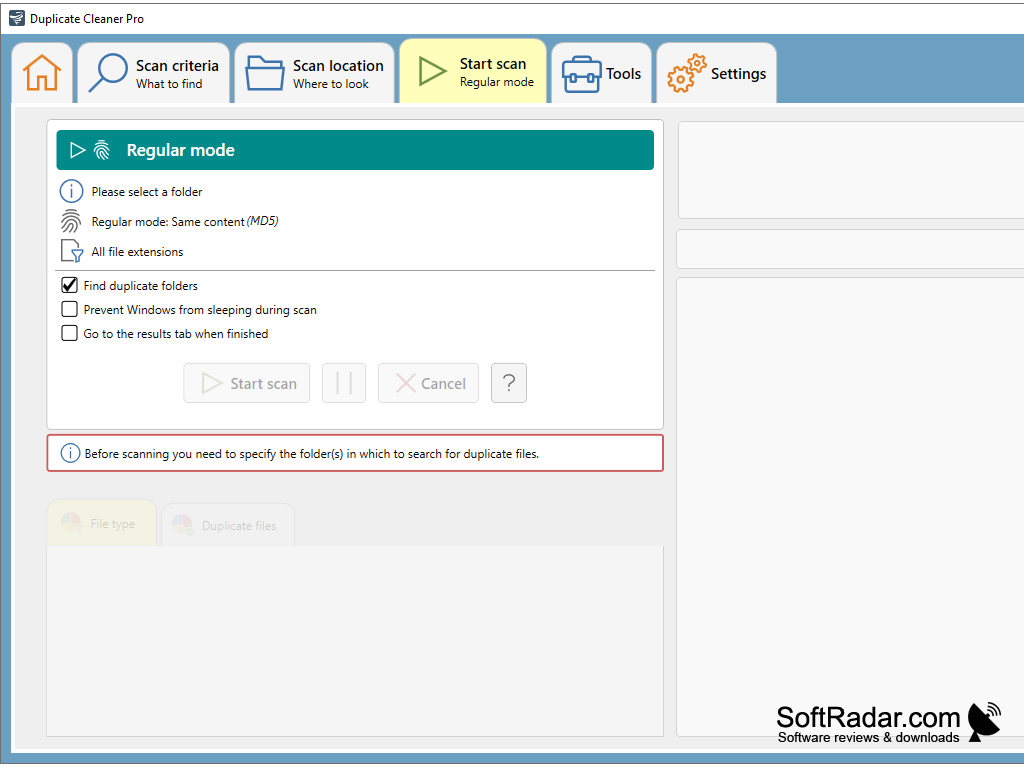
- Search and delete duplicate music, graphics and other files;
- Search and delete duplicate folders;
- support for Zip-archives;
- looking for similar images;
- audio tagging support.
PROS
Customizable search parameters for precise file targeting.
Appealing, user-friendly interface.
CONS
Might mistakenly remove essential system files.
Can be complex for beginners.


