Dynamic Disk Converter
Dynamic Disk Converter by AOMEI converts dynamic disks and dynamic volumes back to basic disks and partitions without data loss.
Operating system: Windows
Publisher: AOMEI Technology
Release: Dynamic Disk Converter 3.5
Antivirus check: VirusTotal report
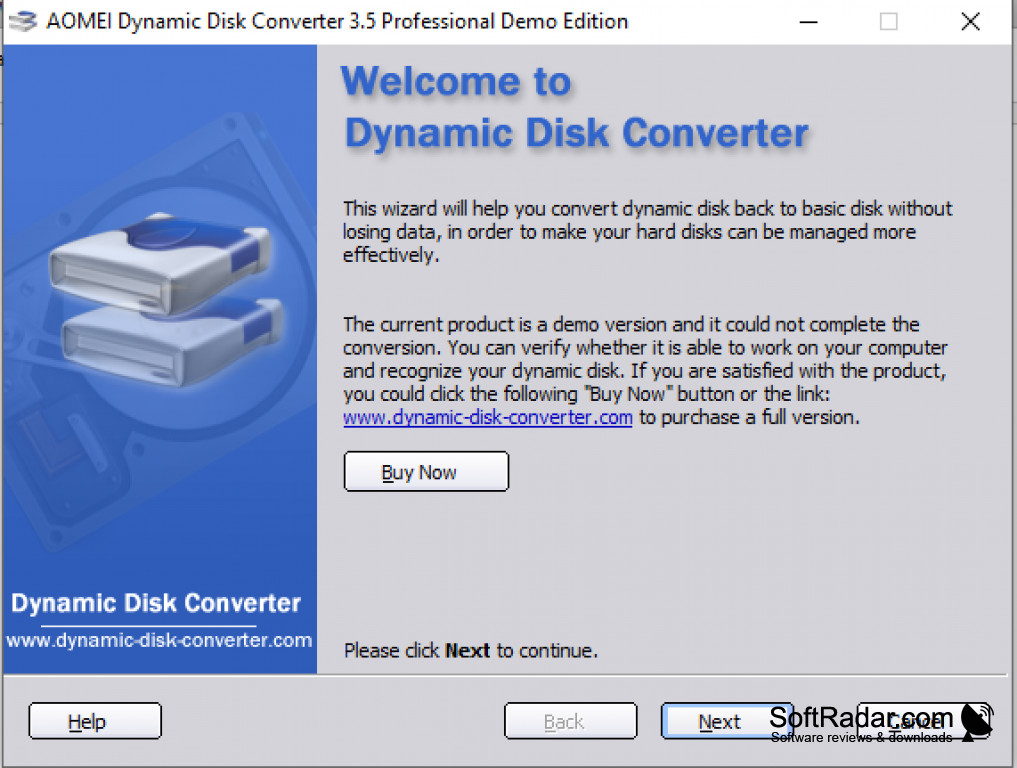

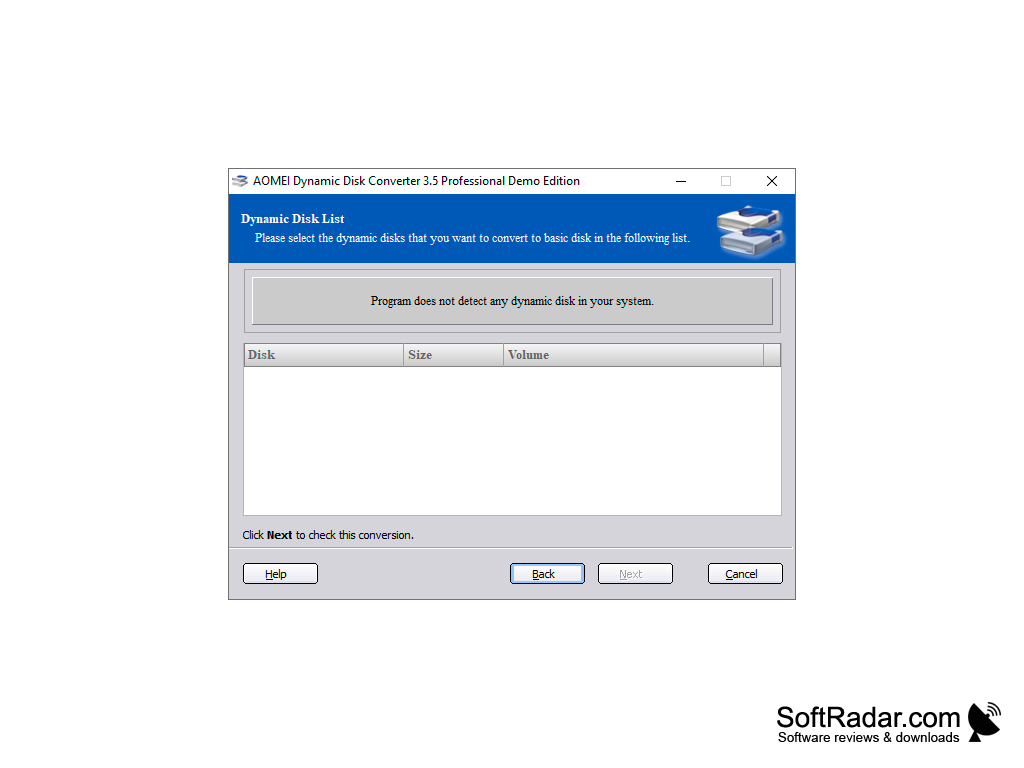
Aomei's Dynamic Disk Converter (for Windows) solves the problem of losing data when you convert a dynamic disk (a disk on which Windows manages dynamic volumes, which may span several drives) back to a basic disk using standard Windows Disk Management tools.
Dynamic Disk Converter is a wizard-based utility with an intuitive interface that makes a once difficult task simple and fast. With Aomei's DDC you no longer have to back up all the data on your dynamic disk before converting it to a basic disk, because DDC can convert a dynamic disk (or several dynamic disks) back to basic disks in seconds with no data loss.
Dynamic Disk Converter (for Windows) safely converts dynamic disks to basic disks with no data loss in less than 10 seconds.
Features:
- Conversions without data loss within 3~10 seconds
- Converts GPT dynamic disks to basic disks
- Able to convert damaged (invalid or unreadable) dynamic disks to basic disks
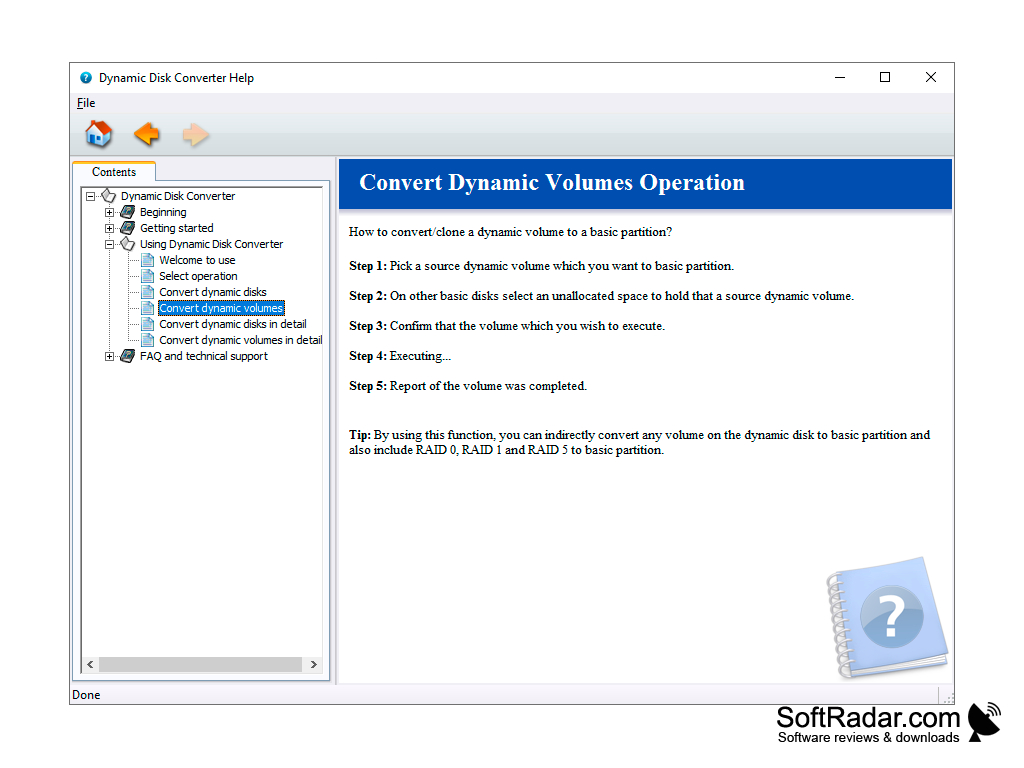
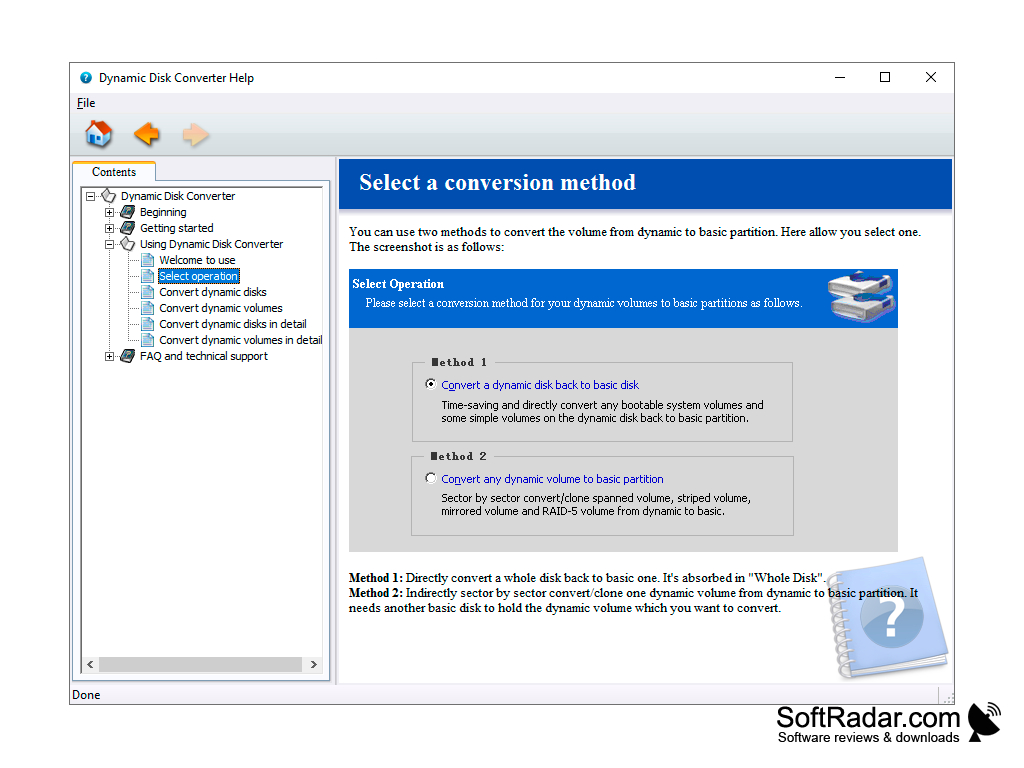
- Two methods: convert a whole dynamic disk, or clone any dynamic volume to a basic partition
- Ensures system bootable and data security during conversions
- Works on Windows 10/8/7/Vista/XP and Windows Servers.
- Works on 32-bit and 64-bit systems
A dynamic disk is a disk that Windows manages with dynamic volumes instead of ordinary partitions. These types of disks often contain a slew of simple volumes, spanned volumes, striped volumes, mirrored volumes, and RAID-5 volumes. Dynamic storage allows efficient use of hardware and disk volume management without needing to restart Windows, so it is a favorite among many computer gurus. However, when the need arises to convert a dynamic drive back to a basic drive, the only option in the past was to back up all volumes on a separate drive, delete them and use Windows Disk Management to convert each dynamic disk back to a basic disk one by one, then move your data back to the now empty basic drives. With Dynamic Disk Converter (by Aomei), converting your dynamic drives to basic drives just got a lot easier: simply choose the drive, choose the conversion method, and less than ten seconds later you have a set of basic drives with all your data still intact. Spanned, striped, mirrored and RAID-5 volumes are handled by the second method, which copies the volume sector by sector to a basic partition. No backups and post-conversion migrations of data needed. The standalone demo edition only checks whether your disks can be converted, while the paid Professional and Server editions perform the conversion; AOMEI now also ships the converter inside AOMEI Partition Assistant.
Windows Server editions (Server edition)
32-bit or 64-bit system
PROS
Supports various types of file systems and storage hardware.
User-friendly interface for easy navigation and operation.
CONS
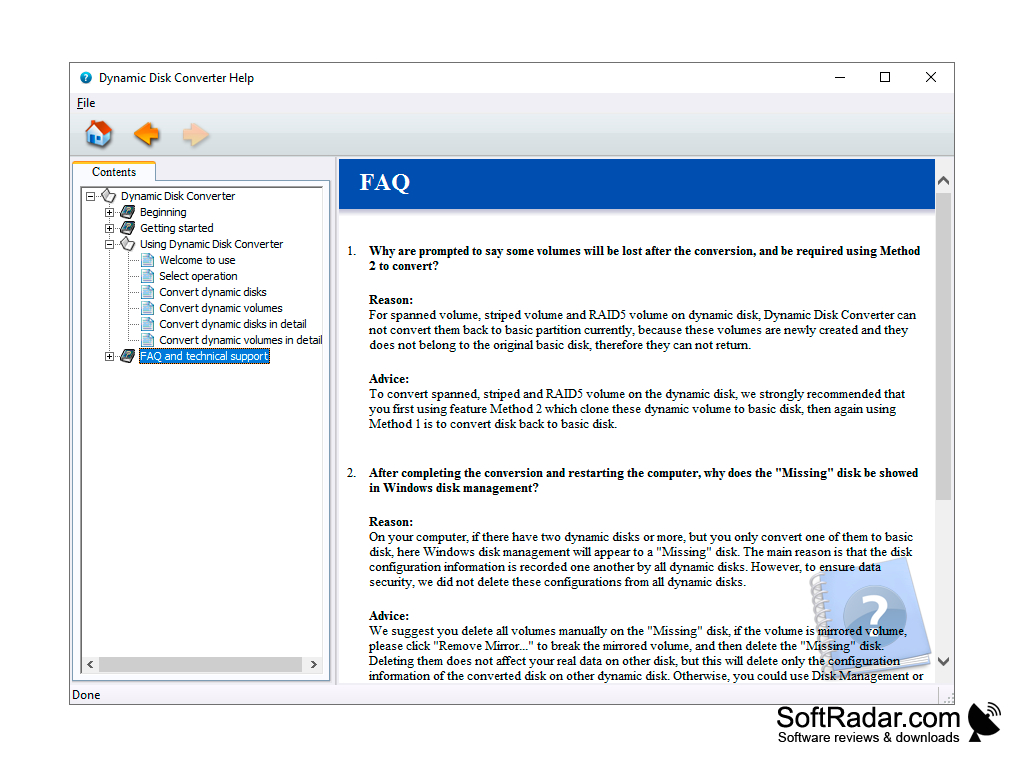
Spanned or striped volumes need the slower clone method.
The standalone tool is no longer updated separately.


