
EasyMorph
An analytical program offering features and functions for visual data analysis
Operating system: Windows
Publisher: EasyMorph
Release: EasyMorph 6.0.1.17
Antivirus check: VirusTotal report
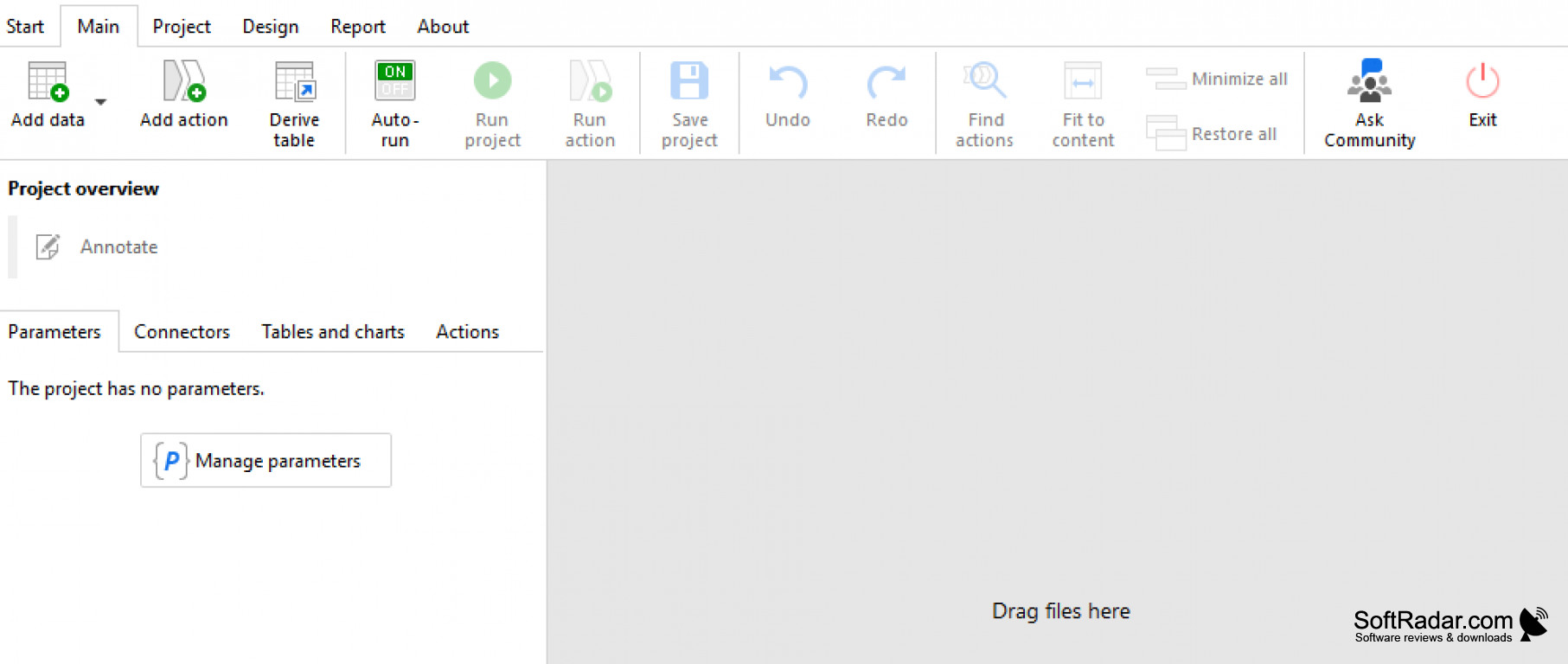
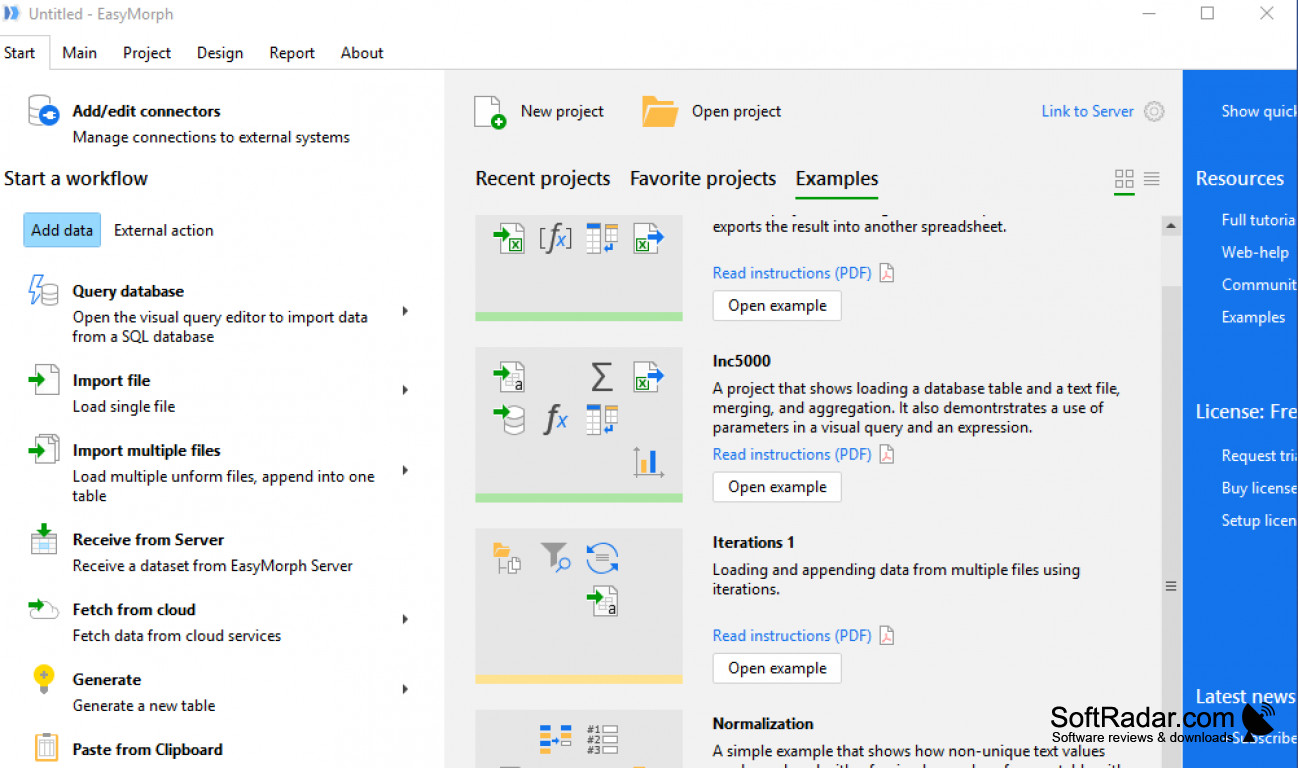
EasyMorph allows users to easily have access to affordable and personalized self-service for preparing data. It allows users to quickly analyze data by providing a way to organize and show well-ordered information visually to analyze it effectively. It allows users to work with the program that does not need any certain level of skill or background.
EasyMorph also allows users to perform other functions such as easily accessing, preparing, combining, manipulating, and working with several other actions and transforming elements. It enables users to work with displaying information visually without any knowledge or skill in different platforms and specializations such as SQL or coding. It also allows a user who is business analysts to work with the program, and also data experts, who want to stop using different programs associated with their own corporate IT departments. These programs often have high demands for inputting information and performing operations on your own. So even for users who have knowledge in these fields, they can get a better scope of visual analysis without performing as much work. In this way, this program is ideal for both beginners and experts in these fields who would like to have visual analysis through analysis by different means. EasyMorph allows users to conveniently work with a slight effort to get a holistic data view of their prepared visual data.
I would highly recommend EasyMorph to users of all backgrounds and in all fields, especially given that it is designed for analytical purposes.
Does not require SQL or coding skills to properly prepare visual data
Features:
- Visual data preparation
- For users of all backgrounds and skill levels
- Does not require SQL or coding skills
- Simple and elegant interface
- Efficient functions, Reliable performance
At least 4GB of RAM
Screen resolution 1366x768 or higher
Intel Core i5 CPU or equivalent
PROS
Easy-to-use interface with no coding skills required.
Offers extensive data transformation and automation capabilities.
CONS
High pricing compared to comparable software.
Lack of advanced data manipulation features.


