
Epic Pen
Epic Pen is a fun, easy-to-use drawing and annotation software for Windows.
Operating system: Windows
Publisher: Tank Studios
Release: Epic Pen 3.12.226
Antivirus check: VirusTotal report
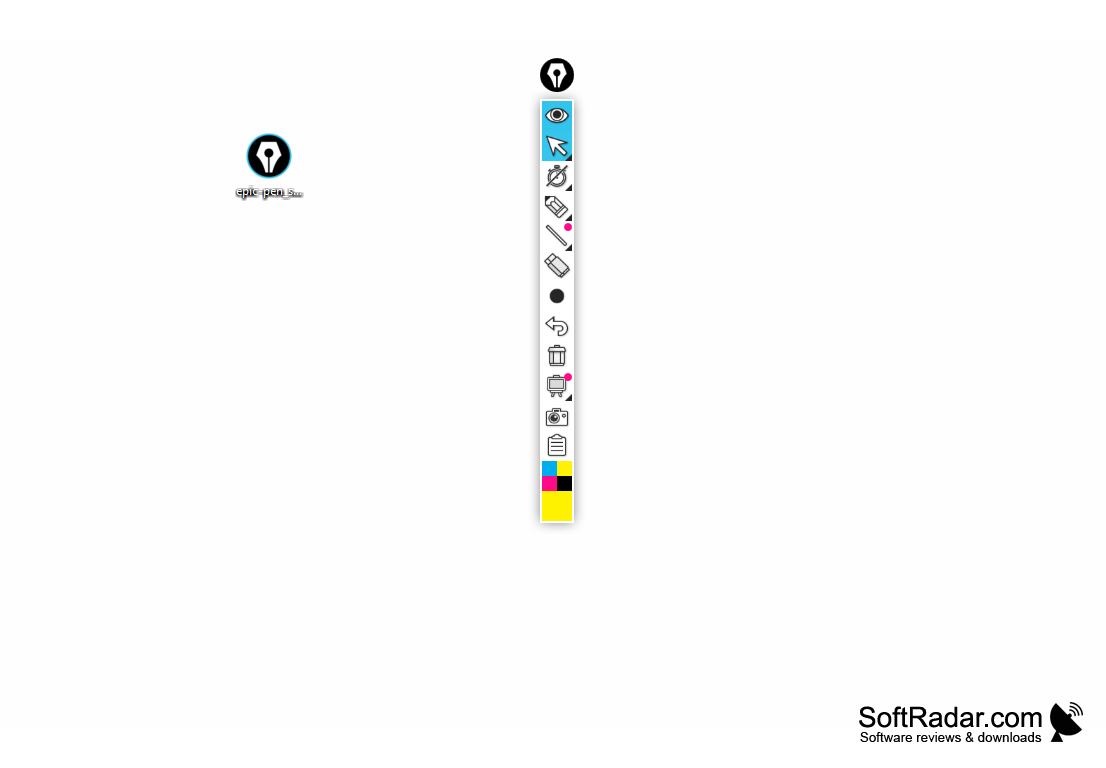
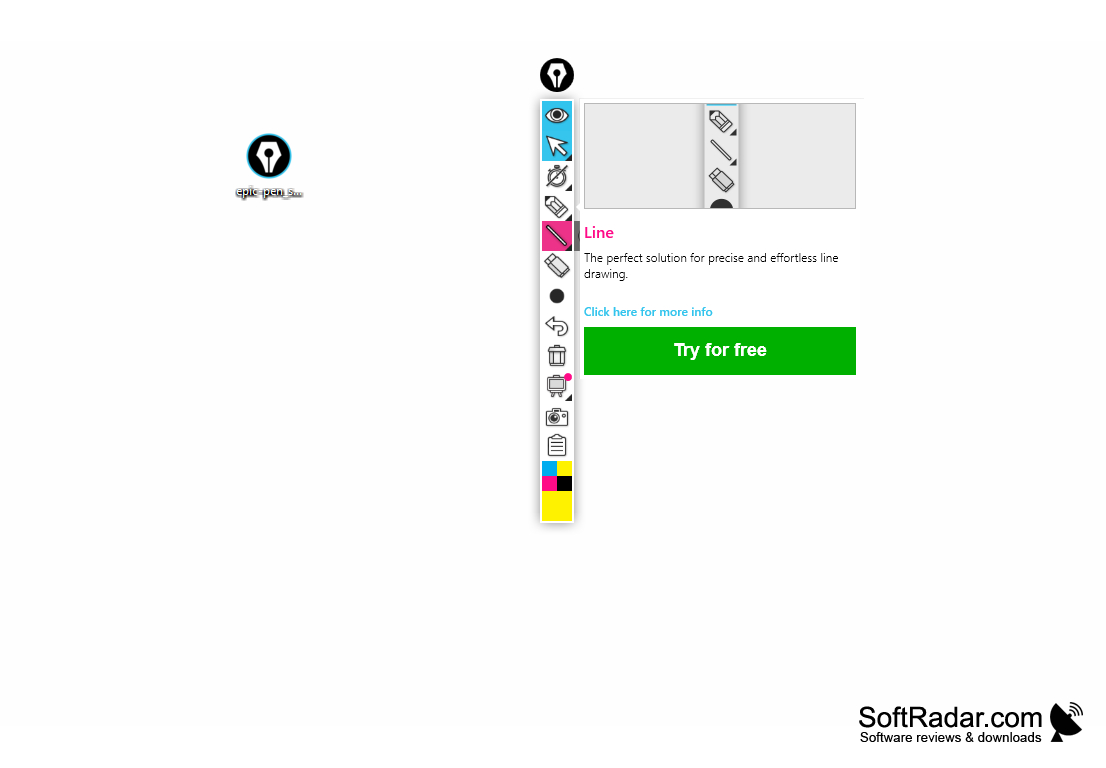
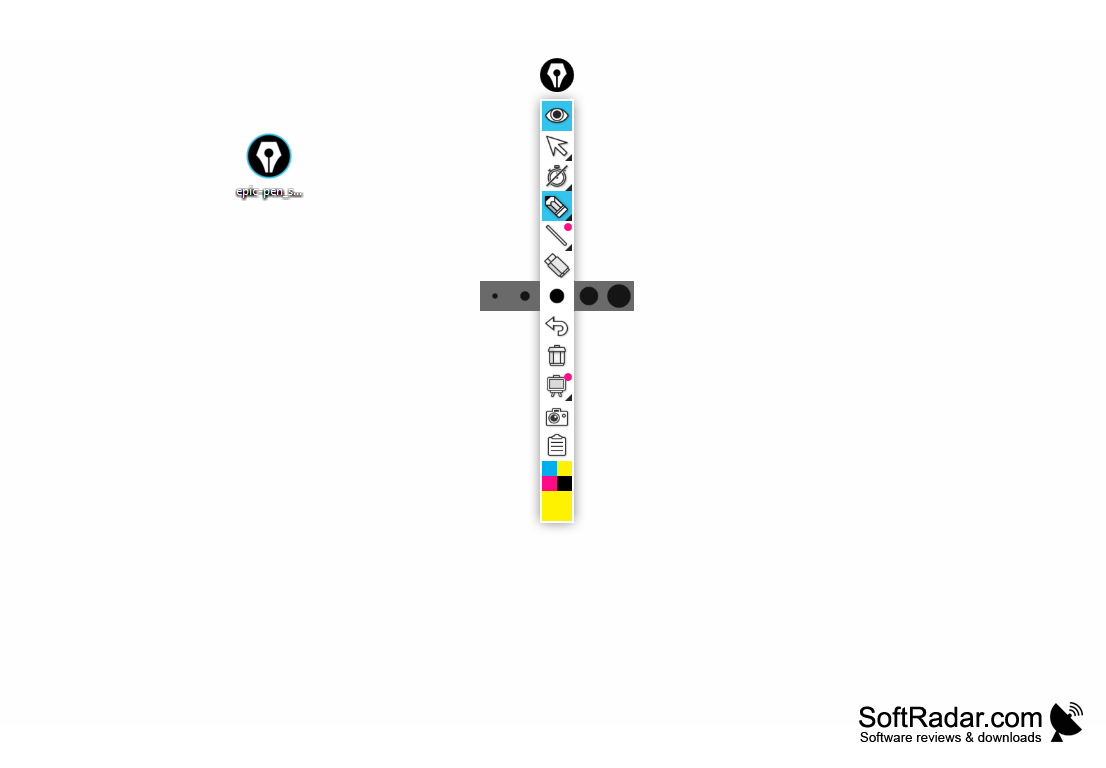
Epic Pen is a powerful, easy-to-use screen annotation software for Windows computers. It enables users to draw, write, and erase directly on screen - making it useful for teachers and presenters who need to make quick notes or edits on the fly. Epic Pen also allows users to create annotations over almost any open application or window on the computer. The basic version is free, and a paid Pro subscription unlocks additional tools such as text, shapes and a whiteboard.
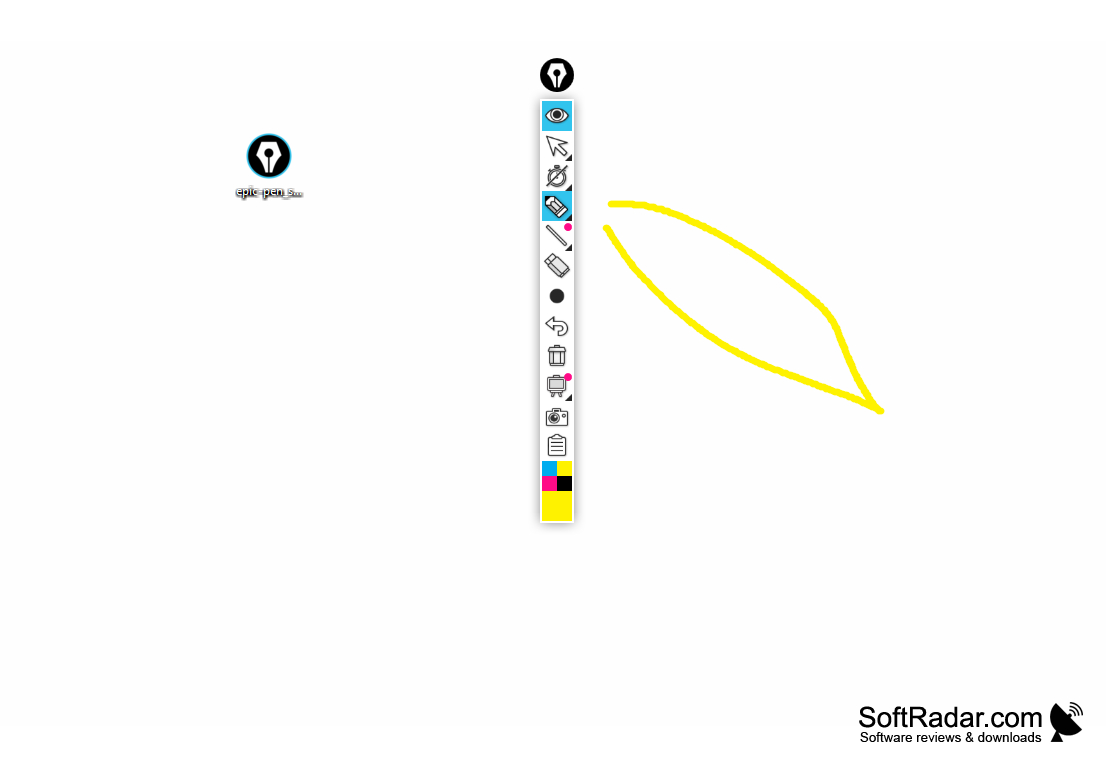
The Epic Pen allows users to draw directly on their computer screen.
Features
Epic Pen offers a wide range of features that make it ideal for use in classrooms, boardrooms, and other meeting spaces.
• Quick and easy annotation – Epic Pen allows users to draw, write, and erase directly on the screen with the click of a mouse or the press of a keyboard shortcut.
• Annotation over any application – Users can create annotations over any open application, document or web page.
• Highlighter and eraser tools – Epic Pen comes with a highlighter tool and eraser tool to make editing and erasing annotations quick and easy.
• Pressure sensitivity – Pen pressure is supported on devices such as Wacom tablets and Microsoft Surface, so the line width follows the stylus.
• Adjustable brush size – The brush size can be adjusted to create thin or thick annotations.
• Color palette – The free version offers 16 colors, and the Pro version extends the palette to 24 colors.
• Cursor mode – Users can switch to the cursor to work with the programs underneath while the drawings stay on screen.
• Screen capture – Epic Pen includes a screen capture feature that allows users to quickly save a screenshot of their annotation.
• Keyboard shortcuts – Epic Pen comes with a range of customizable keyboard shortcuts to make annotation faster and easier.
• Clear all – A single button removes all annotations from the screen at once.
• Text tool – The Pro version lets users type text directly on the screen in any color or size.
• Undo – Epic Pen comes with an Undo feature to quickly remove the last strokes.
• Shapes – Lines, ellipses, rectangles and arrows can be drawn with the Pro version.
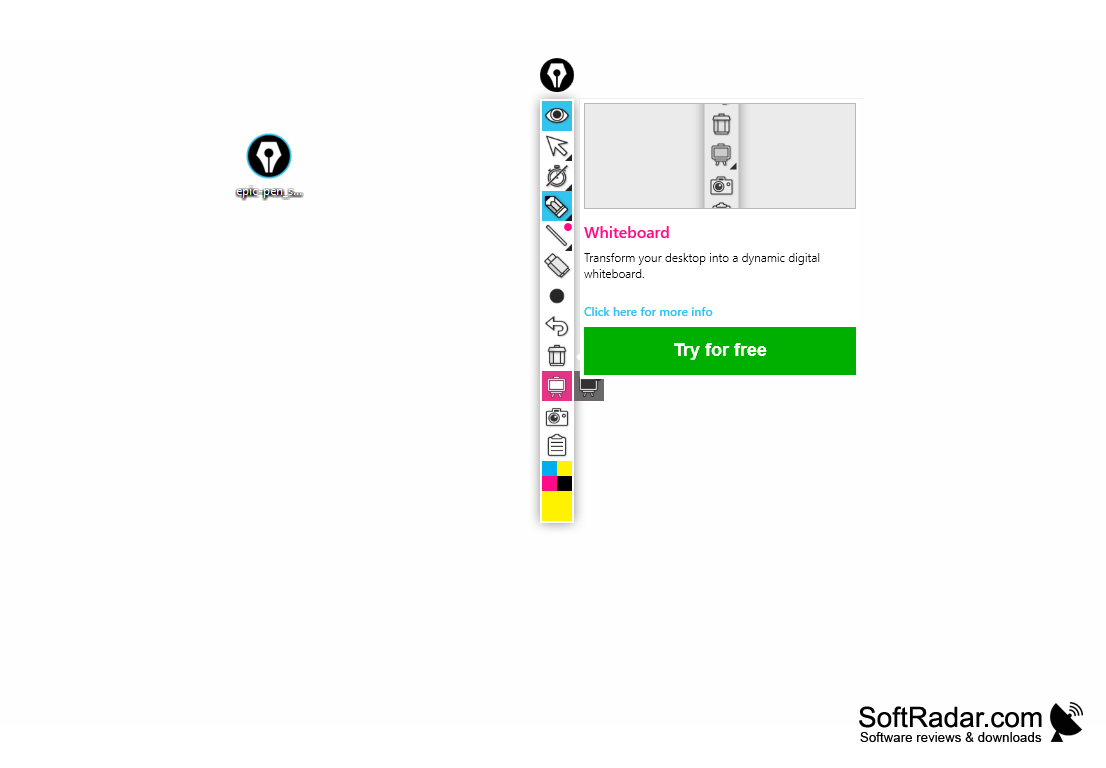
• Whiteboard – The Pro version can turn the screen into a whiteboard or blackboard for free drawing.
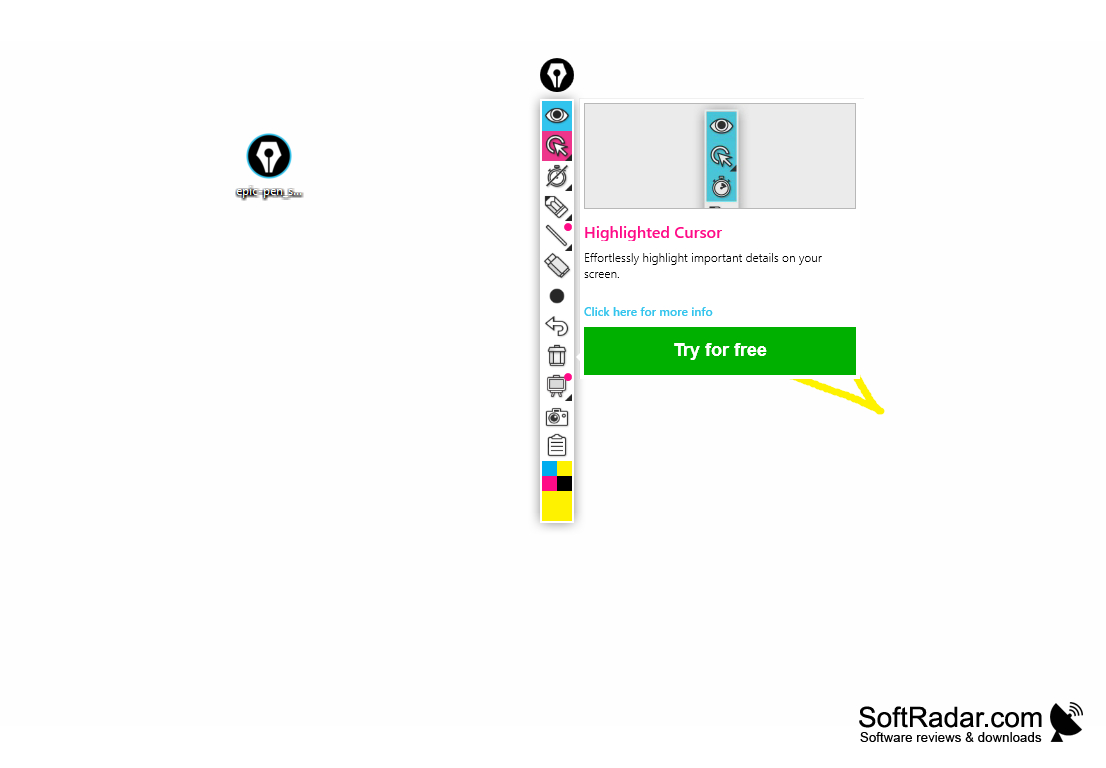
• Highlighted cursor – The Pro version can highlight the mouse cursor so viewers can follow it more easily.
• Multi-touch – On supported touchscreens users can draw with several fingers at the same time.
• Licensing – Epic Pen Basic is free, while Epic Pen Pro is a paid subscription with licence management that lets users move a licence to another computer.
• Support for tablets and touchscreens – Epic Pen is compatible with tablets and touchscreens, so users can draw and write with a stylus or finger.
• Compact toolbar – All tools sit on a small vertical toolbar at the edge of the screen, with the color swatches at the bottom.
PROS
Allows annotation and drawing over any desktop program or website.
Useful for presentations, brainstorming sessions, and remote teaching.
CONS
Limited features compared to other markup tools.
Pro version is a paid subscription.