
Fire Toolbox
Fire Toolbox is a free Windows and Linux utility for customizing Amazon Fire tablets over USB (ADB) without root.
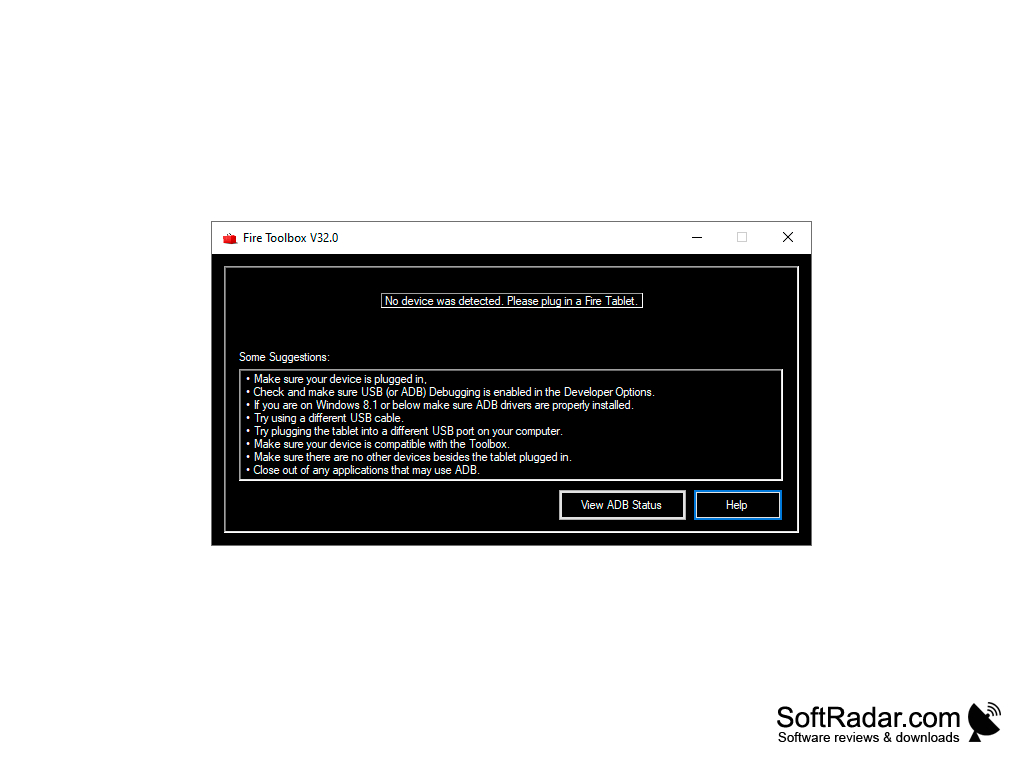
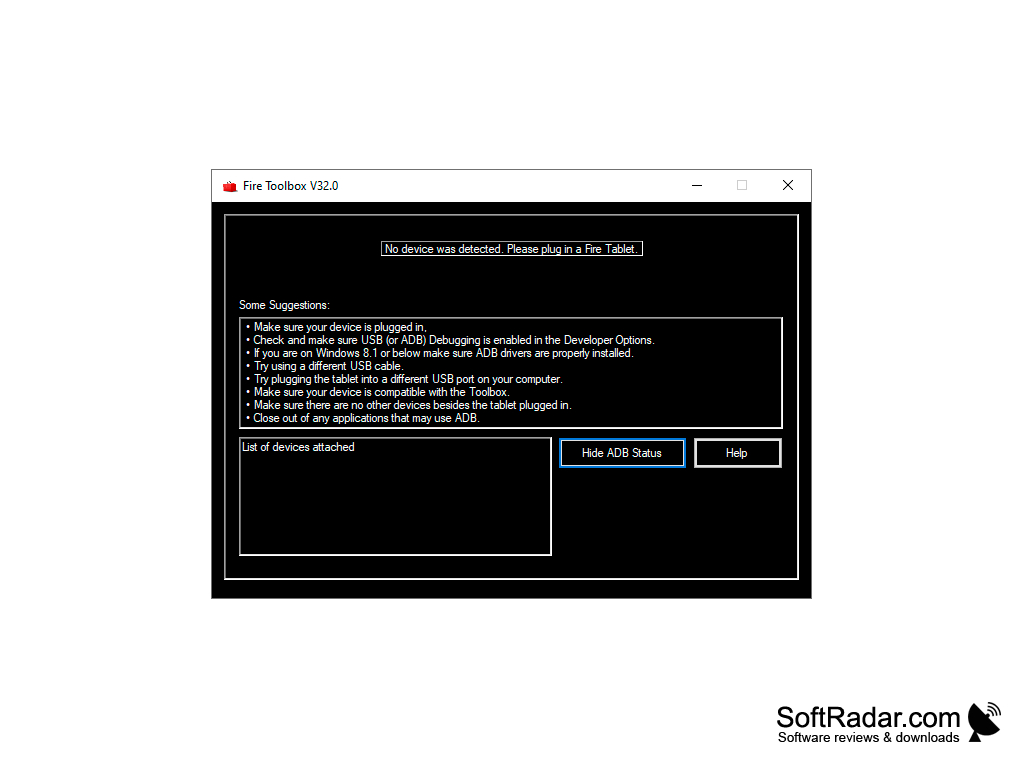
It can be used with Amazon Fire tablets for more flexibility and productivity. This toolbox connects to the tablet over USB (ADB) and lets you install the Google Play Store and other Google services. Many launchers are available to replace the default Fire home screen and make your Fire tablet look like a regular Android tablet. You can replace or disable Alexa and change the default keyboard. Amazon apps you do not use can be disabled or hidden, which frees resources and reduces background activity. The toolbox works through standard Android debugging tools, and most changes can be undone.
This software is for those who want to give their tablet a new look and use it for more productive activities. The software is easy to use: you can find all the options in one window. It is well-organized and user-friendly software that does not need special skills to operate.
First of all, you should remember that this is third-party software, so modifying your device is done at your own risk. The developer notes that some features may stop working after Amazon updates Fire OS. At the same time, this software provides wonderful customization options if you want your tablet to get a new look.
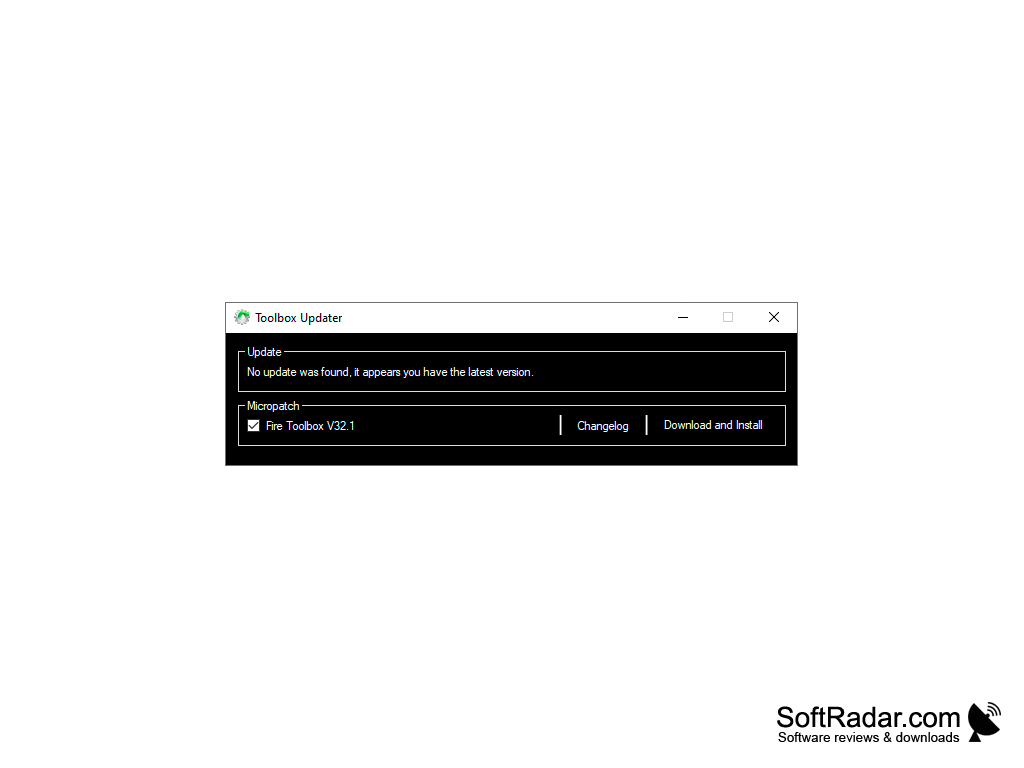
New versions of Fire Toolbox are released regularly on the developer's XDA forum thread, and the built-in updater can download them. The developer keeps adding options and support for new Fire tablets and Fire OS versions.
It supports most Amazon Fire tablet models. It's free for everyone.
This software runs on Windows, and a separate Linux version is available.
Unlock the full potential of an Amazon Fire tablet with Google Play, a launcher of your choice and fewer preinstalled apps.
Features:
- Google Services: install the Google Play Store and related services on the tablet.
- Launcher and Keyboard: replace the default home screen, keyboard and voice assistant, remove lock screen ads.
- Density Modifier: Now, you can increase or decrease the value of pixels per inch.
- Custom navigation bars.
- Lockscreen management.
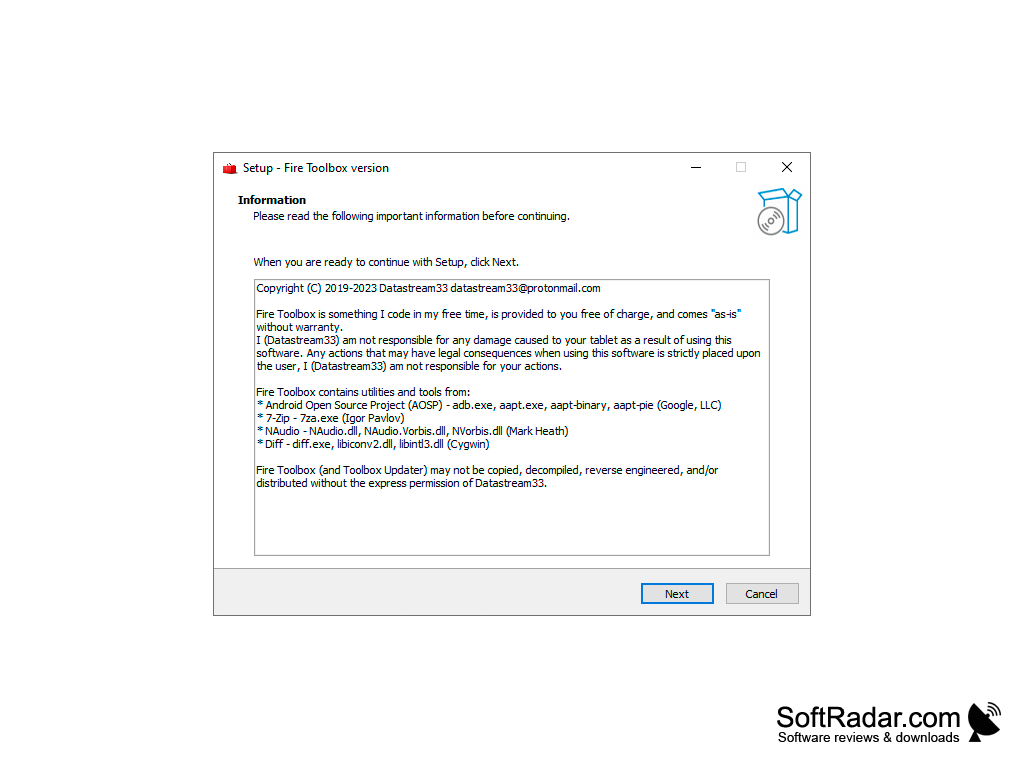
USB cable and a Fire tablet with ADB debugging enabled
PROS
User-friendly interface, easy to navigate.
Regular updates for stability and added features.
CONS
Involves potential risk of bricking the device.
Newer Fire OS updates can block some of its features.


