
FULL-DISKfighter
FULL-DISKfighter is a system maintenance tool for Windows
Operating system: Windows
Publisher: SPAMfighter
Release: FULL-DISKfighter 1.5.2
Antivirus check: VirusTotal report
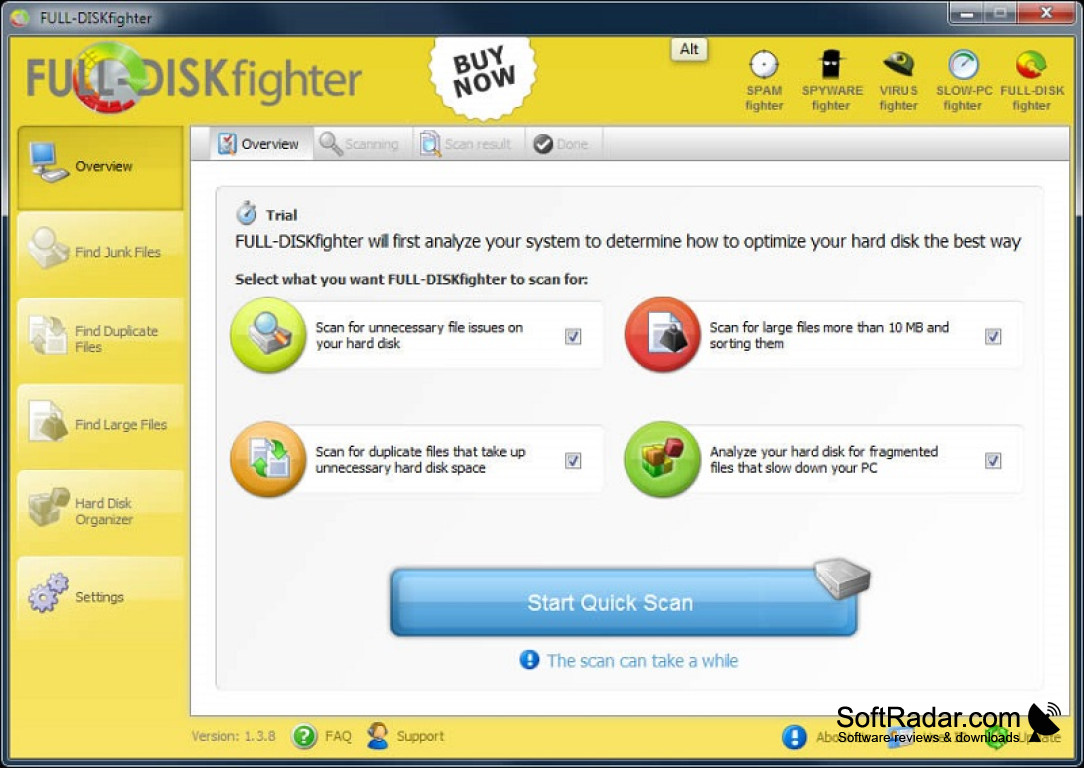
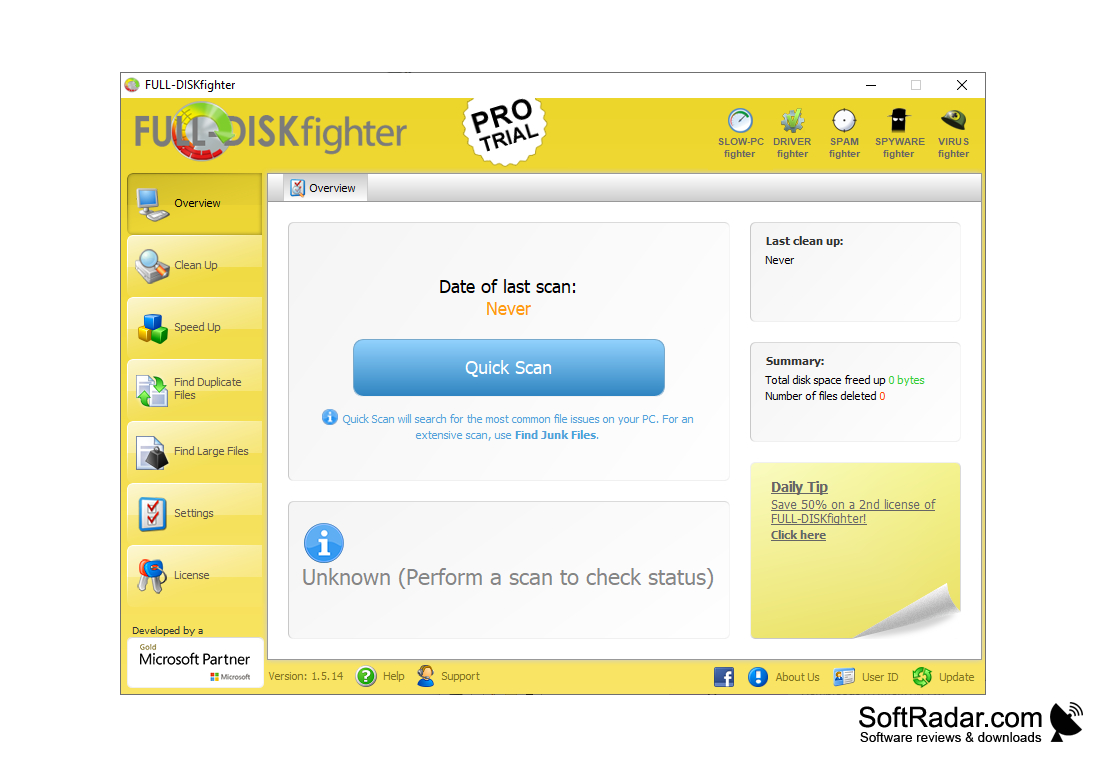
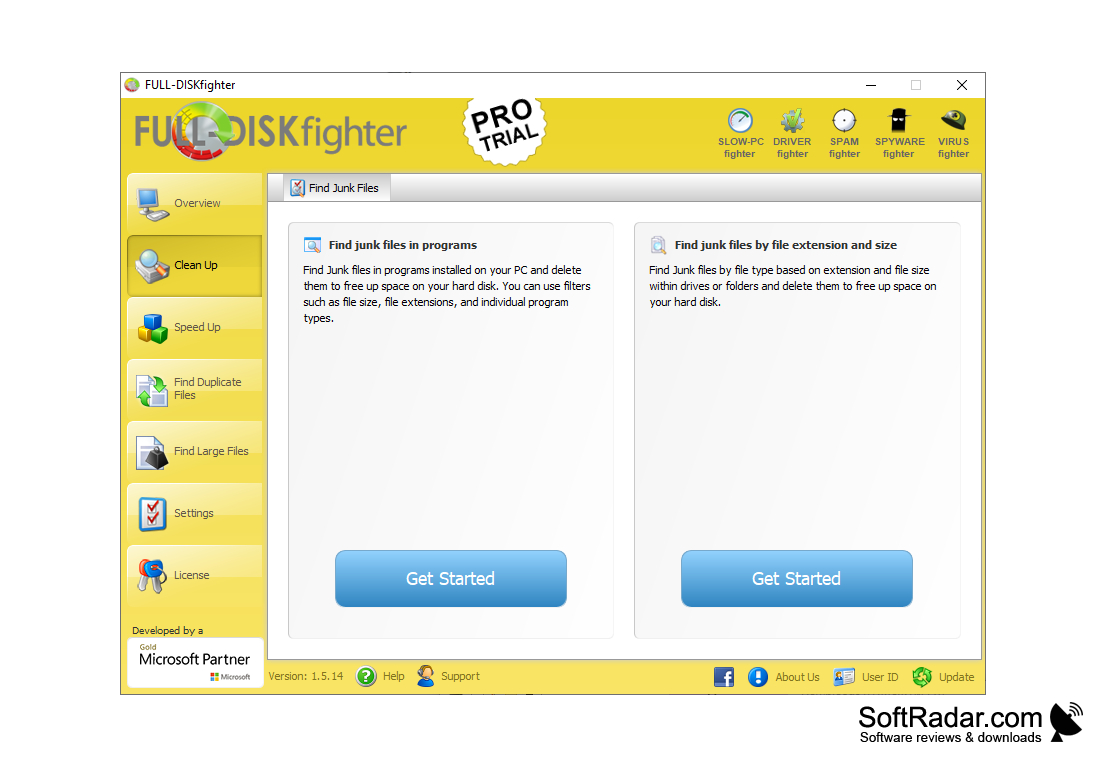
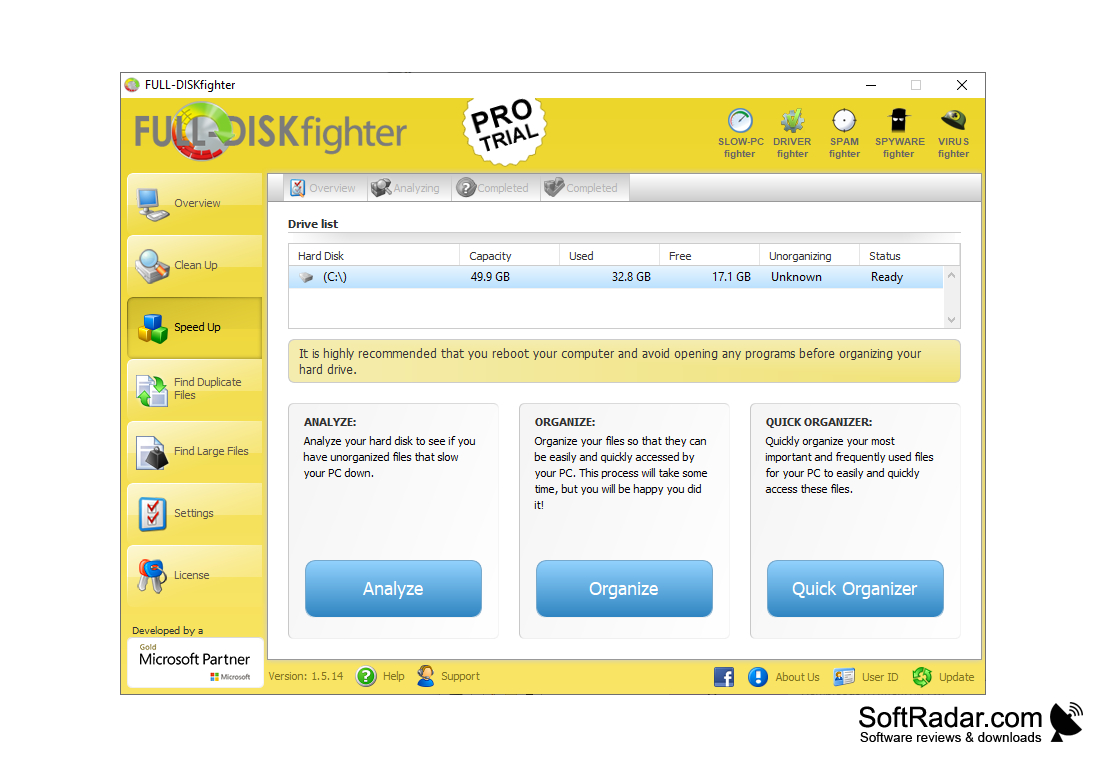
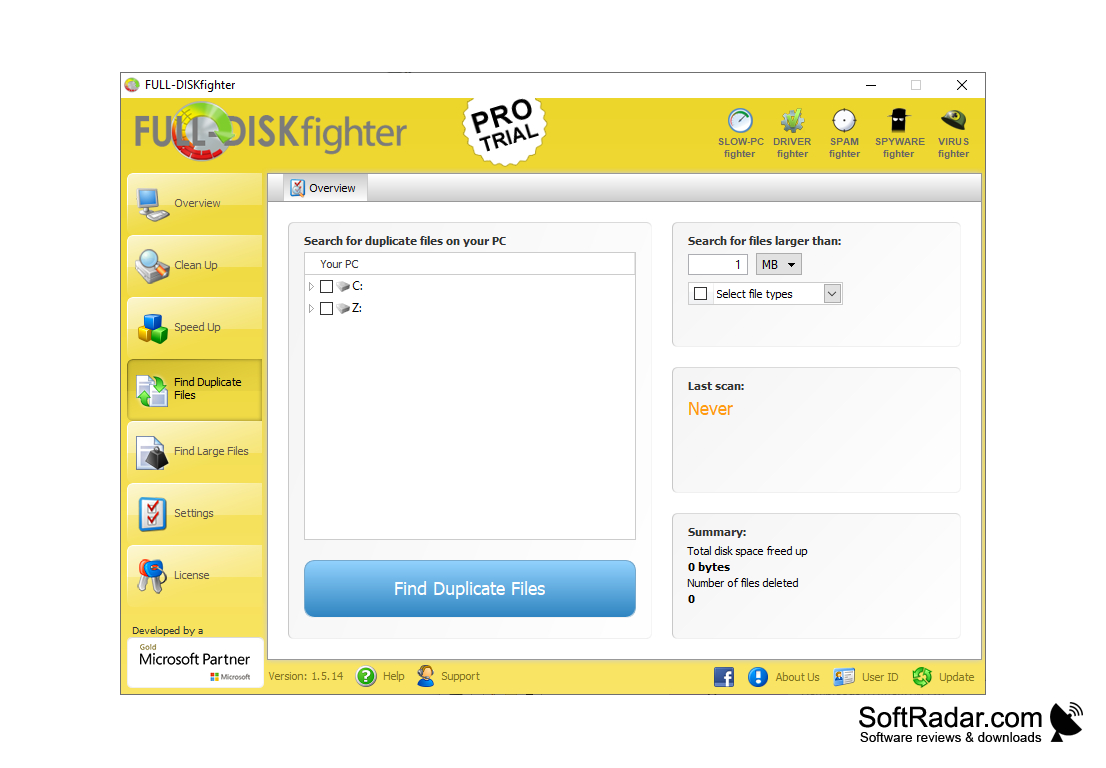
FULL-DISKfighter is one of the best system maintenance software available for Windows. FULL-DISKfighter allows users with limited hard drive space to conserve precious space by removing junk files for their systems. Similar programs tend to do surface searches that don't save users much in the way of hard drive space. FULL-DISKfighter does complete and thorough searches that uncover duplicate, junk files, and inactive files on your computer. Removing these files from a system instantly improves its overall performance, and users will notice quicker response times from their PCs. FULL-DISKfighter comes with a lot of added features and perks, but my favorites are the following.
Features:
- Save vital hard drive space
- Cleans system
- Finds duplicate files
- Discovers large files
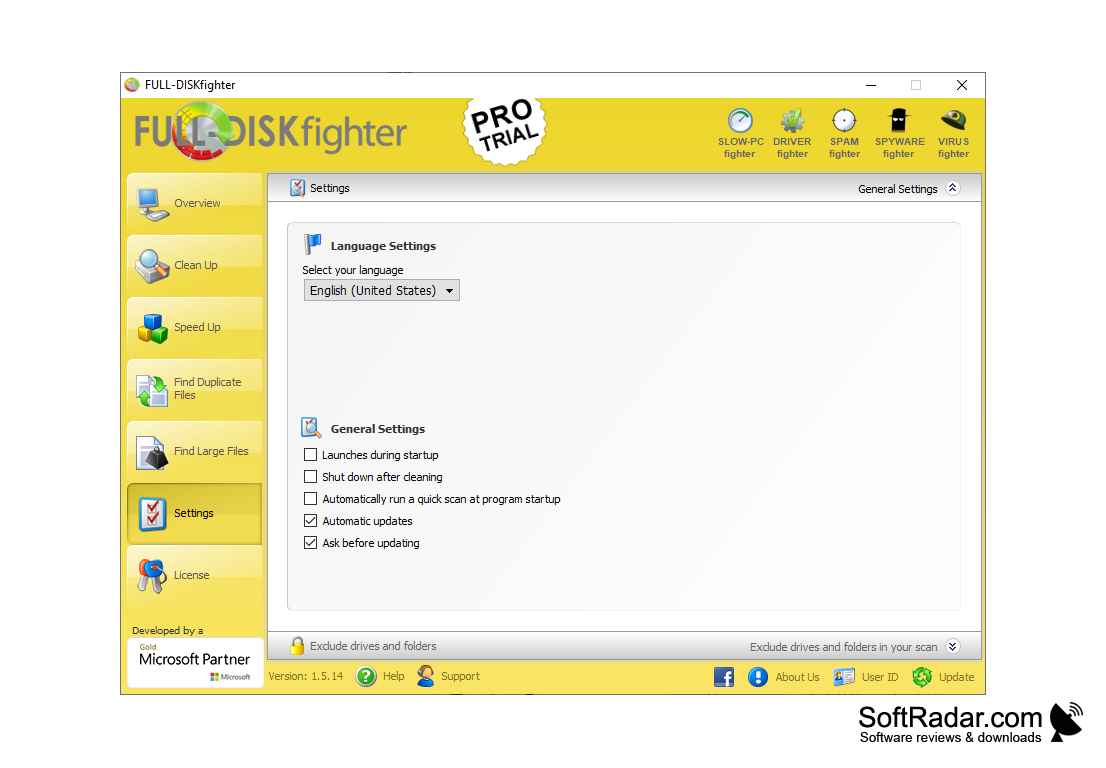
- Supports 20 languages
- User friendly
- Quick scan option
- Free to try
Preserve precious hard drive space by removing hard to locate junk files.
One of the most annoying things about my computer is that it can store a ton of junk files every time I use it. These files aren't well known, and I usually have to dig for them to remove them. These files come from a number of sources. It could be from me browsing the internet, files from programs, or even files that Windows acquires from updates. I never knew when Windows updates my computer that it keeps files from the download that it will never use again. What is worse is those are the exact kinds of files that take up massive amounts of hard drive space. The kicker about those files is that you can't find them through conventional searches. FULL-DISKfighter can track down those annoying file types and eliminate them with no trouble. FULL-DISKfighter is very user friendly and doesn't require any advanced knowledge of your system. Simply install it and let the software do its job. One tip that I would give users is every other day when you are about to turn your computer off for the night, hit the quick scan option on FULL-DISKfighter. This way, you get rid of those junk files that you've accumulated over the course of your internet browsing. If you like saving hard drive space, I'd highly recommend this program.
- Windows 8,
- Windows 2012,
- Windows 2008,
- Windows Vista,
- Windows 7,
- Windows 2003,
- Windows XP,
- Windows 2000,
- Windows 10,
- Windows 98
PROS
Easy-to-use interface for effortless navigation.
Offers comprehensive analysis of disk content.
CONS
Some useful features require an additional purchase.
Minimal customer support available.


